
Get any PDF form from the DocHub library of ready-made templates - Page 1533
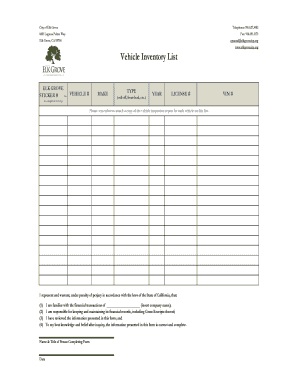
Vehicle Inventory List Form
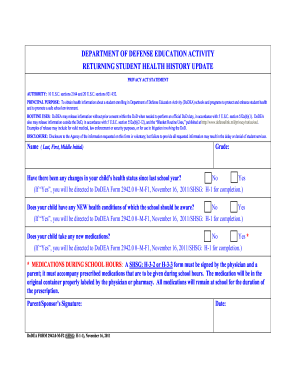
M f2
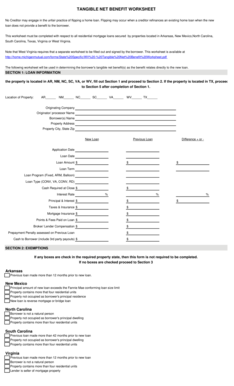
Net tangible benefit form requirements by state 2021
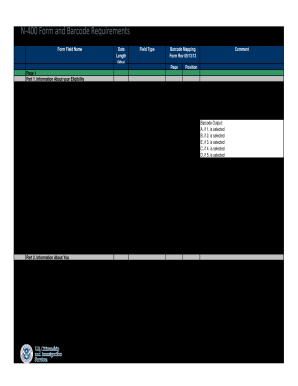
I400 form pdf
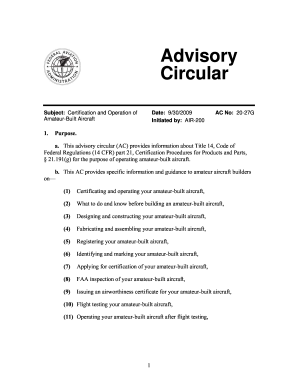
27g amateur built aircraft
Ar365
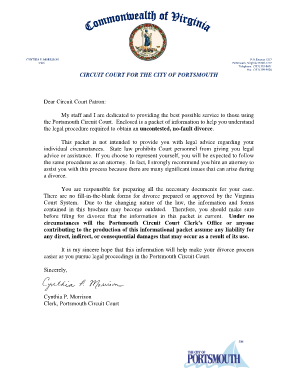
Where to file divorce papers
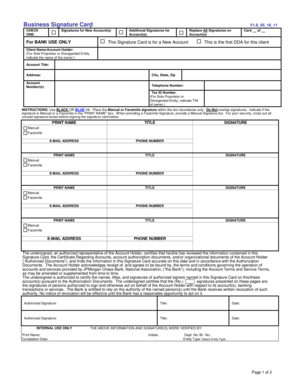
Business Signature Card (PDF) - Chase
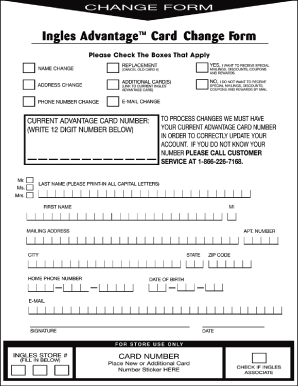
Ingles AcIIIantageTM Card Change Form
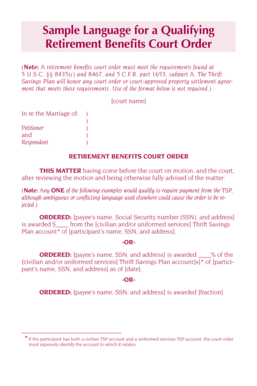
Sample Language for a Qualifying Retirement Benefits Court Order. Court Order - tsp
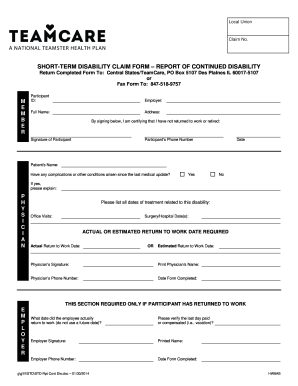
Teamcare d didability forms

Sa002 form

Antrag erteilung eines aufenthaltstitels
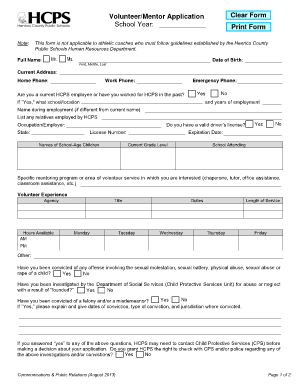
Henrico county public schools volunteer form
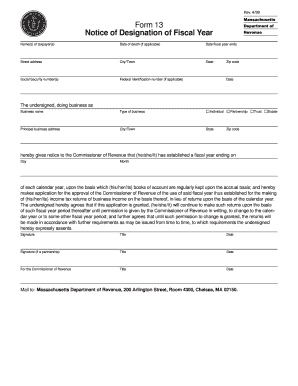
4/99 Massachusetts Form 13 Notice of Designation of Fiscal Year Department of Revenue Name(s) of taxpayer(s) Date of death (if applicable) Date fiscal year ends Street address City/Town State Social Security number(s) Federal Identification
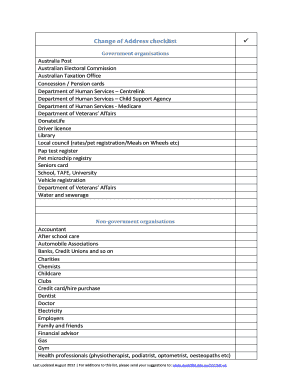
Change of address checklist australia

GENERAL AFFIDAVIT - Citrus County Tax Collector - tc citrus fl

Hamilton Anxiety Rating Scale (HAM-A) (pdf)
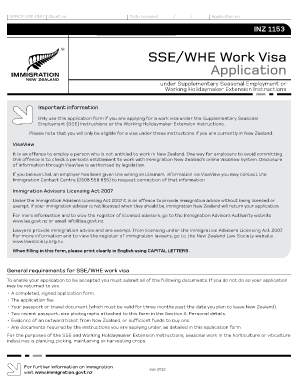
Inz 1153
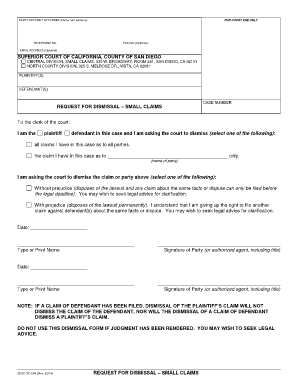
Sc044
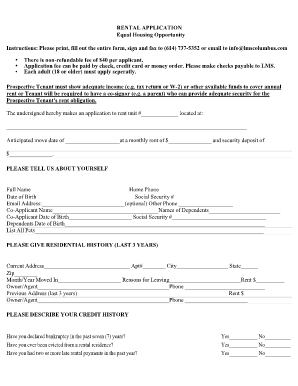
Equal housing opportunity rental application

Notice to Employees Concerning Workers' Compensation in Texas - tdi texas
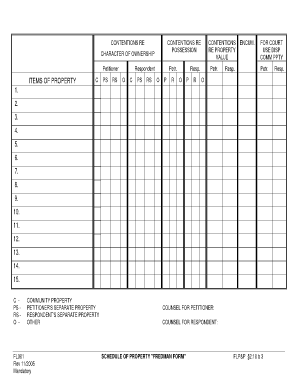
Schedule of Property (Fredman Form) - slocourts

Hypnotherapy intake form
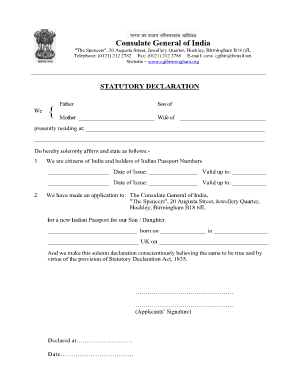
Indian high commission birmingham
Form 1125-A (December 2012) - Internal Revenue Service
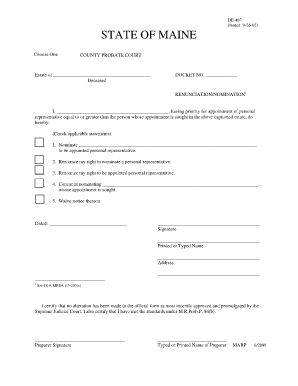
Renunciation nomination from de 407
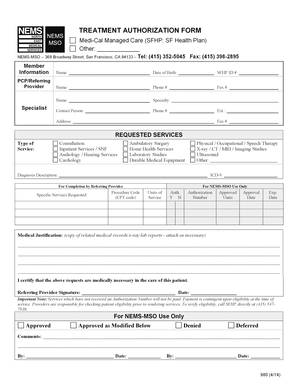
Tar forms
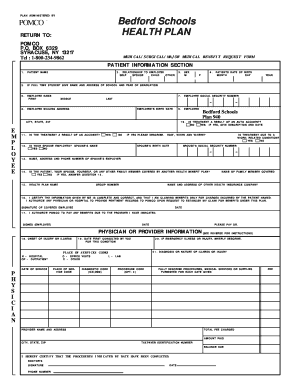
Pomco form
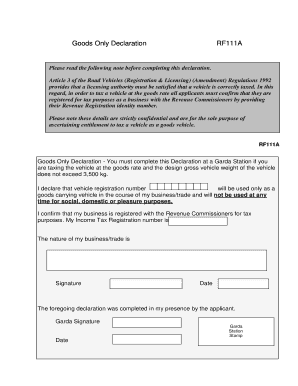
Goods only declaration form
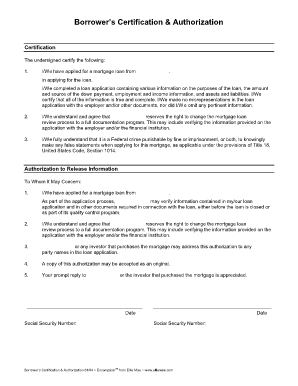
Borrower's certification and authorization ellie mae
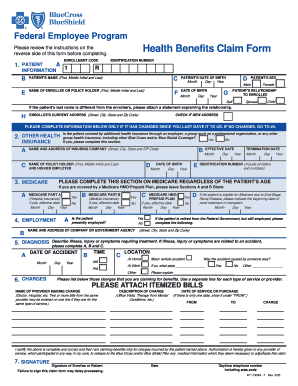
19049. 19049
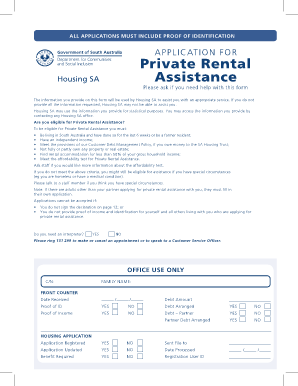
Private rental assistance application form 3.8 MB - sa.gov.au - sa gov
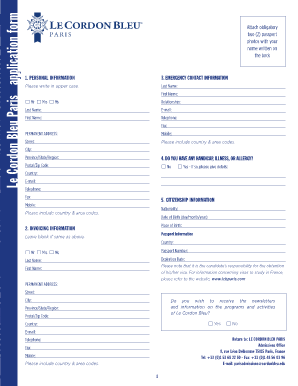
Le cordon bleu application form
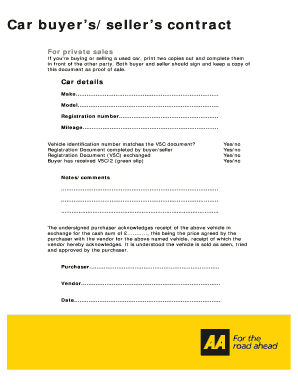
Car contract template
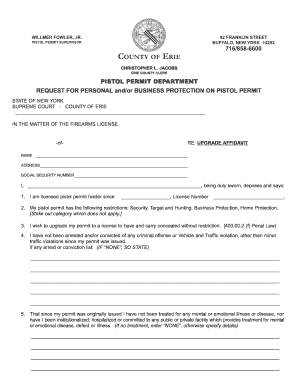
Erie county pistol permit application
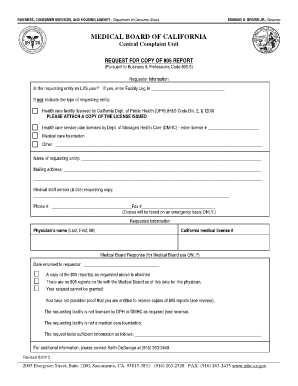
California medical report paper

Ucs1s form 2013
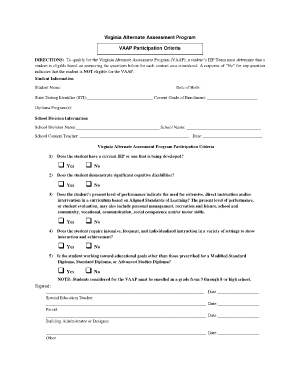
Vaap participation criteria

PROVINCIAL REPORT CARD - tcdsb

Consent letter for oci application

Israel visa

Medical treatment authorization letter
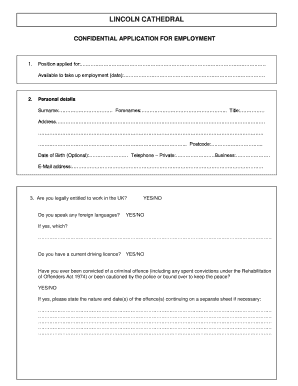
CONFIDENTIAL APPLICATION FOR ... - Lincoln Cathedral

Inz 1105 form 2014

Equine Activity Release and Hold Harmless Agreement 1. I, , the ... - bayequest
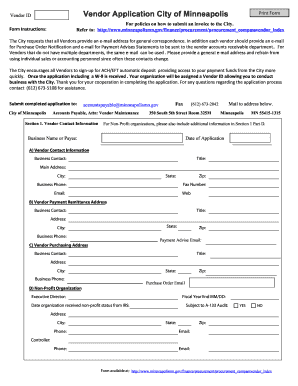
For policies on how to submit an invoice to the City - ci minneapolis mn
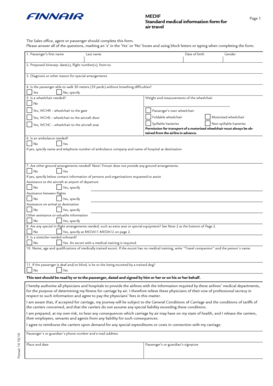
Medical information form
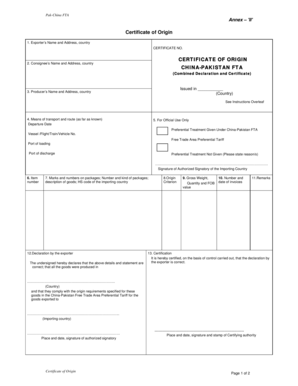
Fta certificate china pakistan

North carolina employment education lottery

Denver Water Backflow Assembly Test and Maintenance Report - denverwater

Statutory declaration form australia

Letter for vacating room

Patient sign out form

New orleans history

Immunization Information Form (DHEC 1103V) (pdf) - Department of ... - scdhec
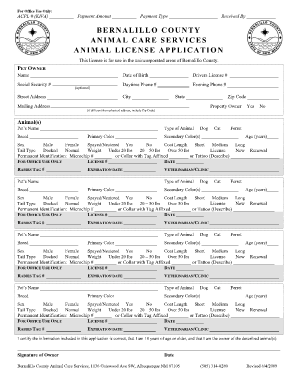
Bernalillo county ac license form pdf
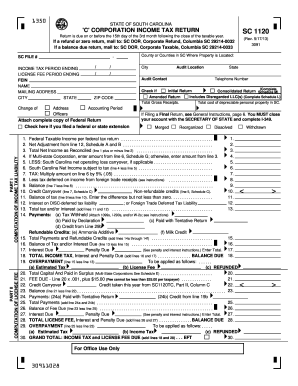
South carolina sc1120 2013 form
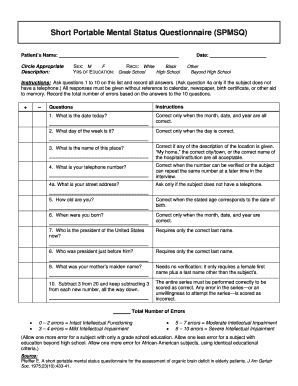
Spmsq pdf
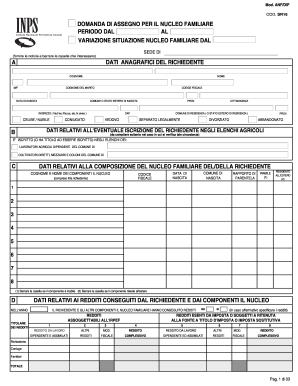
Anf dip

Work permit illinois minor

Demand for compliance or possession
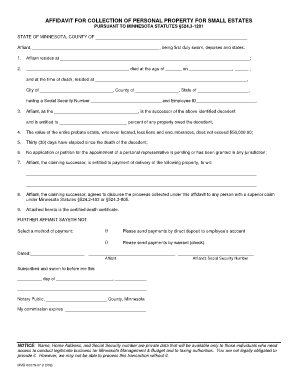
AFFIDAVIT FOR COLLECTION OF PERSONAL ... - Minnesota.gov - mn

Exit inspection report

Onett computation
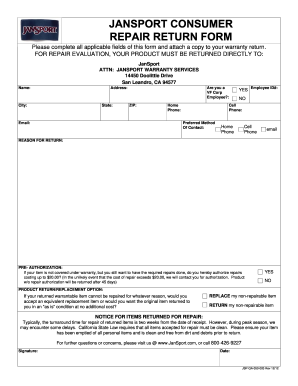
Jansport return 2012 form

Ewaivanf pdf

Ansc 7035
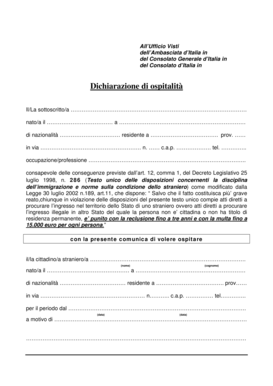
Ospitalita form
Ppsc challan form

RELEASE, HOLD HARMLESS & INDEMNIFICATION In exchange ...
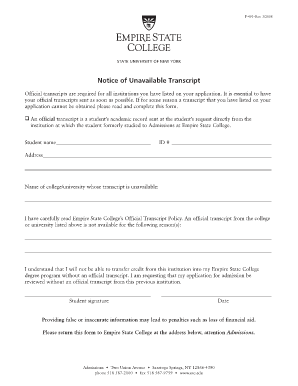
Suny empire transcript

Usarec 1037 form
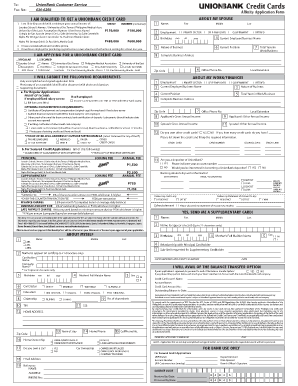
Union bank form fill up
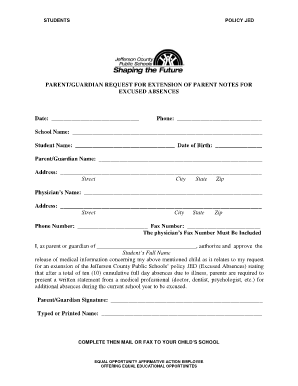
Excused Absence Extension Request - Jefferson County Public ... - jefferson k12 ky
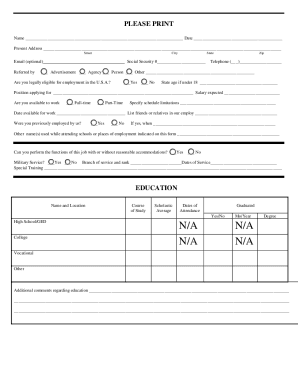
APPLICATION FOR EMPLOYMENT - Play It Again Sports

Waiver of subrogation form
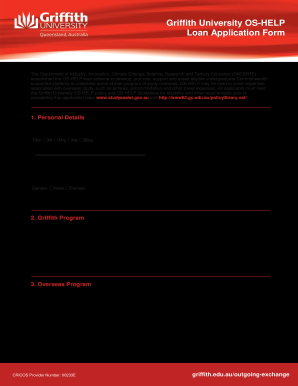
Griffith University OS-HELP Loan Application Form - griffith edu
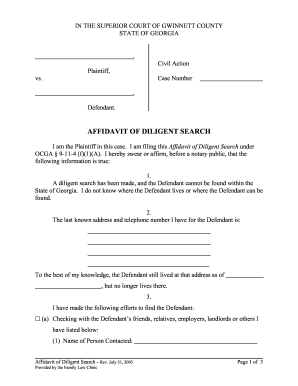
Affidavit of diligent search georgia
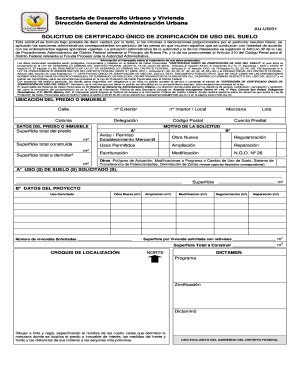
Solicitud de certificado unico de zonificacion de uso de suelo 2017 editable form
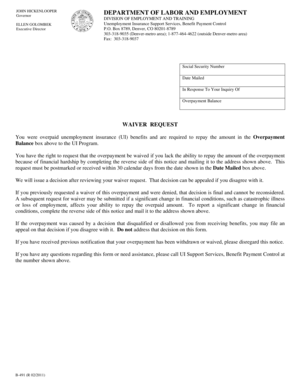
Overpayment Waiver Request - Colorado.gov - colorado
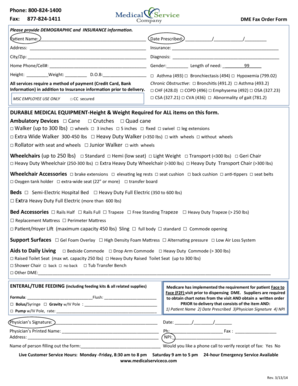
Medical service company order form
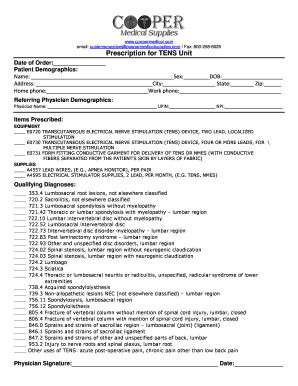
Tens unit prescription form
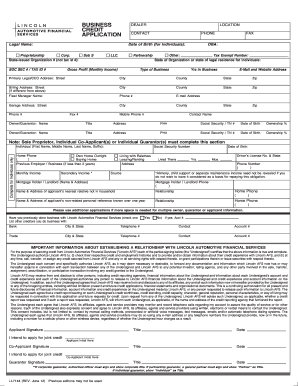
Automotive financial credit application
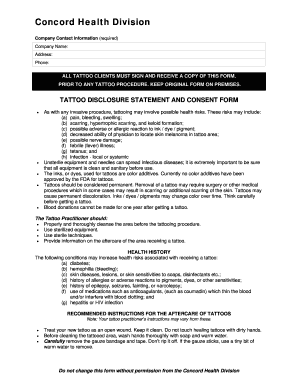
Ppib consent forms

Frank findlay trust fund bursary
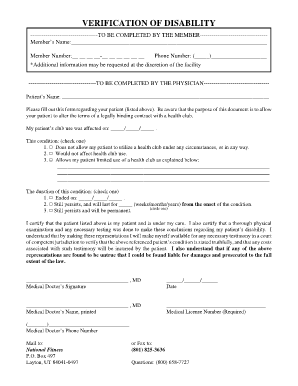
Proof of Disability - National Fitness - Health Club Software
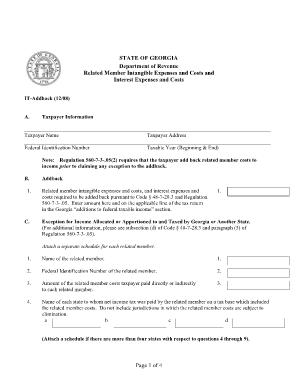
Form it addback ga
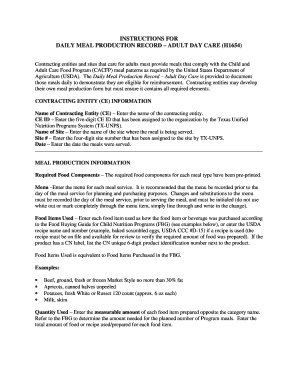
Meal production record
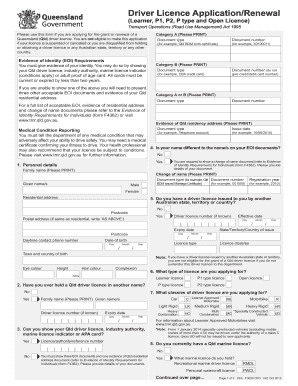
License app renewal form

Co roommate agreement

Cn22custom declaration form india post
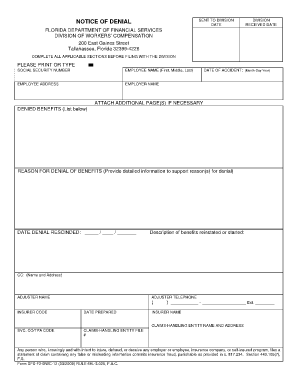
Florida denial

Flinn safety contract

Meal production
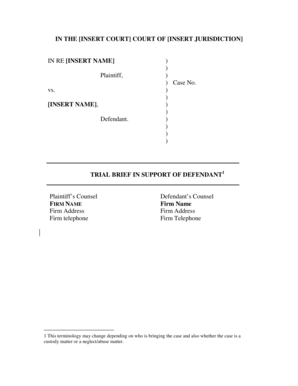
Trial brief word template
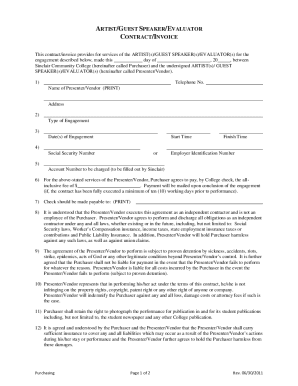
Honorarium letter for pastor

Stars socratic download
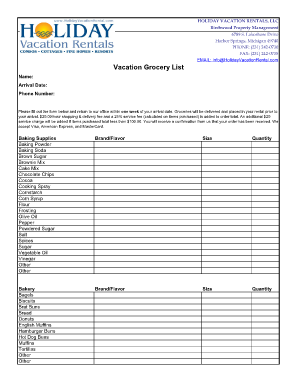
Vacation grocery list template
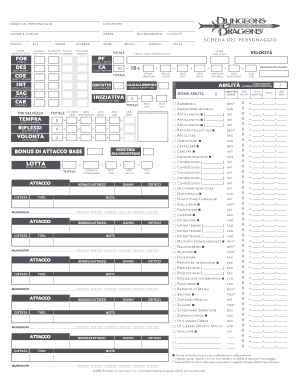
Scheda d d 3 5 pdf
Benefit from the DocHub online library of fillable PDF forms
Searching the PDF forms doesn't have to be a tedious and time-consuming process. With the DocHub online library, it has become easier to find the fillable PDF forms and modify them in your browser. The service allows you to adjust the document to your needs using powerful editing tools.
You can use online document editing features to modify almost any type of document with ease. You just need to find the template of your choice, open it in the editor, and use the toolbar to make the necessary corrections.
Follow this guide to get your document done with DocHub:
- Find the PDF template you need.
- Click the Get Form button to open the file in the editor.
- Use the toolbar to fill out and edit the document.
- Easily add and highlight text, insert images, checkmarks, and symbols.
- Drop new fillable fields, and rearrange or delete pages from your file.
- Save changes and download your record.
DocHub empowers everyone to streamline document editing, signing, and distribution, and form completion. Create an account and benefit from our well-organized PDF Forms library and comprehensive editor.