
Get any PDF form from the DocHub library of ready-made templates - Page 1534

Account opening form
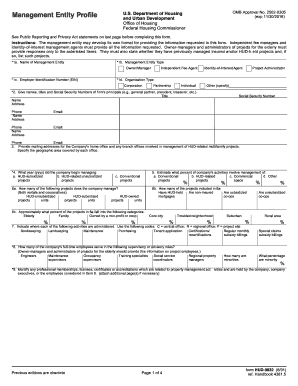
Housing urban development management
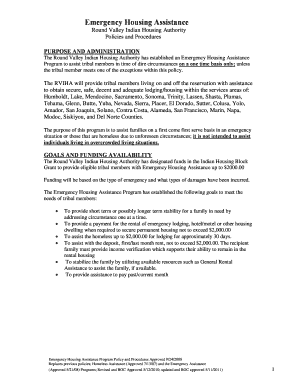
Emergency Housing Assistance - rviha.org

Axis outward remittance form
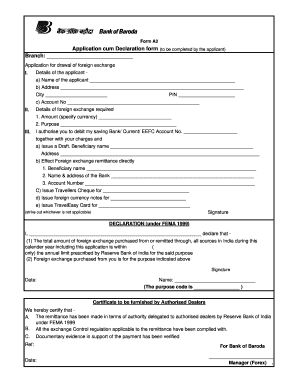
Multipurpose application form bank of baroda

Eeo 100

New Chiropractic Patient Intake Forms - Complete Chiropractic ...
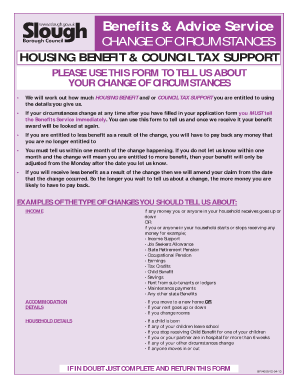
Change of circumstances form - Slough Borough Council

Ihss pay stub example
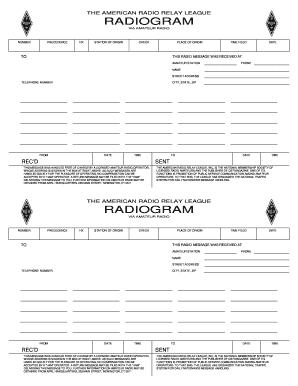
Radiogram app
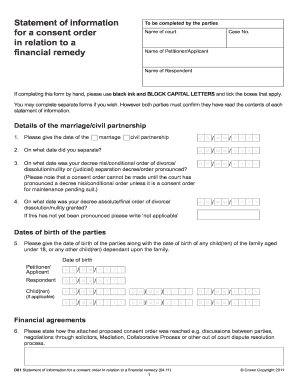
Statement of information for a consent order in ... - Jordan Publishing
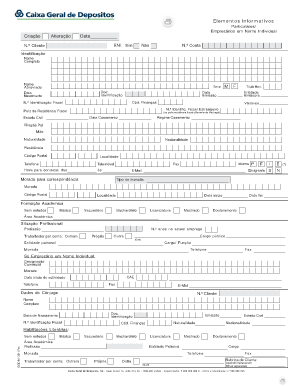
Caixa geral de depositos elementos informativos

Supcv1013 application form
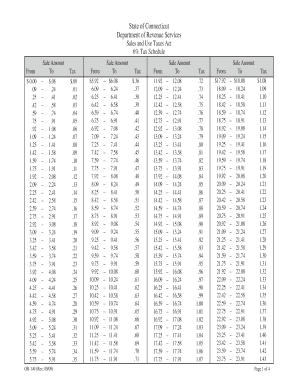
Sales tax chart

1. Site Specific Safety Plan Checklist - Site Safe

Afm l 2 form
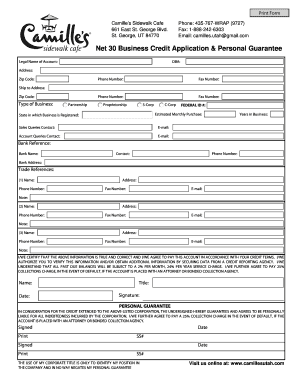
Business credit application with personal guarantee

Enrollment application for the novartis patient assistance foundation inc

Affidavit verification sample form filling for students
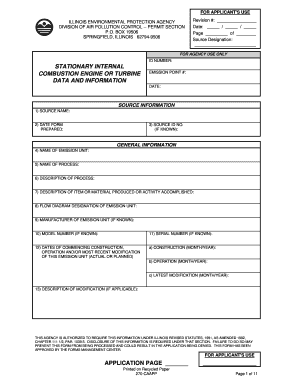
Illinois internal combustion data form
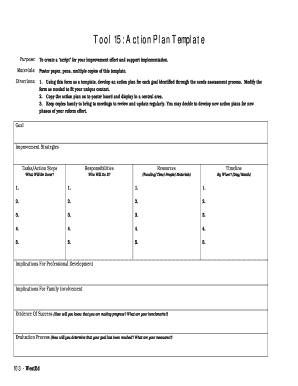
Actio nplan example

Lease maryland 2006 form
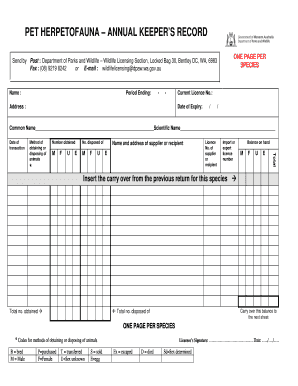
Pet Herpetofauna – Annual Keeper’s Record
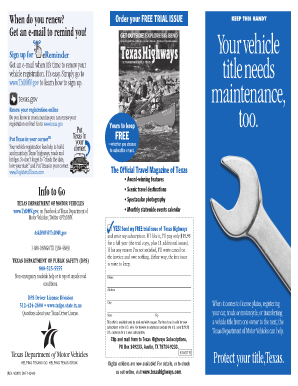
Ctyour title
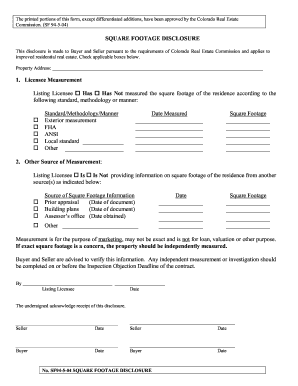
SF 94 Square Footage Disclosure - Colorado.gov
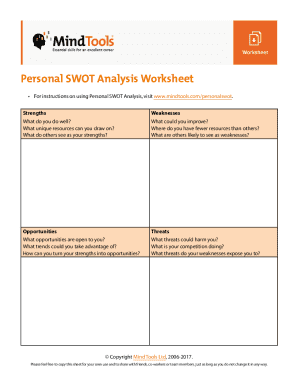
Points of you cards pdf
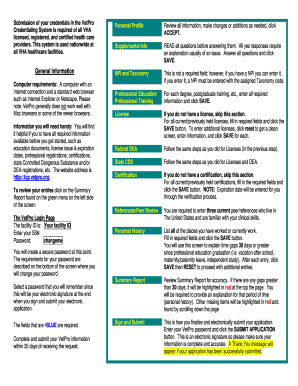
Fcp vetpro org
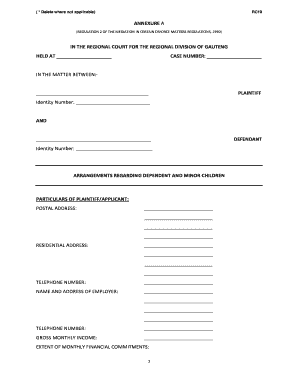
Rc19 form

Nfl workout program pdf
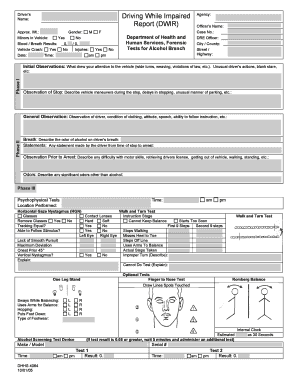
Dwir

RPTL 730-A UCS 900A (Rev.7/2008) - nycourts

Berks earned income tax
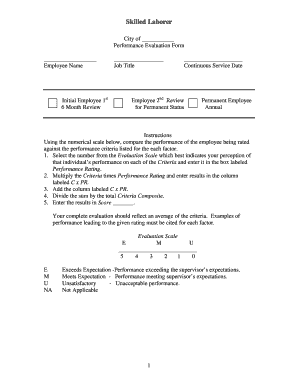
Tennessee mtas skilled
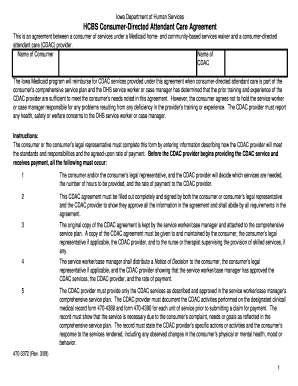
How do i get a 470 3372 form

Gus macker registration form
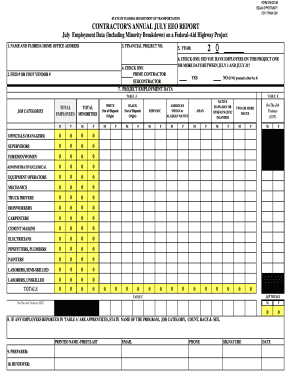
275 021 08
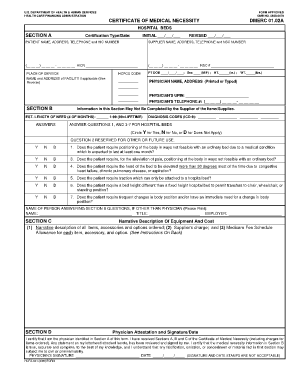
Cmn for hospital bed
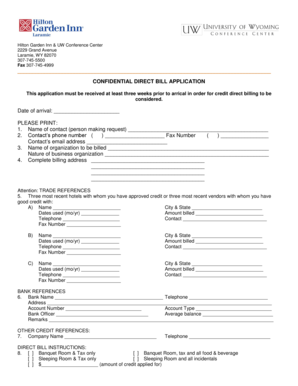
Direct billing form

Backflow fort bend county

DREC Property Disclosure Final Effective 12 1 13 - Delaware ...
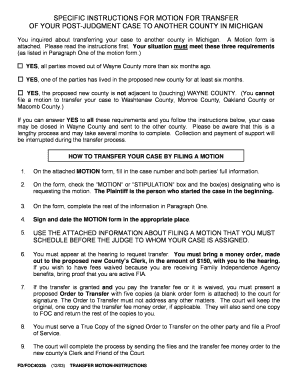
Fd Foc4033 A Motion To Transfer Your Case To Another Michigan ... - 3rdcc

Ds1500 form 2013
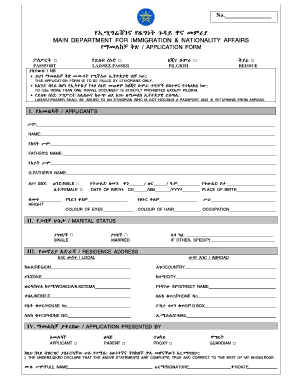
Ethiopian immigration office
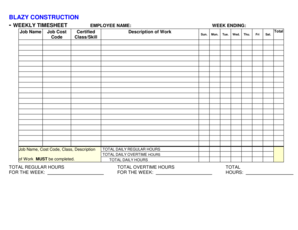
Blazy construction
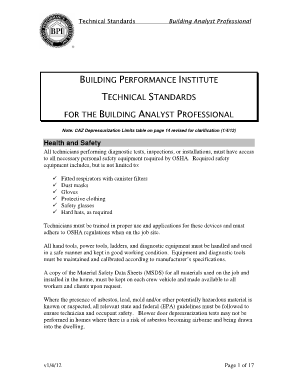
Technical Standards for the Building Analyst Professional - BPI - bpi

Dd 2807 2
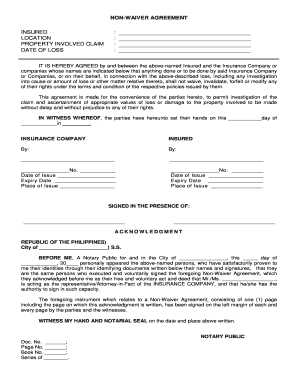
Waiver of rights pag ibig
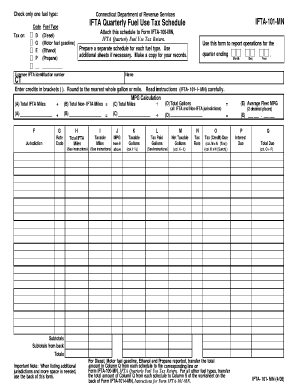
Ct ifta quarterly fuel use tax schedule form
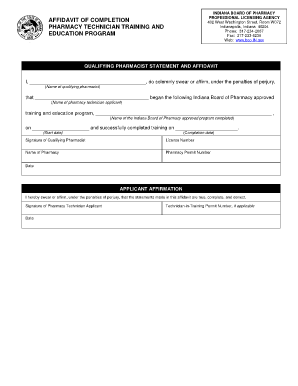
Indiana state board of pharmacy
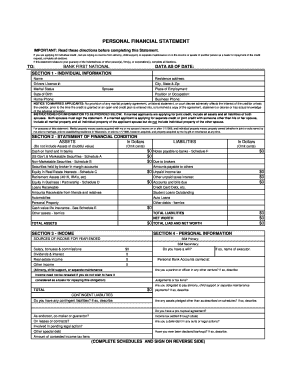
Personal Financial Statement (PDF) - Bank First National

Transition block 6
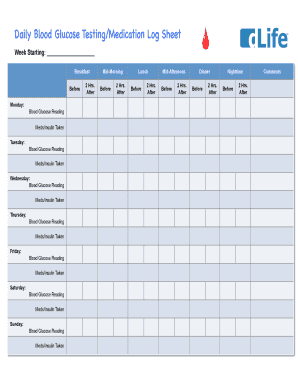
Daily Blood Glucose Testing/Medication Log Sheet! - dLife
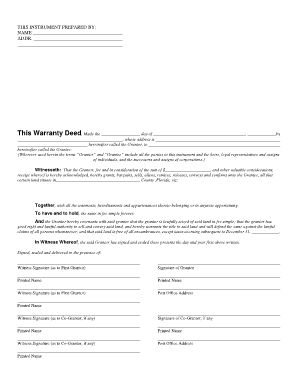
Warranty Deed - Seminole County Clerk of Courts
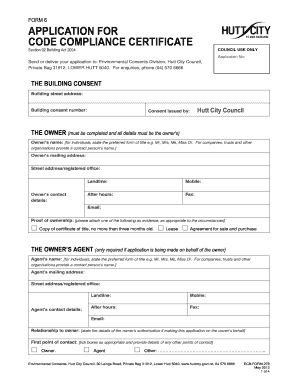
Application for code compliance certificate - Hutt City Council

Bankruptcy petition cover sheet
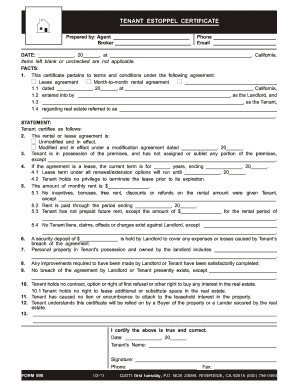
First tuesday real estate forms
AGREEMENT AND CUSTOMER AUTHORIZATION Net Energy ...
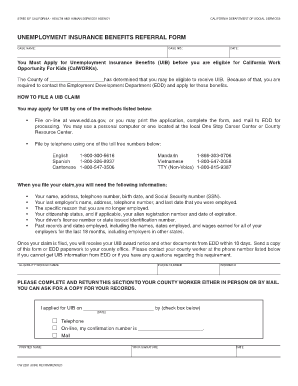
Unemployment form pdf download
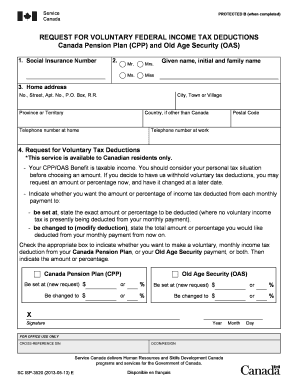
Isp 3520

Of deed full reconveyance
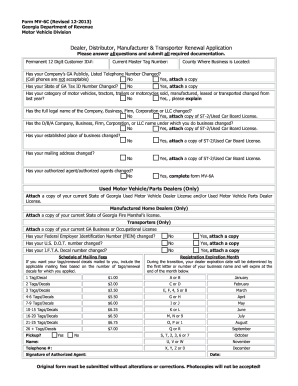
Mv 6c
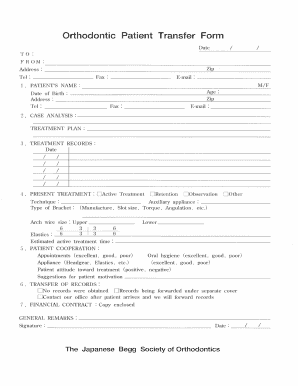
Aao transfer form 2019 in retention

Shc 1127
B 011

Optumrx reimbursement online
Da form 5863
Asplundh employee handbook 2014 form

SOHO BEACH HOUSE
Csaave
Dentition treatment planning

Pregnancy Notification Form - WellCare of Georgia
Cadet Employment Application - Louisiana State Police - lsp

Certification bonus and
Dex 93

Ahca affidavit 2010 form
Railway concession certificate online apply
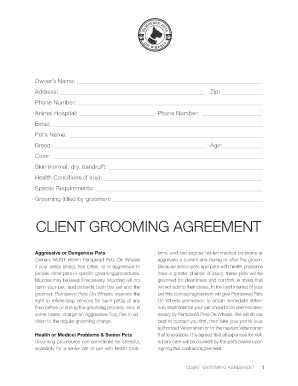
CLIENT GROOMING AGREEMENT - Pampered Pets On Wheels
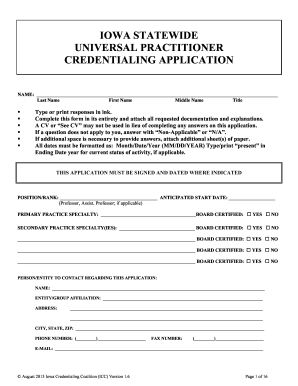
Ia statewide universal application

Pre-Investigative Background Questionnaire - City of Bakersfield
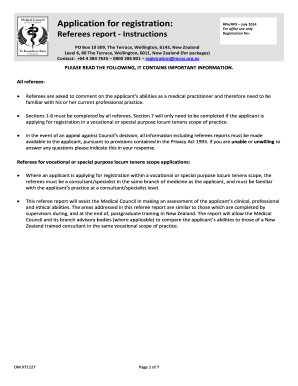
RP6 form - Medical Council of New Zealand - mcnz org

Mv 285

Covered Ca Applications - SingleStream - dhcs ca
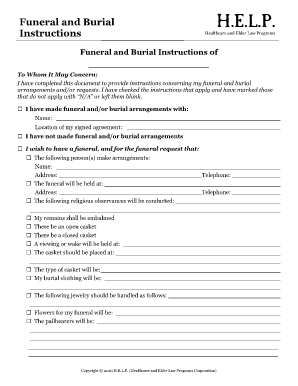
Funeral and Burial Instructions - HELP

Foster care agreement template
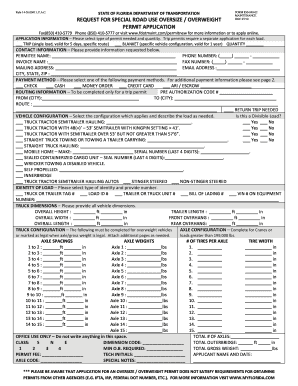
STATE OF FLORIDA DEPARTMENT OF TRANSPORTATION REQUEST FOR SPECIAL ROAD USE OVERSIZE / OVERWEIGHT PERMIT APPLICATION FORM 850-040-02 MAINTENANCE OGC 07/10 Fax(850) 410
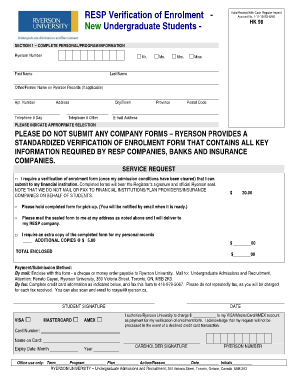
Proof of enrollment ryerson
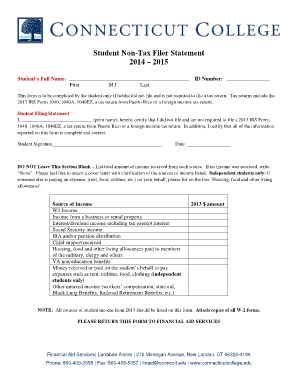
Irs non filer form
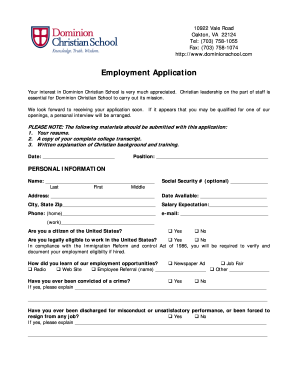
Employment Application - Dominion Christian School
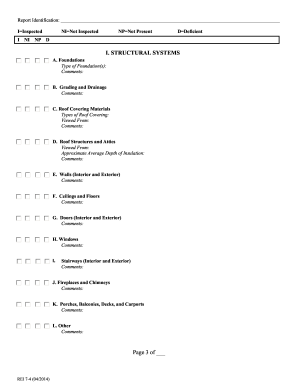
Rei 7 inspection

3rdcc

Fl fl 2501 frm form
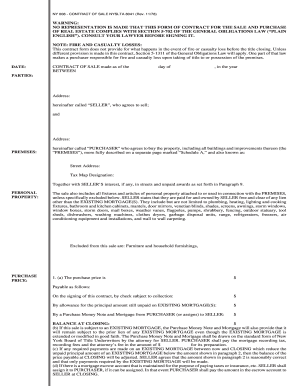
Form nyslta ny form
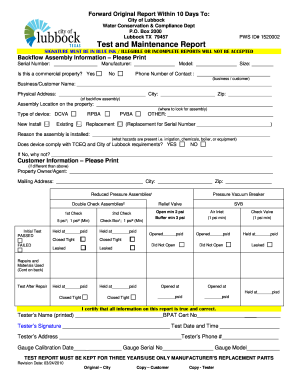
CITY OF LUBBOCK BACKFLOW PREVENTION ASSEMBLY. OSHA Injury and Illness FAQ
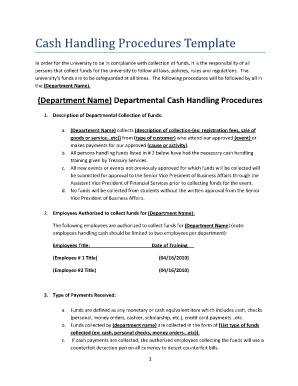
Cash handling policy template

Uk staff declaration form
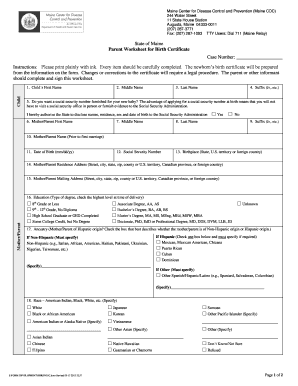
Parent Worksheet for Birth Certificate - Maine Association of ... - mainecpms
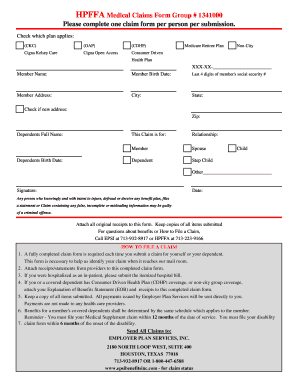
Hpffa 341 supplmental claim form
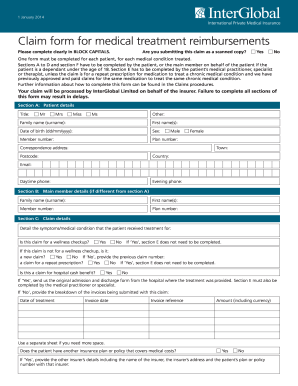
Interglobal medical claim form 2014
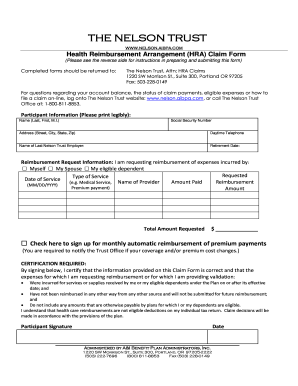
Nelson fund forms
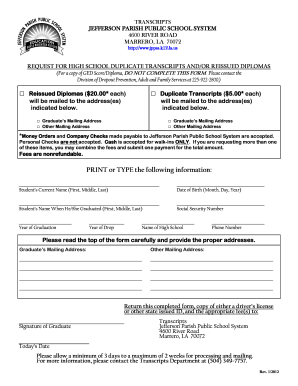
Jefferson parish high school transcripts
Benefit from the DocHub online library of fillable PDF forms
Searching the PDF forms doesn't have to be a tedious and time-consuming process. With the DocHub online library, it has become easier to find the fillable PDF forms and modify them in your browser. The service allows you to adjust the document to your needs using powerful editing tools.
You can use online document editing features to modify almost any type of document with ease. You just need to find the template of your choice, open it in the editor, and use the toolbar to make the necessary corrections.
Follow this guide to get your document done with DocHub:
- Find the PDF template you need.
- Click the Get Form button to open the file in the editor.
- Use the toolbar to fill out and edit the document.
- Easily add and highlight text, insert images, checkmarks, and symbols.
- Drop new fillable fields, and rearrange or delete pages from your file.
- Save changes and download your record.
DocHub empowers everyone to streamline document editing, signing, and distribution, and form completion. Create an account and benefit from our well-organized PDF Forms library and comprehensive editor.