
Get any PDF form from the DocHub library of ready-made templates - Page 1516
Massachusetts certificate standing

Transportation Security Administration (TSA) Claims Management ...
2018 louisiana rental property
PETITION FOR LEGITIMATION AND CUSTODY/VISITATION
Mnda template

Rmit sop sample

Form 470 3767

Eva deverell
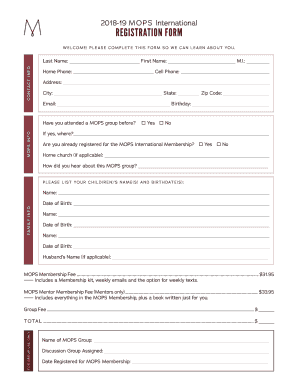
Mops registration form

Sa102 form
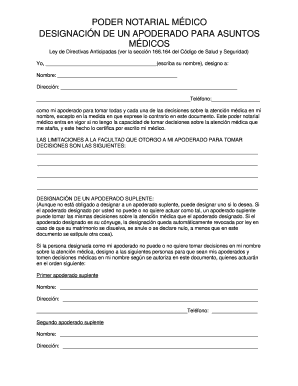
Medical power of attorney in spanish
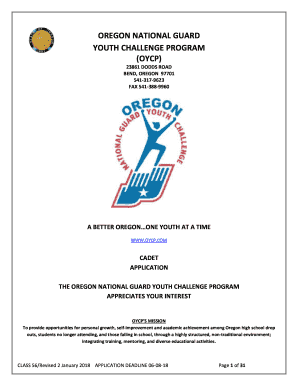
Oycp application
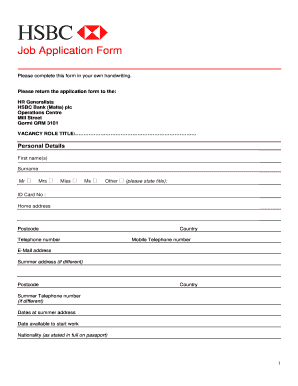
Hsbc dispute form
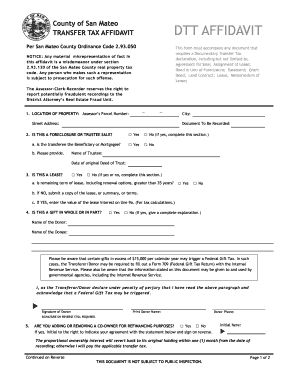
Affidavit transfer tax
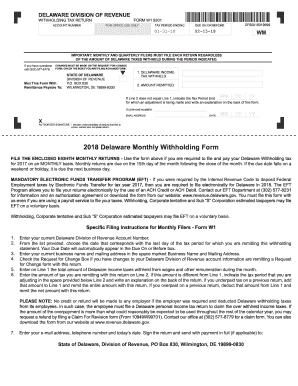
Delaware state withholding form 2019
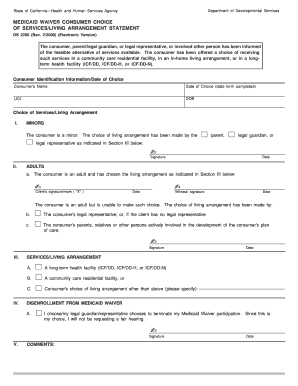
DS 2200 Medicaid Waiver Consumer Choice of Servies/Living Arrangement Statement. DS 2200 Medicaid Waiver Consumer Choice of Servies/Living Arrangement Statement

Affidavit of Experience for 75% Supervision Specialities (F500-043-000). Affidavit of Experience for 75% Supervision Specialities (F500-043-000)

*PARENT-FAMILY-SIZE-CERT*
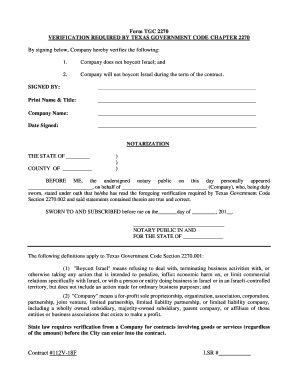
Form tgc 2270
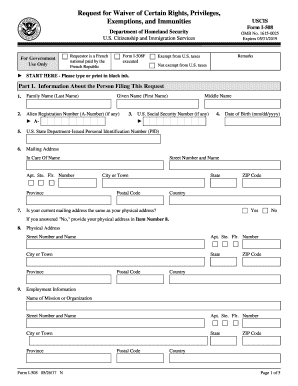
Uscis form i 508
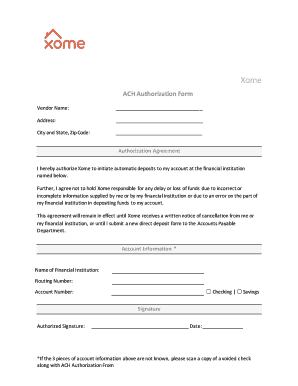
City and State, Zip Code:
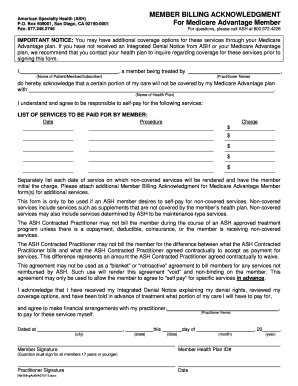
Member Billing Acknowledgment. Required Form
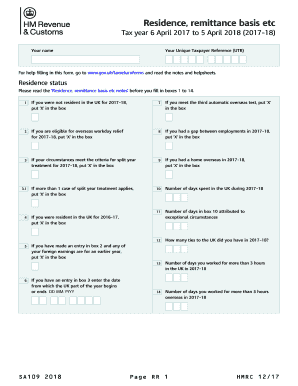
2018 UK HMRC SA109
DCF-446.docx
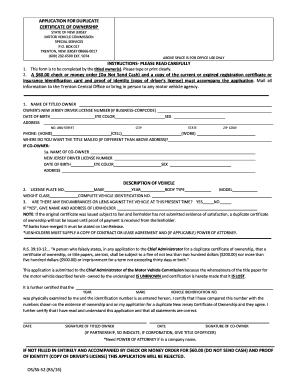
APPLICATION FOR DUPLICATE CERTIFICATE OF OWNERSHIP ...
Form 480 2 2019 english

Scientific method worksheets for kids

Physician Professional Reference Form
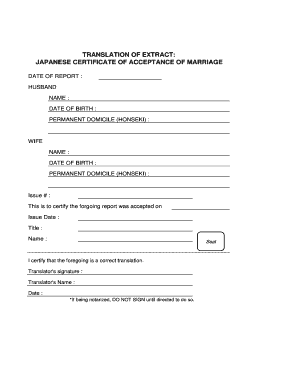
Marriage certificate translation template pdf
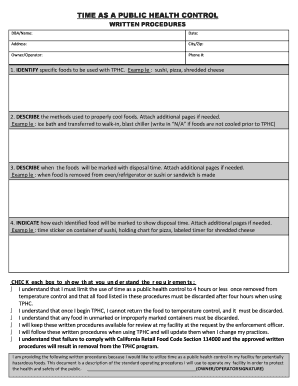
Time as a public health control written procedures
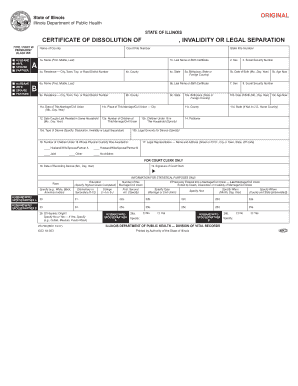
VR700 - Cook County Clerk of the Circuit Court

Form M1PR, Homestead Credit Refund
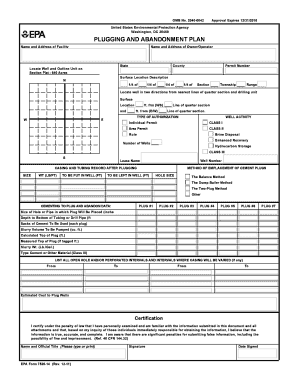
Plugging plan
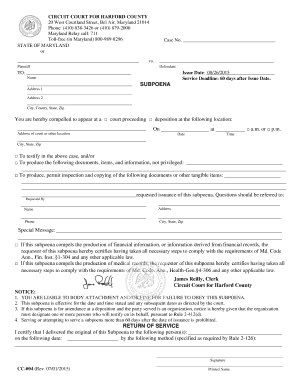
Uniform Subpoena - Circuit Court for Harford County
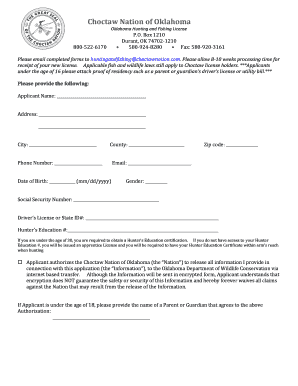
Oklahoma Hunting and Fishing License
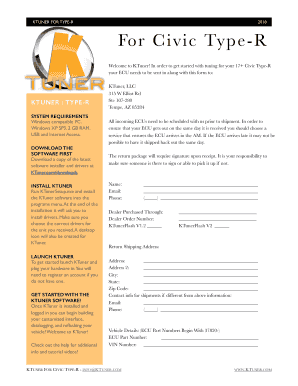
17+ Civic Type-R Unlocking KTuner, LLC
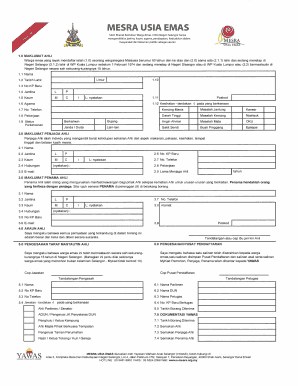
Borang khairat kematian selangor
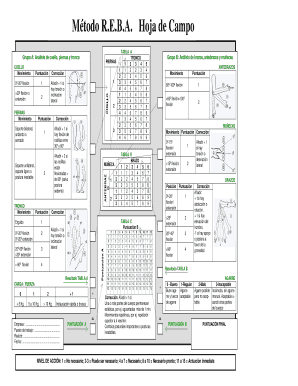
Hoja de campo reba

ACQUIA GDPR DATA PROCESSING ADDENDUM
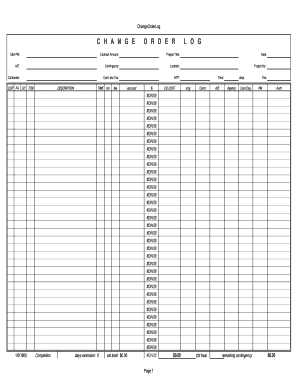
Change order log

Codex gigas pdf
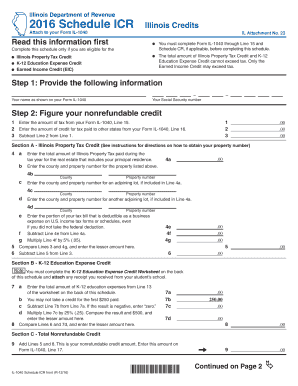
2016 Schedule ICR, Illinois Credits - Illinois Department of Revenue
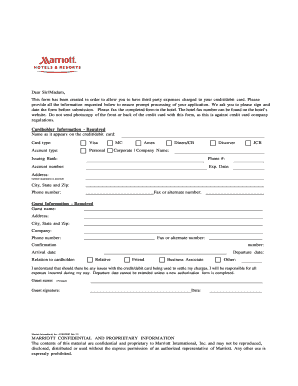
Marriott credit card authorization form
SB2 Cover Sheet Sample
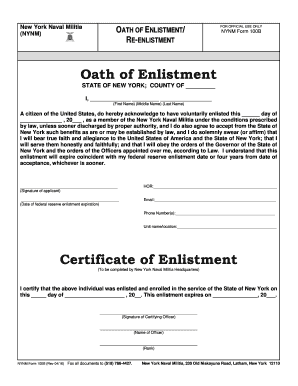
Oath of Enlistment Certificate of Enlistment

A 772
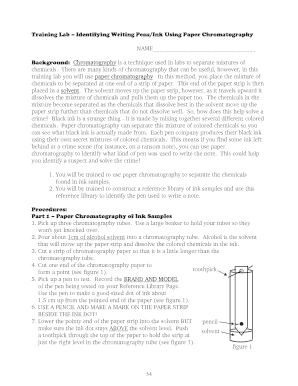
ABC Tech Forensic Science I (Revised 2009).pdf

Business Certificate (DBA) Form City of Somerville
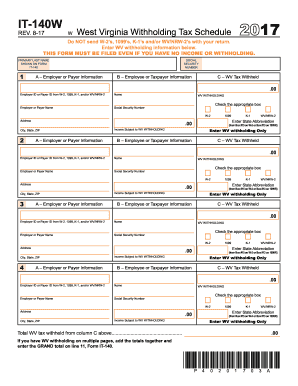
It 140w west virginia

Vehicle Condition Report 2.doc
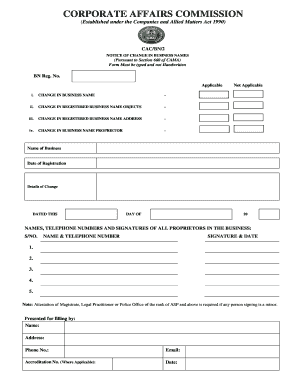
Cac bn

El102

SC 4809.1. SC 4809.1
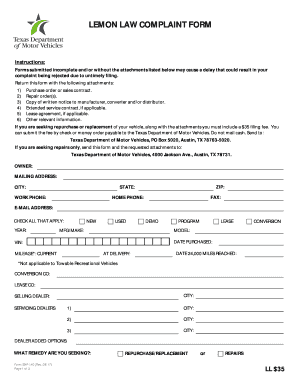
Complaint texas

Hud form 52641 hap contract
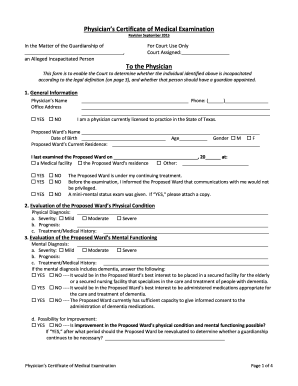
Certificate of medical examination texas
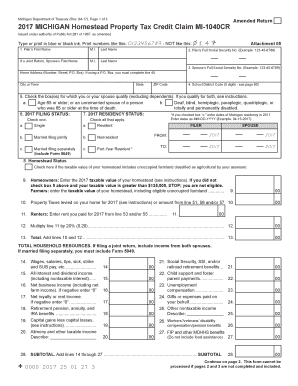
Mi 1040cr michigan

Dog Vaccine Form - Norfolk SPCA
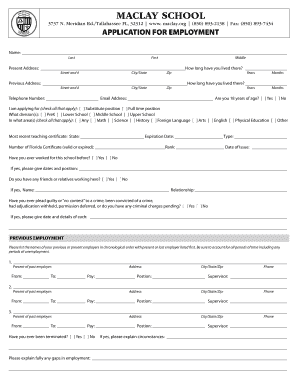
/Tallahassee FL, 32312 www
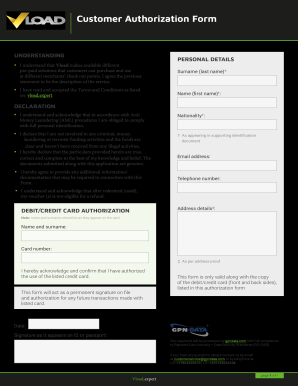
Vload authorization form
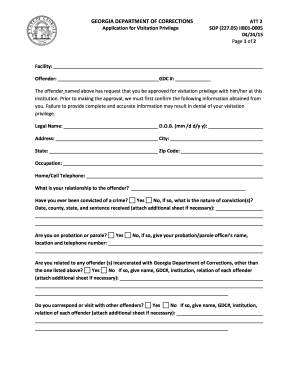
Application for Visitation Privilege
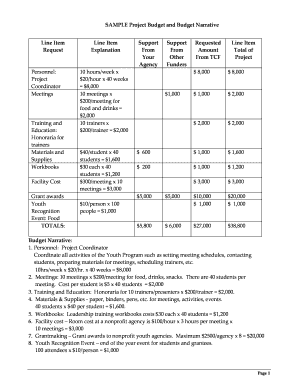
Budget narrative
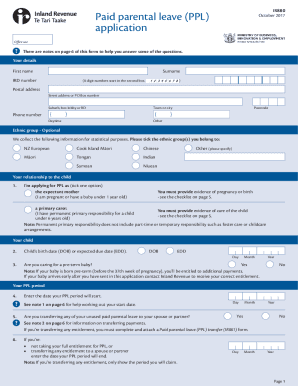
Ir881
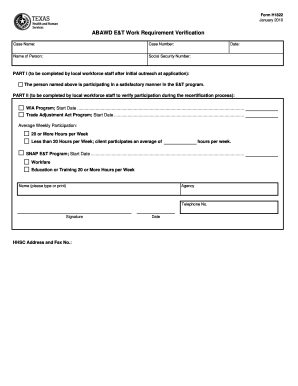
H1822
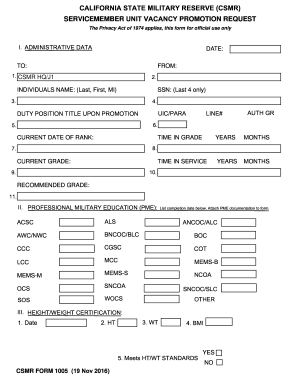
Go csmr
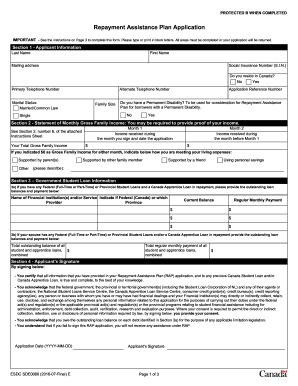
Repayment Assistance Plan Application - Canada.ca
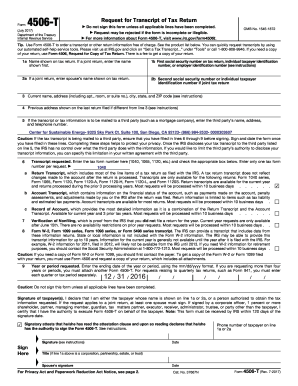
Form 4506 t rev 7 2017

Credit card payment form

Inz 1137 form
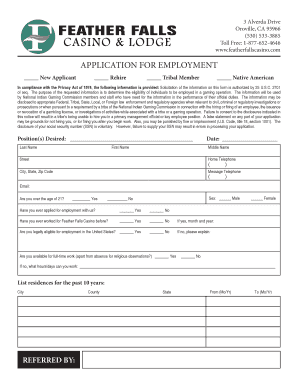
Application for employment - Feather Falls Casino
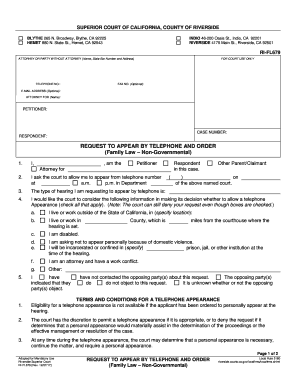
Request to Appear by Telephone and Order

Philosophical chairs preparation
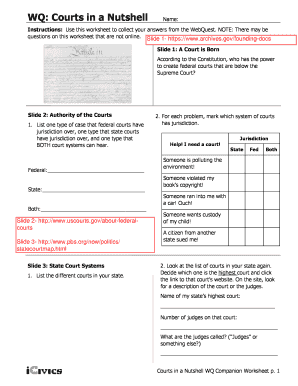
Courts in a nutshell answer key pdf
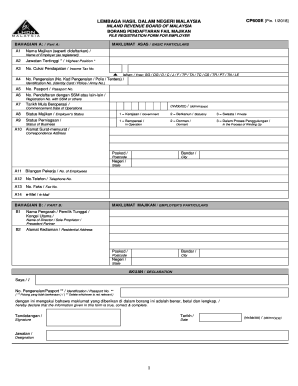
Borang cp600e
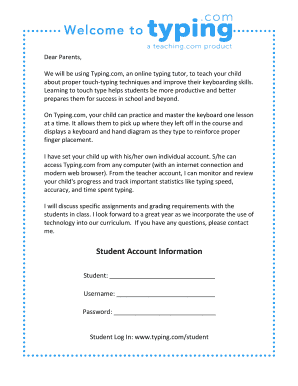
Typing.com Parent Letter.docx
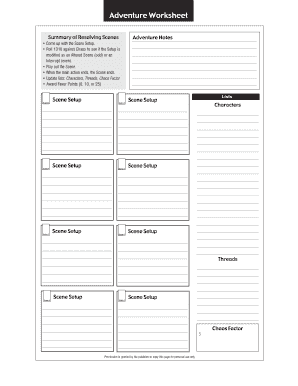
Mythic gm emulator pdf
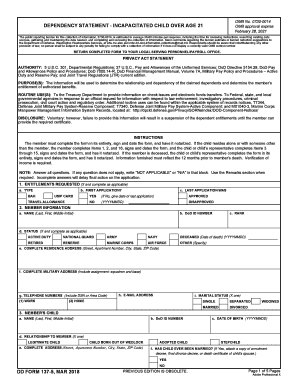
Dd form 137 5 fillable
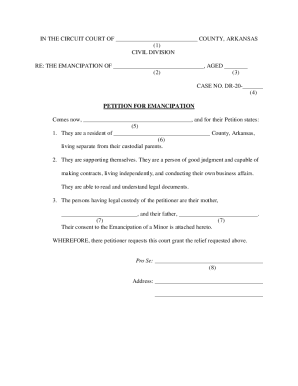
Emancipation in arkansas
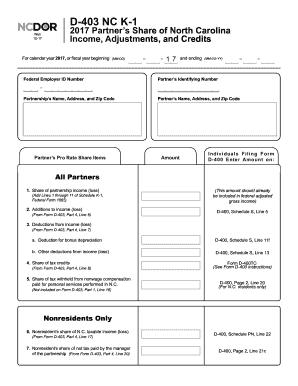
Durable power of attorney forms printable
Dbe s 1
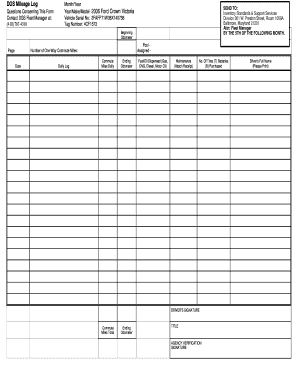
Dgs mileage log

Group membership authorization form florida medicaid
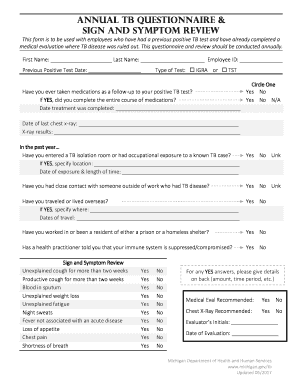
Tb screening risk assessment questionnaire
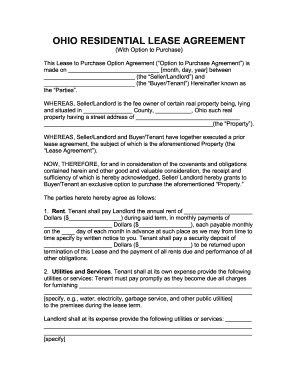
Ohio residential lease agreement with option to purchase
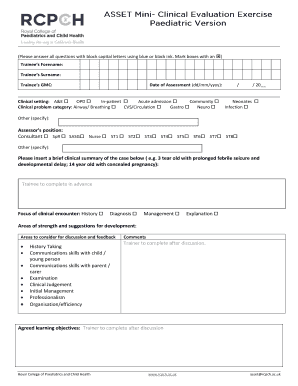
MiniCex Form - rcpch
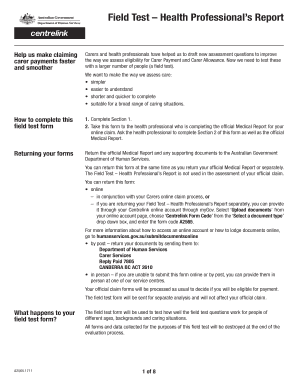
A2565 field test health profesional report
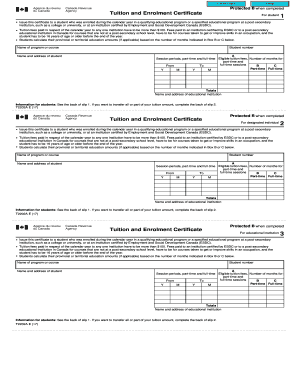
Tuition and Enrolment Certificate - Canada.ca
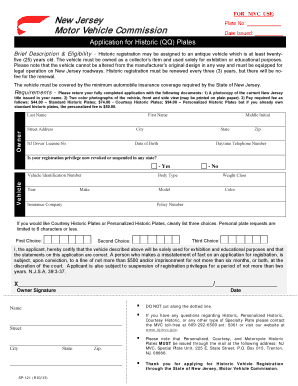
Form sp 121
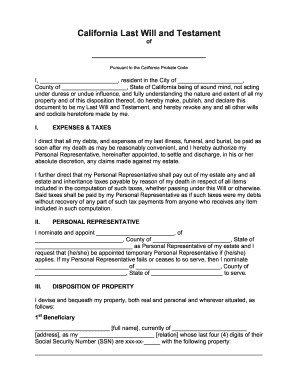
California last will and testament template

Education and training form - Arizona State Mine Inspector - AZ.gov

Bona fide agricultural property
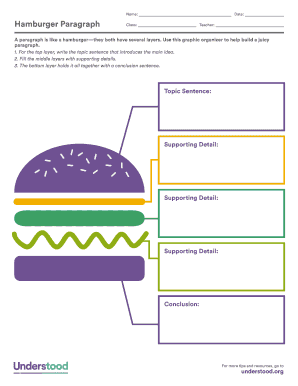
Hamburger paragraph template pdf
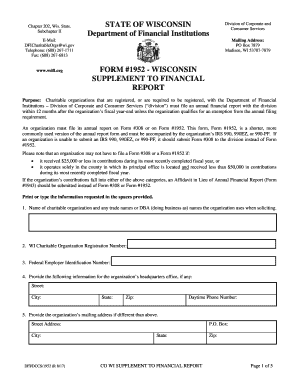
State of wisconsin department of financial institutions form 1952
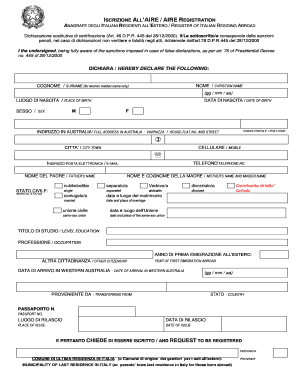
Iscrizione all'aire - Consolato - Perth

APPEARANCE BOND
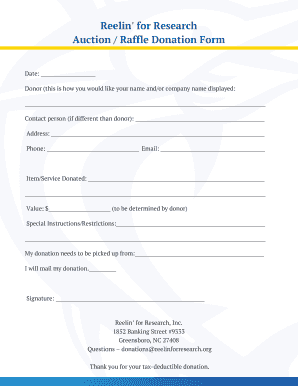
Auction Raffle Donation Form
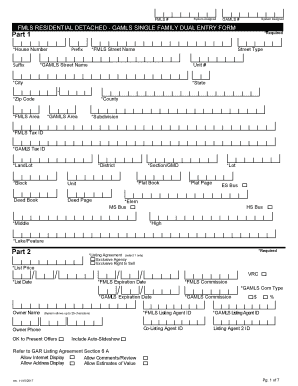
FMLS RESIDENTIAL DETACHED - GAMLS SINGLE FAMILY DUAL ENTRY FORM
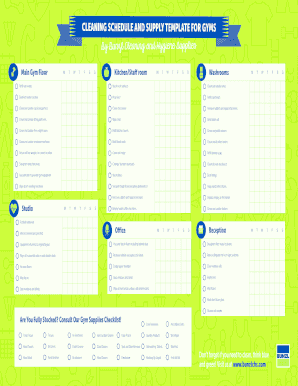
Gym cleaning checklist excel
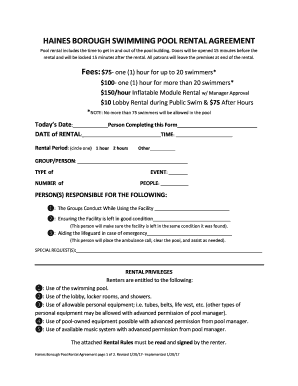
Pool rental agreement form
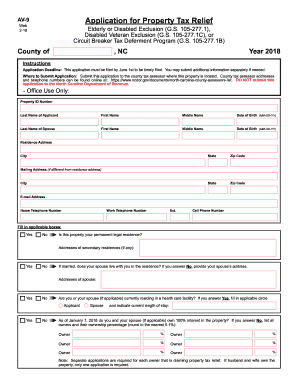
2018 application relief
Benefit from the DocHub online library of fillable PDF forms
Searching the PDF forms doesn't have to be a tedious and time-consuming process. With the DocHub online library, it has become easier to find the fillable PDF forms and modify them in your browser. The service allows you to adjust the document to your needs using powerful editing tools.
You can use online document editing features to modify almost any type of document with ease. You just need to find the template of your choice, open it in the editor, and use the toolbar to make the necessary corrections.
Follow this guide to get your document done with DocHub:
- Find the PDF template you need.
- Click the Get Form button to open the file in the editor.
- Use the toolbar to fill out and edit the document.
- Easily add and highlight text, insert images, checkmarks, and symbols.
- Drop new fillable fields, and rearrange or delete pages from your file.
- Save changes and download your record.
DocHub empowers everyone to streamline document editing, signing, and distribution, and form completion. Create an account and benefit from our well-organized PDF Forms library and comprehensive editor.