



01. Edit your arizona state mine inspector online
Type text, add images, blackout confidential details, add comments, highlights and more.

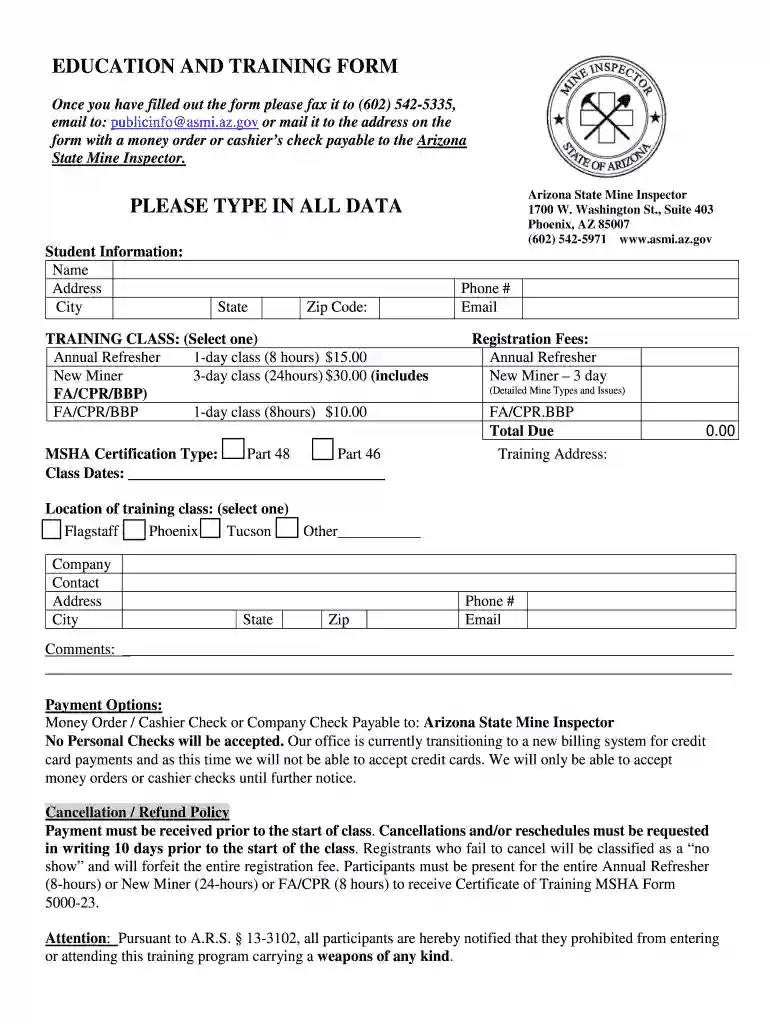
Type text, add images, blackout confidential details, add comments, highlights and more.

Draw your signature, type it, upload its image, or use your mobile device as a signature pad.

Send az state mine inspector via email, link, or fax. You can also download it, export it or print it out.

Start using our platform today to easily fill out and submit your education and training form!
Based on eSignature regulations, documents approved electronically have the same validity as those approved with pen and paper. You can eSign almost any business and private paperwork. Four types of paperwork still call for wet signatures only - wills and testamentary trusts, court orders and other court forms, state statutes regulating divorce, adoption, or other family law, and notice of cancellation of utility services. If you follow the rules and utilize a trustworthy and compliant software solution, like DocHub, you can eSign your education and training form - Arizona State Mine Inspector - AZ.gov without printing it.
If you are using Chrome, there are two straightforward ways to modify your education and training form - Arizona State Mine Inspector - AZ.gov online. First, visit the DocHub site, add your file, and modify it utilizing our toolbar. You may also set up our Chrome extension and modify any document by dragging and dropping it in your web browser window.
At DocHub, your data security is our priority. We follow HIPAA, SOC2, GDPR, and other standards, so you can work on your documents with confidence.
For general information on our other products and services or for technical support, please contact our Customer. Care Department within the United States at (Read more
Arizona State Mine Inspector, Phoenix, AZ, Government, The inspectors office oversees the safety and regulation of active and inactive mines in Arizona.Read more


