
Get any PDF form from the DocHub library of ready-made templates - Page 1515
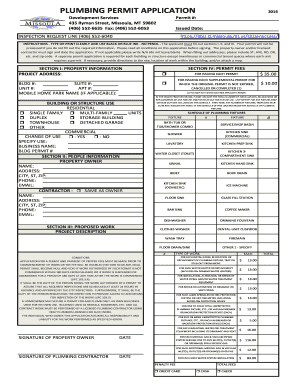
PLUMBING PERMIT APPLICATION 2016 - Missoula MT
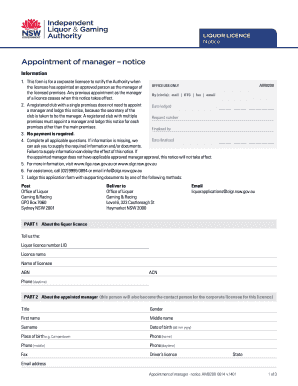
Au am0200 form
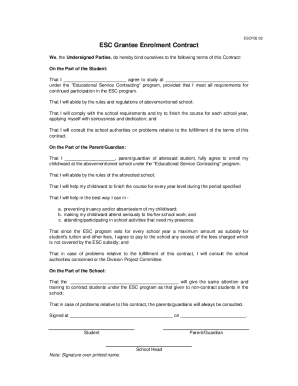
Esc grantee enrolment contract

Declaration On The Torah Approach To Homosexuality - torahdec

Studentaid bc former application

ACD-31052 SERIES 1992 - NONTAXABLE - kgi
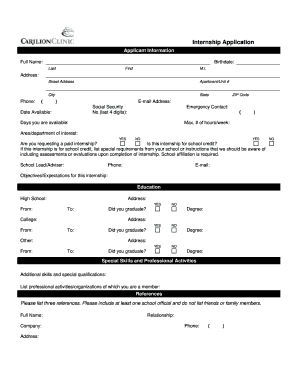
Carilion application
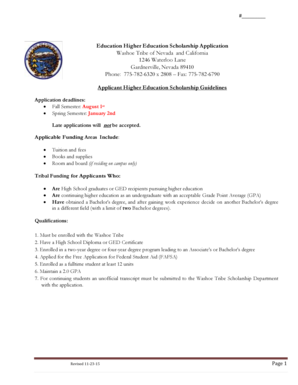
Washoe tribe scholarship application
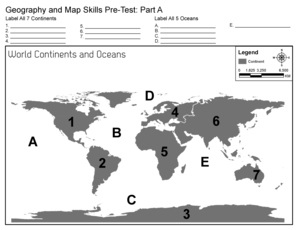
Map of continents and oceans printable pdf
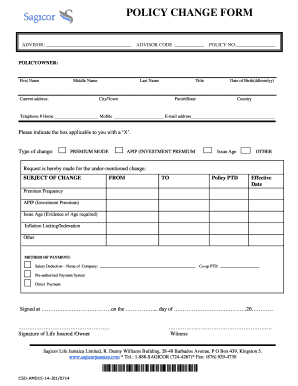
Sagicor policy form

Sagicor online

Of funding application form

Kindergarten Fall PW - The Writing Proficiency Project - oaklandwrites
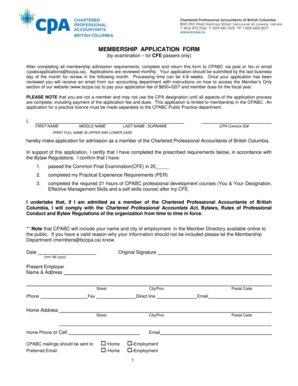
CPA appli form by exam FINAL.doc
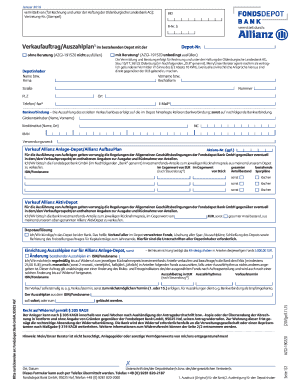
Auszahlplan allianz

Payment Request Form - Jet Professionals
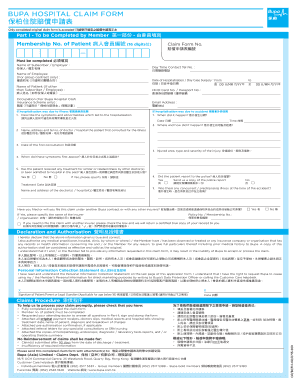
BUPA HOSPITAL CLAIM FORM

C Kwok - English Department - Resources
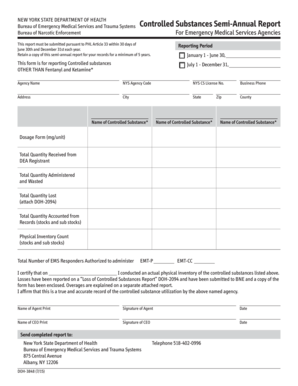
Doh 3848
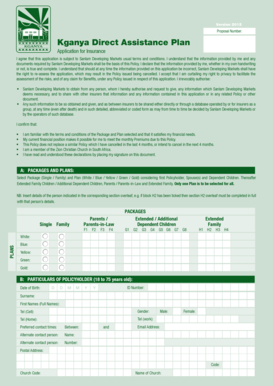
Kganya bursary online application 2022
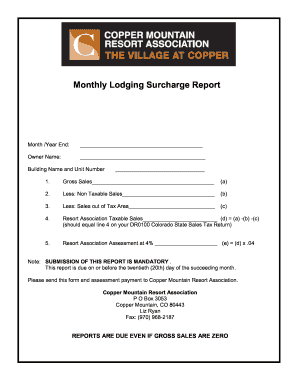
Form to appeal surcharge on car

County former student request
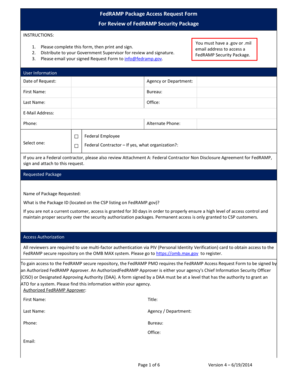
Fedramp package access request form

C O I C EMPLOYMENT APPLICATION FORM CARING - caringoutreachcharity
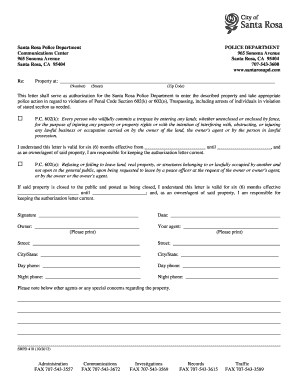
Trespass Letter - City of Santa Rosa
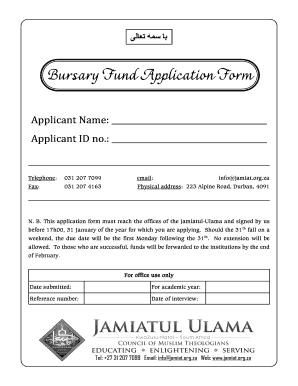
Bursary application ulama
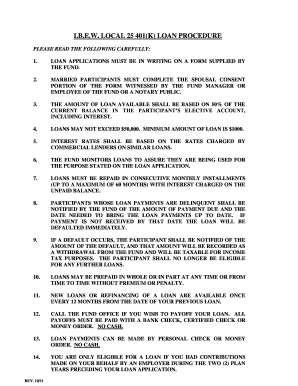
Ibew local 25 loan

10 Grade statement form
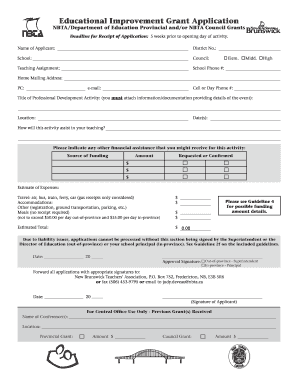
Educational Improvement Grant Application - New Brunswick

Summary and main idea worksheet 2 answer key

Clauses at the mall answer key

NOTICE OF INTENT TO TERMINATE FOR MATERIAL BREACH OF RENTAL AGREEMENT

Consentement blanchiment dentaire

Ionic and covalent bonding worksheet with answers pdf
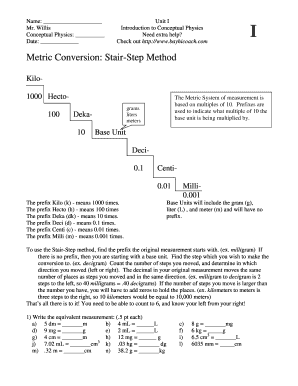
Metric staircase printable

South africa nelson mandela bay
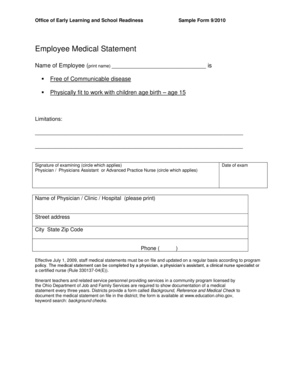
Employee Medical Statement - Ohio Department of Education - doyocs
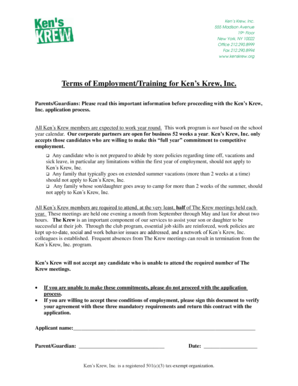
Ken's krew program
BELCO Job Application Form - belco

Neis income statement form
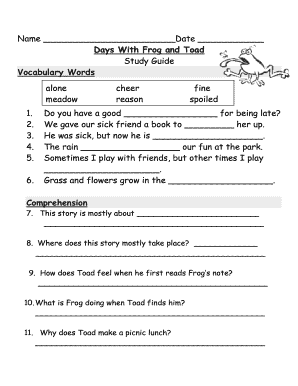
Days With Frog and Toad - Primary Grades Class Page
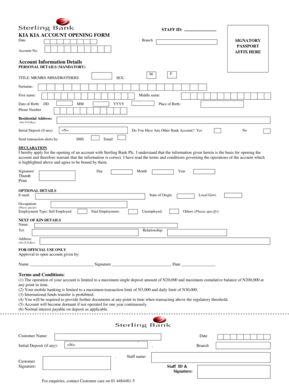
Sterling bank kia kia loan
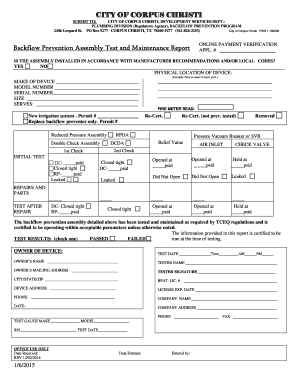
Texas backflow test corpus christi
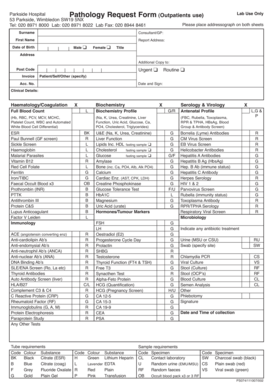
Parkside pathology
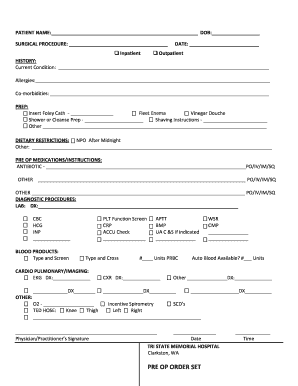
Pre op order
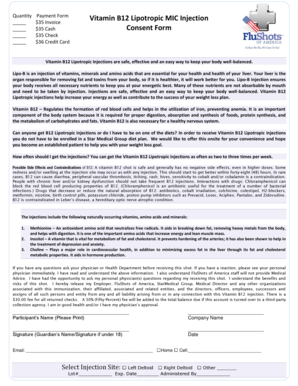
B12 lipotropic injections online
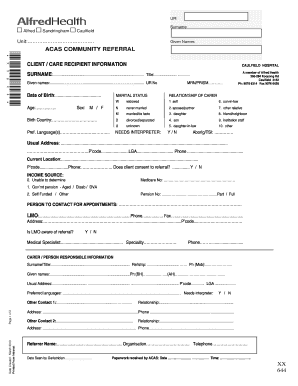
Dementia support australia referral form
Introducer agreement template

Sportsmens club canyon blank
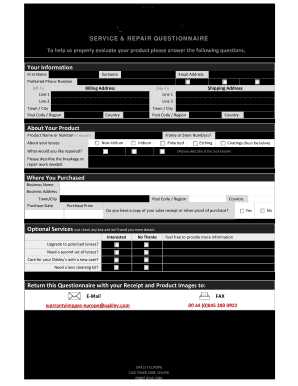
English Form - Oakley

Direct Deposit Information - TruStone Financial - trustonefinancial
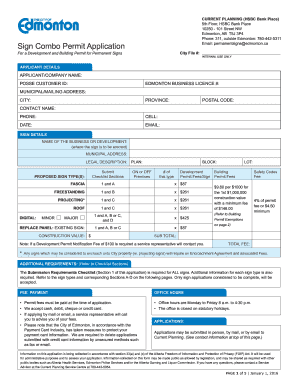
Sign Combo Permit Application Form - City of Edmonton - gov edmonton ab

Provisional agreement for sale and purchase - Zero Agent Property
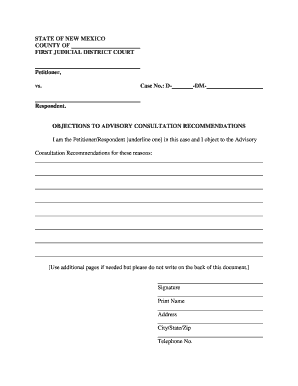
Objections to Advisory Consultation
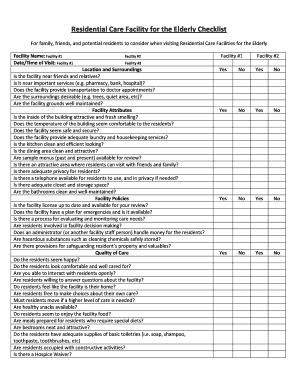
Residential Care Facility for the Elderly Checklist
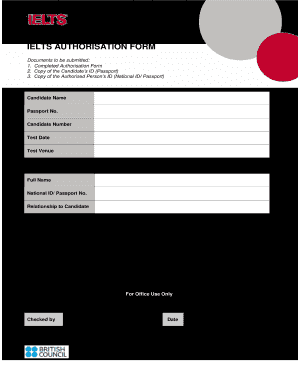
Form authorization british
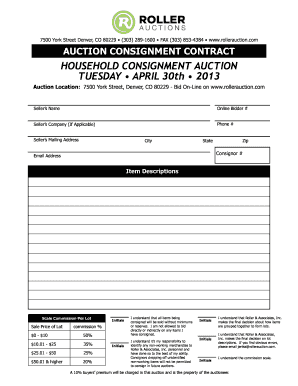
Auction Contract - Roller Auctions
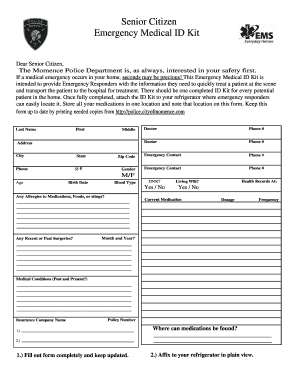
Senior Citizen Emergency Medical ID Kit - Momence Police
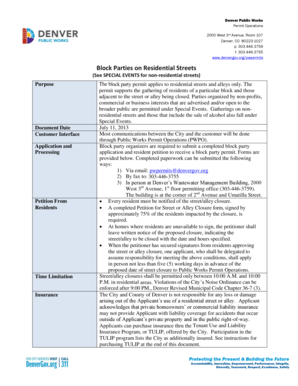
Denver block party permit
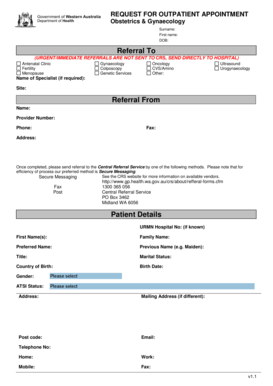
Obstetrics Gynaecology Referral Form PDF 661KB - gp health wa gov
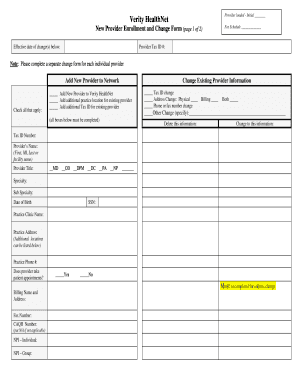
Verify enrollment
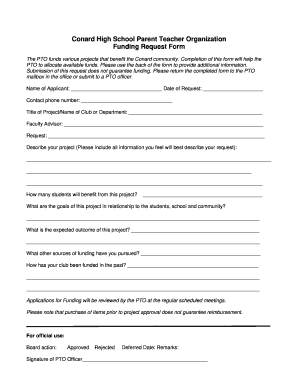
Pto funding request form - whpsconard sharpschool
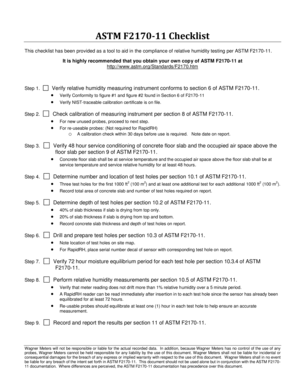
Astm f2170 pdf
Prime Hardhat Application - Aviva - Ensurco Insurance Group Inc
Navmed 6710 5
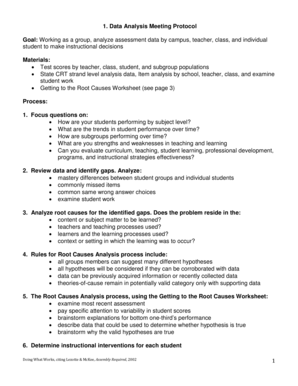
Document analysis protocol
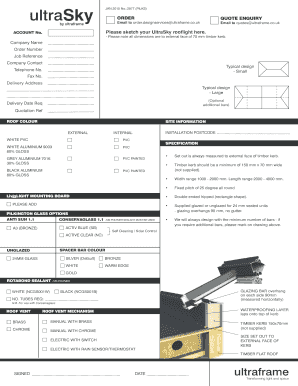
Ultra Sky Order Form - Ultraframe
Motorcycle Riders Packet - 25th Infantry Division - 25idl army
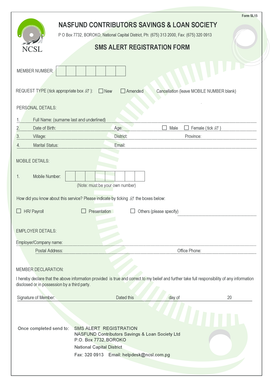
Nasfund online registration form
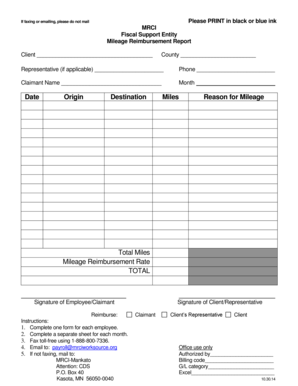
Please PRINT in black or blue ink - mrciworksource
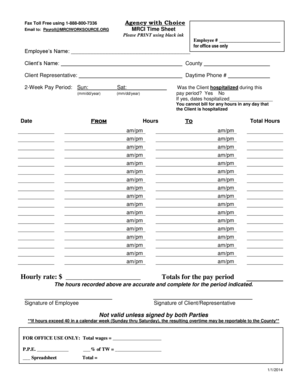
Mrci timesheets
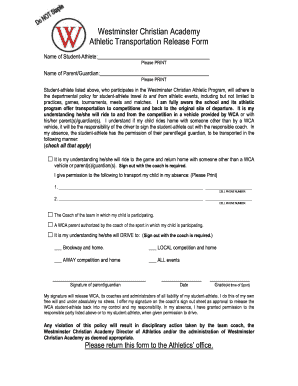
Westminster release form
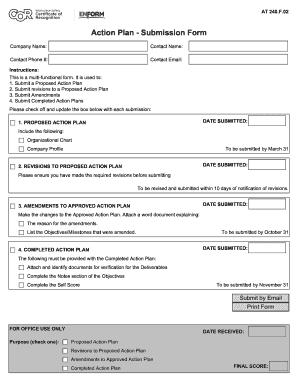
Form enform plan pdf

Joint check agreement template
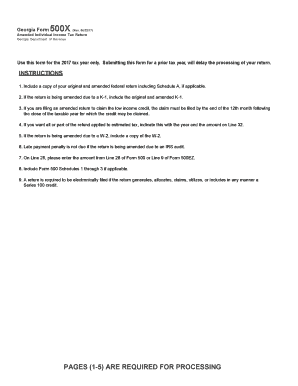
Form 500x tax 2017
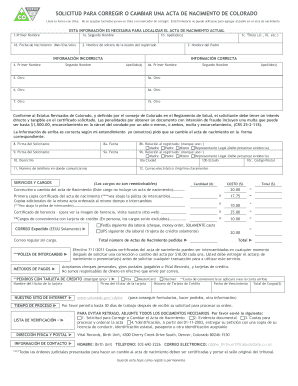
Solicitud para corregir o cambiar una acta de nacimiento de colorado
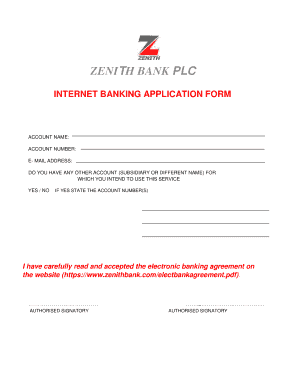
Zenith internet banking
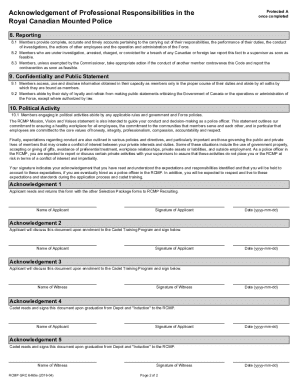
Acknowledgement of professional responsibilities 6465
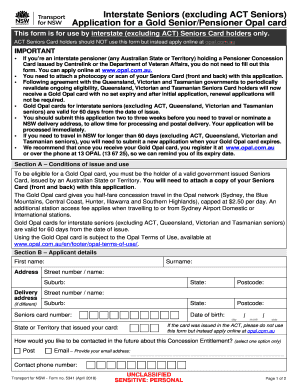
Opal seniors card
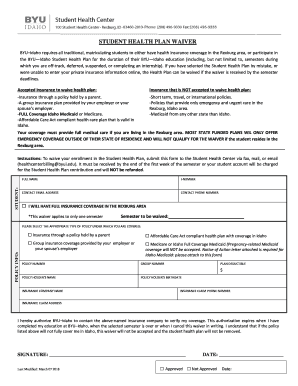
Byui health insurance waiver
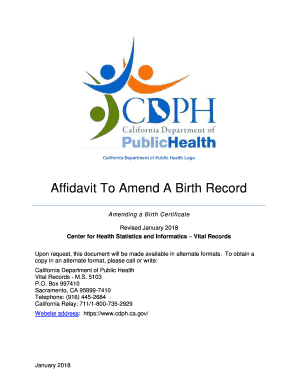
Amend a birth
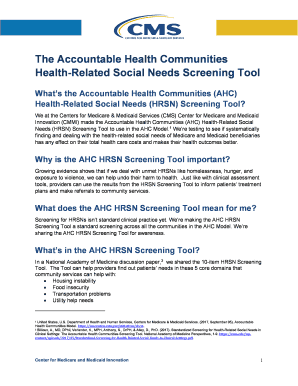
Ahc hrsn
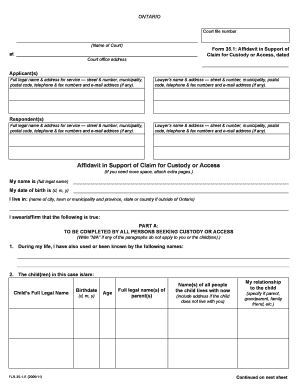
35 1 affidavit
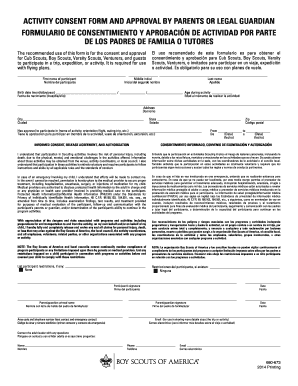
Bsa activity consent form
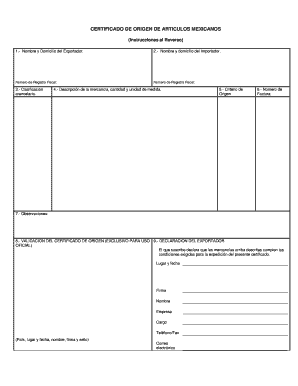
Certificado de articulos mexicanos
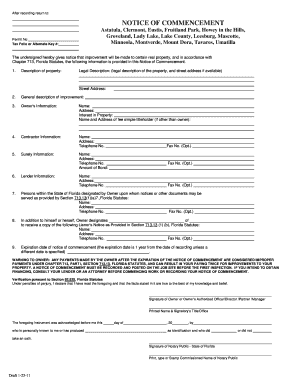
Lake county notice of commencement
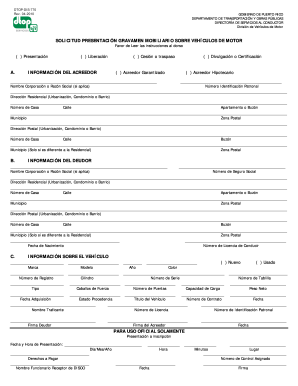
Dtop 770

Expression of interest form
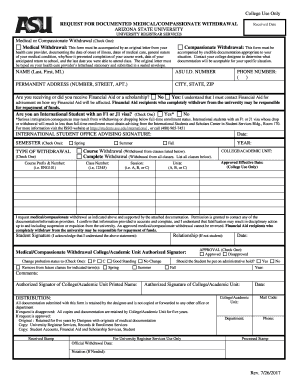
Documented withdrawal
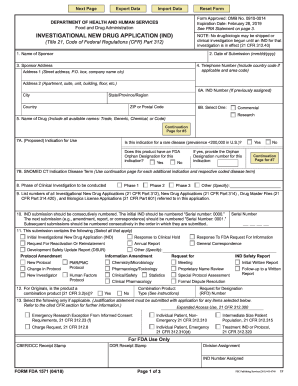
FORM FDA 1571. Investigational New Drug Application (IND)

Vark questionnaire
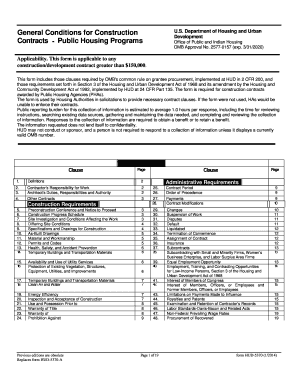
Hud 5370 27e
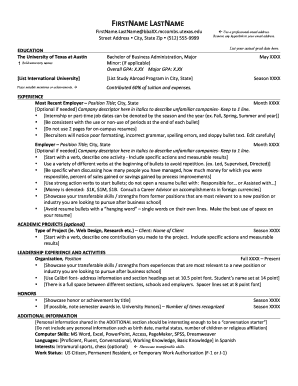
Mccombs resume template

Uk services
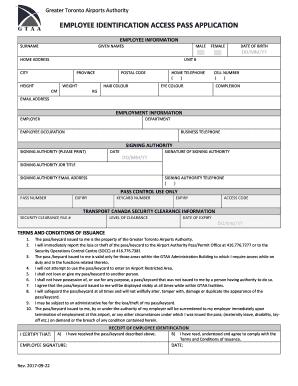
Application for restricted area identity card
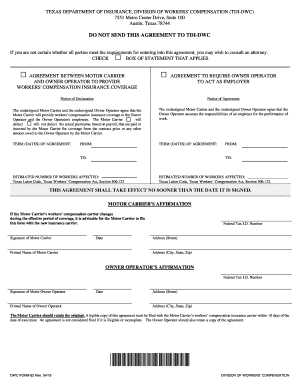
Dwc division form 82 printable

Rev 679
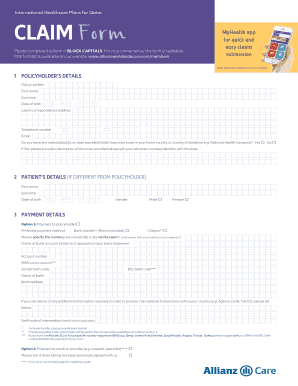
Alianz claim cf
5336
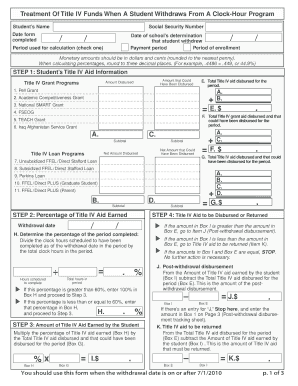
R2T4 Clock Hour
Benefit from the DocHub online library of fillable PDF forms
Searching the PDF forms doesn't have to be a tedious and time-consuming process. With the DocHub online library, it has become easier to find the fillable PDF forms and modify them in your browser. The service allows you to adjust the document to your needs using powerful editing tools.
You can use online document editing features to modify almost any type of document with ease. You just need to find the template of your choice, open it in the editor, and use the toolbar to make the necessary corrections.
Follow this guide to get your document done with DocHub:
- Find the PDF template you need.
- Click the Get Form button to open the file in the editor.
- Use the toolbar to fill out and edit the document.
- Easily add and highlight text, insert images, checkmarks, and symbols.
- Drop new fillable fields, and rearrange or delete pages from your file.
- Save changes and download your record.
DocHub empowers everyone to streamline document editing, signing, and distribution, and form completion. Create an account and benefit from our well-organized PDF Forms library and comprehensive editor.