
Get any PDF form from the DocHub library of ready-made templates - Page 1517
2014 va cc 1416 civil edit
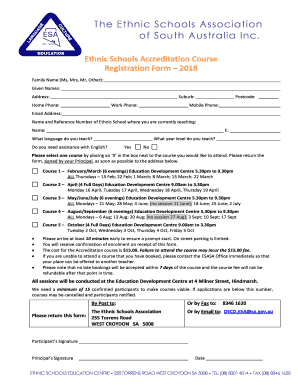
Mod ia form
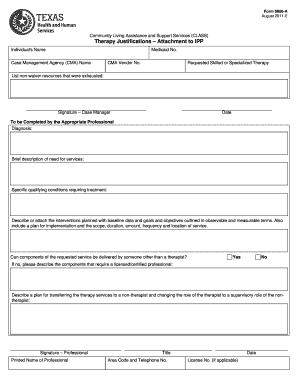
8606a
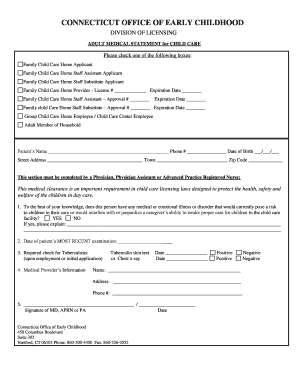
ADULT MEDICAL STATEMENT for CHILD CARE
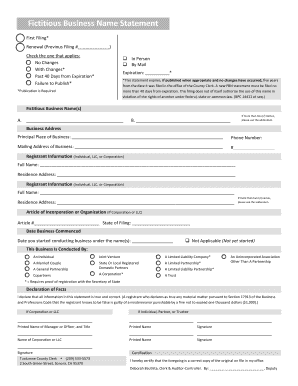
Fictitious Business Name Statement
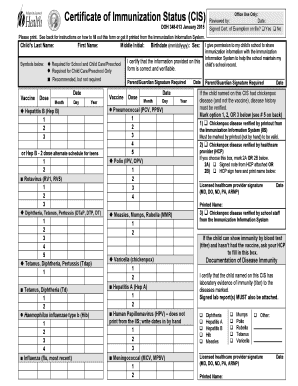
Certificate of Immunization Status (CIS)

Princess mobility questionnaire
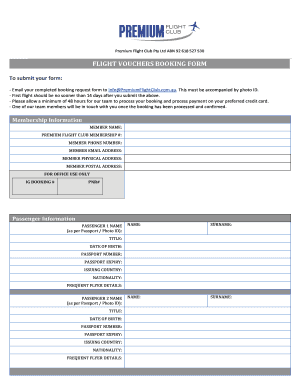
Flight vouchers booking form sample
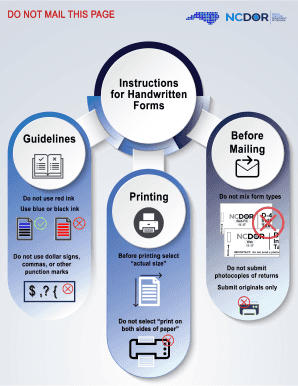
Fillable form cd 405 north carolina 2014

FCCA PROPERTY IMPROVEMENT APPLICATION
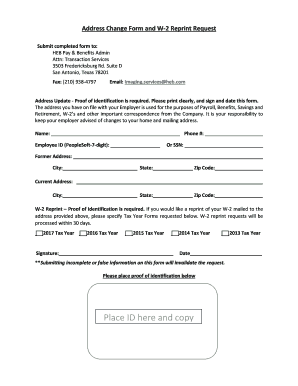
Heb former partner
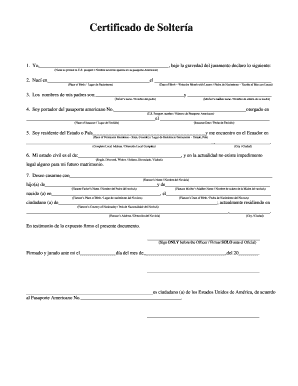
Friends forever port il
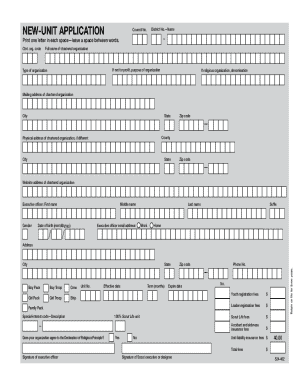
Bsa new unit application
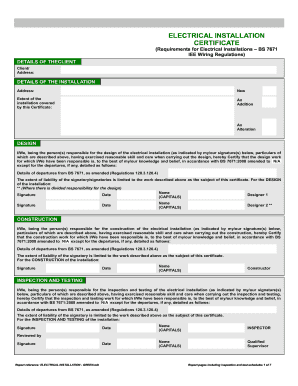
Electrical installation test certificate
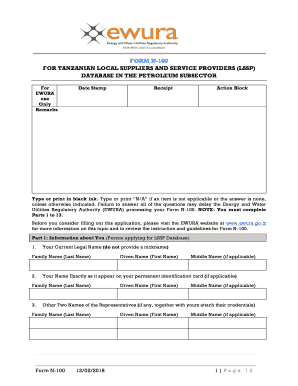
Form n
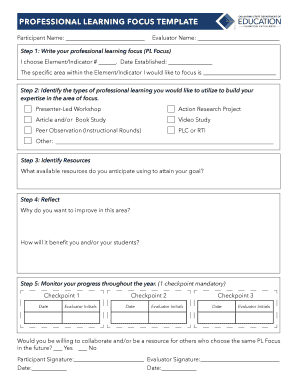
Professional learning focus template
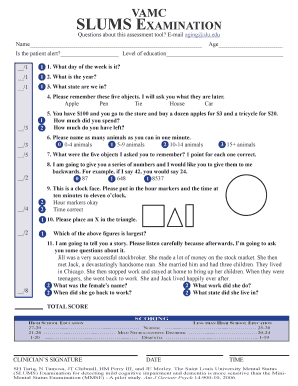
Slums printable

DEFENDANTS RESPONSE TO PLAINTIFFS FIRST AND CONTINUING
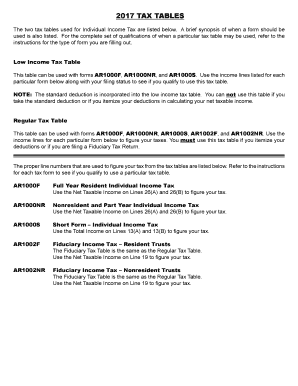
2017 tables

Michael a. demayo llp 6micha - Law Offices of Michael A. DeMayo
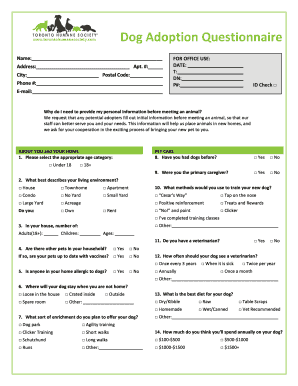
Dog adoption questionnaire template
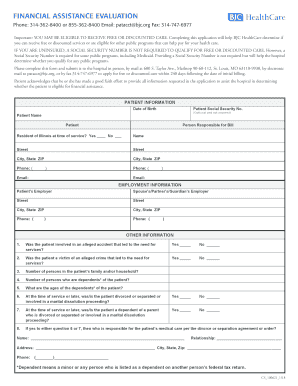
Patacct bjc org
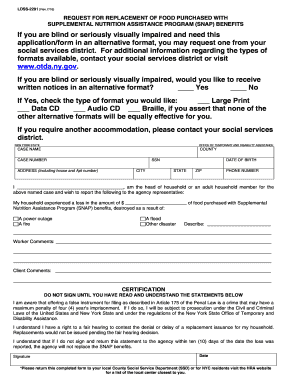
Ldss 2291
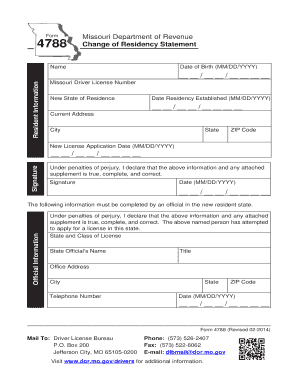
Change of Residency Statement

2017 New Mexico Net Operating Loss Carryforward Schedule for Corporate Income Tax

Vow of Purity

Ehp form
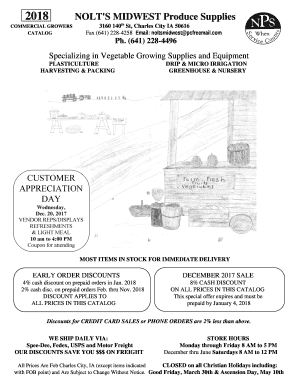
Nolts produce supplies

Autorisation de sortie du territoire ast

Passion roadmap

Affadavit for sale under lien mississippi
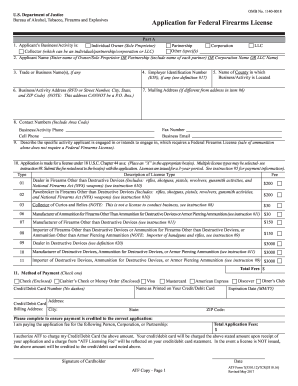
IndividualOwner(Sole Proprietor)
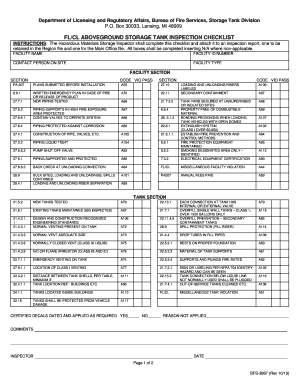
Water tank inspection checklist pdf

Ncdhs

Certificado de incorporacion

1040n 2017 form
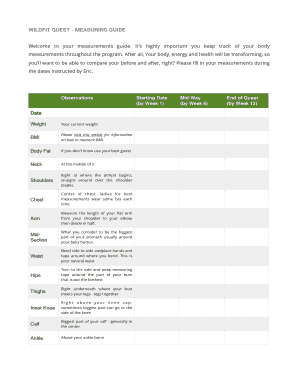
Wildfit ebook
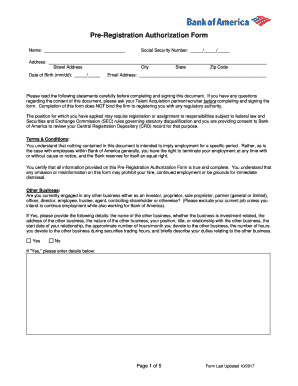
Pre registration authorization form
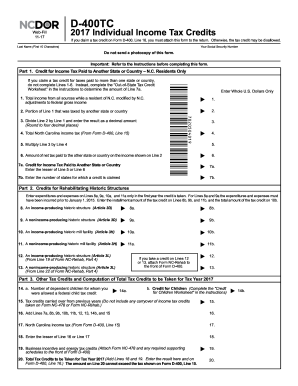
2015 nc state tax forms printable

Pps claim form

2017 form 40
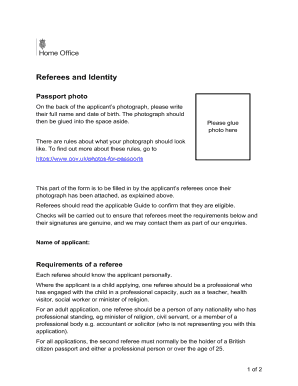
Home office referese and identity
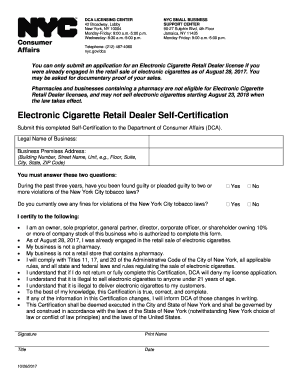
DCA LICENSING CENTER
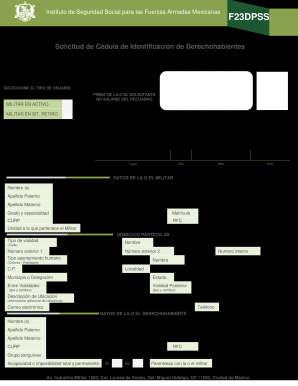
F23dpss
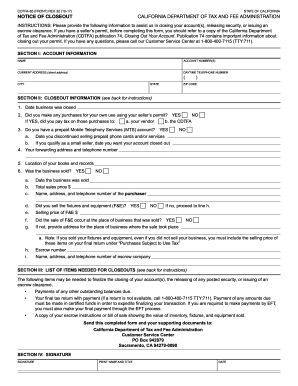
Cdtfa 65
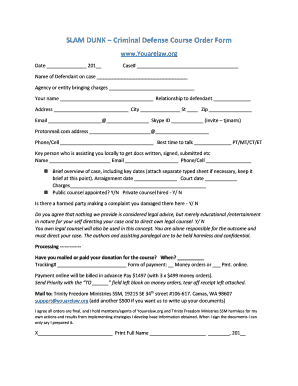
Youarelaw
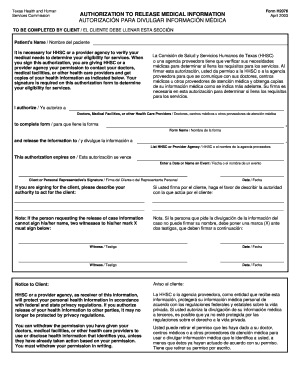
Form 2076

Virginia csac training

Simile and metaphor worksheet 1 answer key

CARELINK ELECTRONIC PHYSICIAN SIGNATURE FORM
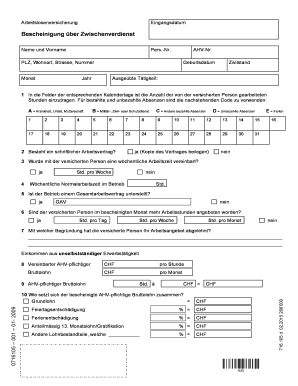
Zwischenverdienst formular
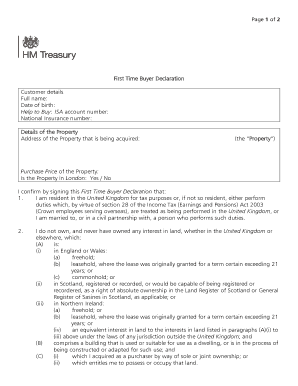
First time buyer declaration
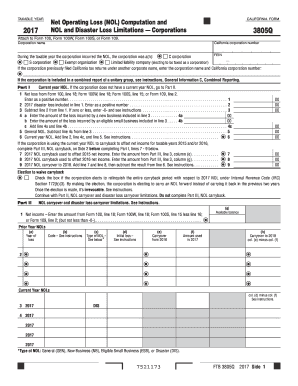
NOL and Disaster Loss Limitations Corporations
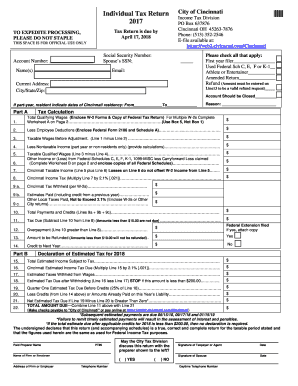
Cincinnati OH 45263-7876
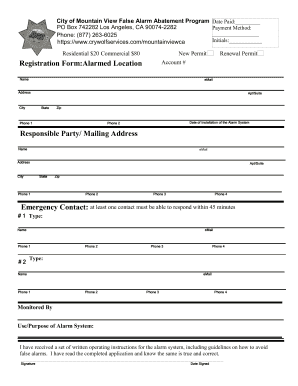
Mountain view false alarm

This License Application is for a corporation seeking to obtain an Arizona Contractors License
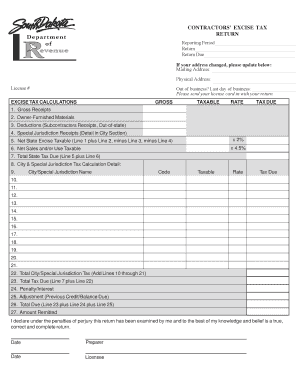
Last day of business:
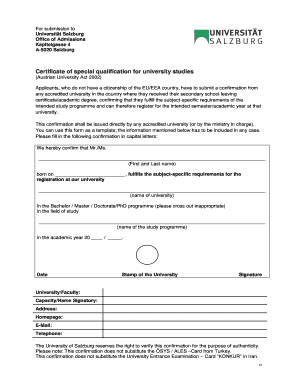
Certificate of special qualification for university studies

St david's financial assistance

Iowa w4

Clear Form BROWARD COUNTY UNIFORM BUILDING PERMIT APPLICATION
Property & Evidence Room Audit

A Letter of Agency (LOA) must be completed by the end-user and supplied to RingCentral upon request to port a telephone number
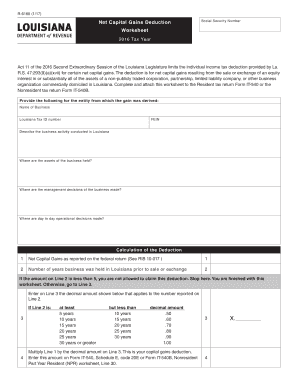
R 6180
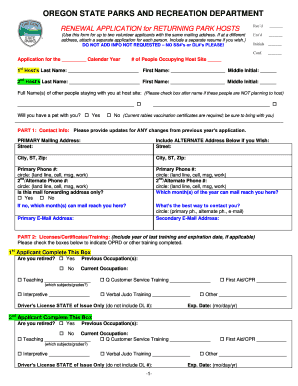
OREGON STATE PARKS AND RECREATION DEPARTMENT
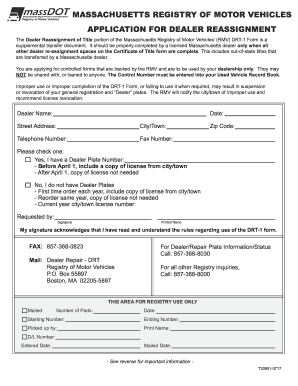
Drt 1 form

FORM CAC 2
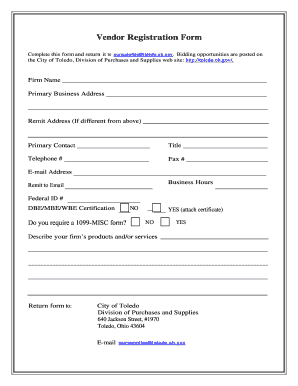
Complete this form and return it to pursuppliestoledo

Form mo crp 2017
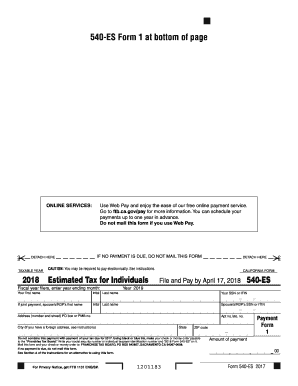
Form 540 es 2018
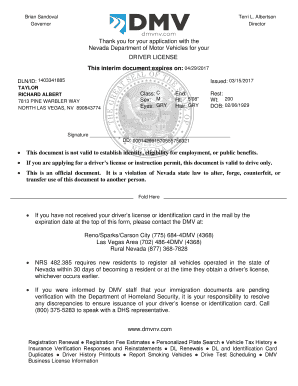
Thank you for your application with the

Cp207

Sp 248 concealed handgun permit application rev 10 1 17 edits 1
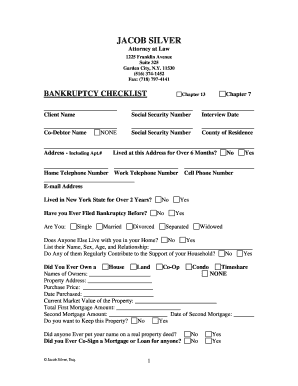
JACOB SILVER
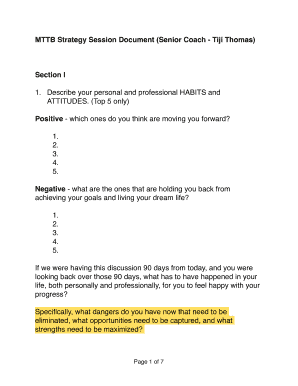
Mttb document

Positive Belief Record
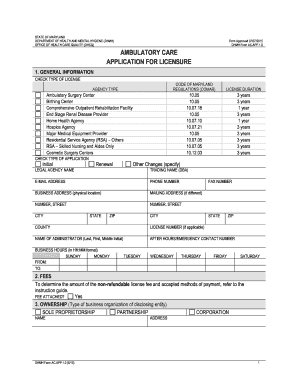
Md ambulatory
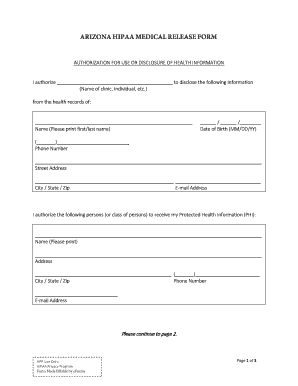
Hipaa release form arizona
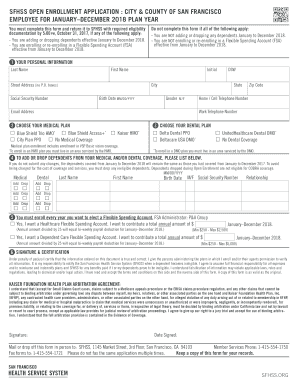
SFHSS OPEN ENROLLMENT APPLICATION : CITY & COUNTY OF SAN FRANCISCO

Darren hardy sunday planning system
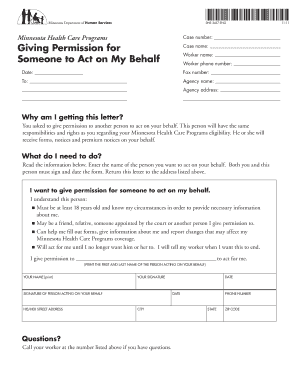
Dhs 3437
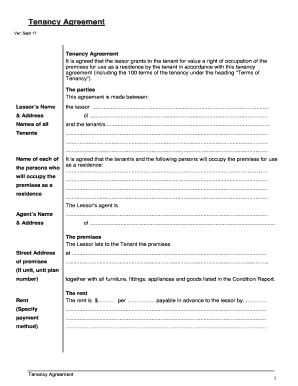
Ver: Sept 17

Pogil stoichiometry answer key
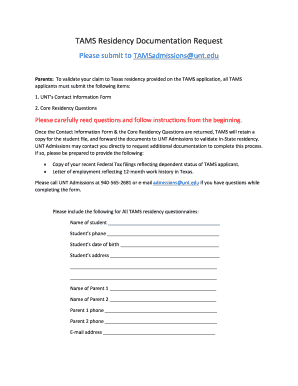
Tams copy

Instructions for Completing Your Application for Continued Temporary Housing Assistance
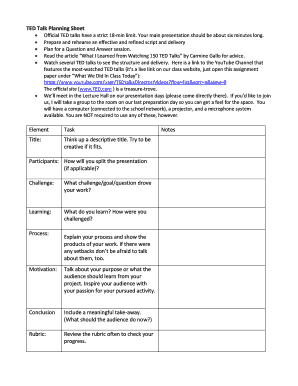
TED Talk Planning Sheet
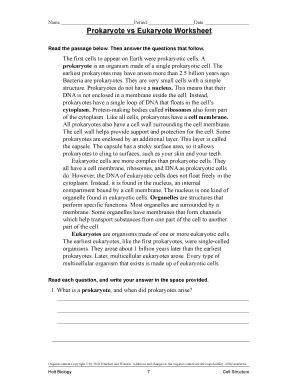
Prokaryote vs eukaryote worksheet
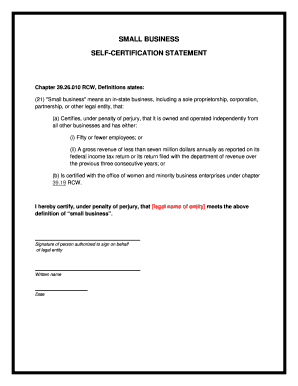
Certification statement example
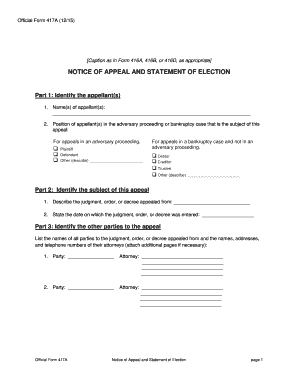
Official Form 417A (12/15)

Notice of Motion and Responsive

Report alleged abuse
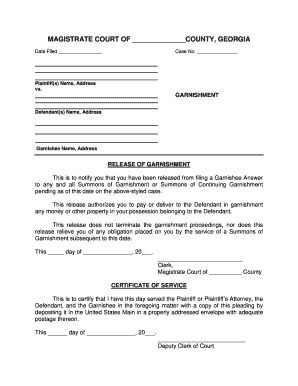
Release of garnishment

Density practice worksheet answer key pdf
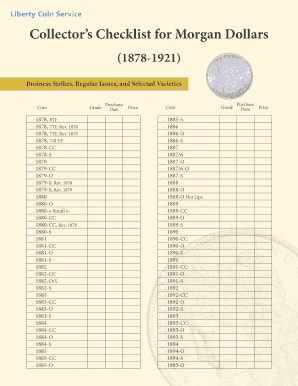
Collectors Checklist for Morgan Dollars

Team MO Wrestling Club

Patient activity scale
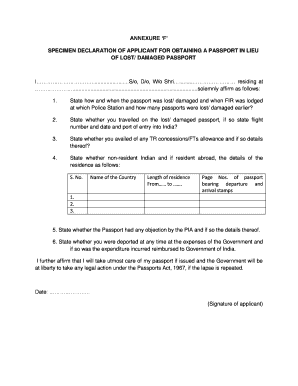
Annexure f word format

Canada-European Union Comprehensive Economic and Trade
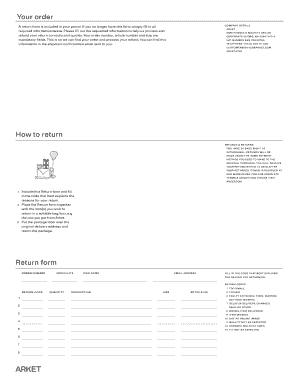
H m return form

Dvrna
Benefit from the DocHub online library of fillable PDF forms
Searching the PDF forms doesn't have to be a tedious and time-consuming process. With the DocHub online library, it has become easier to find the fillable PDF forms and modify them in your browser. The service allows you to adjust the document to your needs using powerful editing tools.
You can use online document editing features to modify almost any type of document with ease. You just need to find the template of your choice, open it in the editor, and use the toolbar to make the necessary corrections.
Follow this guide to get your document done with DocHub:
- Find the PDF template you need.
- Click the Get Form button to open the file in the editor.
- Use the toolbar to fill out and edit the document.
- Easily add and highlight text, insert images, checkmarks, and symbols.
- Drop new fillable fields, and rearrange or delete pages from your file.
- Save changes and download your record.
DocHub empowers everyone to streamline document editing, signing, and distribution, and form completion. Create an account and benefit from our well-organized PDF Forms library and comprehensive editor.