
Get any PDF form from the DocHub library of ready-made templates - Page 1514
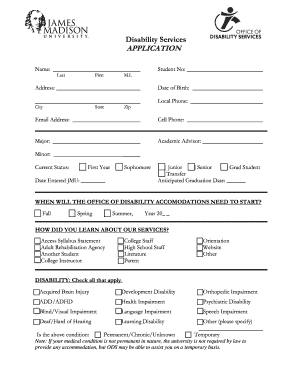
Jmu disability form

River state
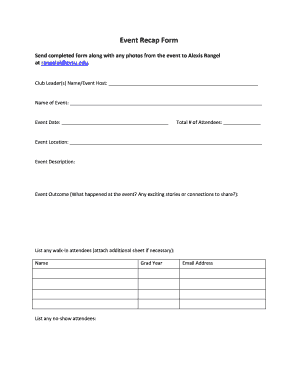
Event recap form

Bank statement for university

Dependent verification

Excelsior college form
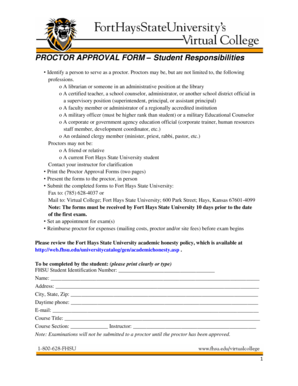
PROCTOR APPROVAL FORM Student Responsibilities - fhsu
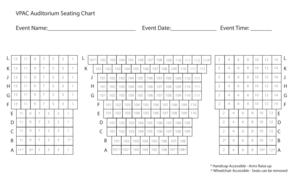
Vpac seating chart

Form 4506-T Rev September 2015 Request for Transcript of Tax Return - eou
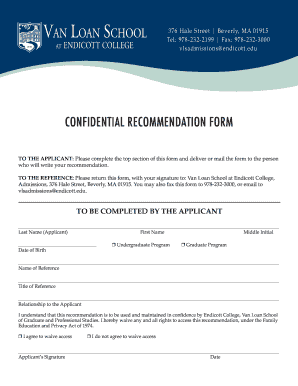
CONFIDENTIAL RECOMMENDATION FORM - Endicott College

Career exploration worksheet

Ashland university lesson plan template

Us treatment authorization
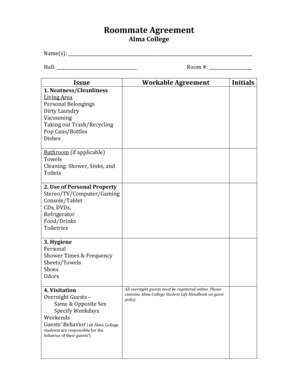
Roommate Agreement - Alma College - alma
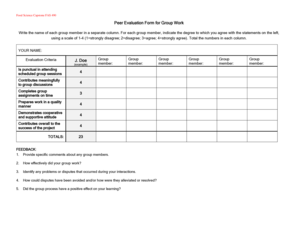
Peer Evaluation Form for Group Work J Doe - aamuedu

Amc referral form
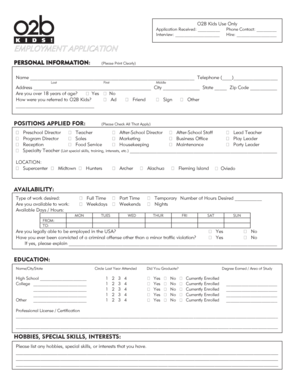
Application page 1 - O2B Kids
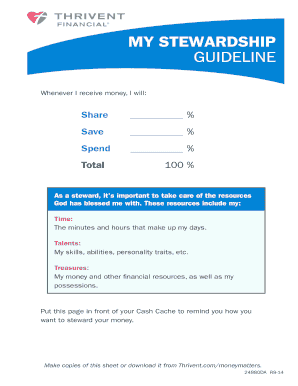
MY STEWARDSHIP GUIDELINE - Thrivent Financial
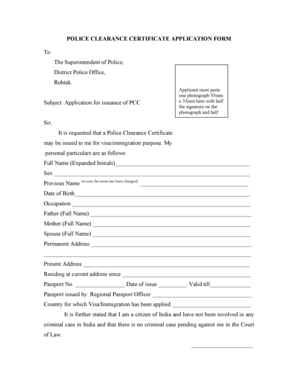
Online police verification form
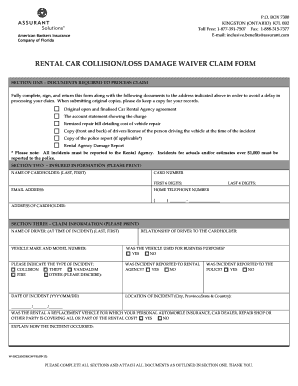
Rental damage waiver form
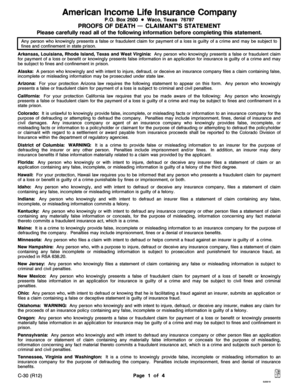
American income life claims
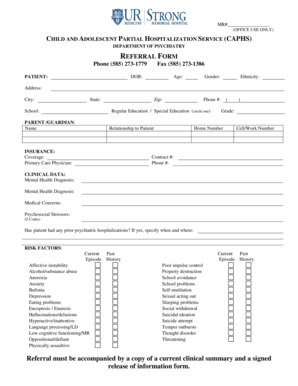
AMBULATORY REFERRAL FORM - urmc rochester
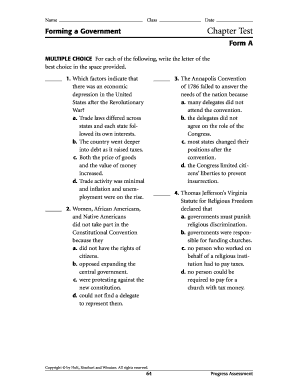
Chapter 5 test form a
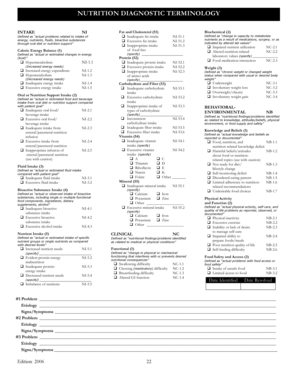
Nutrition diagnostic terminology 2021 pdf
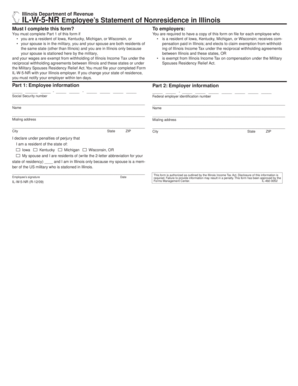
Il w 5nr
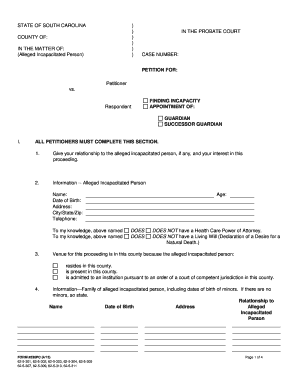
PETITION FOR APPOINTMENT OF GUARDIAN SUCCESSOR GUARDIAN - horrycounty
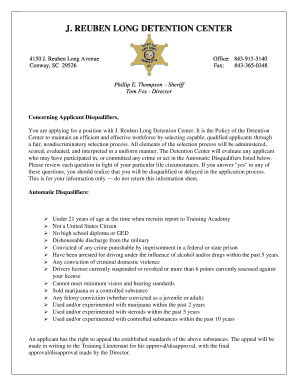
J reuben long
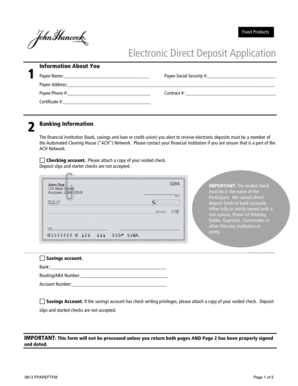
John hancock electronic direct deposit application

Little Company of Mary San Pedro Hospital CA 90732 310
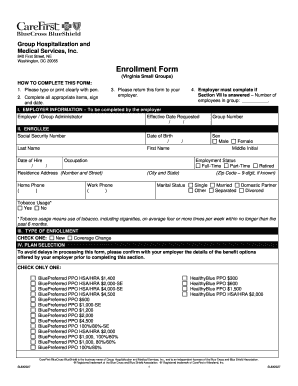
Carefirst enrollment form
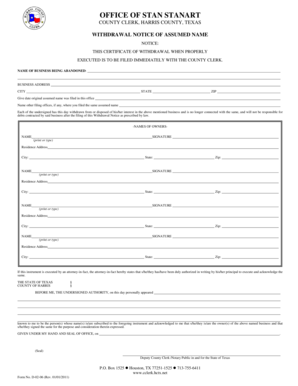
Berabil room no d 02 14
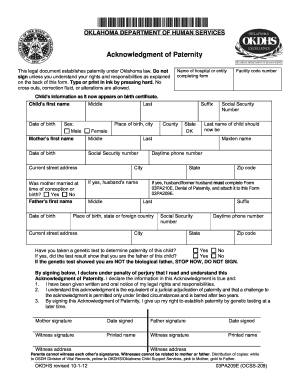
03pa209e form
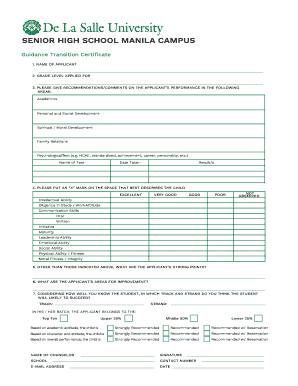
Dlsu guidance
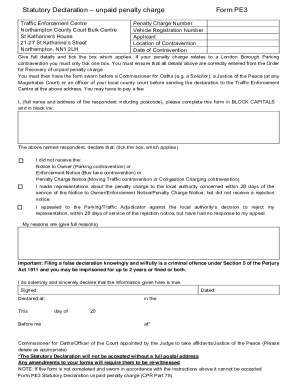
Penalty charge
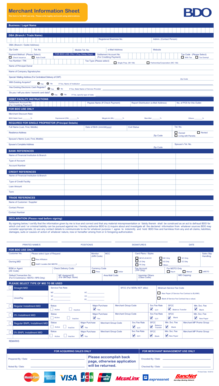
Merchant Information Sheet - networkamericanexpresscom
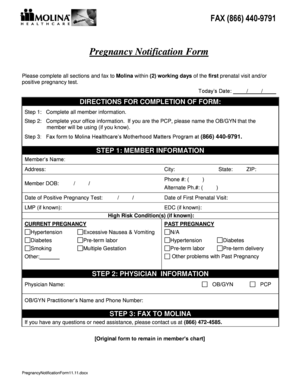
Pregnancy Notification Form MHFL 7-08 - Molina Healthcare

Molina hra form
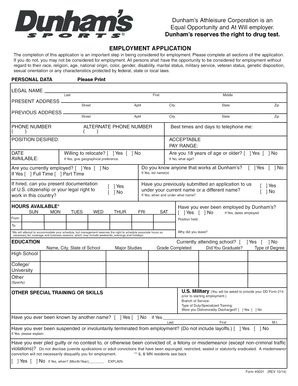
Dunham's application form

Torrid return form
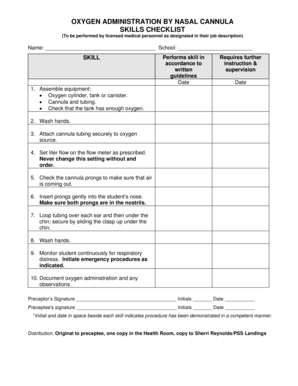
Hospital oxygen cylinder checklist
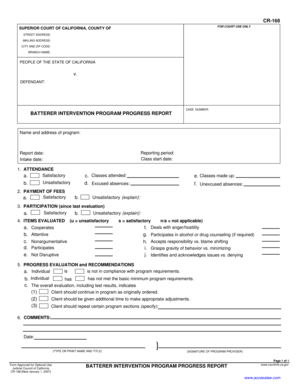
BATTERER INTERVENTION PROGRAM PROGRESS REPORT

Adap certificate
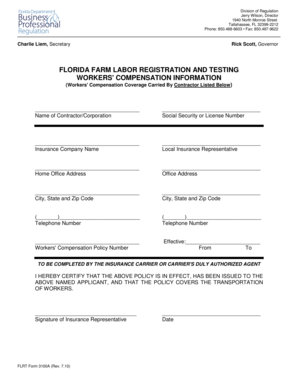
Flrt form 3100a
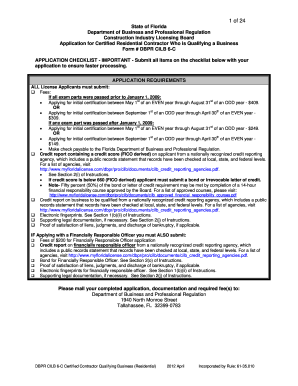
DBPR CILB 6-C - Certified Contractor Qualifying Business Residential
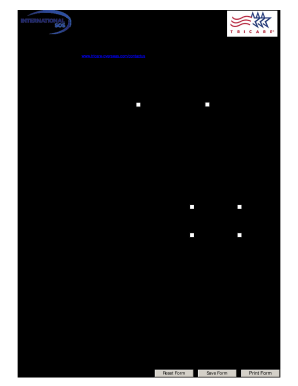
Tricare claim development form

This Certificate is Awarded to Your Name Here - nachiorg

Bcmg task book

S 330 pre course quiz answers

Ict4 task book
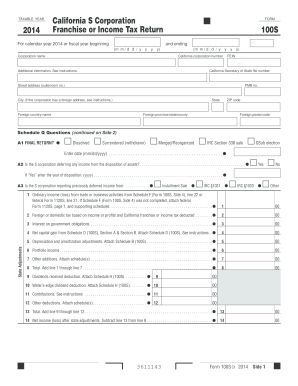
2014 Form 100S -- California S Corporation Franchise or
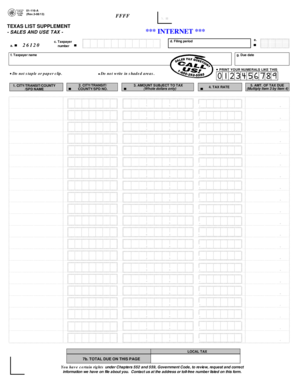
01 116

How to fill out a limited power of attorney for eligible motor vehicle transactions
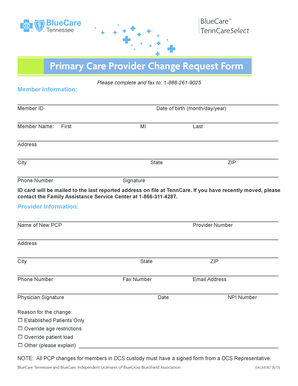
Bluecare pcp change form
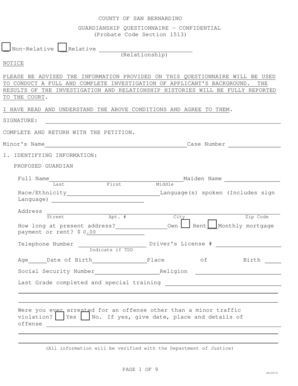
Fillable sb 18074

Annual certification of compliance with conflict of interest policy
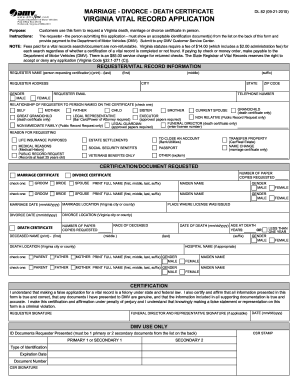
Form dl 82
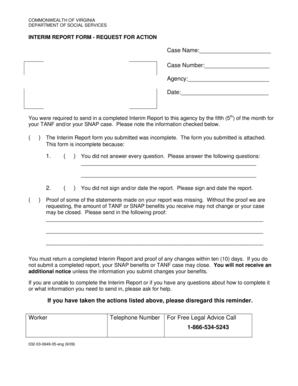
Interim report snap va
GOLF SCORECARDS
22 team double elimination bracket

Form 25C Adoption Order - Ontario Court Forms - ontariocourtforms on
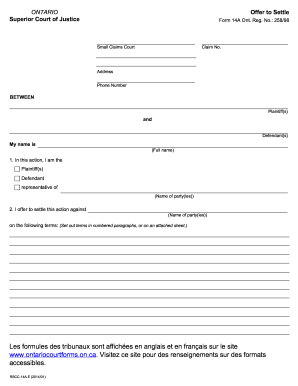
Ontario offer settle form

Aaa reimbursement form for locksmith

Af 108 air

Remedial training

Sc judicial forms probate

Medication Room Temperature Log - Fahrenheit MonthYear - sfdph

Anthem HealthKeepers Medicare-Medicaid Plan MMP
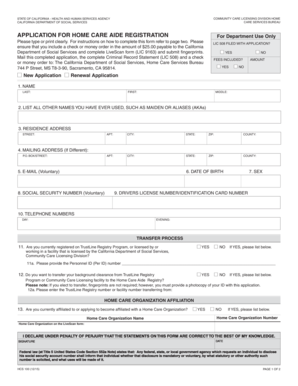
Application for home care aide registration online

Office of the Secretary of State BAIID DEPARTMENT OF
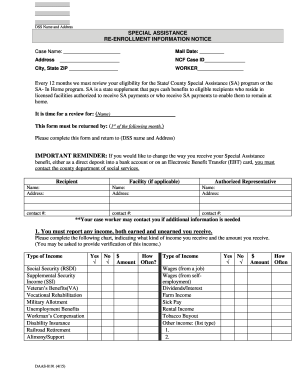
Daas 8191 form
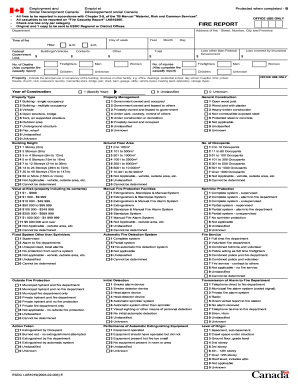
OFFICE USE ONLY FIRE REPORT - Service Canada
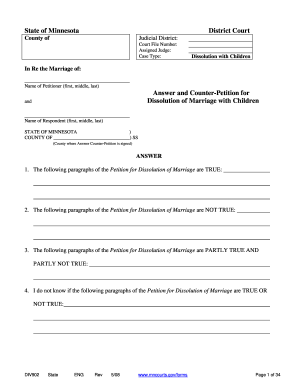
Counter petition
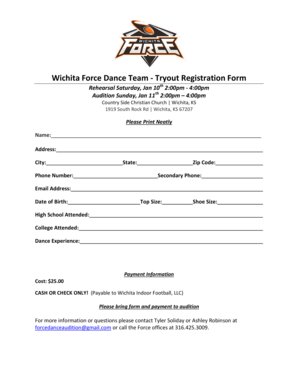
Wichita force dance team
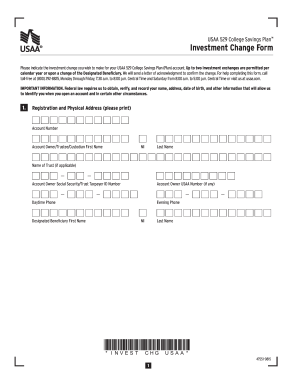
Investment Change Form - contentusaacom
Proof of Identity and Residency Waiver - Coloradogov - colorado
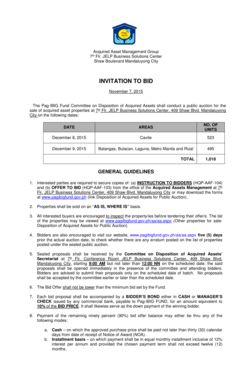
Offer to bid form pag ibig sample
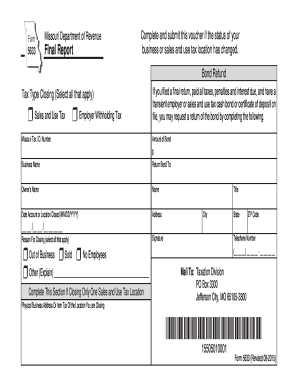
Missouri form 5633

IMM 5856 E - cicgcca - cic gc
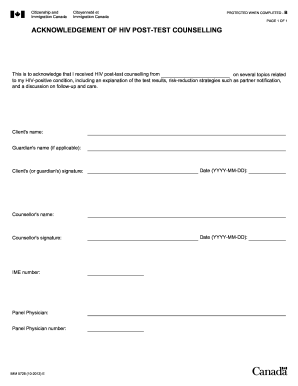
ACKNOWLEDGEMENT OF HIV POST-TEST COUNSELLING - cic gc
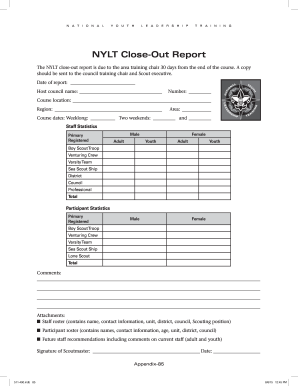
Nylt closeout report
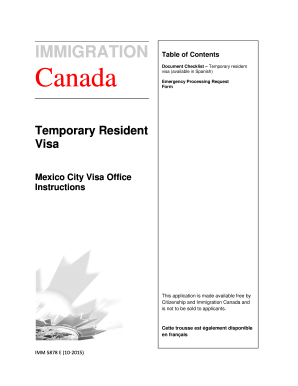
Imm5878 form
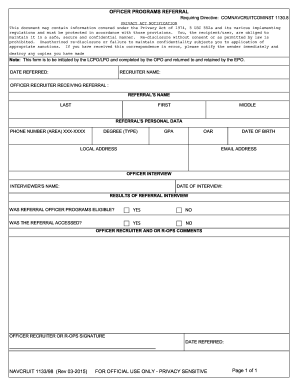
OFFICER PROGRAMS REFERRAL - Navy Recruiting - cnrc navy
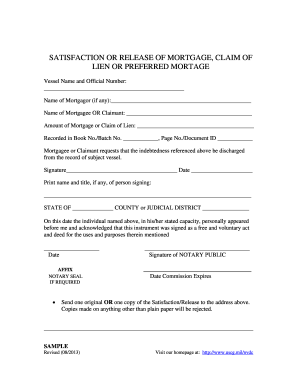
Satisfaction of mortgage
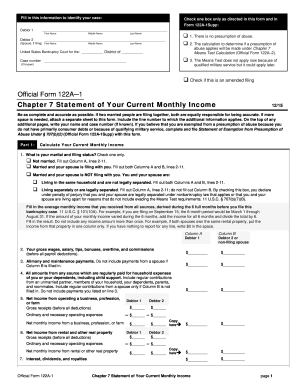
Form 122a
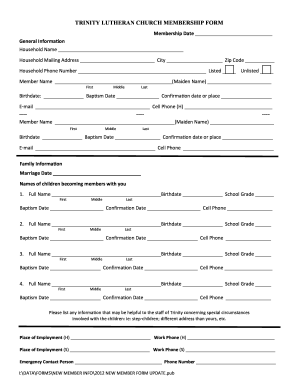
Church membership form
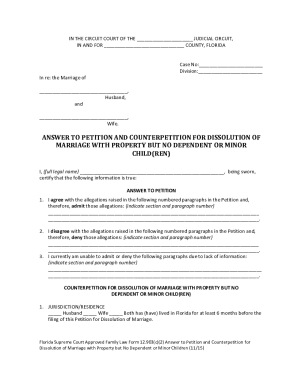
Fl 2 answer
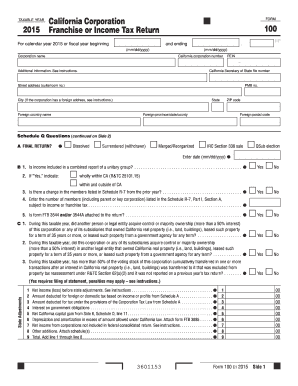
2015 form franchise tax

2015 ca payment voucher form
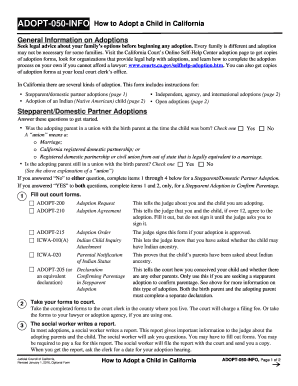
Adopt 050 info
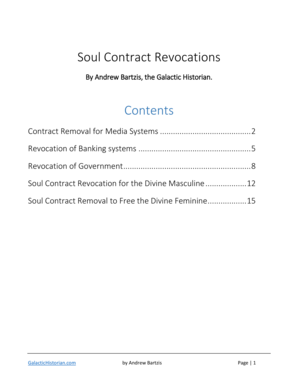
Andrew bartzis revocations
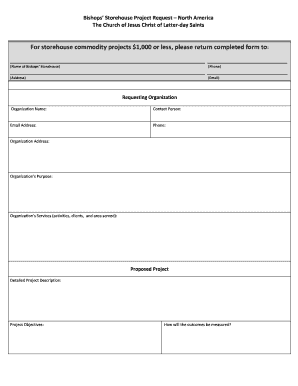
Humanitarian Project Request Form - Ldschurchorg - fhnl ldschurch
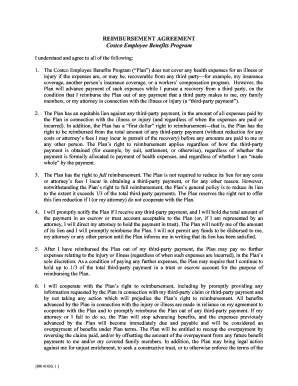
Reimbursement Agreement and Authorization form - Costco Benefits

Miami dade county council pta forms 2015
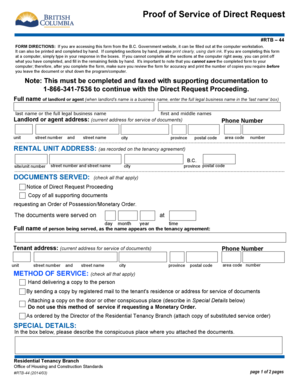
Rtb 44
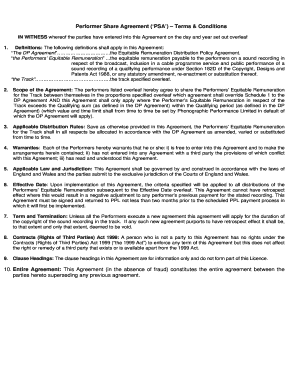
Performer Share Agreement PSA Terms amp - adamsociety
Article summary template
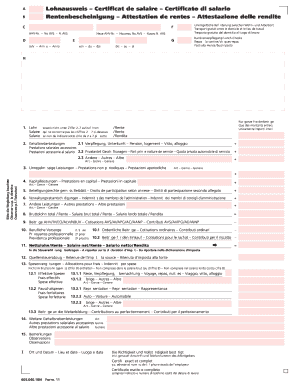
A Lohnausweis Certificat de salaire
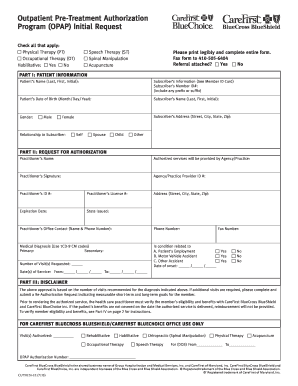
CUT0124 Outpatient Pre-Treatment Authorization Program OPAP Initial Request
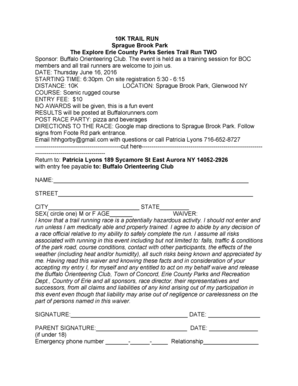
Limpopo traffic training college online application 2022

Facade Program Application bFormb - City of St Louis - stlouis-mo
Benefit from the DocHub online library of fillable PDF forms
Searching the PDF forms doesn't have to be a tedious and time-consuming process. With the DocHub online library, it has become easier to find the fillable PDF forms and modify them in your browser. The service allows you to adjust the document to your needs using powerful editing tools.
You can use online document editing features to modify almost any type of document with ease. You just need to find the template of your choice, open it in the editor, and use the toolbar to make the necessary corrections.
Follow this guide to get your document done with DocHub:
- Find the PDF template you need.
- Click the Get Form button to open the file in the editor.
- Use the toolbar to fill out and edit the document.
- Easily add and highlight text, insert images, checkmarks, and symbols.
- Drop new fillable fields, and rearrange or delete pages from your file.
- Save changes and download your record.
DocHub empowers everyone to streamline document editing, signing, and distribution, and form completion. Create an account and benefit from our well-organized PDF Forms library and comprehensive editor.