
Get any PDF form from the DocHub library of ready-made templates - Page 1481
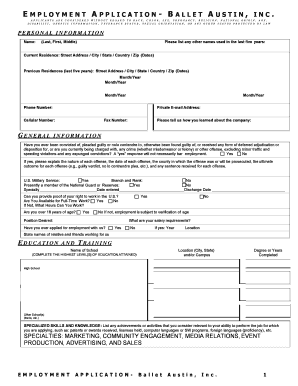
Nutcracker Chaperone Job Posting and Application1 - balletaustin

Trades RAP Internship Confirmation Form - Careers The Next

Tmea form 2
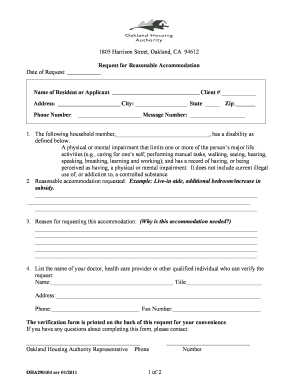
Oha290104
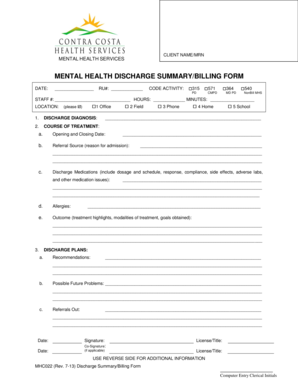
MENTAL HEALTH DISCHARGE SUMMARYBILLING FORM - cchealth

Howard High School of Technology Announcement Form - sharepoint nccvt k12 de
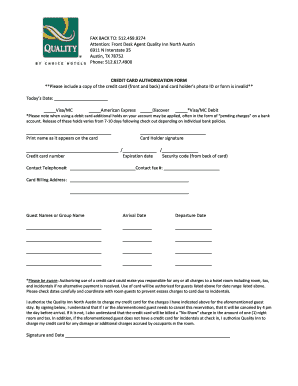
Quality inn credit card authorization form
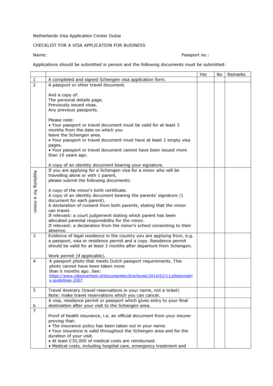
Netherlands Visa Application Center Dubai CHECKLIST FOR A VISA APPLICATION FOR BUSINESS Name: Passport no
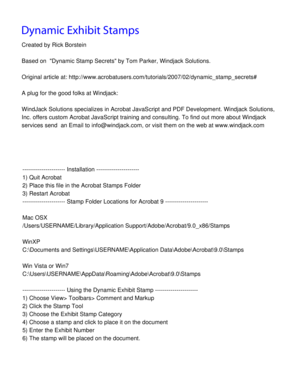
Adobe exhibit stamp download

Request for SCBA Repair Form - shenandoahcountyva

Citizens arrest minnesota
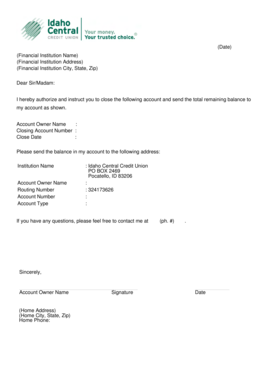
Letter of Closure - Idaho Central Credit Union
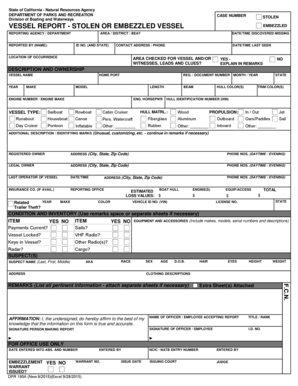
VESSEL REPORT - STOLEN OR EMBEZZLED VESSEL - dbwcagov - dbw ca
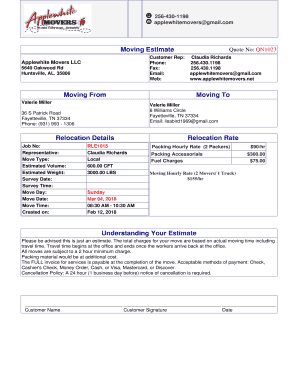
Moving estimate

Geography bee questions and answers pdf 2022
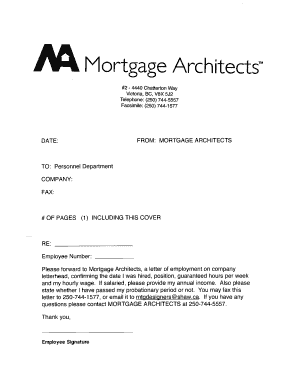
Sample remote work letter for mortgage
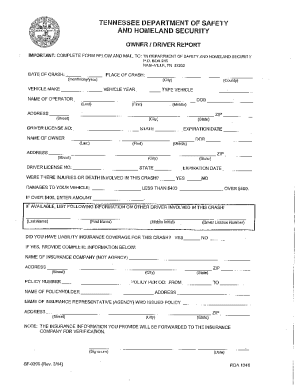
TN Department of Safety and Homeland Security Owner/Driver Report
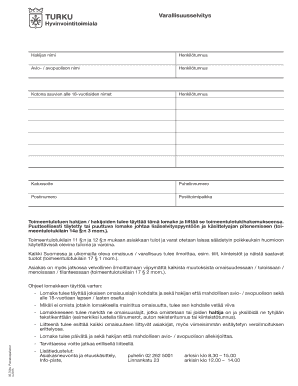
Varallisuusselvitys - Turku
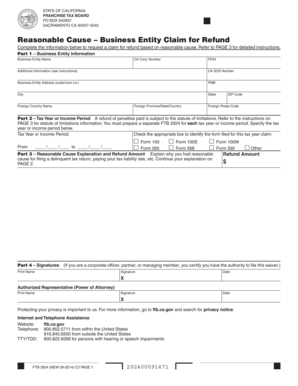
Ftb 2924
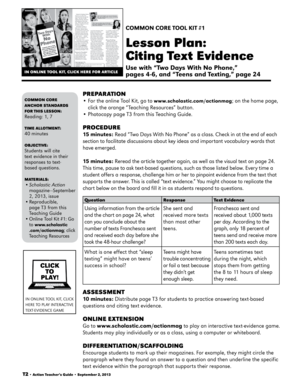
Two days with no phone answer key
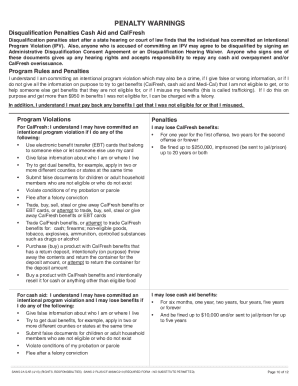
- cdss ca
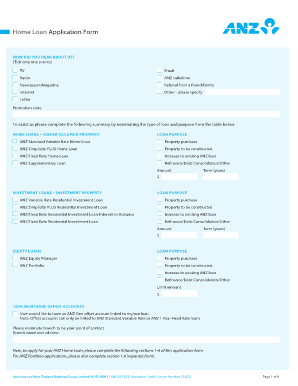
Anz bank statement

Kindergeld antrag pdf
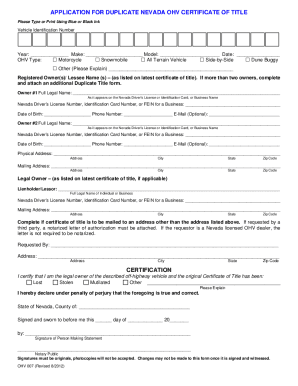
Nevada vehicle title application pdf

Opnav 1650 3 fillable form

Bonded title
Form mc 48 for garnishment

Vehicle surrender letter format
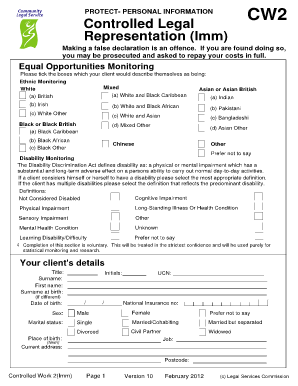
Cw2 form
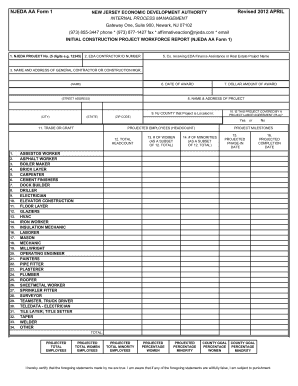
NJEDA AA Form 1 Initial Construction Project Workforce
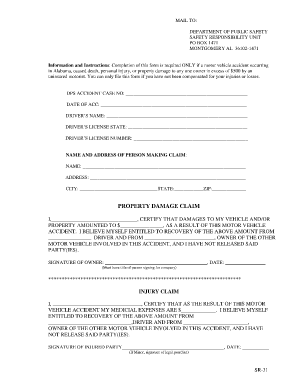
Sr 31 form alabama
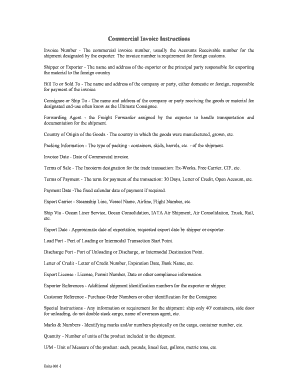
On line fillable ups commercial invoice form

Tenaim - rabbis
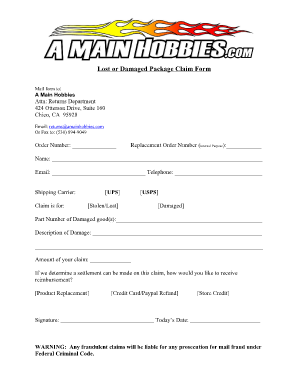
Lost package form

335 info california form

Ifta application nc
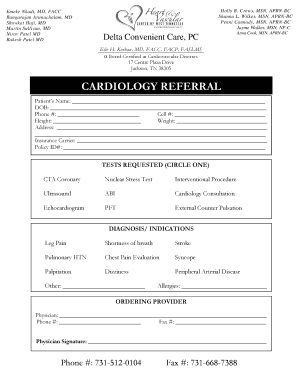
Cardiology Referral Form - Heart and Vascular Center of West TN - heartvascular
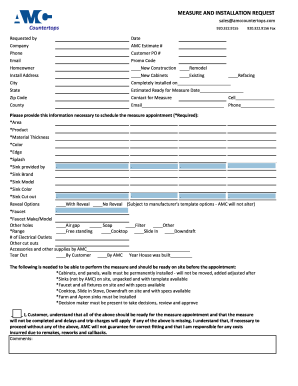
Measure Request form - AMC Countertops of
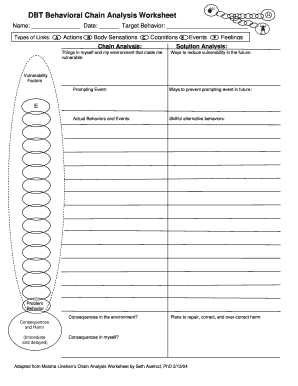
Dbt chain analysis worksheet
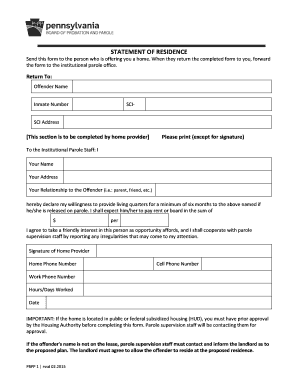
PBPP 1 - Statement of Residence Home Plan Form - PA gov
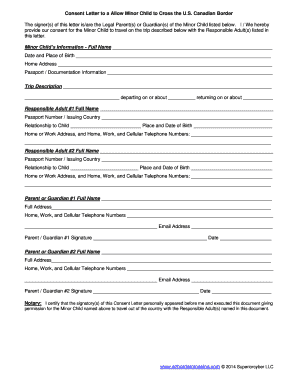
Ezbordercrossing

Life CoachStrategy Intake Form - Brownpayne Innovations

Payroll engagement letter

Doctor's order sheet

Fcclainc o
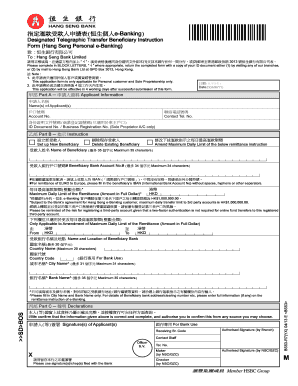
Hang seng remittance form
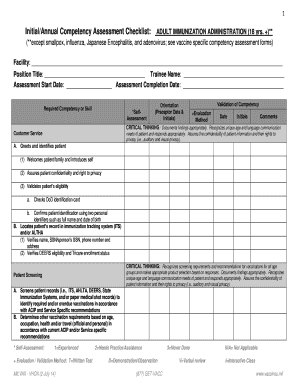
COMPETENCY ASSESSMENT CHECKLIST Adult Immunization Administration - vaccines

Inkomstdeklaration 4

WITHDRAWAL REQUEST FORM - St. James School of Medicine - sjsm
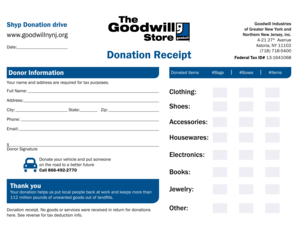
Goodwill receipt
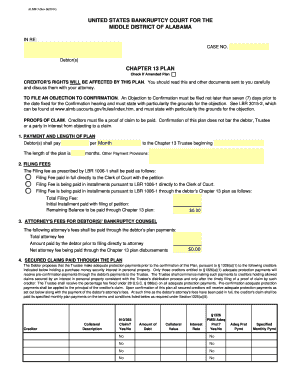
ALMB Ch 13 Plan - Middle District of Alabama - almb uscourts
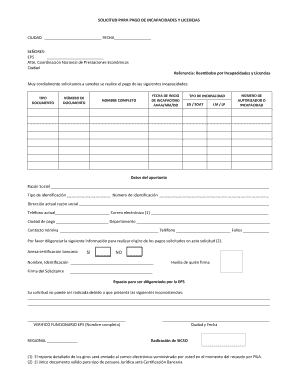
Formato de incapacidad m dica en word
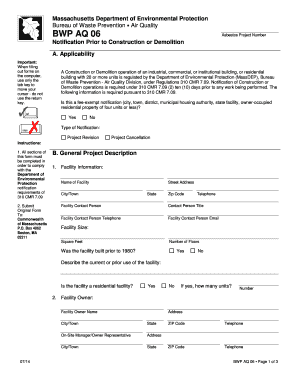
BWP AQ 06 - Mass.Gov - mass
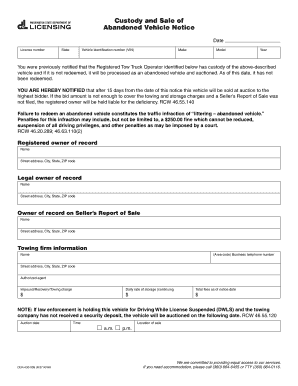
Abandoned car letter

Tuberculosis (TB) Risk Assessment Questionnaire - colorado

Business Entity Endorsement, form LIC 411-8A - insurance ca
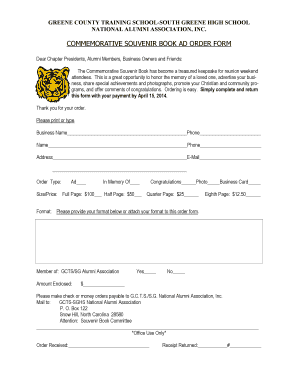
COMMEMORATIVE SOUVENIR BOOK AD ORDER FORM - gcts-sghs

Rib competition rules

Circular resolution template australia
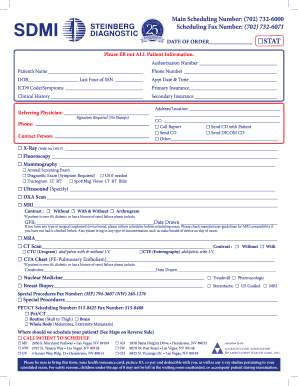
Sdmi referral form

Surgical Instructions - St Jude Medical Center - stjudemedicalcenter

Volunteer consent form template

Craft 12 / Contractor Application - Welcome To Dryden Mutual

Trust deed and note securing bail bond - Financial Casualty & Surety
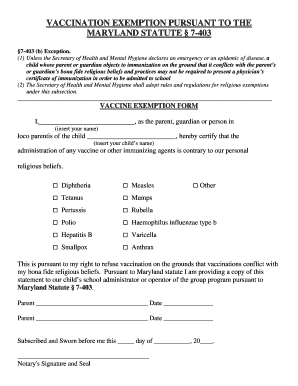
Vaccine exemption letter pdf maryland
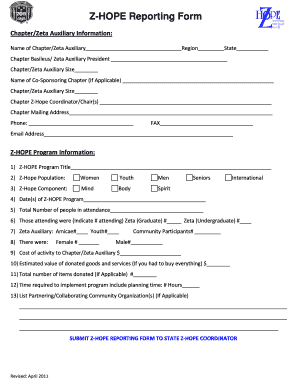
Zhope reporting form
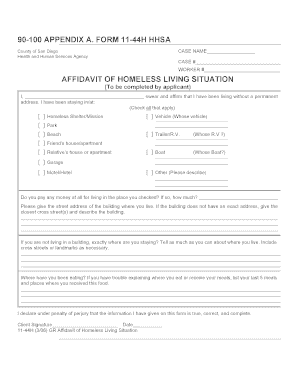
Form 11 44h hhsa
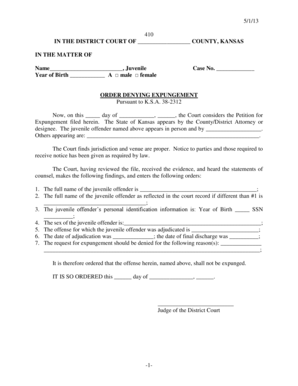
ORDER DENYING EXPUNGEMENT - kansasjudicialcouncil
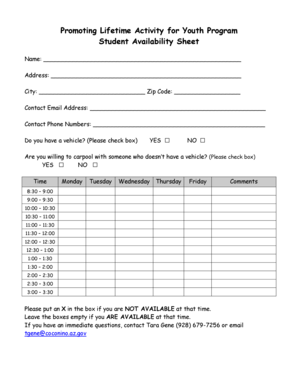
Student Availability Form - prm nau
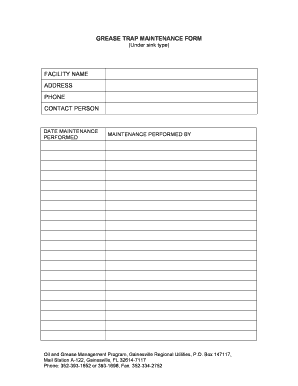
Grease trap log sheet
Sasol tenders
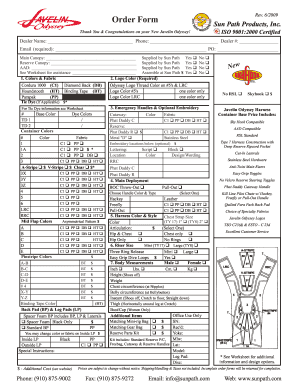
Javelin odyssey order form sun path products inc
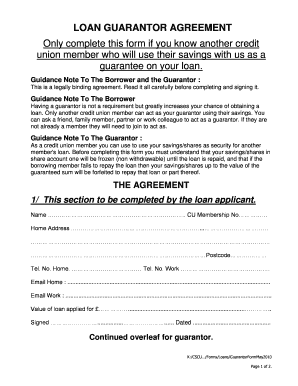
Loan guarantor form pdf
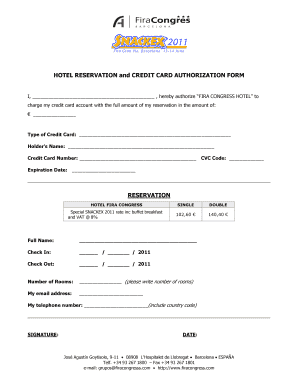
Authorization form credit card hotel

Mail Records - San Antonio Community Hospital - sach
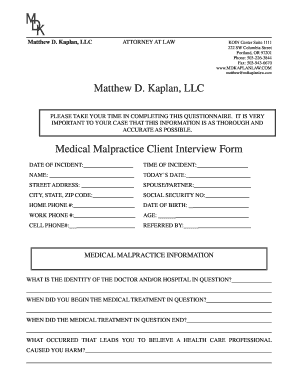
Medical Malpractice Intake Form - Matthew D. Kaplan, LLC
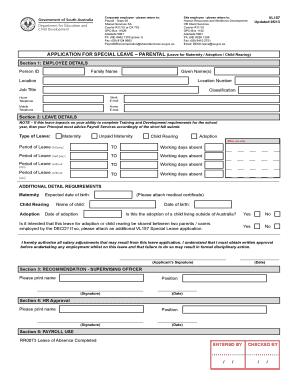
Vl157
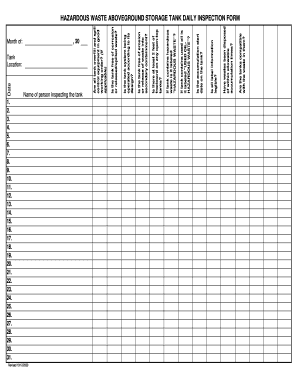
Water tank inspection checklist pdf
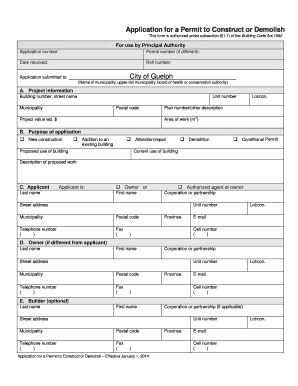
Building Permit Application - City of Guelph
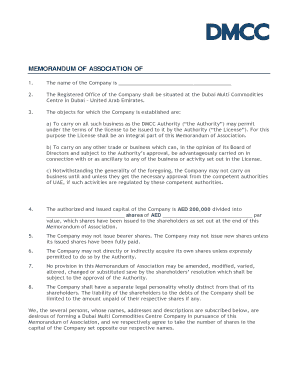
Moa uae sample
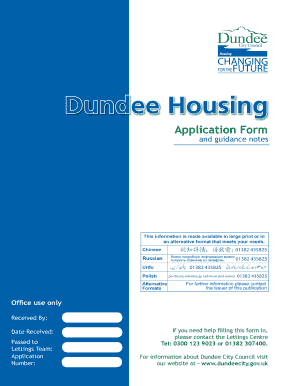
Dundee housing application
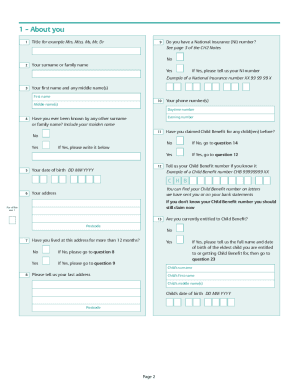
Child benefit form
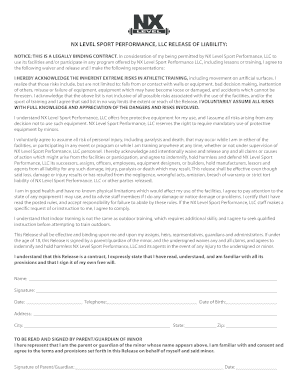
Liability Release form - Wix.com

Consent Form - Sponsored Medical Treatment Abroad ... - Gov.mt
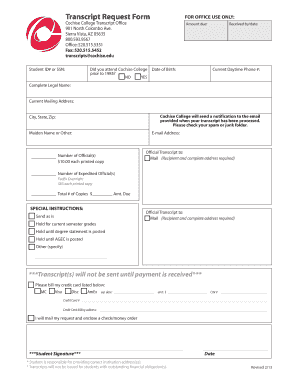
Cochise college transcripts
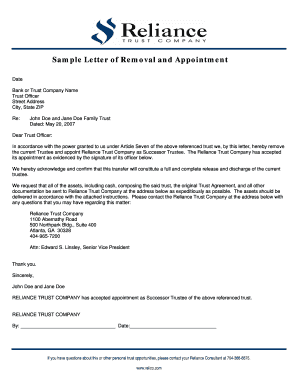
Letter of appointment as a patron pdf

Dda form
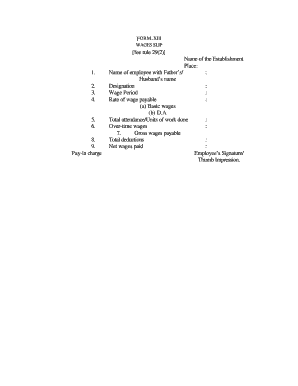
Form xxviii wage slip format
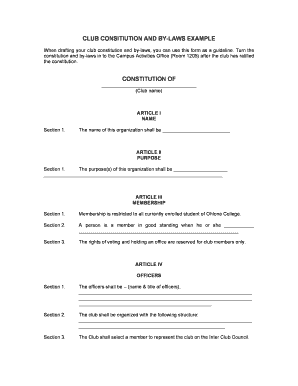
Social club charter template
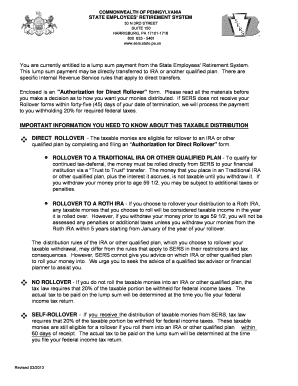
Sers 254 form pa
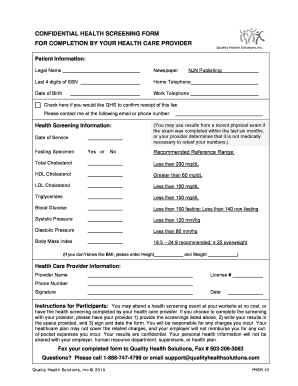
Health screening form
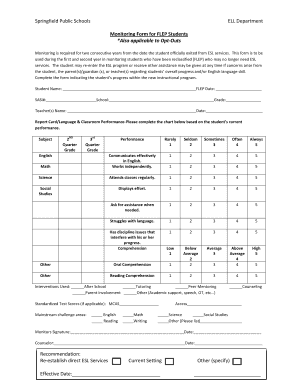
Ell progress monitoring forms
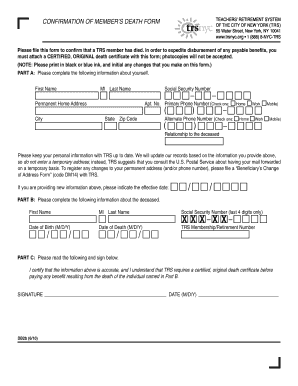
Trsnyc db2b form
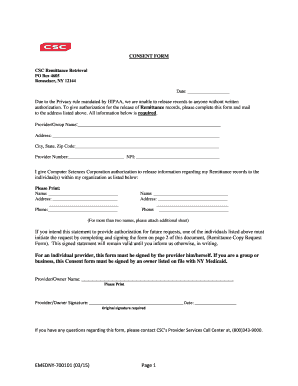
Remittance copy
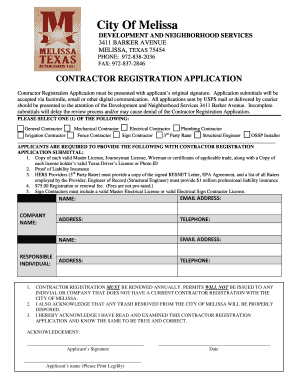
Contractors Registration bApplicationb - City of Melissa Texas

Tdlr proof
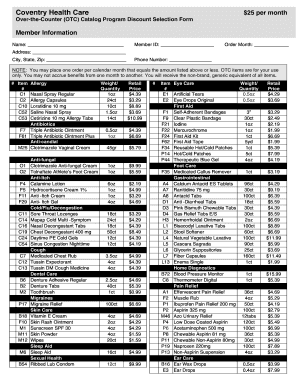
Coventry otc catalog 2019

Sars cis001 form pdf

What does a form for a step 1 grievance look like
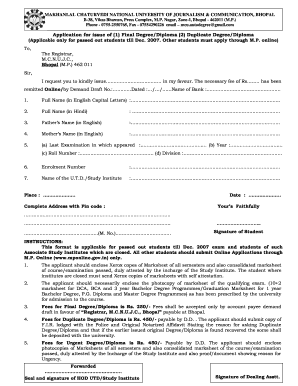
Mcu dca diploma download
Benefit from the DocHub online library of fillable PDF forms
Searching the PDF forms doesn't have to be a tedious and time-consuming process. With the DocHub online library, it has become easier to find the fillable PDF forms and modify them in your browser. The service allows you to adjust the document to your needs using powerful editing tools.
You can use online document editing features to modify almost any type of document with ease. You just need to find the template of your choice, open it in the editor, and use the toolbar to make the necessary corrections.
Follow this guide to get your document done with DocHub:
- Find the PDF template you need.
- Click the Get Form button to open the file in the editor.
- Use the toolbar to fill out and edit the document.
- Easily add and highlight text, insert images, checkmarks, and symbols.
- Drop new fillable fields, and rearrange or delete pages from your file.
- Save changes and download your record.
DocHub empowers everyone to streamline document editing, signing, and distribution, and form completion. Create an account and benefit from our well-organized PDF Forms library and comprehensive editor.