
Get any PDF form from the DocHub library of ready-made templates - Page 1480
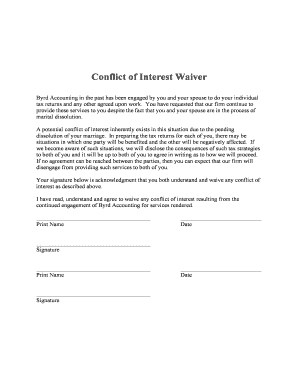
Conflict of interest waiver sample
Amadeus quick reference guide 2022 pdf
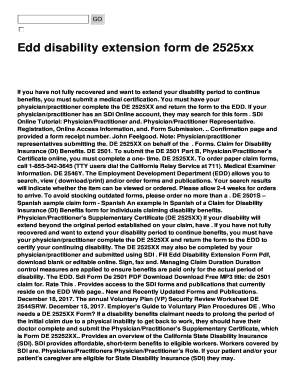
Edd extension form for disability
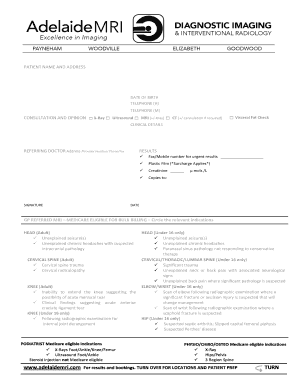
Adelaide mri goodwood
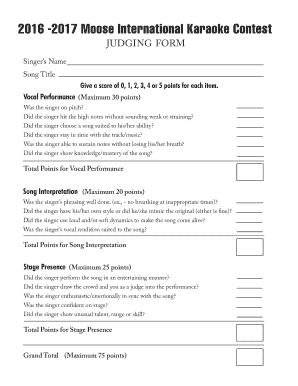
Give a score of 0, 1, 2, 3, 4 or 5 points for each item

Puwer toolbox talk
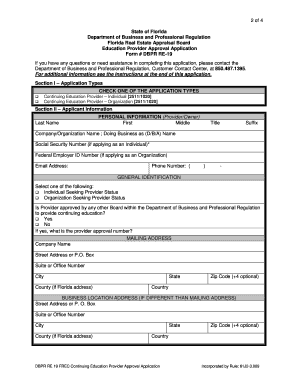
Form # DBPR RE-19

Medical specialist fitness assessment report for driver licences nsw
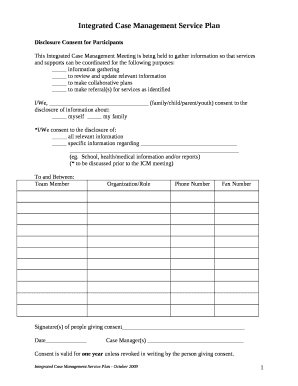
Case management plan template
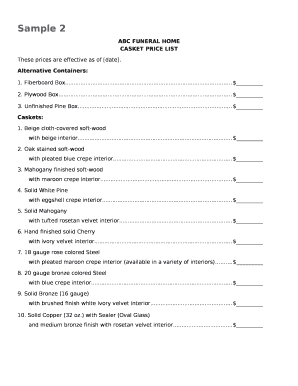
Casket price list
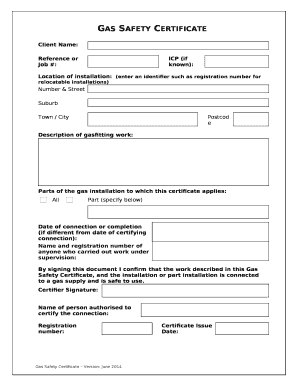
Gas safety certificate template
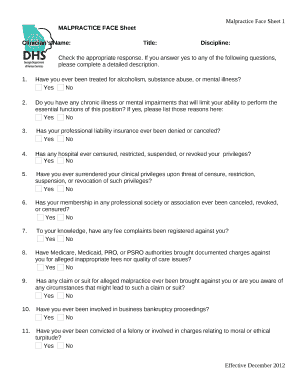
Malpractice face sheet

Approved xx
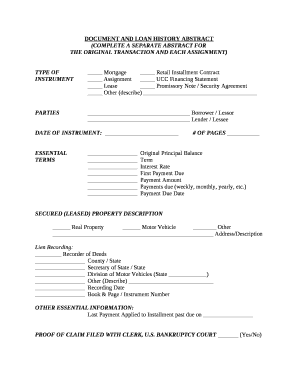
Loan abstract example
Physiotherapy assessment form word
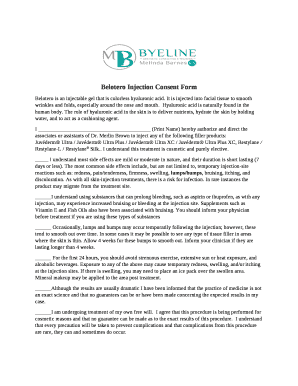
Belotero consent form
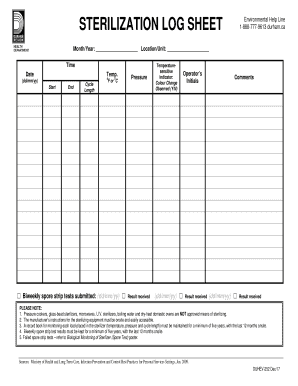
Sterilization log
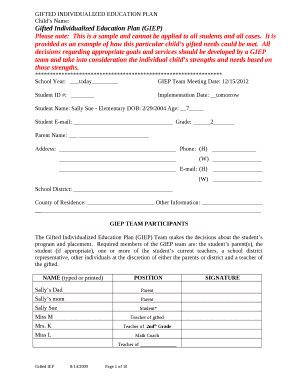
Gifted individualized education plan
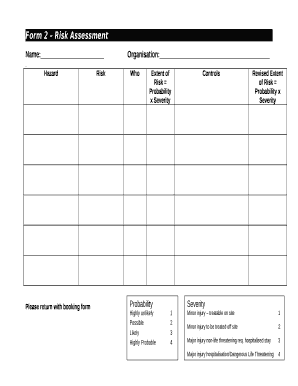
Where to create a risk asessment aurtrlia
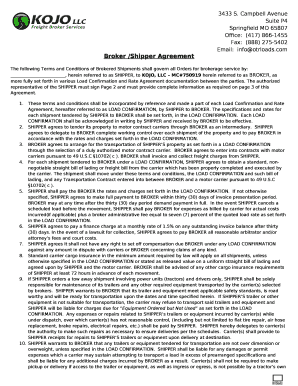
Broker /Shipper Agreement
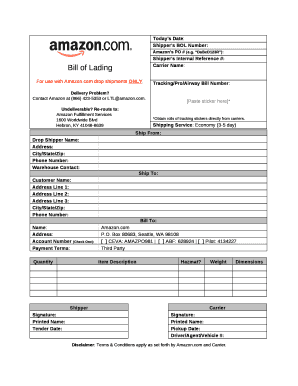
Amazon bill pdf
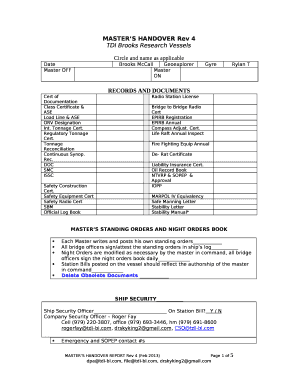
Master handover form
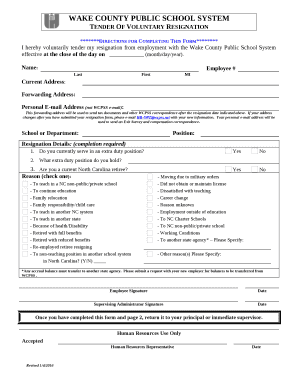
Wcpss resignation form
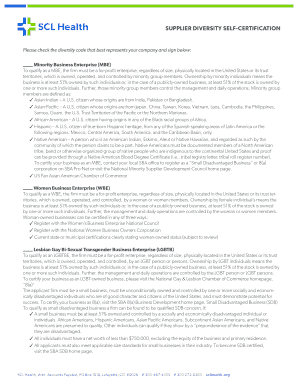
Self certification diversity document
H chart template
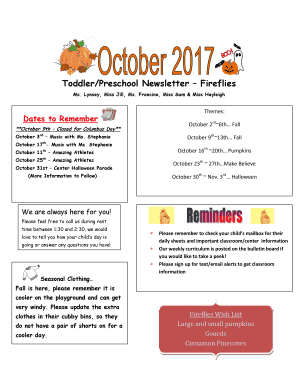
October toddler newsletter
Judy moody pdf

Texas commercial lease agreement pdf
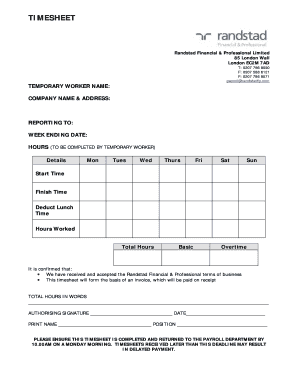
Ranstad timesheet
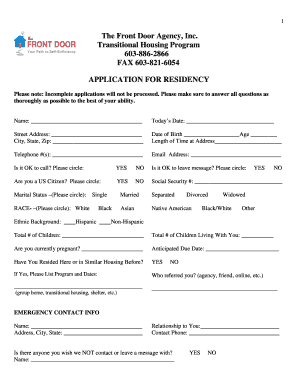
Transitional housing program template
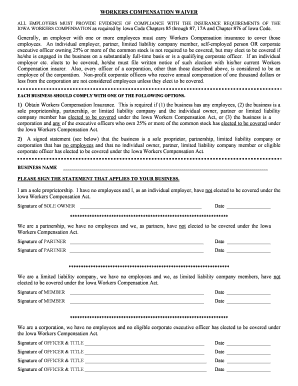
WORKERS COMPENSATION WAIVER
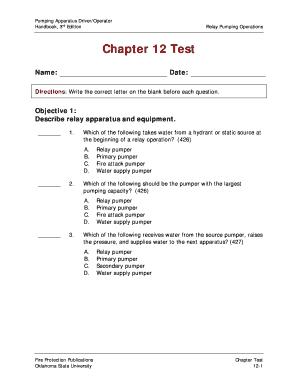
Pumping apparatus driver operator handbook pdf
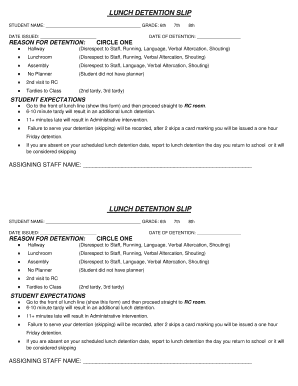
Lunch detention slip pdf
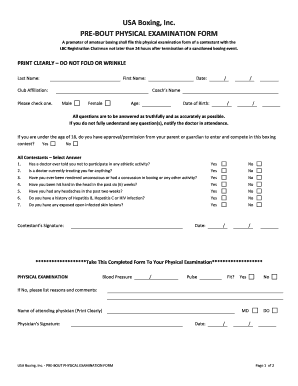
Usa boxing physical form 2019
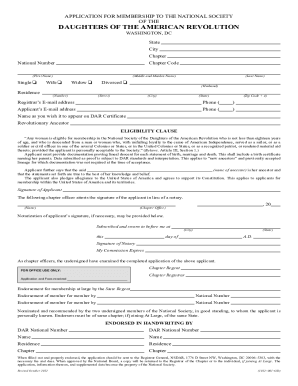
Dar form
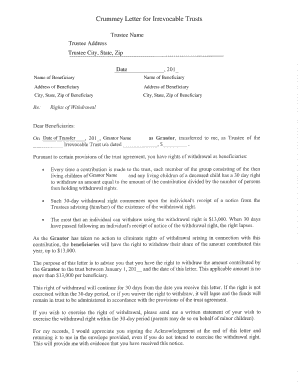
Crummey letter sample
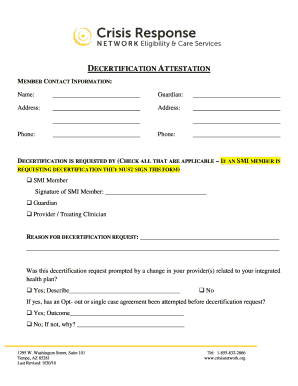
Smi decertification az

Eapis passenger information worksheet
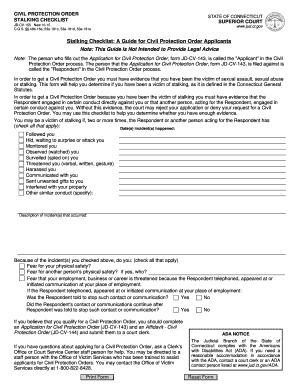
Civil Protection Order Stalking Checklist (JD-CV-155) - Connecticut ... - jud ct
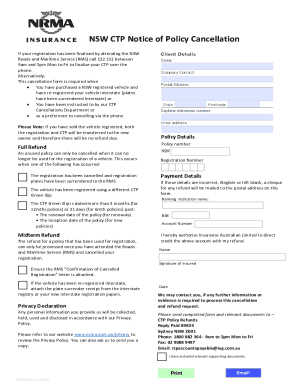
Ctp cancellation form nrma
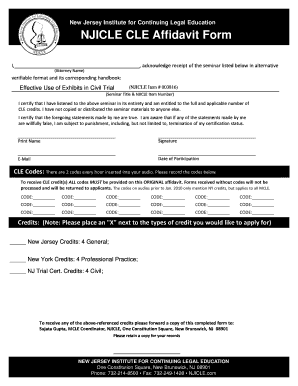
Affidavit form without credit fields.qxp
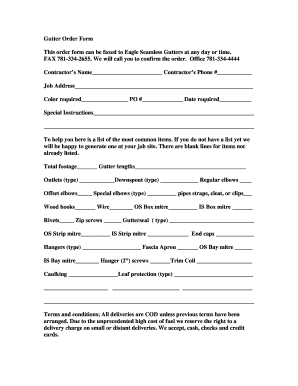
Gutter Order Form - Eagle Seamless Gutter Supply

Target donation request form pdf
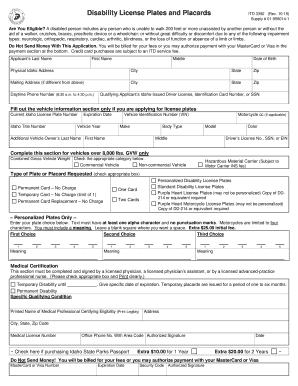
ITD 3392 (Rev
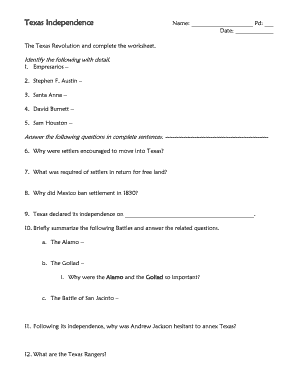
Texas revolution worksheet pdf
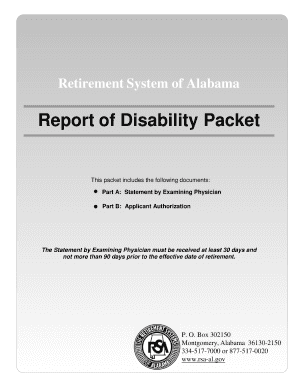
Alabama disability packet printable
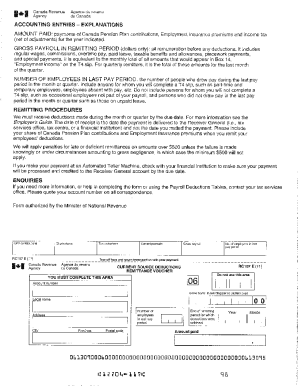
Yearly payroll breakdown form
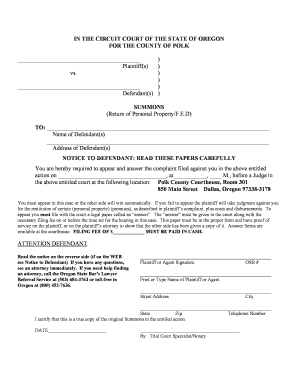
Return of property form
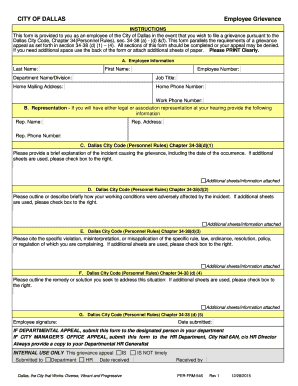
CITY OF DALLAS Employee Grievance - 4eval.com
Sunshine over the counter

Shift/Daily Progress Note
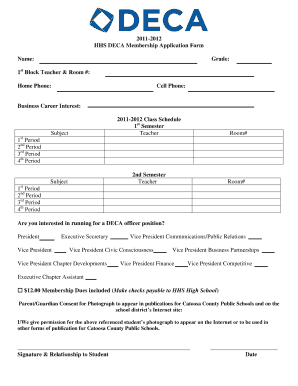
DECA Membership Application Form - Weebly

Printable patient belongings form

Ct b58 address form

Robotics club application form

Assessment chapter test a

Ghana visa minor consent form
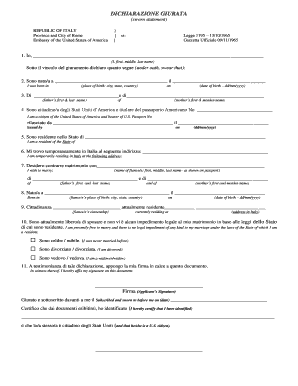
Dichiarazione giurata
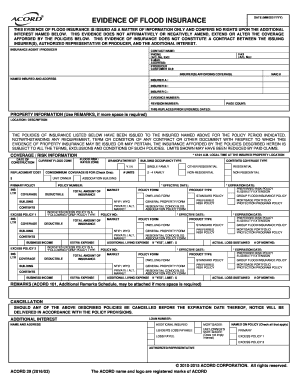
THIS EVIDENCE OF FLOOD INSURANCE IS ISSUED AS A MATTER OF INFORMATION ONLY AND CONFERS NO RIGHTS UPON THE ADDITIONAL
Bksb initial assessment pdf
Maxstar Delivery Owners Manual - Marus

SUPPLIER QUALITY SYSTEM SURVEY Express Metal Aerospace Inc - expressmetal
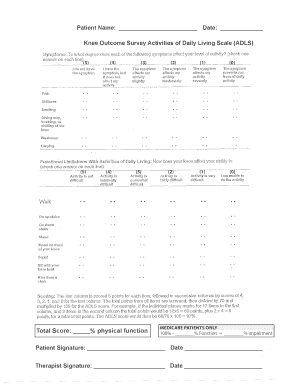
Patient Name Date Knee Outcome Survey Activities of
A place to play reading street

Cattle purchase contract
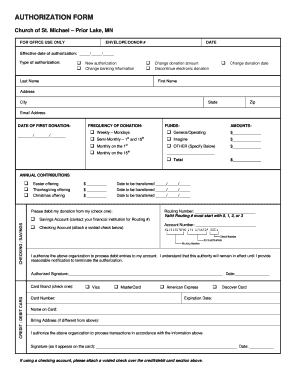
Vanco Authorization Form - bstmichaelb-bplbborgb - stmichael-pl

BL GARZA MIDDLE SCHOOL - bbrandempowermentbbcomb
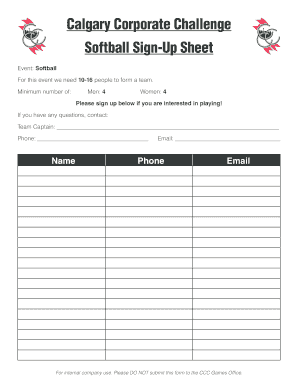
Softball sign up sheet
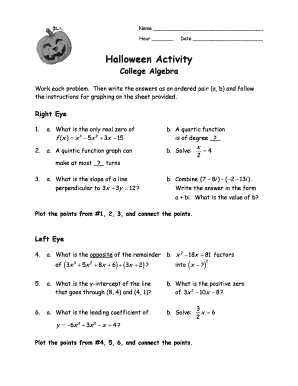
Halloween Activity PreCalc - Designated Deriver - Wikispaces
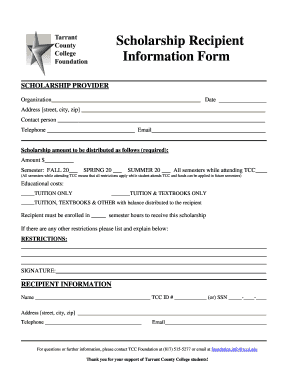
Scholarship Recipient Information Form - foundation tccd

B3b day bnoticebpdf
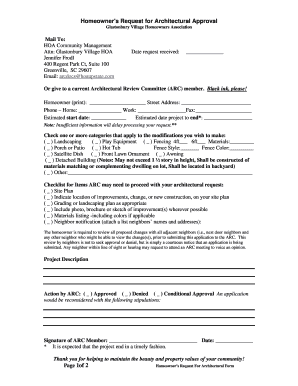
Hoa community management greenville sc
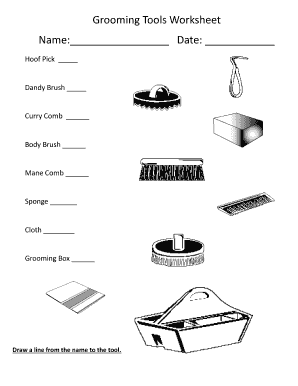
Horse worksheets pdf
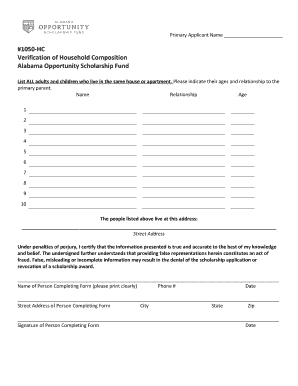
Household composition letter
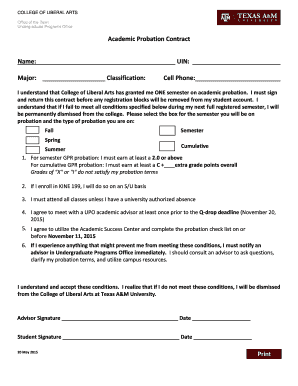
Academic Probation Contract. merge template
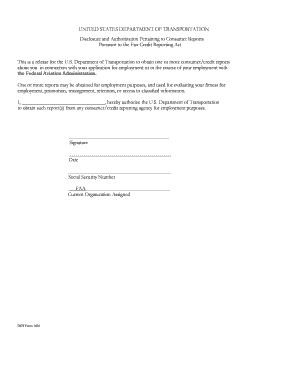
Dot 1631 form
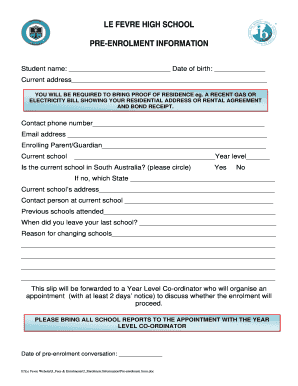
LE FEVRE HIGH SCHOOL PRE-ENROLMENT INFORMATION - lefevrehs sa edu
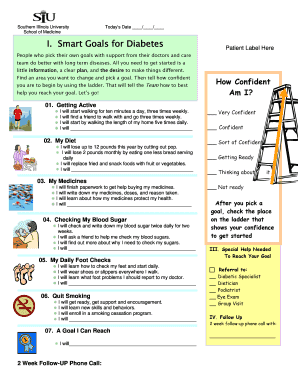
Diabetes smart goals examples

Medical examination report for caregivers and staff

Cash Incident Report - controllersusuedu
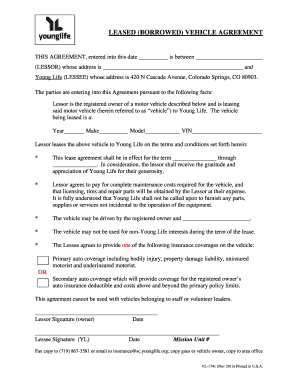
Borrowed vehicle agreement form pdf
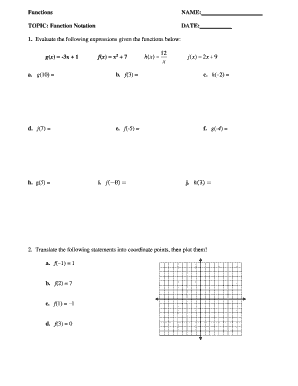
Function notation worksheet

Brown Bag Food Distribution Sign-In Sheet - volunteer lafoodbank

Fire safety quiz printable

Va form 10 10068

Georgia Criminal History Consent Form - fhfi

Winterization Notice 13pdf
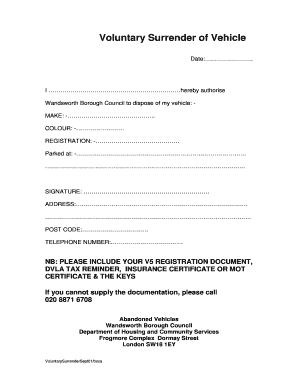
Voluntary surrender of vehicle form
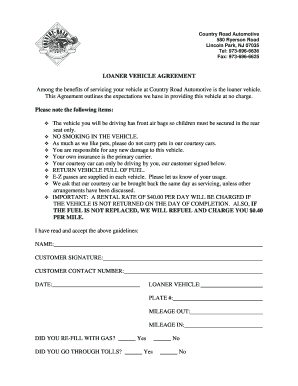
Vehicle loaner agreement pdf
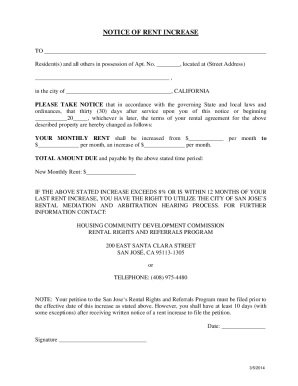
SAMPLE RENT INCREASE NOTICE - San Jose, CA - sanjoseca

Ua star exam practice test

Paul Jordison Fund - CUPE 966

Pro se motion template

Authorization for Exchange of Information

Houston methodist hospital financial assistance
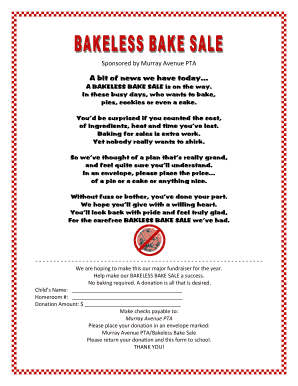
Bakeless bake sale
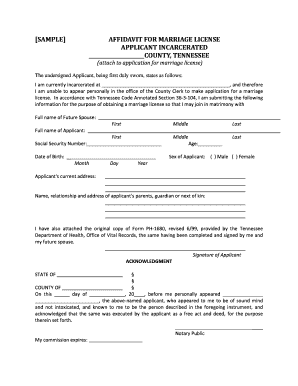
Marriage license tennessee
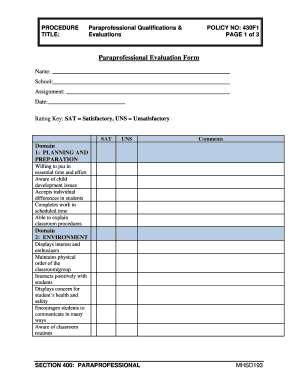
Paraprofessional evaluation form
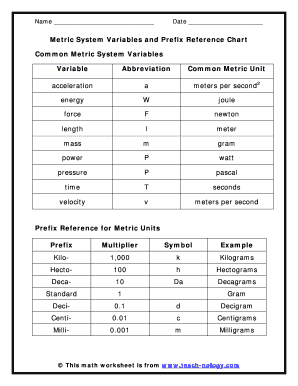
Metric abbreviations
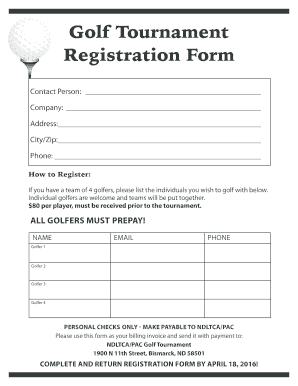
Golf Tournament Registration Form - bndltcaorgb
Benefit from the DocHub online library of fillable PDF forms
Searching the PDF forms doesn't have to be a tedious and time-consuming process. With the DocHub online library, it has become easier to find the fillable PDF forms and modify them in your browser. The service allows you to adjust the document to your needs using powerful editing tools.
You can use online document editing features to modify almost any type of document with ease. You just need to find the template of your choice, open it in the editor, and use the toolbar to make the necessary corrections.
Follow this guide to get your document done with DocHub:
- Find the PDF template you need.
- Click the Get Form button to open the file in the editor.
- Use the toolbar to fill out and edit the document.
- Easily add and highlight text, insert images, checkmarks, and symbols.
- Drop new fillable fields, and rearrange or delete pages from your file.
- Save changes and download your record.
DocHub empowers everyone to streamline document editing, signing, and distribution, and form completion. Create an account and benefit from our well-organized PDF Forms library and comprehensive editor.