
Get any PDF form from the DocHub library of ready-made templates - Page 1450
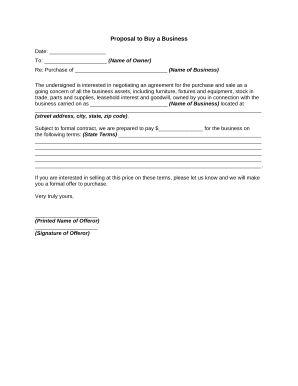
Proposal business sample
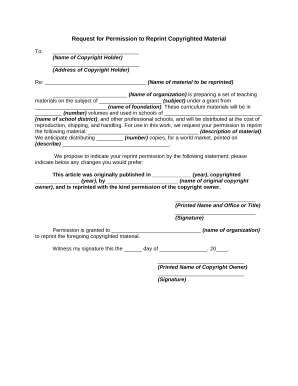
Permission reprint

Partnership agreement between

Employment Agreement with Assistant Barn Manager

Project proposal template
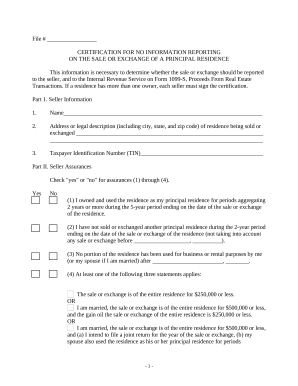
No information reporting
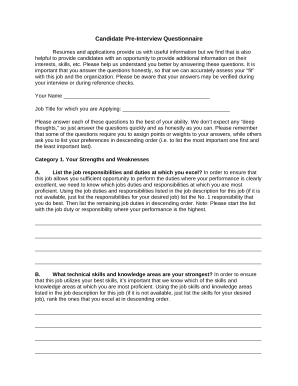
Pre interview questionnaire template
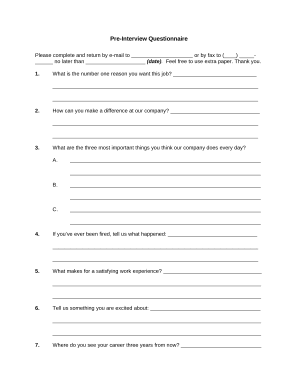
Pre-Interview Questionnaire
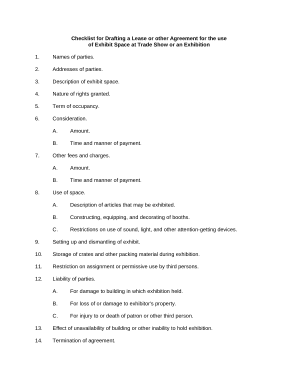
Checklist lease
Letter concerning payment
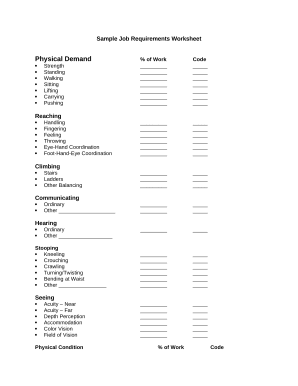
Sample worksheet
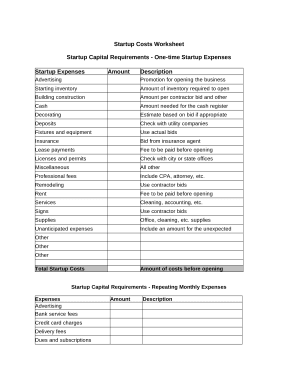
Startup costs
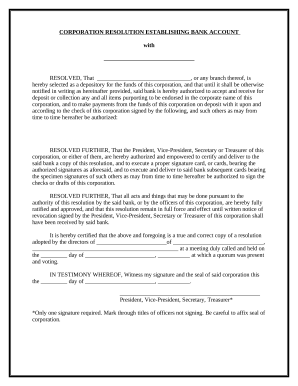
Resolution bank signatories
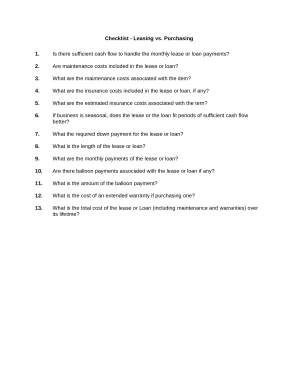
Leasing purchasing
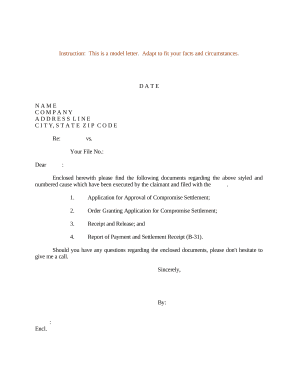
Sample compromise
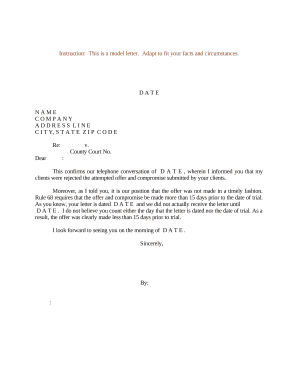
Sample letter conversation
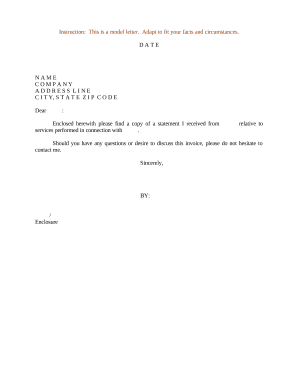
Sample statement
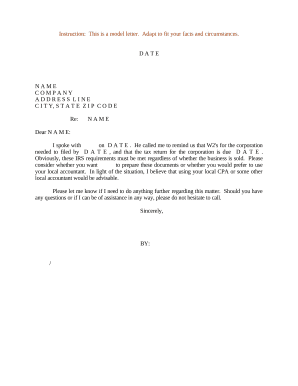
Corporation taxes
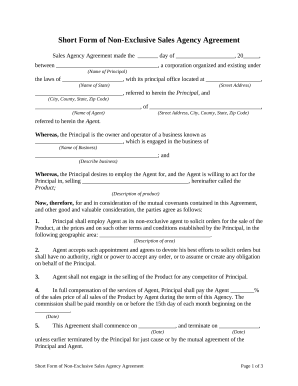
Form agency agreement
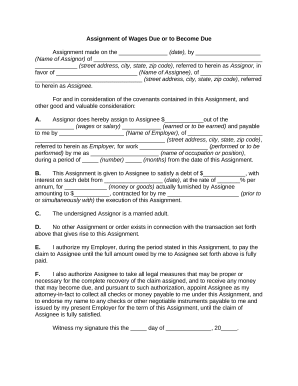
Assignment or

Assignment of wages

Pretrial conference
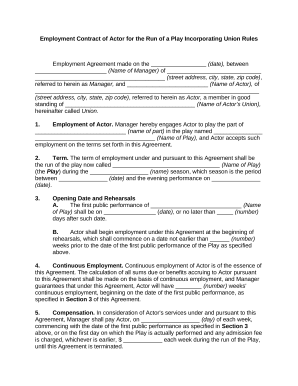
Contract of
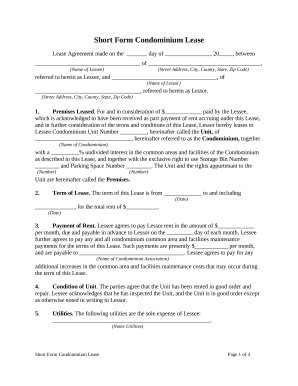
Condominium form
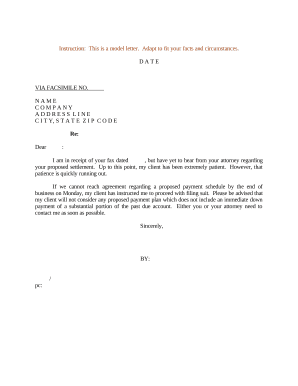
Sample payment schedule

Sample letter trust
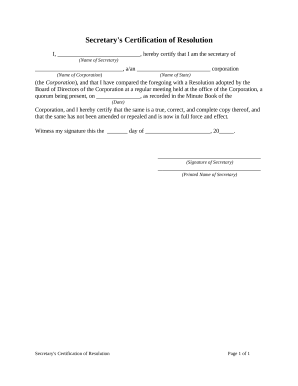
Certification resolution
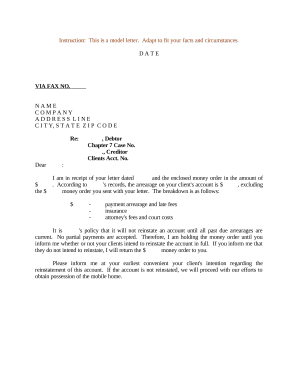
Arrearage
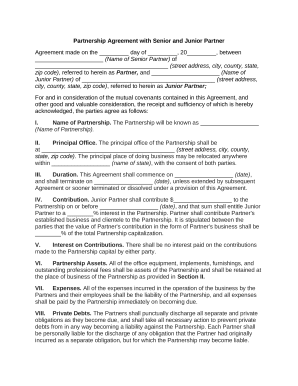
Junior partners
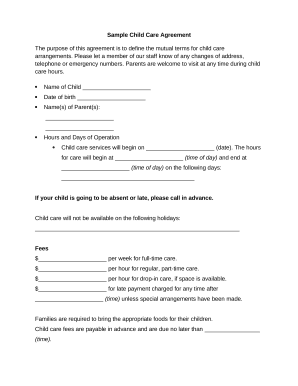
Child care agreement contract

Sample payroll statement
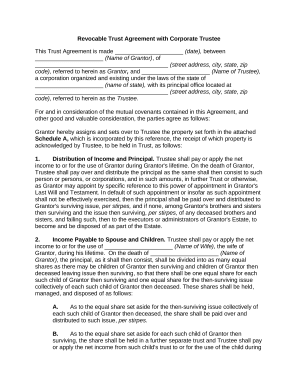
Trust agreement form

Motion fees
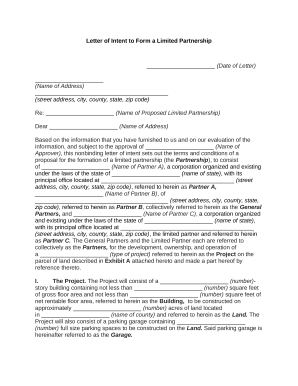
Letter intent
Notice trial

Traffic accident template
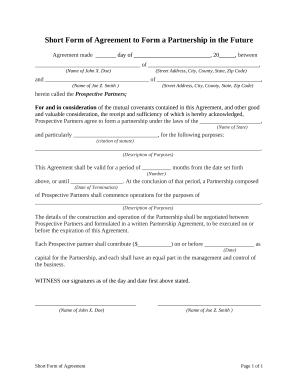
Short form agreement
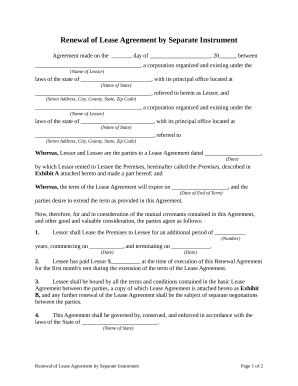
Renewal lease agreement
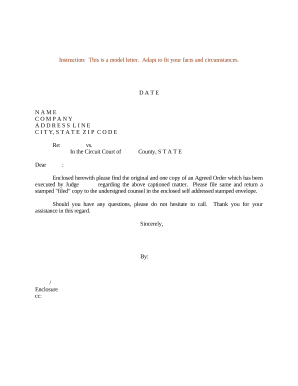
Sample letter order
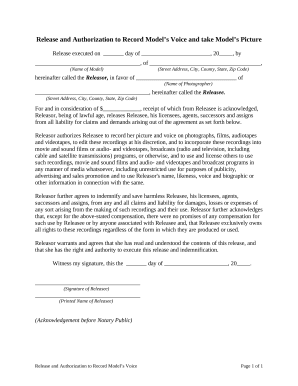
Release authorization record
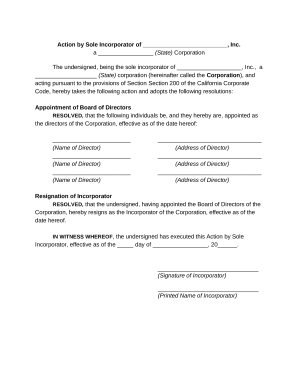
Incorporator
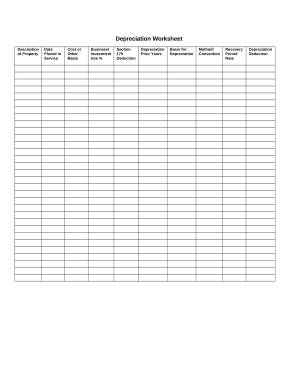
Depreciation worksheet
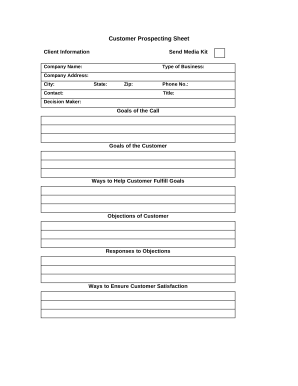
Prospecting sheet form
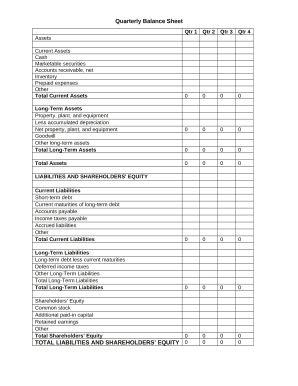
Quarterly Balance Sheet
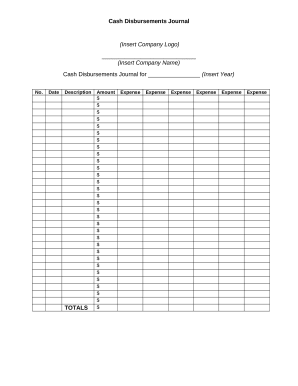
Disbursements
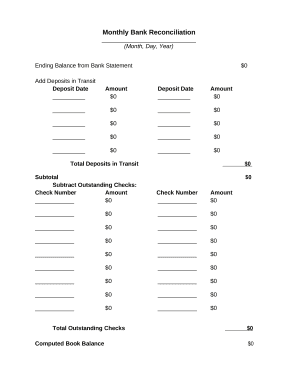
Monthly Bank Reconcilation
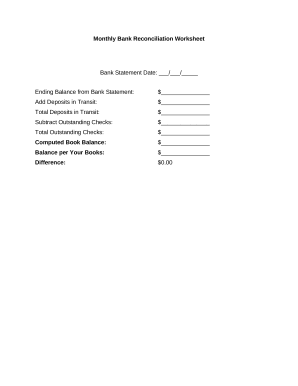
Bank reconciliation worksheet

Balance Sheet
Amended complaint

Sample letter summons
Publishing agreement

Sample letter exemption
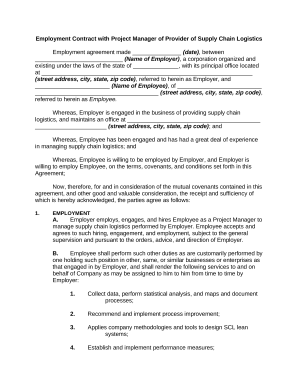
Contract with provider
Letter invitation

Prenuptial property
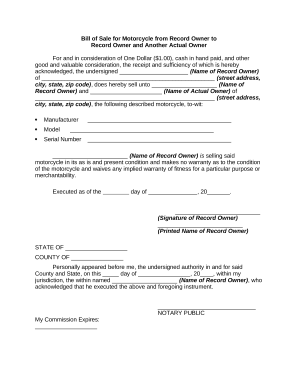
Motorcycle bill of sale
Sample letter settlement

Purchase vacant
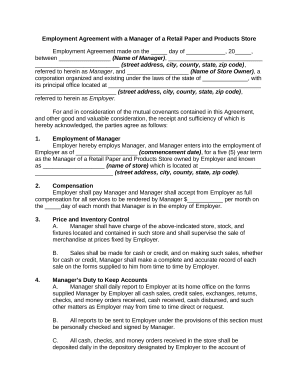
Employment agreement of
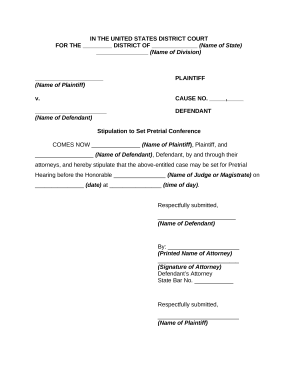
Pretrial conference
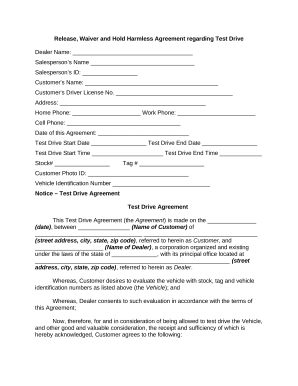
Hold harmless
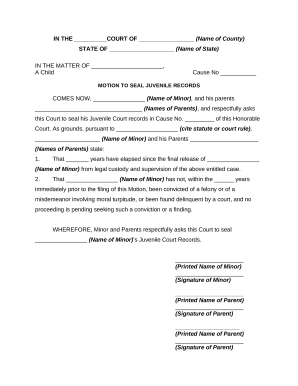
Seal juvenile
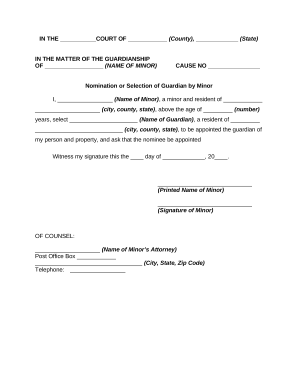
Guardian minor

Estimate form fillable

Examples of referral bonus agreement form for healthcare workers

Temporary guardianship

Natural hazard disclosure
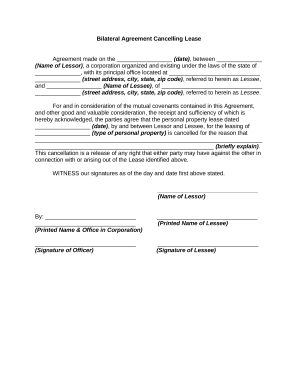
Bilateral agreement

Piercing consent forms
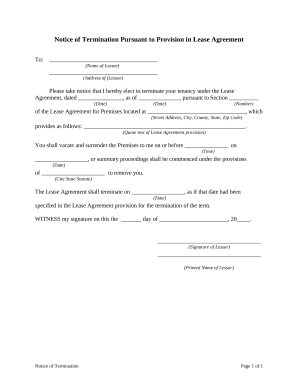
Notice termination lease

Notice termination work

Motion continuance in
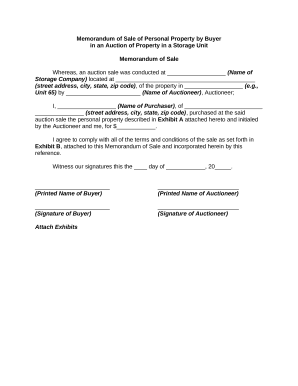
Memorandum personal property
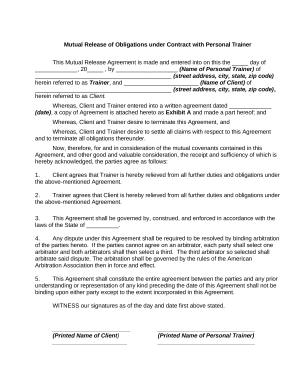
Obligations under
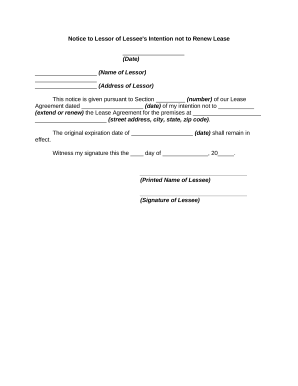
Lessor lessee
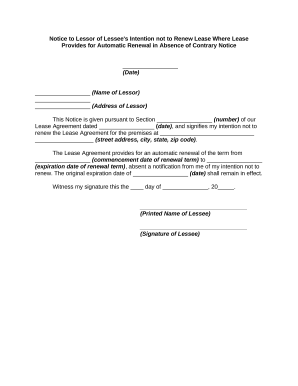
Not renewal
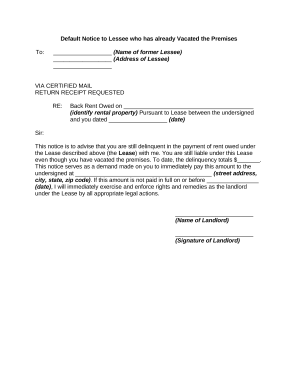
Vacated
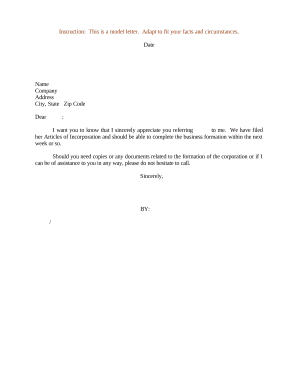
Appreciation letter

Memo format

Assignment assignor

Non collusion

Medical waiver

Generic proxy form
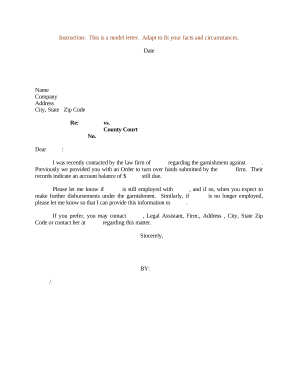
Letter garnishment
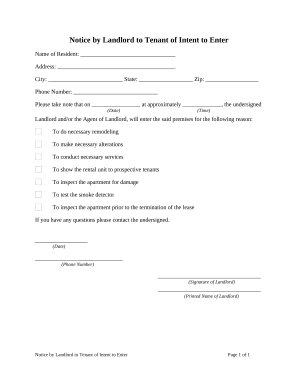
Notice landlord tenant
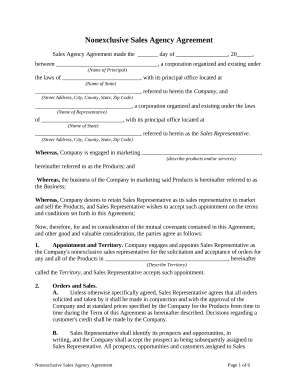
Sales agency agreement

Renewal note

Hospice revocation ohio
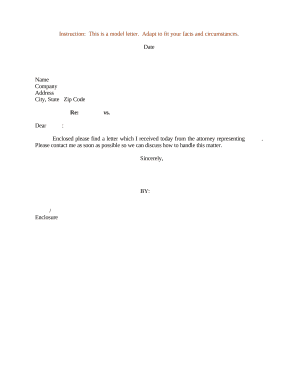
Opposing attorney
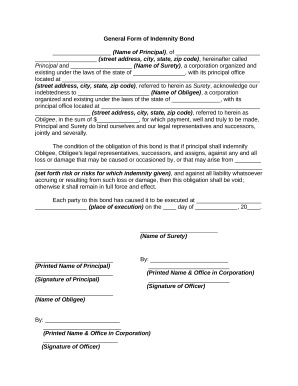
Indemnity bond form
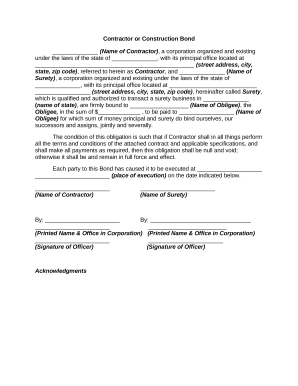
Contractor construction
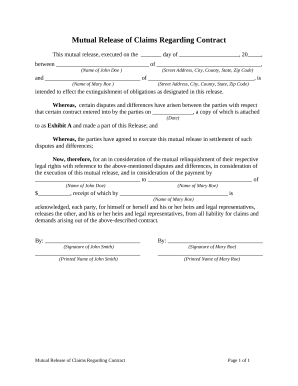
Release claims regarding

License end user agreement

Employee complaint form
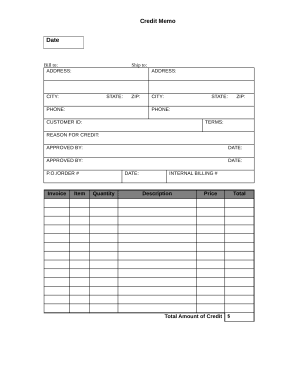
Credit Memo
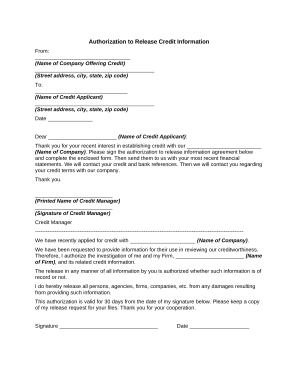
Release credit information form
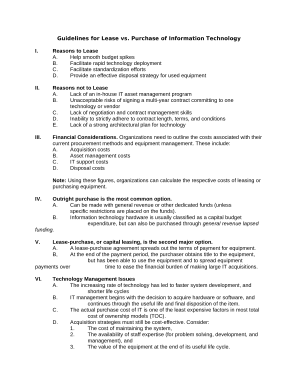
Guidelines lease purchase

Letter regarding payment
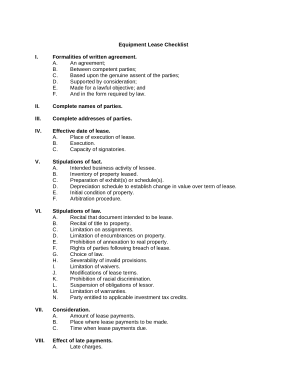
Equipment checklist
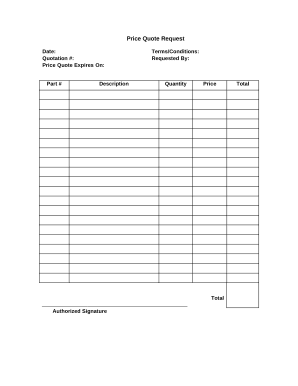
Quote request
Benefit from the DocHub online library of fillable PDF forms
Searching the PDF forms doesn't have to be a tedious and time-consuming process. With the DocHub online library, it has become easier to find the fillable PDF forms and modify them in your browser. The service allows you to adjust the document to your needs using powerful editing tools.
You can use online document editing features to modify almost any type of document with ease. You just need to find the template of your choice, open it in the editor, and use the toolbar to make the necessary corrections.
Follow this guide to get your document done with DocHub:
- Find the PDF template you need.
- Click the Get Form button to open the file in the editor.
- Use the toolbar to fill out and edit the document.
- Easily add and highlight text, insert images, checkmarks, and symbols.
- Drop new fillable fields, and rearrange or delete pages from your file.
- Save changes and download your record.
DocHub empowers everyone to streamline document editing, signing, and distribution, and form completion. Create an account and benefit from our well-organized PDF Forms library and comprehensive editor.