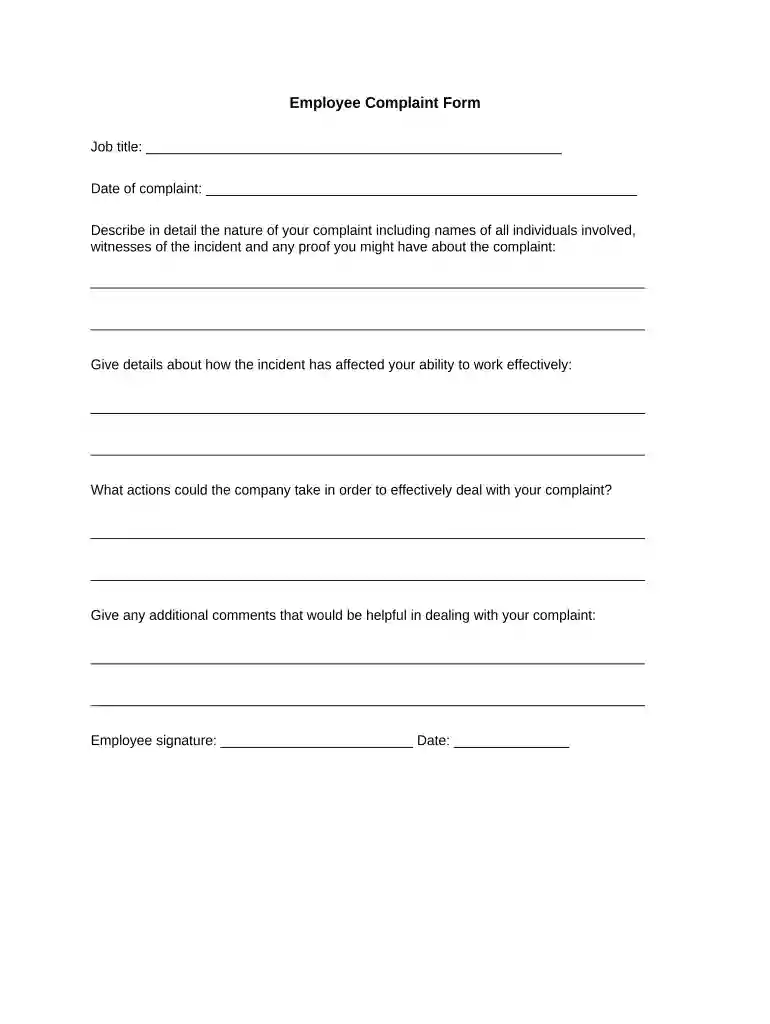
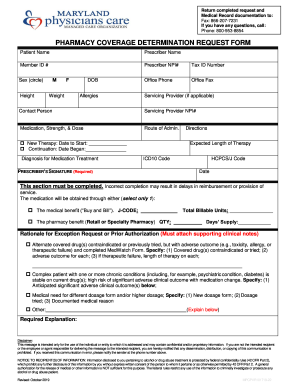
employee complaint form Preview on Page 1

Employee complaint form 2026

Here's how it works

  • 01. Edit your employee complaint form online

    Type text, add images, blackout confidential details, add comments, highlights and more.

  • 02. Sign it in a few clicks

    Draw your signature, type it, upload its image, or use your mobile device as a signature pad.

  • 03. Share your form with others

    Send employee complaint form pdf via email, link, or fax. You can also download it, export it or print it out.

How to use or fill out employee complaint form with our platform

Form edit decoration
9.5
Ease of Setup
DocHub User Ratings on G2
9.0
Ease of Use
DocHub User Ratings on G2
  1. Click ‘Get Form’ to open the employee complaint form in the editor.
  2. Begin by entering your job title in the designated field at the top of the form. This helps identify your position within the company.
  3. Next, input the date of your complaint. Accurate dating is crucial for record-keeping and follow-up actions.
  4. In the detailed description section, clearly outline the nature of your complaint. Include names of individuals involved, any witnesses, and mention any proof you may have regarding the incident.
  5. Describe how this incident has impacted your ability to work effectively. Be specific about any changes in your work performance or environment.
  6. Suggest actions that the company could take to address your complaint effectively. This shows proactive engagement in resolving issues.
  7. Finally, provide any additional comments that may assist in addressing your complaint. This can include suggestions or further context.
  8. Don’t forget to sign and date at the bottom of the form before submitting it for review.

Start using our platform today to fill out your employee complaint form easily and for free!

be ready to get more

Complete this form in 5 minutes or less

Security and compliance

At DocHub, your data security is our priority. We follow HIPAA, SOC2, GDPR, and other standards, so you can work on your documents with confidence.
be ready to get more

Complete this form in 5 minutes or less

hr employee complaint form

EMPLOYEE COMPLAINT FORM

The appropriate form to use is the Employee Complaint Form and can be found on the Forms page on the NACC website. The College shall designate anRead more

Learn more
How to File a Complaint

You can call us at 1-866-487-9243 or visit dol.gov/agencies/whd. You will be directed to the nearest WHD office for assistance.Read more

Learn more
If you believe that this page should be taken down, please follow our DMCA take down process here