




Here's how it works

01. Edit your form online
Type text, add images, blackout confidential details, add comments, highlights and more.

02. Sign it in a few clicks
Draw your signature, type it, upload its image, or use your mobile device as a signature pad.

03. Share your form with others
Send it via email, link, or fax. You can also download it, export it or print it out.
How to use or fill out temporary guardianship with our platform

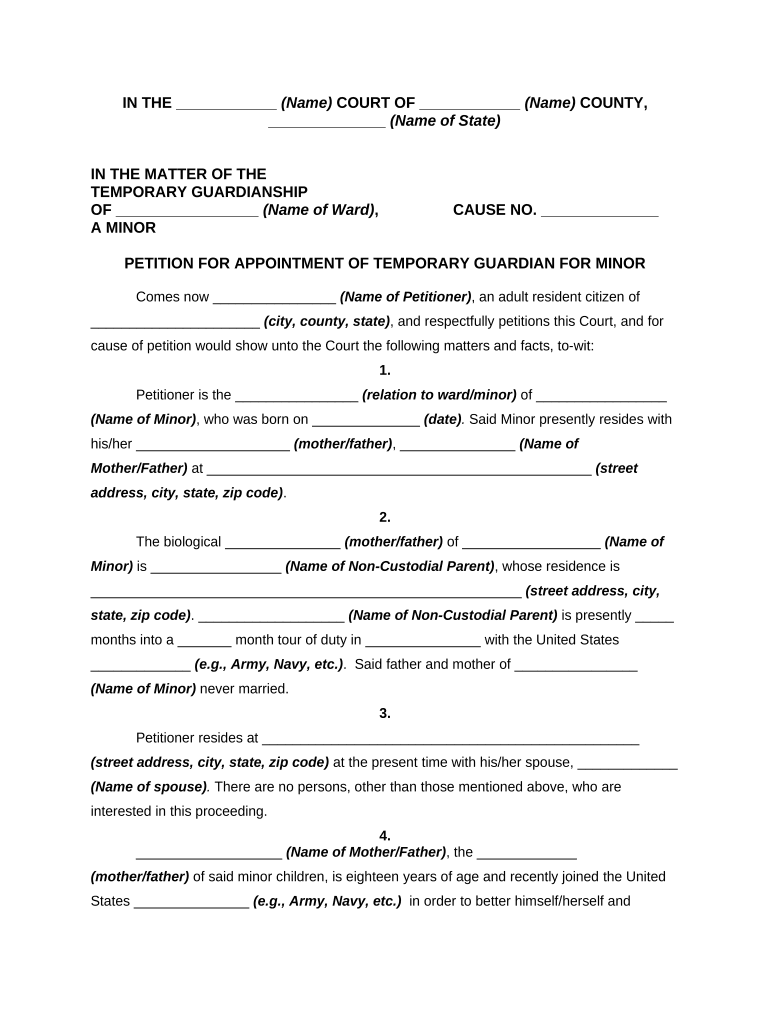
- Click ‘Get Form’ to open the temporary guardianship document in the editor.
- Begin by filling in the court name and county at the top of the form. This identifies where your petition is being filed.
- In the 'Petitioner' section, enter your name and details as the person requesting temporary guardianship. Specify your relationship to the minor.
- Provide information about the minor, including their name, date of birth, and current residence. This establishes who you are seeking guardianship for.
- Detail the circumstances regarding the biological parents, including their names and current situations. This helps clarify why temporary guardianship is necessary.
- Complete sections about your own residence and family situation to demonstrate stability and capability as a guardian.
- Finally, review all entries for accuracy before signing. Use our platform’s tools to ensure everything is clear and legible.
Start using our platform today to easily complete your temporary guardianship form online for free!
Fill out temporary guardianship online
It's free
It's free
Security and compliance
At DocHub, your data security is our priority. We follow HIPAA, SOC2, GDPR, and other standards, so you can work on your documents with confidence.
Learn more


Related forms
United kingdom birth certificate
The document provides guidance on how to apply for a birth certificate for adopted children in Northern Ireland. It outl ...
Lodgement receipt
The document is a lodgement receipt and terms of service for Australia Post's domestic postal services, including Regist ...
Form 602 Amendment Record Sheet - casa gov
The document is an Amendment Record Sheet for aircraft, detailing the process for recording amendments to the Aircraft F ...
Casa form 027 part 2
The document is a draft application form (Form 027 Part 2) for a new owner to become the registration holder of a VH-reg ...
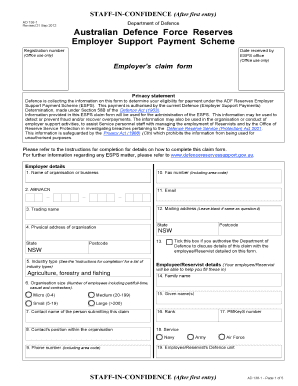
AD 138-1 Claim Form for Employers - Defence Reserves Support
The document focuses on the sectors of agriculture, forestry, and fishing in New South Wales (NSW), highlighting their s ...