




01. Edit your form online
Type text, add images, blackout confidential details, add comments, highlights and more.

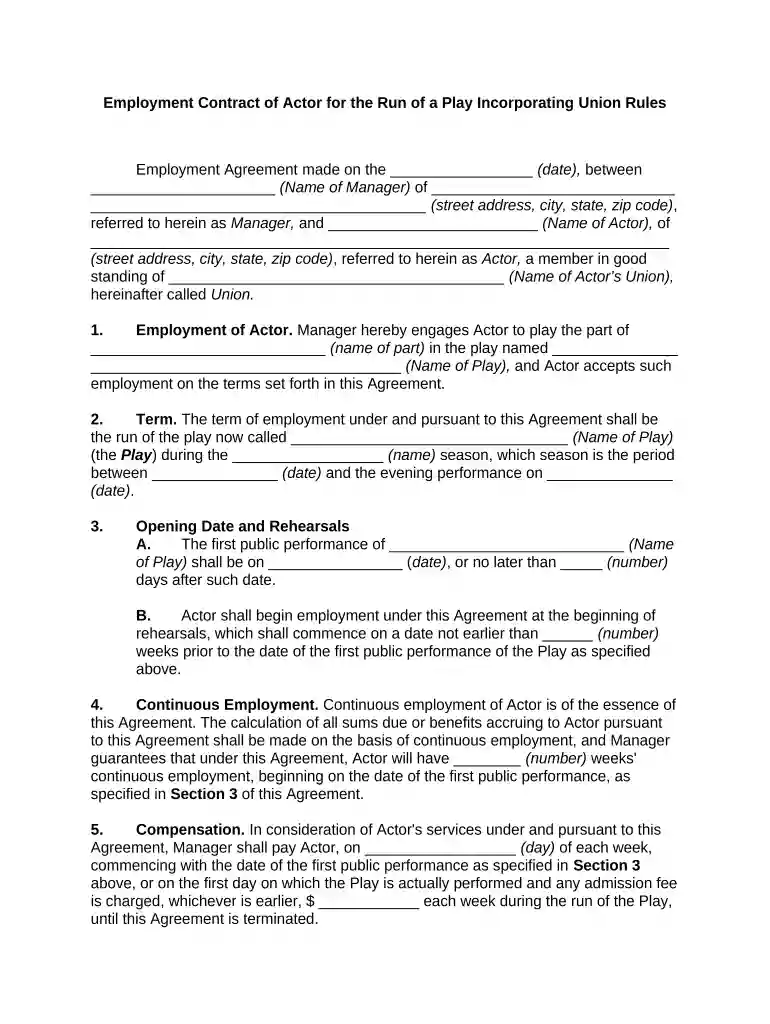
Type text, add images, blackout confidential details, add comments, highlights and more.

Draw your signature, type it, upload its image, or use your mobile device as a signature pad.

Send it via email, link, or fax. You can also download it, export it or print it out.

Start using our platform today to streamline your contract process for free!
At DocHub, your data security is our priority. We follow HIPAA, SOC2, GDPR, and other standards, so you can work on your documents with confidence.

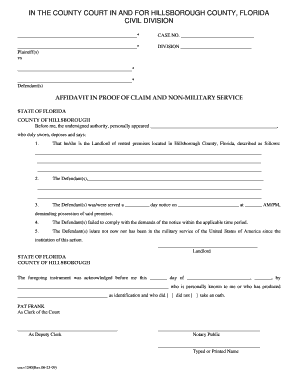
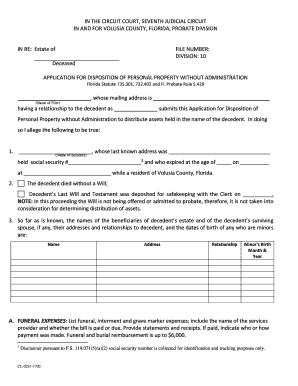
Adhesion contracts are commonly used for matters involving insurance, leases, deeds, mortgages, automobile purchases, and other forms of consumer credit.Read more
Oct 10, 2024 A wide selection of contract types is available to the Government and contractors in order to provide needed flexibility in acquiring the large variety andRead more


