




01. Edit your an appreciation letter online
Type text, add images, blackout confidential details, add comments, highlights and more.

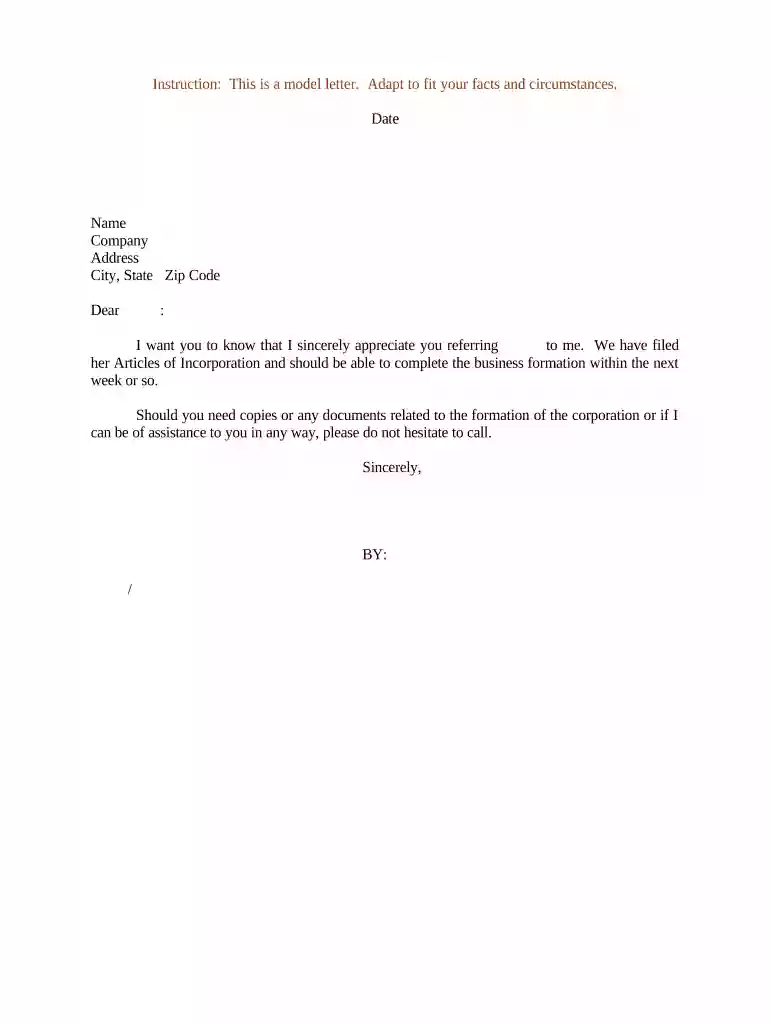
Type text, add images, blackout confidential details, add comments, highlights and more.

Draw your signature, type it, upload its image, or use your mobile device as a signature pad.

Send appreciation letter via email, link, or fax. You can also download it, export it or print it out.

Start using our platform today to effortlessly create and customize your appreciation letters for free!
At DocHub, your data security is our priority. We follow HIPAA, SOC2, GDPR, and other standards, so you can work on your documents with confidence.

iGEM Summer Camp is a project that aims to increase science literacy and promote iGEM activities among high school students and provide participants withRead more
Sep 1, 2023 Thank you for your generous donation of (cite monetary amount, acreage of land, or other donation) on (date). This donation will enable us to (describeRead more
Guidelines for writing appreciation letters: State what you appreciate and briefly explain why. Do not add other news or information not related to theRead more


