




Here's how it works

01. Edit your form online
Type text, add images, blackout confidential details, add comments, highlights and more.

02. Sign it in a few clicks
Draw your signature, type it, upload its image, or use your mobile device as a signature pad.

03. Share your form with others
Send it via email, link, or fax. You can also download it, export it or print it out.
How to use or fill out notice termination work with our platform

- Click ‘Get Form’ to open the Notice of Termination Due to Work Rules Violation in the editor.
- Enter the date of the notice at the top of the form. This should reflect the day you are issuing the termination notice.
- In the 'To' section, input the name of the employee being terminated. Ensure this is accurate for proper documentation.
- Specify the termination date in the designated field. This is crucial for clarity regarding when employment officially ends.
- List specific violations of company work rules in the provided space. Be detailed to avoid any ambiguity about reasons for termination.
- Indicate the final paycheck period ending date, ensuring it aligns with your payroll schedule.
- Mention that there will be no severance pay due to just cause and provide contact information for benefits inquiries.
- Finally, sign and print your name as a member of management at the bottom of the form before saving or sending it.
Start using our platform today to streamline your document editing and ensure a smooth termination process!
Fill out notice termination work online
It's free
It's free
Security and compliance
At DocHub, your data security is our priority. We follow HIPAA, SOC2, GDPR, and other standards, so you can work on your documents with confidence.
Learn more


Related forms

Subsidy Application - Vermont Judiciary - vermontjudiciary
The document outlines the Vermont Family Court Mediation Program's application process for a subsidy to cover mediation ...
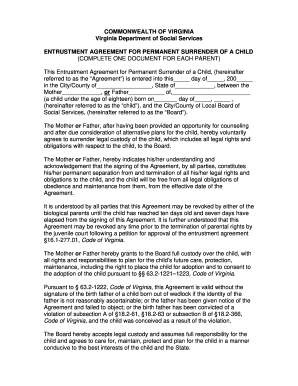
Entrustment agreement sample
The document is an Entrustment Agreement for Permanent Surrender of a Child in Virginia, outlining the voluntary surrend ...
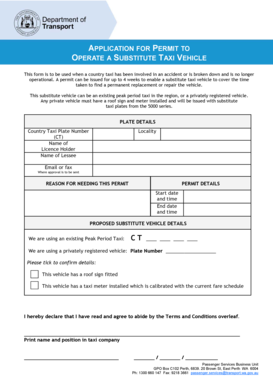
Application for permit to operate a substitute taxi vehicle - transport wa gov
The document is an application form for a permit to operate a substitute taxi vehicle when a country taxi is out of serv ...

Mac 1105 final exam answers
The document is a review guide for the MAC 1105 College Algebra final exam at GCSC, covering various topics such as fact ...
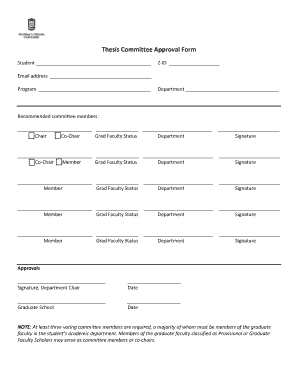
Thesis Committee Approval Form - The Graduate School - NIU - grad niu
The document is a Thesis Committee Approval Form that requires student and committee member information, including signa ...
Focus four electrocution hazards
The document is an OSHA Training Institute Instructor Guide focused on electrocution hazards in construction. It outline ...

Reservation form in merriot hotel
The document is a reservation request form for the Marriott Columbia hotel, specifically for the Southern Interscholasti ...
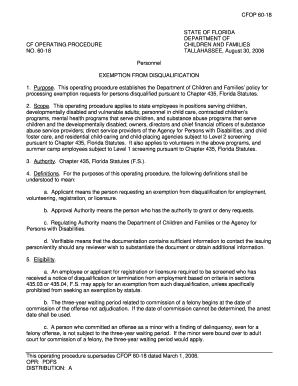
Florida form cfop exemption
CFOP 60-18 outlines the procedures and policies of the Florida Department of Children and Families regarding exemption r ...