
Get any PDF form from the DocHub library of ready-made templates - Page 1424

Math intervention tracking sheet
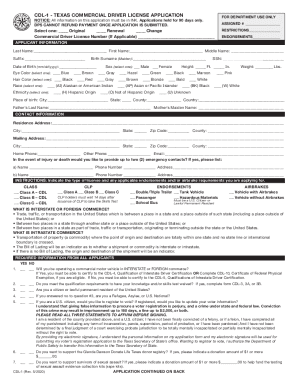
Cdl 1 form

Garden budget template

Hcc student parent agreement

Freight broker agent agreement pdf
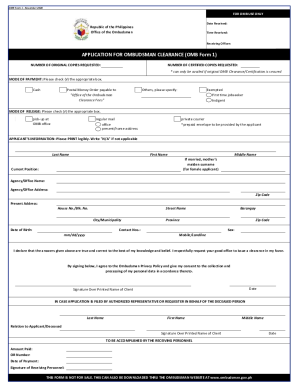
Ombudsman clearance form
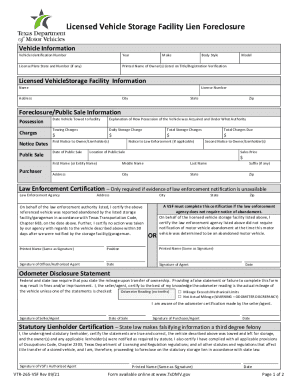
Vsf form

Kansas low income energy assistance

Accident injury report
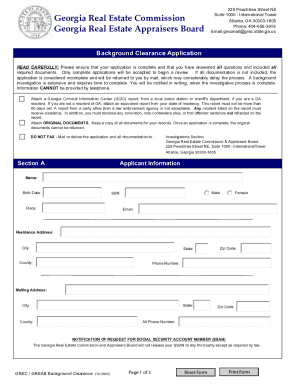
Grec background clearance application
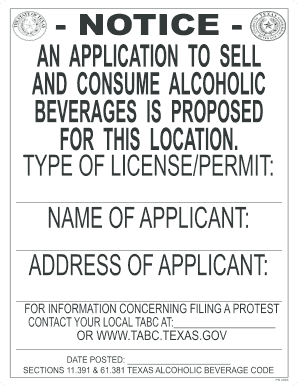
Tabc 60 day sign

Ltopf application form

Canada nova scotia application
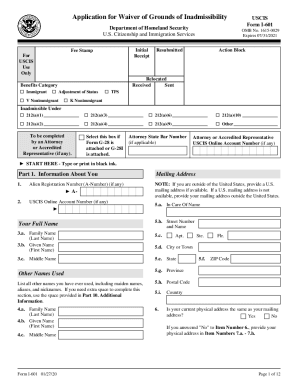
I 601
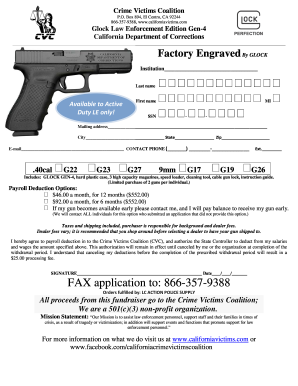
California victims coalition
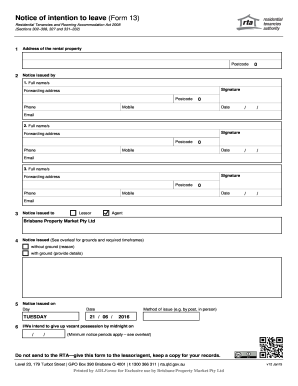
Form 13
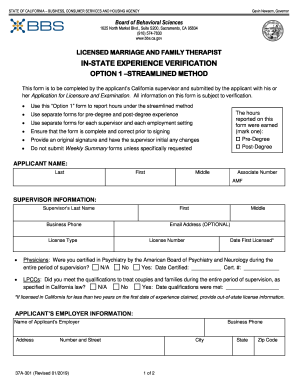
MFT In-State Experience Verification Option 1 - Board of ...
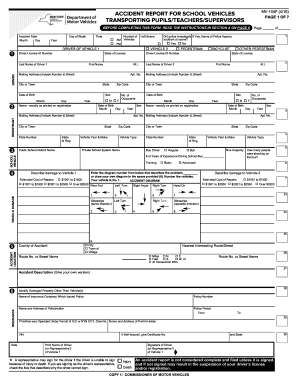
Newyorkdmvforms

Behavior history form - Marin Humane Society
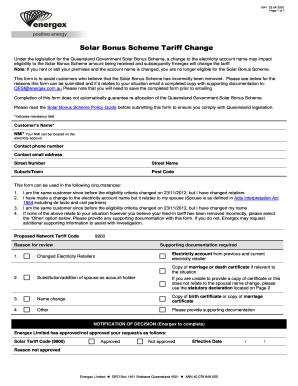
Energex 1641

Florida lottery application
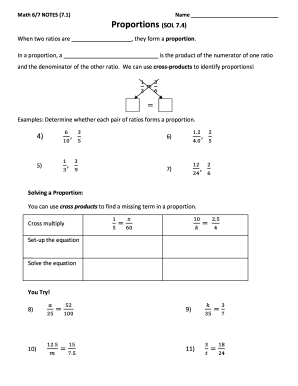
Math 6 7 notes 7 4 answer key
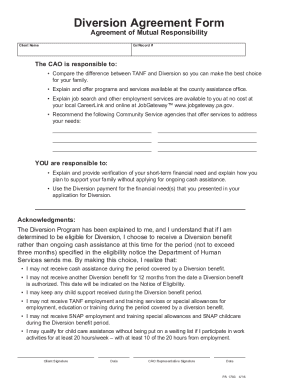
Diversion form
Frs form

Dog guardianship contract

Notice noc county form
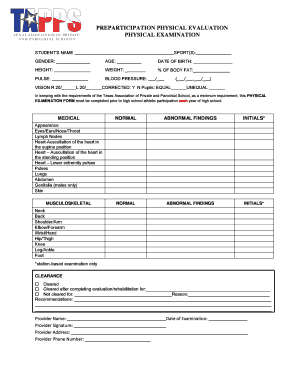
Tapps physical form
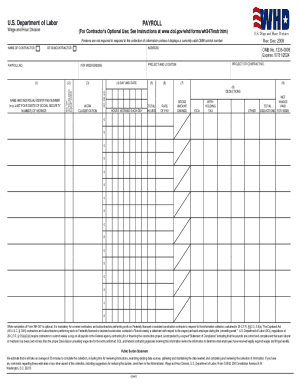
Certified payroll form
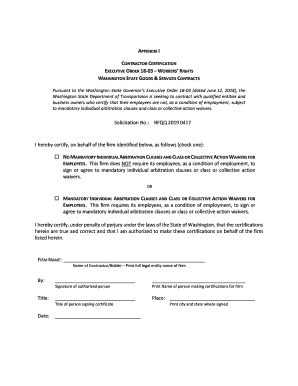
EXECUTIVE ORDER 18-03 WORKERS RIGHTS
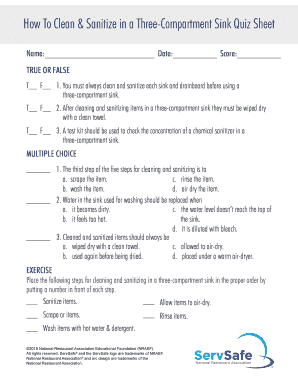
How to clean and sanitize in a three compartment sink quiz sheet
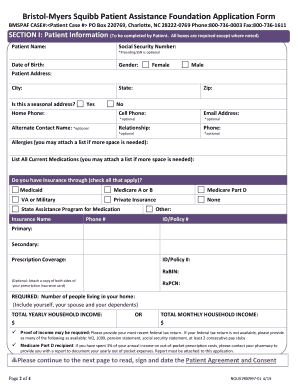
Bristol myers squibb application
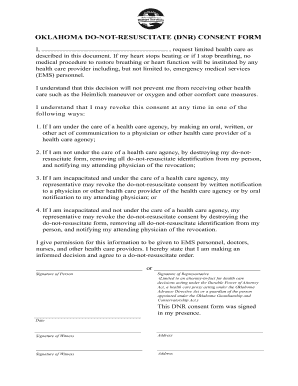
Dhs dnr
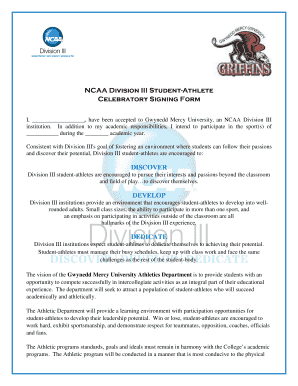
D3 celebratory signing form pdf
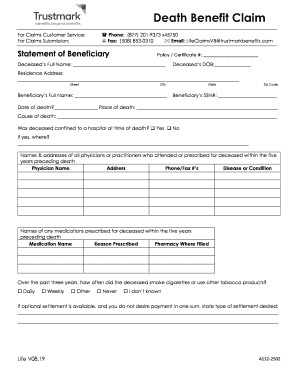
Life-Death Benefit Claim Form V08.19.docx
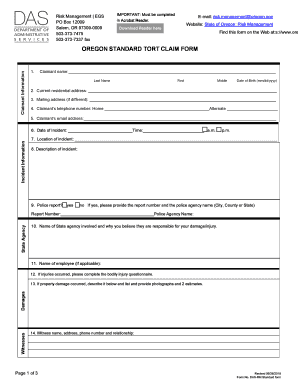
Oregon tort claim notice

NEW YORK FILM ACADEMY - nyfa.edu
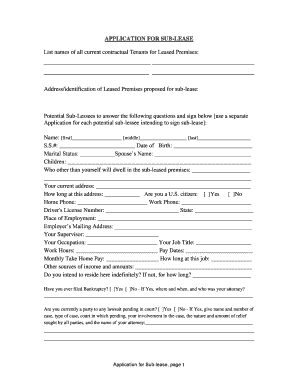
Sub lease
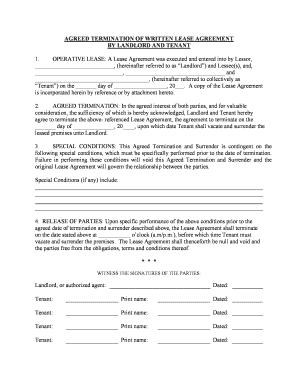
New mexico termination lease
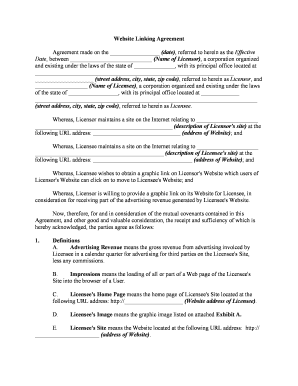
Website agreement contract
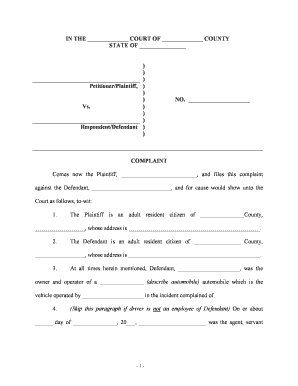
Auto accident injury
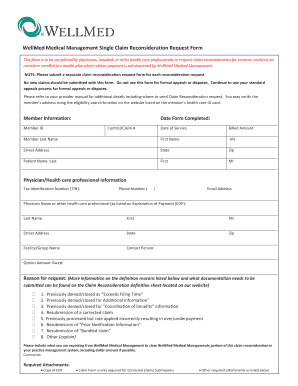
Wellmed appeal form
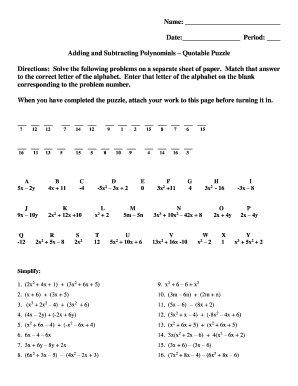
Puzzling problem subtracting polynomials answer key

Uab authorization form
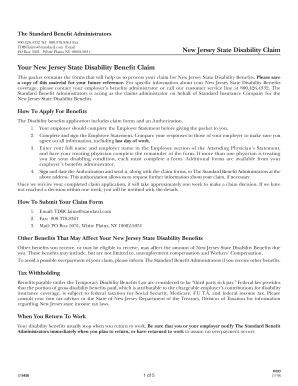
New jersey disability forms online

Maldives immigration form

Baylor Scott and White Research Institute Institute of ...

Physician Referral Form - Keck School of Medicine of USC
Family Child Care Home Professional Development Plan template.docx

Cf es 2275
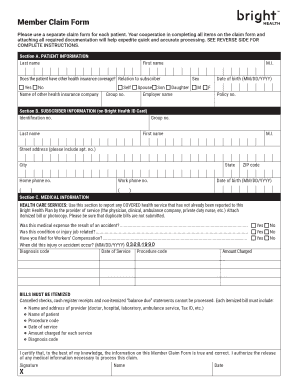
Bright health form

Mv150

Grade 8 Long Night of Little Boats Close Reading Exemplar
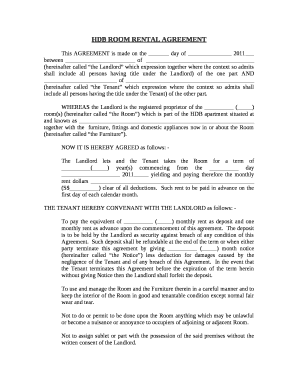
Room rental agreement template word doc singapore
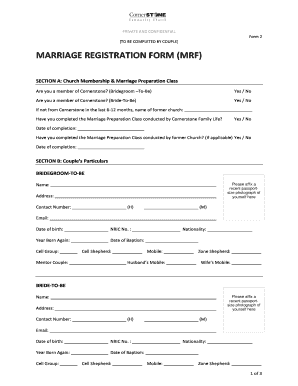
Png marriage certificate form pdf
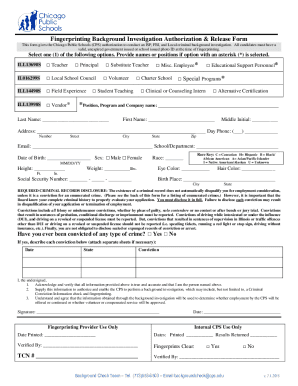
Cps background check form
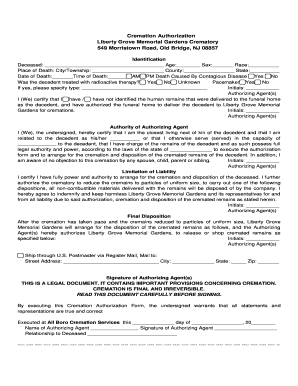
Liberty grove crematory
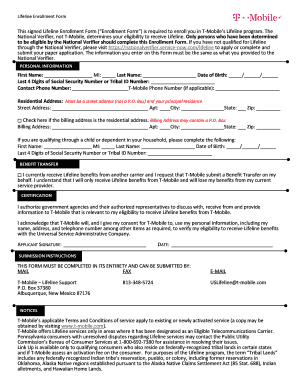
T mobile lifeline enrollment form

Apf form
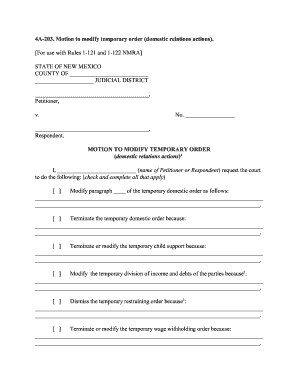
Nm 4a motion modify
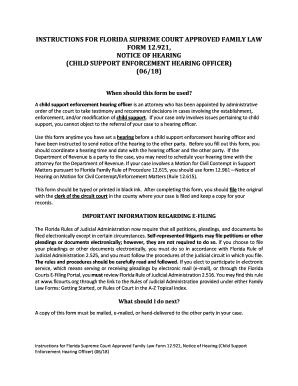
Child support enforcement
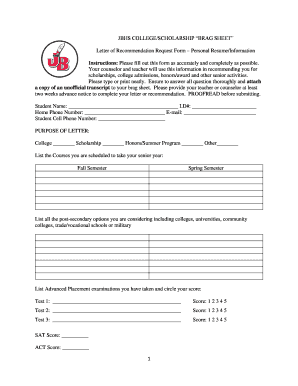
JBHS COLLEGE/SCHOLARSHIP BRAG SHEET
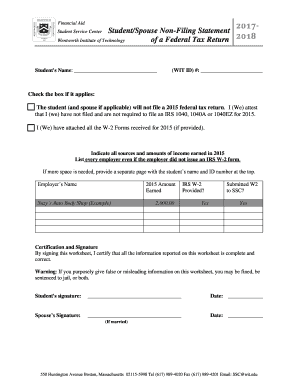
Student/Spouse Non-Filing Statement
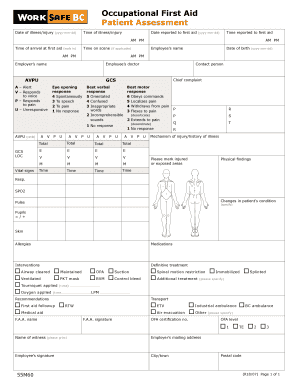
55m60 occupational first aid patient
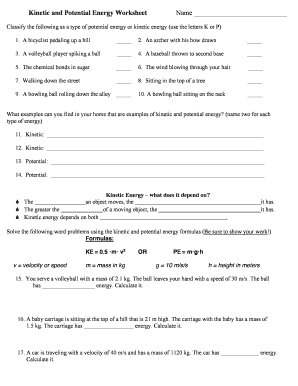
Kinetic and potential energy worksheet
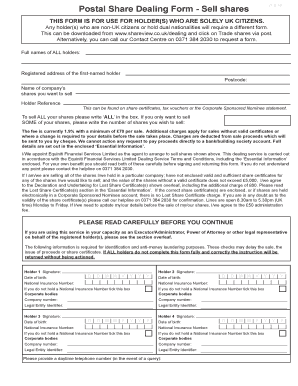
Equiniti postal share dealing form
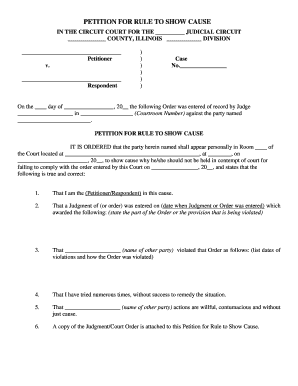
Petition for rule to show cause - Illinois Legal Aid Online

Report form
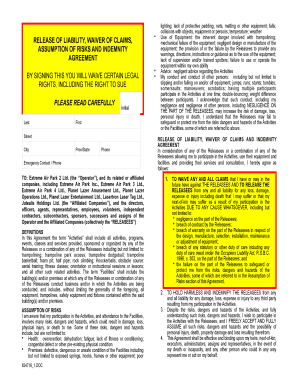
Extreme air park waiver

Lesson 7 problem solving practice constant rate of change answer key
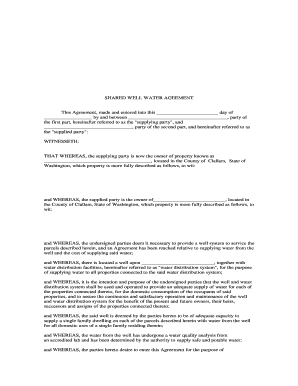
SHARED WELL WATER AGREEMENT
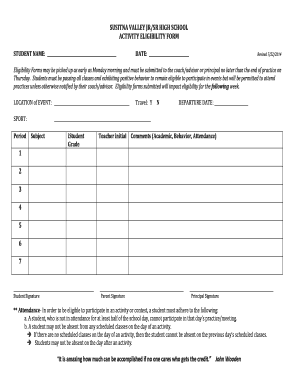
ACTIVITY ELIGIBILITY FORM
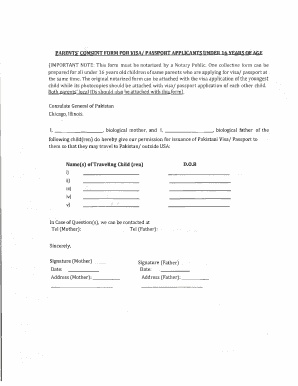
Parental consent letter for pakistan visa application

Child Protection and Welfare Report Form - Tusla
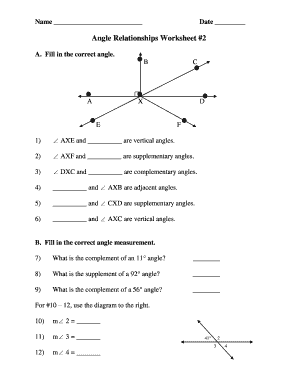
Angle relationships worksheet 2 answer key
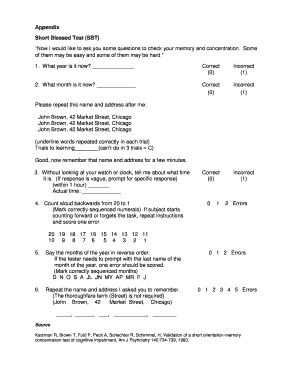
Short blessed test

Editor guide geometry dash
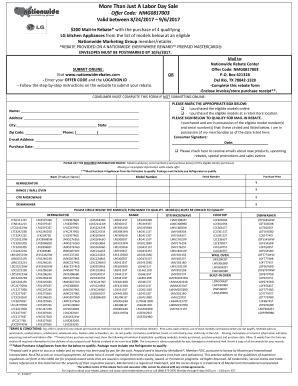
Nationwiderebatecenter
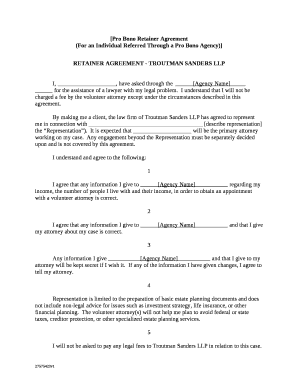
Pro Bono Retainer Agreement
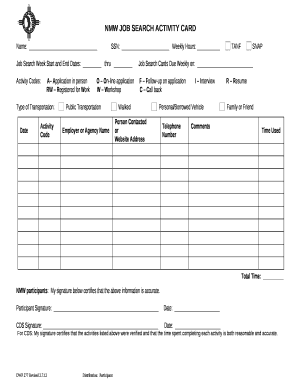
Job card template
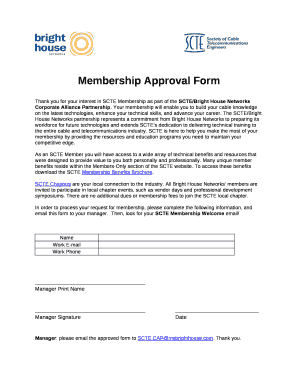
Membership Approval Form
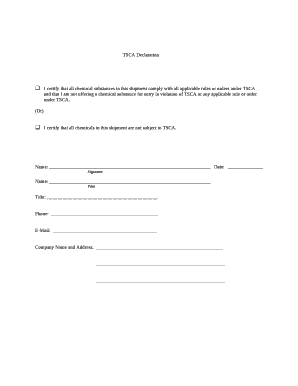
TSCA Declaration
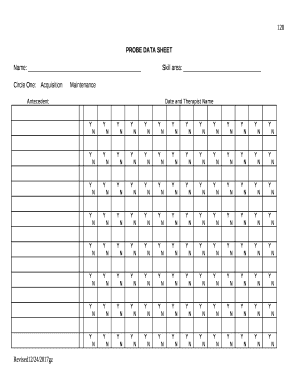
Probe data sheet
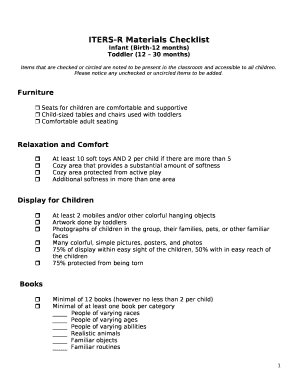
Iters materials checklist 2022
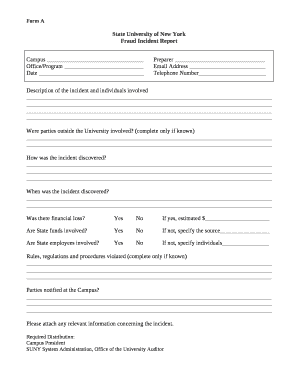
Fraud report template
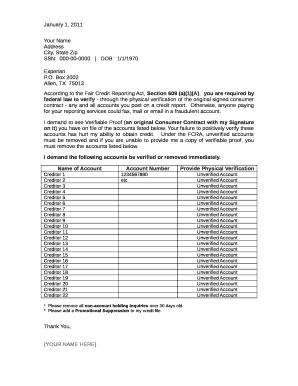
Fcra section 609 a 1 a
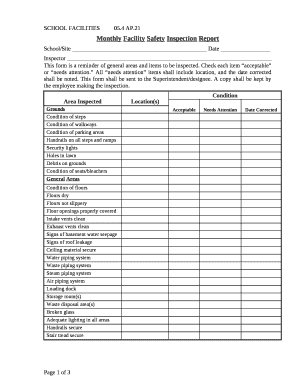
Monthly safety report format in word
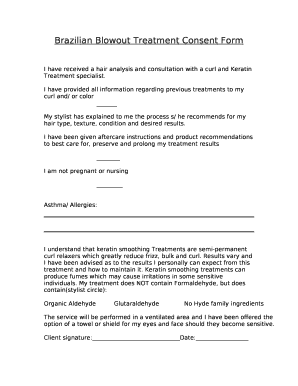
Consent keratin
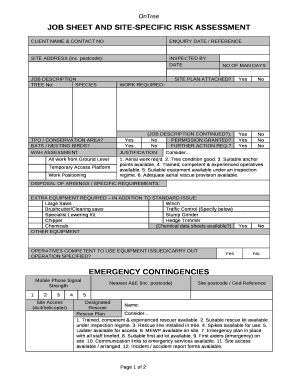
Site specific risk assessment example
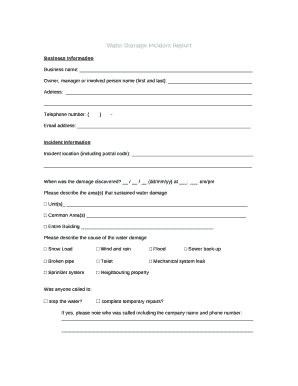
Water damage report template
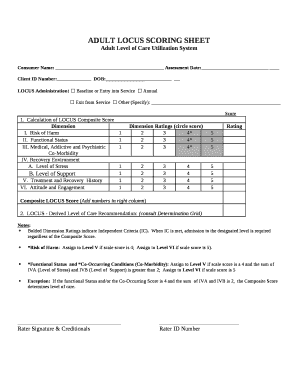
Locus score sheet pdf
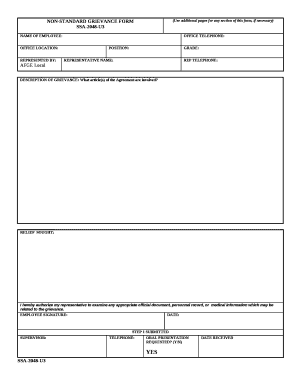
NON-STANDARD GRIEVANCE FORM
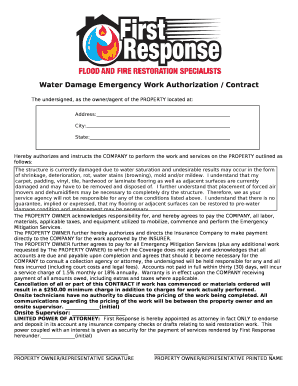
Water restoration contract sample

Investment faqs chart
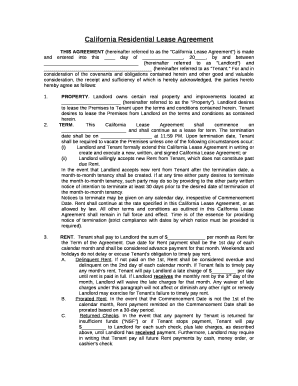
THIS AGREEMENT (hereinafter referred to as the "California Lease Agreement") is made and entered into this day of , 20, by and between (hereinafter referred to as "Landlord") and (hereinafter referred to as "Tenant
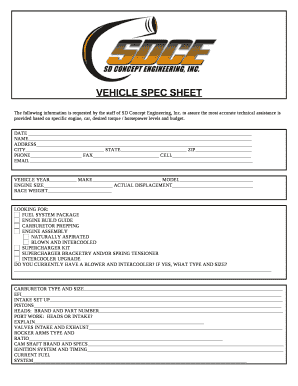
Truck spec sheet
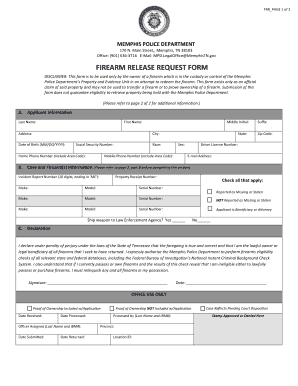
Tn memphis
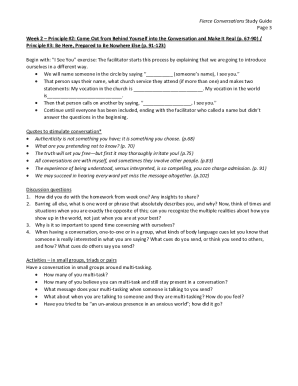
Fierce conversation template
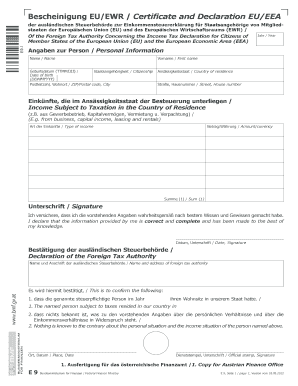
Ewr certificate
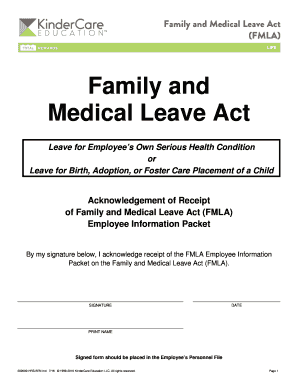
Kindercare fmla
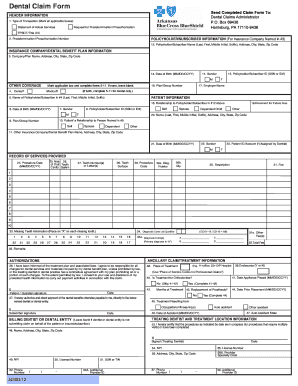
42027 Dental Claim 8/29 - Arkansas Blue Cross and Blue Shield
Benefit from the DocHub online library of fillable PDF forms
Searching the PDF forms doesn't have to be a tedious and time-consuming process. With the DocHub online library, it has become easier to find the fillable PDF forms and modify them in your browser. The service allows you to adjust the document to your needs using powerful editing tools.
You can use online document editing features to modify almost any type of document with ease. You just need to find the template of your choice, open it in the editor, and use the toolbar to make the necessary corrections.
Follow this guide to get your document done with DocHub:
- Find the PDF template you need.
- Click the Get Form button to open the file in the editor.
- Use the toolbar to fill out and edit the document.
- Easily add and highlight text, insert images, checkmarks, and symbols.
- Drop new fillable fields, and rearrange or delete pages from your file.
- Save changes and download your record.
DocHub empowers everyone to streamline document editing, signing, and distribution, and form completion. Create an account and benefit from our well-organized PDF Forms library and comprehensive editor.