
Get any PDF form from the DocHub library of ready-made templates - Page 1423
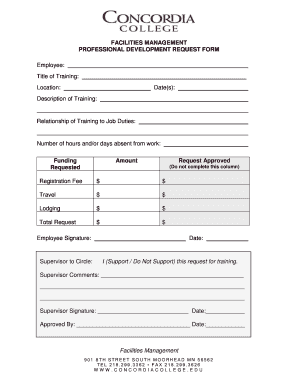
Professional development request form
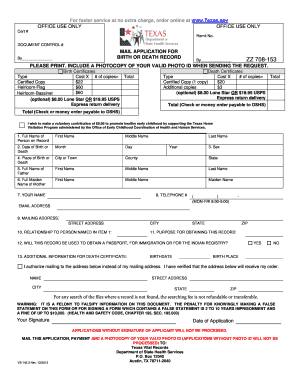
Texas birth certificate application form pdf

Scholarship application cover sheet
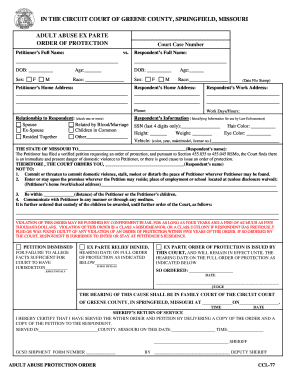
Adult Ex Parte Packet - Greene County, Missouri - greenecountymo

Manulife form nn0625e
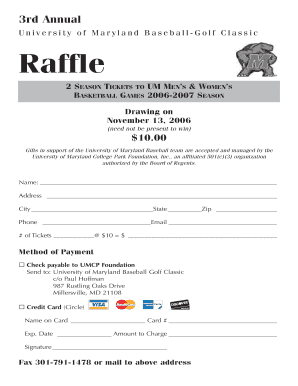
Raffle ticket order forms pdf
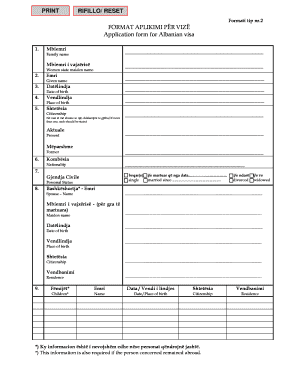
Albania visa application form pdf

Counseling Form

Bio data form in telugu pdf

Brock experience profile

Equity bank kenya funds transfer form

Rp1 form download
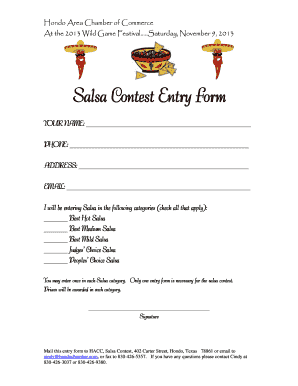
Salsa judging sheet
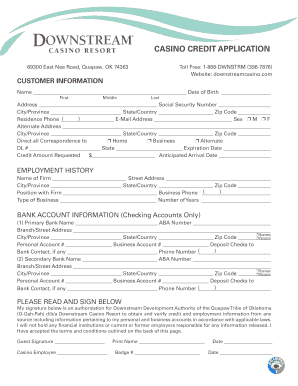
CASINO CREDIT APPLICATION - Downstream Casino
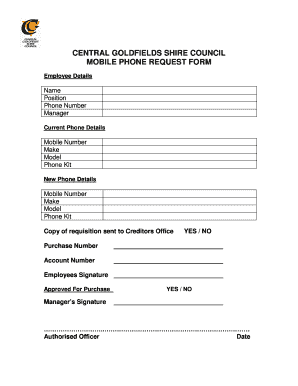
Cell phone request form
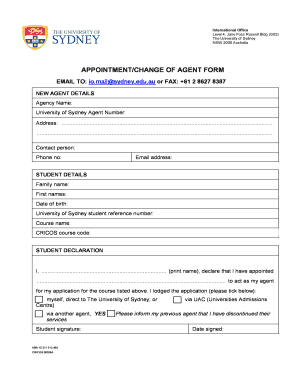
Appointment/change of agent form - The University of Sydney - sydney edu

Shotgun Transfer Form.doc. Certificate Document - westmercia police

Filing police report online
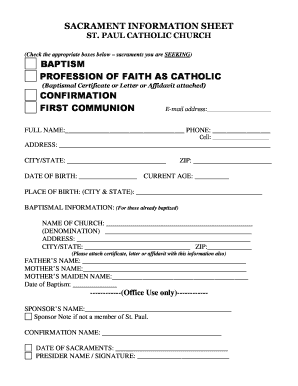
SACRAMENT INFORMATION RECORDING FORM - Catholic Web
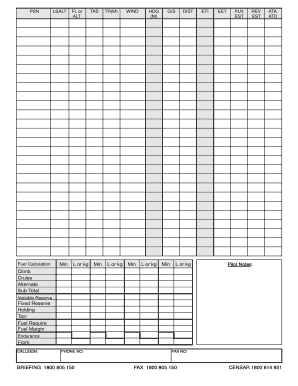
Flight notification form
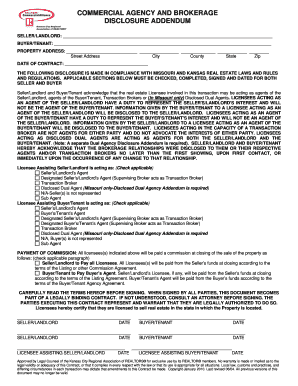
Commercial agency and brokerage disclosure addendum - KCRAR
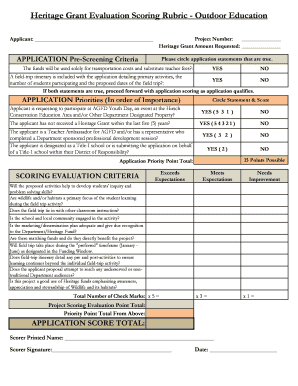
Heritage screening form
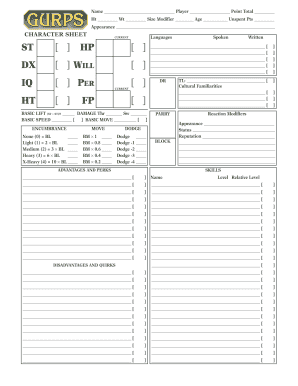
Gurps character sheet fillable pdf
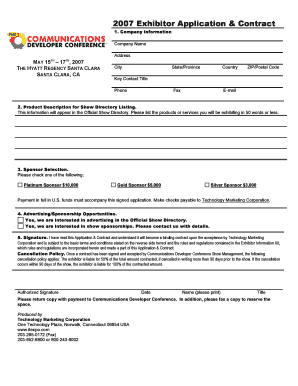
Exhibitor agreement template
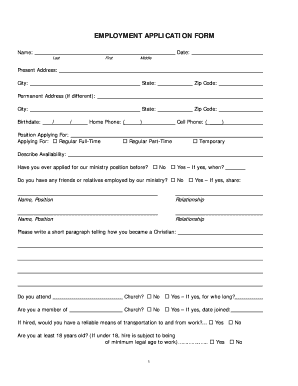
How to write an application for church employment
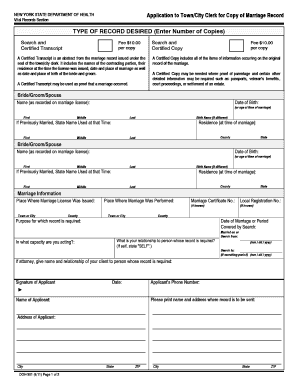
Form - DOH-301 Appliction to Town/City Clerk for Copy of Marriage ...
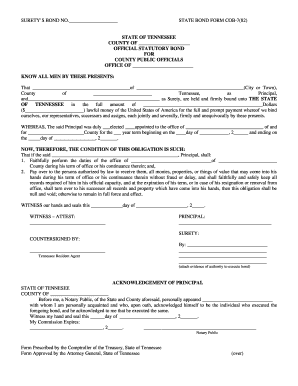
Revised PO bond.doc - comptroller tn

Needle stick injury incident report sample
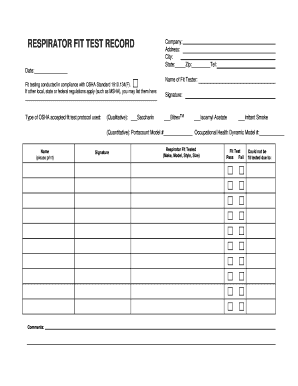
Fit test record form
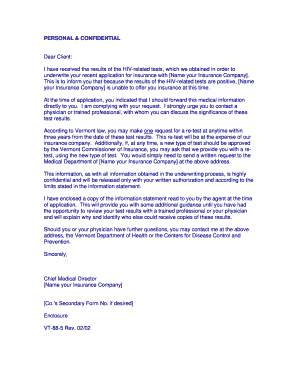
Health department std notification letter

Employment of relatives disclosure form
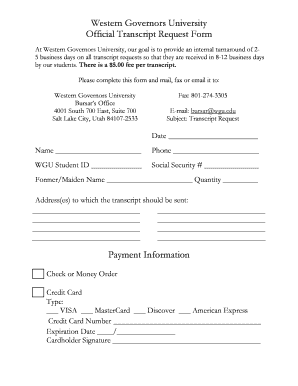
How to Request Official Transcripts WGU Online Admissions ... - wgu
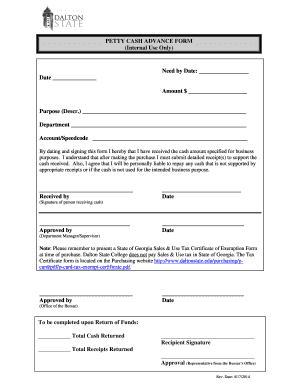
Petty cash advance form

Form ds 232
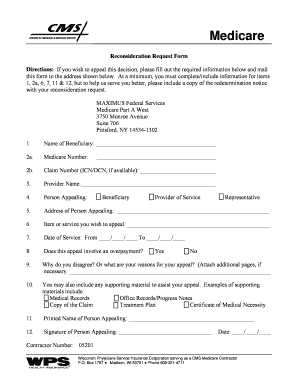
Medicare appeal form
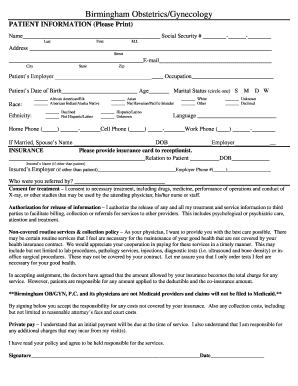
Ob gyn assessment form
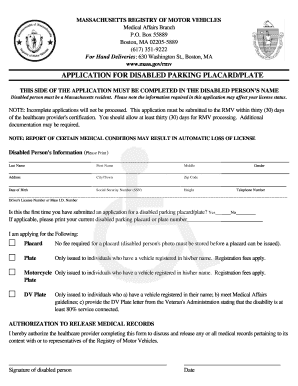
Application for disabled parking placard ma form
Swac card
Neshaminy manor application
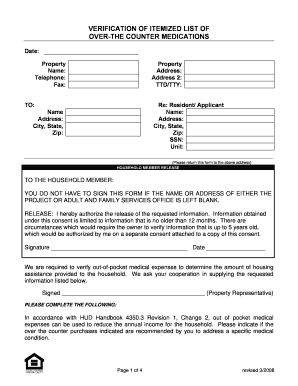
Medication verification form

Cdc permit application
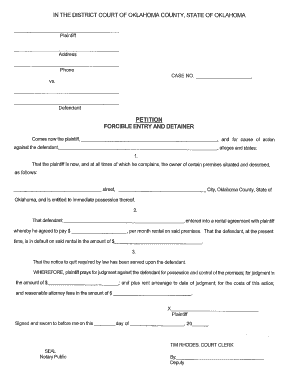
Oklahoma forcible entry and detainer form

Ad 700
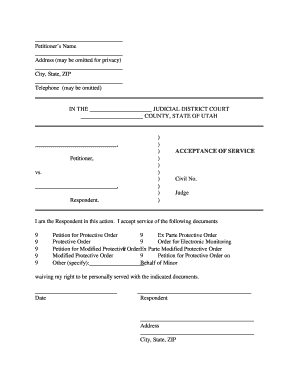
Service acceptance form
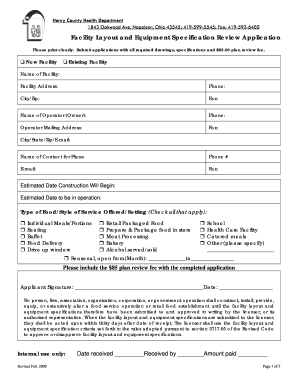
Equipment specification template

Va 21096a 4
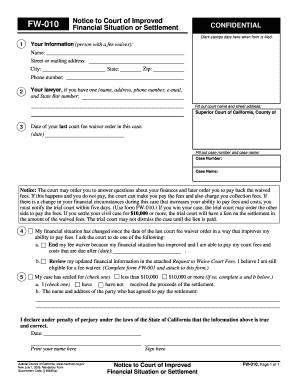
Fw010
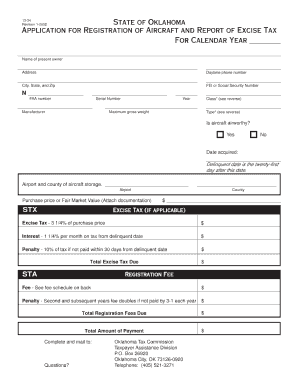
Ok tax comm form 13 34
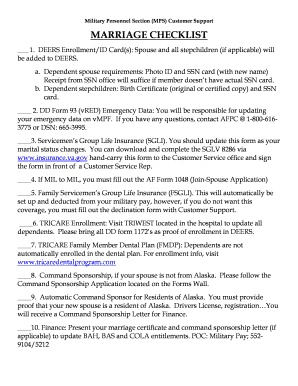
Af form 1048
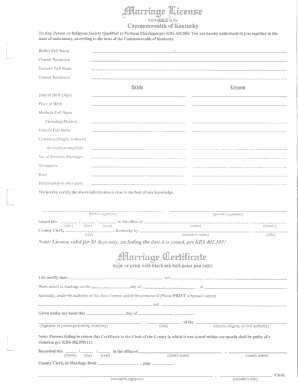
Marriage License - Mercer County Government - mercercounty ky
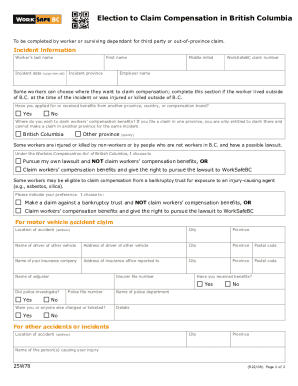
Election to Claim Compensation in British Columbia (form ...
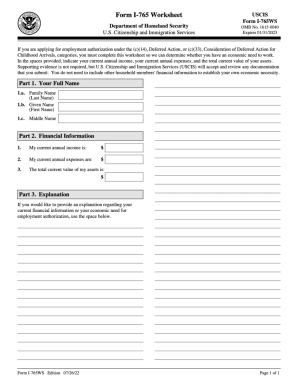
The 765ws form

Justia :: Demand For Possession, Non Payment of Rent ... - State Forms

Courts wa forms documentsConfidential Information (CIF) - courts wa
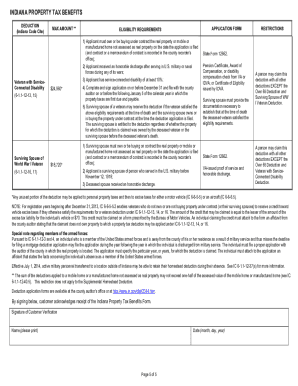
Indiana property tax benefits
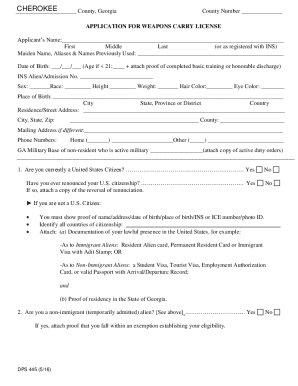
Georgia weapons carry license
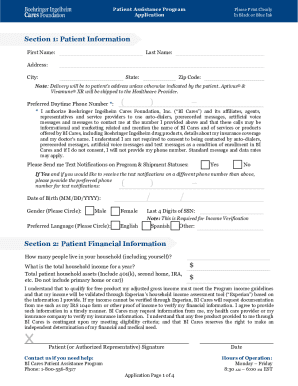
Bi cares
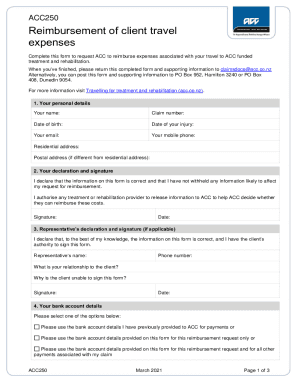
Reimbursement travel form acc

Rmit ssvf form

Fill out proforma invoice
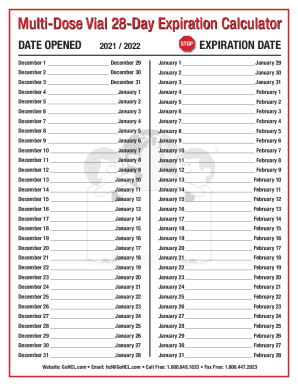
Multi dose vial 28 day calculator
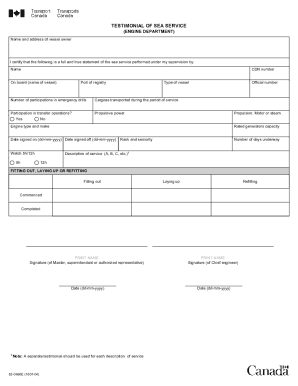
Canada testimonial sea service
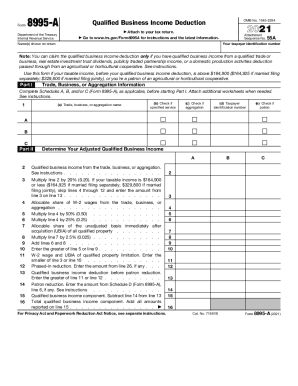
Irs 8995 a
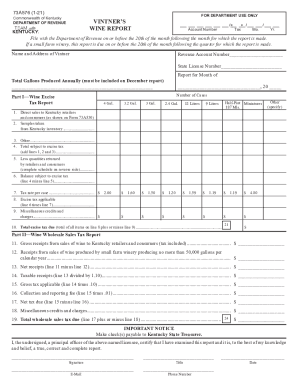
73a576 form
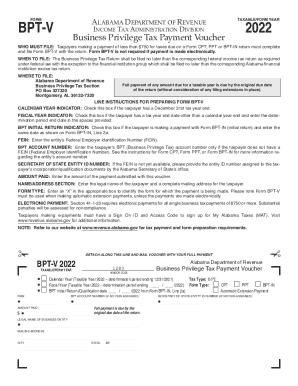
Bpt v 2022
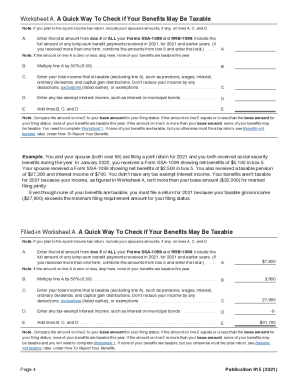
Publication 915 worksheet 2021
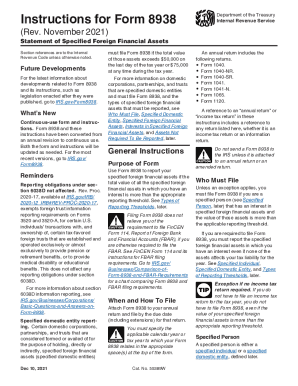
8938 instructions
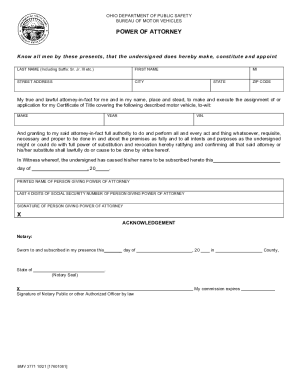
Bmv 3771
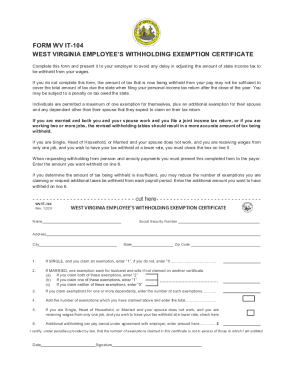
Wv it 104
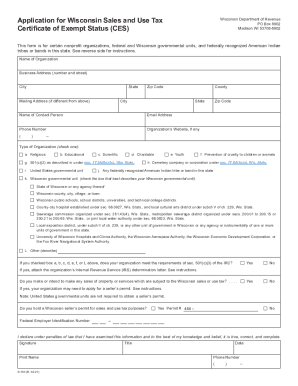
S 103
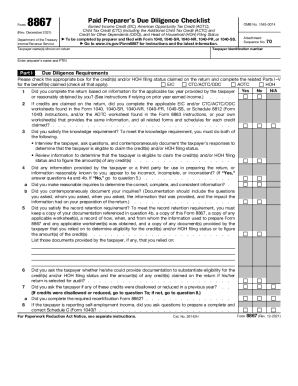
Form 8867
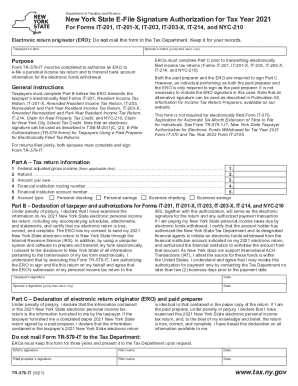
Tr 579 it
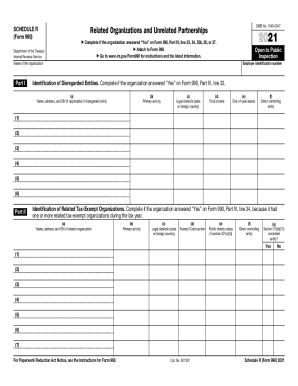
Irs schedule r

Form 8986
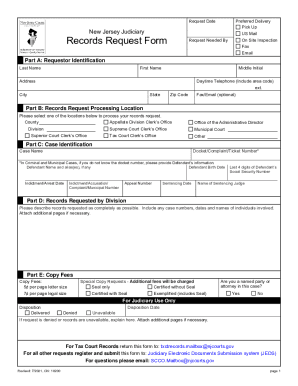
New jersey judiciary records request form

Schedule d
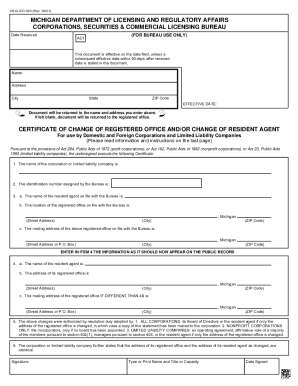
Michigan regulatory licensing
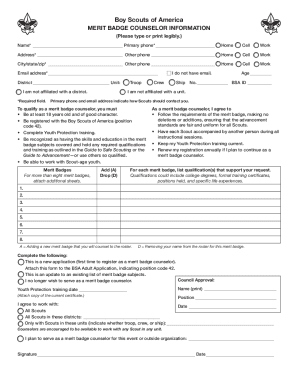
Merit badge counselor application

Bmv 3303
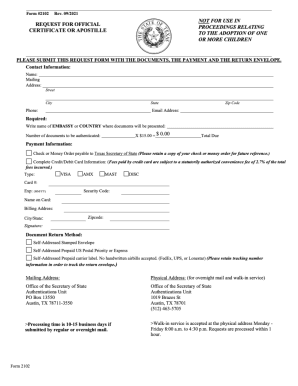
Texas form 2102
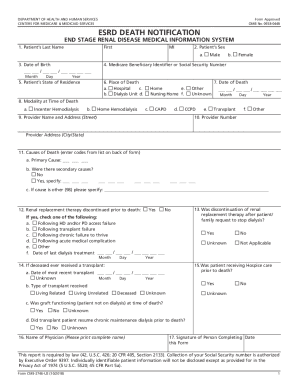
Death notification form
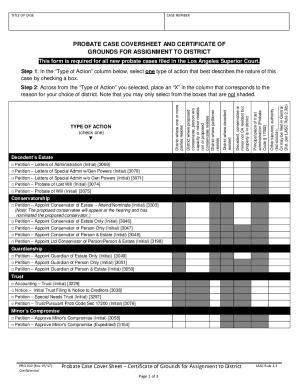
California form case cover sheet
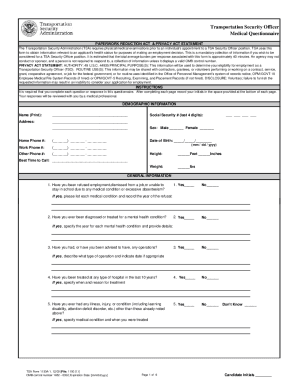
Tsa questionnaire
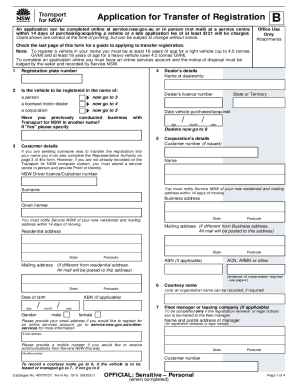
Bill of sale template nsw

Itd0020
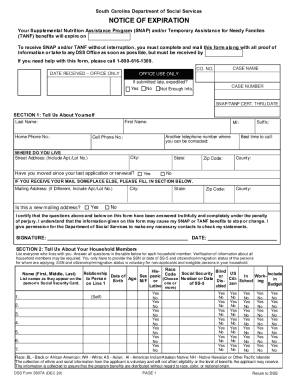
Sc ebt recertification online
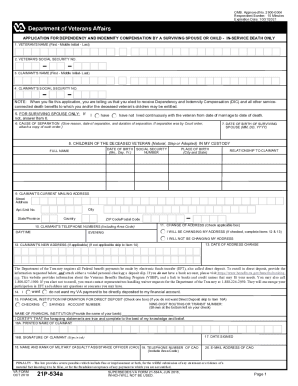
Pay payment
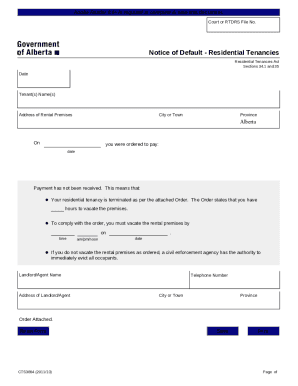
Alberta eviction notice form
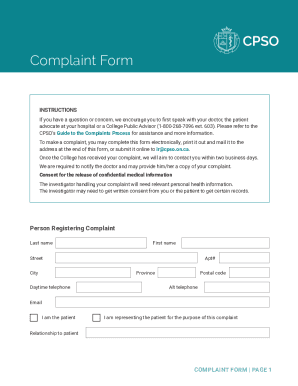
Cpso complaint form

Home care aide registration
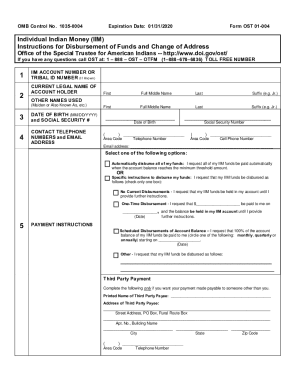
Form ost 01 004
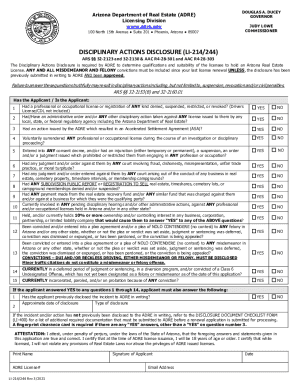
Li disclosure
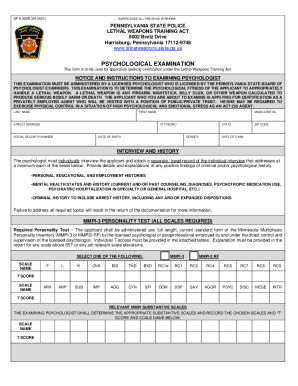
Pa sp psychological

Idoc visiting application

PDF Nursing Facility Reported Incident (FRI) Form - State of Oregon

Regulated Firearms Collector Application and Affidavit
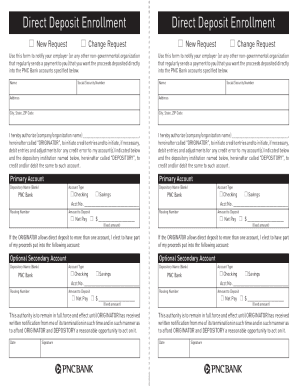
Pnc bank direct deposit authorization form
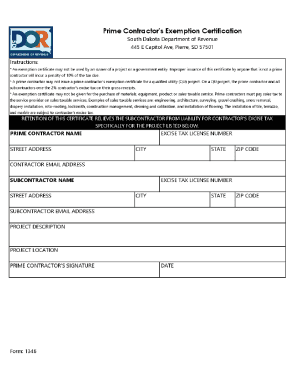
South dakota exemption certificate
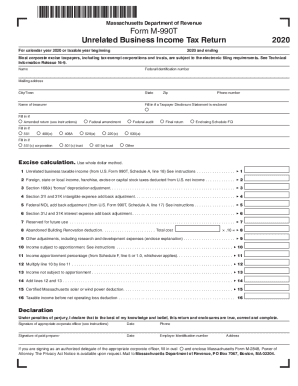
M 990t
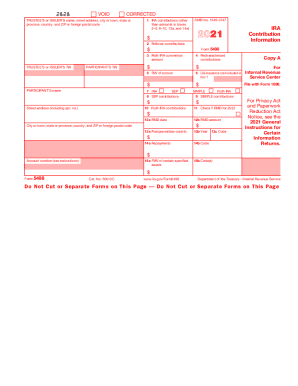
Form 5498
Benefit from the DocHub online library of fillable PDF forms
Searching the PDF forms doesn't have to be a tedious and time-consuming process. With the DocHub online library, it has become easier to find the fillable PDF forms and modify them in your browser. The service allows you to adjust the document to your needs using powerful editing tools.
You can use online document editing features to modify almost any type of document with ease. You just need to find the template of your choice, open it in the editor, and use the toolbar to make the necessary corrections.
Follow this guide to get your document done with DocHub:
- Find the PDF template you need.
- Click the Get Form button to open the file in the editor.
- Use the toolbar to fill out and edit the document.
- Easily add and highlight text, insert images, checkmarks, and symbols.
- Drop new fillable fields, and rearrange or delete pages from your file.
- Save changes and download your record.
DocHub empowers everyone to streamline document editing, signing, and distribution, and form completion. Create an account and benefit from our well-organized PDF Forms library and comprehensive editor.