




Here's how it works

01. Edit your dochub com fillable form online
Type text, add images, blackout confidential details, add comments, highlights and more.

02. Sign it in a few clicks
Draw your signature, type it, upload its image, or use your mobile device as a signature pad.

03. Share your form with others
Send franklin templeton beneficiary transfer distribution request form via email, link, or fax. You can also download it, export it or print it out.
How to use or fill out franklin templeton beneficiary distribution request form with DocHub

- Click ‘Get Form’ to open the franklin templeton beneficiary distribution request form in our platform.
- Begin by filling out the ACCOUNT OWNER/PARTICIPANT (DECEDENT) INFORMATION section. Enter the decedent’s name, Social Security Number (SSN), date of birth, and fund-account number(s). Check all applicable retirement plan types.
- Next, complete the BENEFICIARY INFORMATION section. Provide details for each named beneficiary, including their SSN/ITIN, date of birth, and contact information. Ensure accuracy as this information is crucial for processing.
- In the ONE-TIME DISTRIBUTION AMOUNT AND INSTRUCTIONS section, select your preferred distribution method and specify amounts or percentages as needed. Review the instructions carefully to ensure compliance with minimum distribution requirements.
- Finally, sign and date the form in the BENEFICIARY’S CERTIFICATION AND AUTHORIZATION section. If required, ensure that your signature is guaranteed according to the guidelines provided.
Start using our editor today to streamline your document completion process for free!
Fill out franklin templeton beneficiary distribution request form online
It's free
It's free
See more franklin templeton beneficiary distribution request form versions
We've got more versions of the franklin templeton beneficiary distribution request form form. Select the right franklin templeton beneficiary distribution request form version from the list and start editing it straight away!
Security and compliance
At DocHub, your data security is our priority. We follow HIPAA, SOC2, GDPR, and other standards, so you can work on your documents with confidence.
Learn more


Related forms
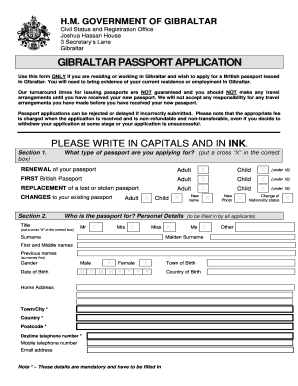
United kingdom gibraltar passport application
The document is a passport application form for residents or workers in Gibraltar seeking to apply for a British passpor ...
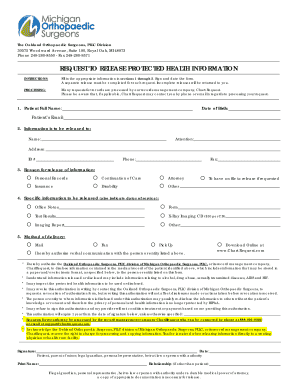
Request to Release Protected Health Information form (MOS- 02-2018)
The document is a request form for the release of protected health information from Oakland Orthopaedic Surgeons, PLLC. ...
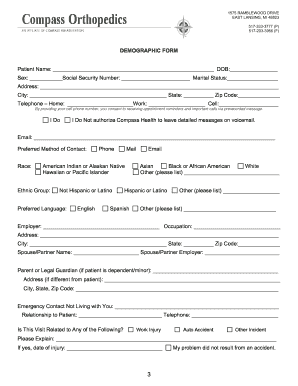
1575 RAMBLEWOOD DRIVE
The document is an informational guide for new patients at Compass Orthopedics, detailing the services offered, appointm ...
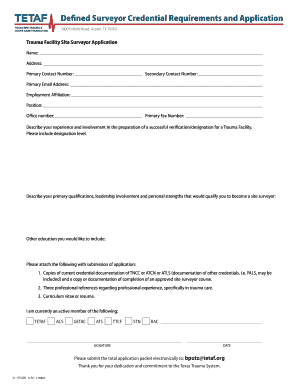
Land Surveyor Certification and Certificate Program Overviews
The document outlines the credential requirements and application process for trauma facility site surveyors in Texas. I ...

Patient Registration Form (Over 18) - Genesee-Transit Pediatrics
The document is a comprehensive Patient Registration Form used by Surgical Specialists of Clear Lake, which collects ess ...
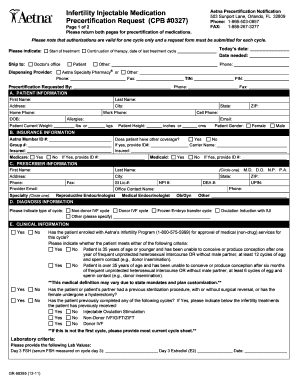
Precertification Aetna Sample - Fill Online, Printable
The document is a precertification request form for infertility injectable medications from Aetna. It requires detailed ...
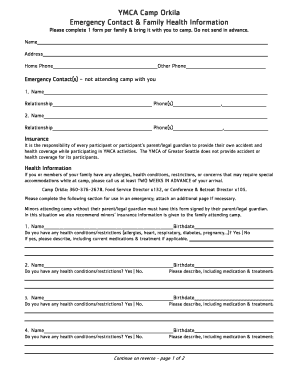
Orkila Non summer health form 6-4-14 - seattleymca
The document is an emergency contact and health information form for families attending YMCA Camp Orkila. It requires pa ...
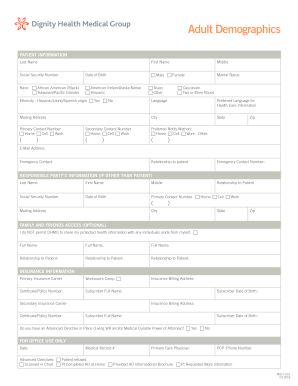
Highlights - NCES - U S Department of Education
The document is a patient information form for Dignity Health Medical Group, collecting demographic details, insurance i ...