




Here's how it works

01. Edit your 941 instructions 2020 online
Type text, add images, blackout confidential details, add comments, highlights and more.

02. Sign it in a few clicks
Draw your signature, type it, upload its image, or use your mobile device as a signature pad.

03. Share your form with others
Send irs form 941 for 2020 via email, link, or fax. You can also download it, export it or print it out.
How to use or fill out Instructions for Form 941 (Rev. July 2020) - Internal Revenue ... with our platform

- Click ‘Get Form’ to open it in the editor.
- Begin by entering your Employer Identification Number (EIN), name, and address in the designated fields at the top of the form.
- Fill out Part 1 by reporting the number of employees who received wages, tips, or other compensation during the quarter.
- Complete lines 5a through 5e with taxable social security and Medicare wages and tips, ensuring to include any qualified sick leave wages on line 5a(i).
- Proceed to Part 2 where you will summarize your tax liabilities for each month of the quarter, checking the appropriate box based on your deposit schedule.
- In Part 3, answer questions relevant to your business situation, such as if you are a seasonal employer or if your business has closed.
- Finally, review all entries for accuracy before signing and submitting your form electronically through our platform.
Start using our platform today to streamline your Form 941 completion process for free!
Fill out Instructions for Form 941 (Rev. July 2020) - Internal Revenue ... online
It's free
It's free
See more Instructions for Form 941 (Rev. July 2020) - Internal Revenue ... versions
We've got more versions of the Instructions for Form 941 (Rev. July 2020) - Internal Revenue ... form. Select the right Instructions for Form 941 (Rev. July 2020) - Internal Revenue ... version from the list and start editing it straight away!
Security and compliance
At DocHub, your data security is our priority. We follow HIPAA, SOC2, GDPR, and other standards, so you can work on your documents with confidence.
Learn more


Related forms

New brunswick post graduate
The document is a Generic Application Form for the Post-Graduate Entrepreneurial Stream under the New Brunswick Provinci ...

Community prince edward island
The Community Energy Solutions program aims to assist businesses, farms, institutions, and community facilities in impro ...

Release form manitoba
The document is an Information Release Form for the Manitoba Provincial Nominee Program, authorizing the exchange of per ...
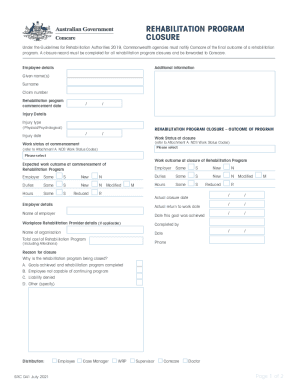
Who intfact-sheetsdetailRehabilitation - World Health Organization
The document outlines the procedures for closing a rehabilitation program under the Guidelines for Rehabilitation Author ...
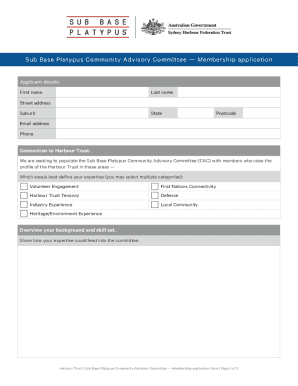
Sub Base Platypus Community Advisory Committee - Harbour
The document is a membership application form for the Sub Base Platypus Community Advisory Committee, seeking applicants ...
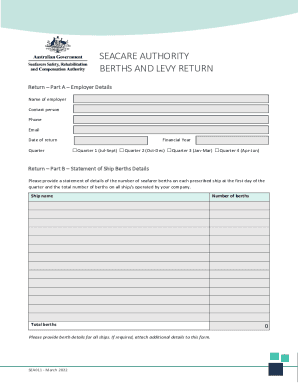
Seacare - Berth and Levy Return - Form - 2022 - fillable DOCX
The document outlines the requirements for employers under the Seafarers Rehabilitation and Compensation Levy Collection ...

RETURN THIS COVER SHEET WITH YOUR MEDICAL HISTORY
The document is a medical history form required for patients prior to their dental appointment at UNMC College of Dentis ...
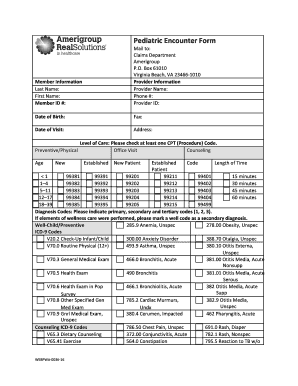
PF-ALL-0079-12 Pediatric Encounter formWACMAP
The document is a Pediatric Encounter Form used for recording patient information, provider details, visit dates, and va ...