




Here's how it works

01. Edit your masshealth ard form online
Type text, add images, blackout confidential details, add comments, highlights and more.

02. Sign it in a few clicks
Draw your signature, type it, upload its image, or use your mobile device as a signature pad.

03. Share your form with others
Send mass health ard form via email, link, or fax. You can also download it, export it or print it out.
How to use or fill out the Authorized Representative Designation Form

- Click ‘Get Form’ to open it in the editor.
- In Section I, Part A, enter your name, date of birth, and MassHealth ID number or last four digits of your SSN. Provide your email address and sign to certify your choice of authorized representative.
- In Part B, the authorized representative must fill in their details including name, phone number, and address. They should also sign to confirm their commitment to confidentiality.
- If you cannot designate an authorized representative in writing, complete Section II with the necessary information about the applicant/member and the representative's details.
- For legal representatives, complete Section III by providing relevant legal documentation along with the form.
- Review all sections for accuracy before submitting. You can submit via mail or fax as instructed at the end of the form.
Start filling out your Authorized Representative Designation Form today using our platform for free!
Fill out ard form online
It's free
It's free
See more ard form versions
We've got more versions of the ard form form. Select the right ard form version from the list and start editing it straight away!
Security and compliance
At DocHub, your data security is our priority. We follow HIPAA, SOC2, GDPR, and other standards, so you can work on your documents with confidence.
Learn more


Related forms

FEE AGREEMENT AND PSYCHOLOGICAL SERVICES CONTRACT
The document is a Child and Adolescent Questionnaire for Parents provided by Comprehensive Counseling Connections, PLLC. ...

Massachusetts berklee music entering
The document is an 'Entering Student Immunization Form' for Berklee College of Music and Boston Conservatory, requiring ...

Associates health screening
The document is a health screening template used by Denver Medical Associates to collect comprehensive patient informati ...

Value options authorization disclose health information
The document is an authorization form allowing ValueOptions, Inc. to disclose an individual's health information to spec ...
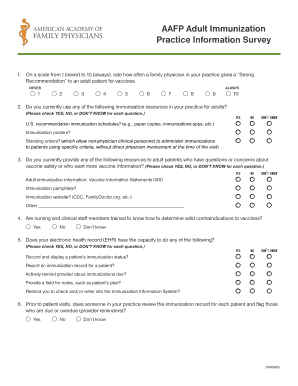
AAFP Adult Immunization Practice Information Survey
The document is a survey designed for family physicians to assess their practices regarding adult immunization. It inclu ...
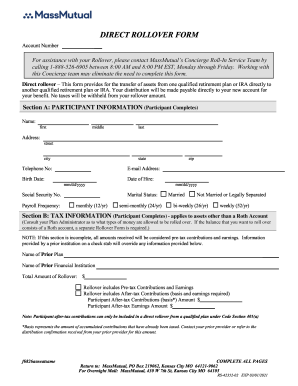
Direct rollover form
The document is a Direct Rollover Form for transferring assets from one qualified retirement plan or IRA to another with ...

Banner Health Website - Search banner health website
The document is a comprehensive medical history form for new patients aged 0-17 years. It collects essential information ...
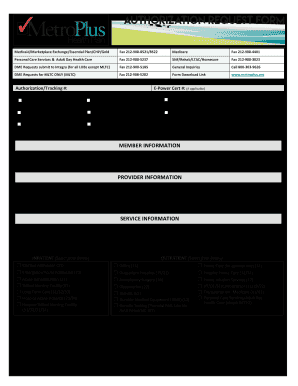
Authorization request form
The document provides detailed instructions for submitting various healthcare service requests, including prior authoriz ...