
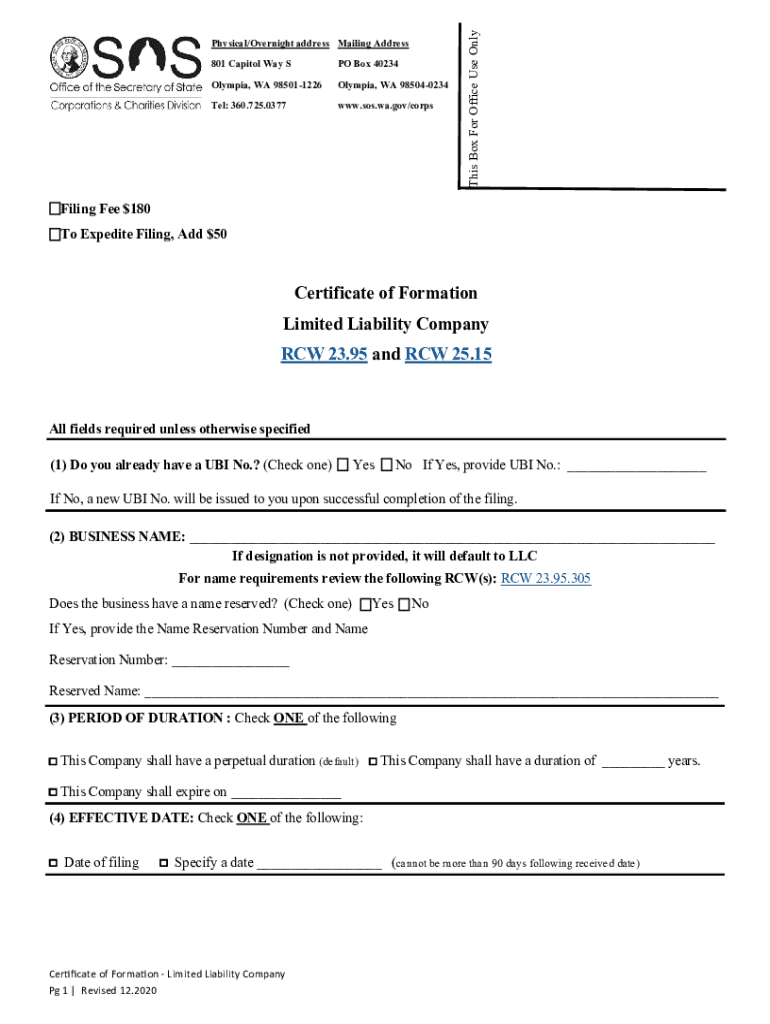




Here's how it works

01. Edit your ubi washington online
Type text, add images, blackout confidential details, add comments, highlights and more.

02. Sign it in a few clicks
Draw your signature, type it, upload its image, or use your mobile device as a signature pad.

03. Share your form with others
Send certificate of formation wa via email, link, or fax. You can also download it, export it or print it out.
How to use or fill out washington formation with our platform

- Click ‘Get Form’ to open the washington formation in the editor.
- Begin by entering your Unified Business Identifier (UBI) number if applicable. If you do not have one, select 'No' and proceed.
- Provide the business name, ensuring it includes 'Limited Liability Company' or its abbreviation. If you have a Name Reservation Number, enter it here.
- Select the period of duration for your LLC. You can choose perpetual or specify a certain number of years.
- Indicate the effective date for your filing. You can choose the date of filing or specify a future date within 90 days.
- Designate a Registered Agent by selecting either a Commercial or Noncommercial option and filling in the required details.
- Enter the principal office address where your business records will be kept. This must be a physical address.
- Complete the Executor Information section with the name, address, and signature of the person forming the LLC.
Start using our platform today to streamline your document editing and filing process for free!
Fill out washington formation online
It's free
Security and compliance
At DocHub, your data security is our priority. We follow HIPAA, SOC2, GDPR, and other standards, so you can work on your documents with confidence.
Learn more


Related forms
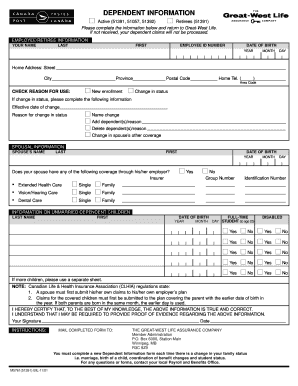
Great west life dependent
The document is a Dependent Information form that requires retirees and active employees to provide personal and depende ...
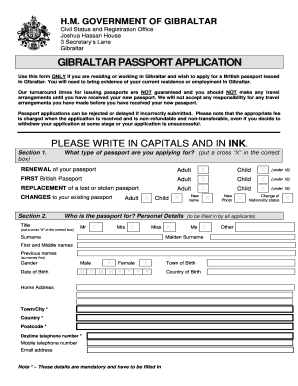
United kingdom gibraltar passport application
The document is a passport application form for residents or workers in Gibraltar seeking to apply for a British passpor ...
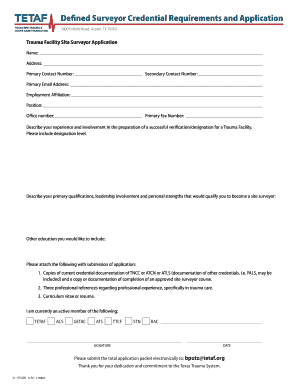
Land Surveyor Certification and Certificate Program Overviews
The document outlines the credential requirements and application process for trauma facility site surveyors in Texas. I ...

Patient Registration Form (Over 18) - Genesee-Transit Pediatrics
The document is a comprehensive Patient Registration Form used by Surgical Specialists of Clear Lake, which collects ess ...
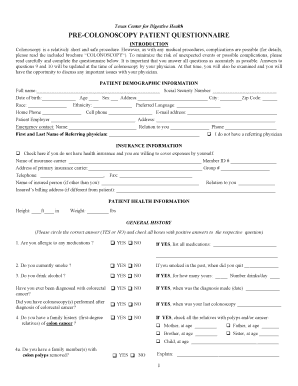
Patient Factors That Affect Quality of Colonoscopy Preparation
The document is a Pre-Colonoscopy Patient Questionnaire from the Texas Center for Digestive Health. It aims to gather co ...
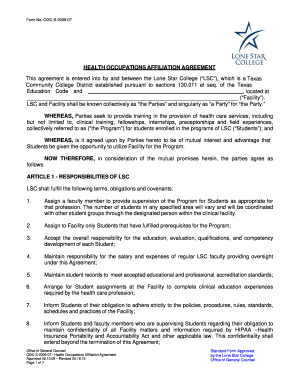
This agreement is entered into by and between the Lone Star College (LSC), which is a Texas
This agreement is entered into by and between the Lone Star College (LSC), which is a Texas
The document is a Health Occupations Affiliation Agreement between Lone Star College (LSC) and a designated Facility, ou ...
Highlights - NCES - U S Department of Education
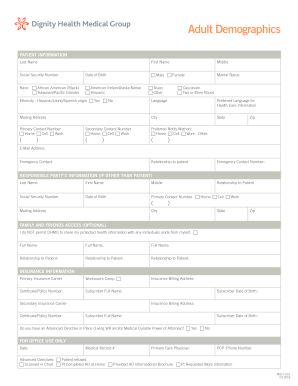
The document is a patient information form for Dignity Health Medical Group, collecting demographic details, insurance i ...
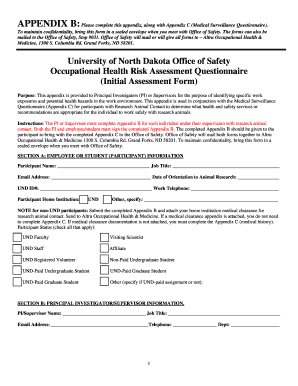
CPL 02-00-120 - CPL 2-0 120 - Inspection procedures for the
The document outlines the procedures for completing the Occupational Health Risk Assessment Questionnaire (Appendix B) a ...