




Here's how it works

01. Edit your nc tax exempt number online
Type text, add images, blackout confidential details, add comments, highlights and more.

02. Sign it in a few clicks
Draw your signature, type it, upload its image, or use your mobile device as a signature pad.

03. Share your form with others
Send exemption number via email, link, or fax. You can also download it, export it or print it out.
How to use or fill out E-592A Web-Fill Application for State Agency Exemption Number - dor state nc

- Click ‘Get Form’ to open it in the editor.
- Begin by entering the Federal Employer ID No. in Line 1, ensuring accuracy as this is crucial for identification.
- In Line 2, input your N.C. Sales and Use Tax Account ID, which is necessary for tax exemption processing.
- For Line 3, clearly state the name of the State Agency or UNC Institution requesting the exemption number.
- If applicable, provide the division name of your agency in Line 4 to specify which part of the agency is applying.
- Line 5 requires you to enter the physical location of your agency; avoid using a P.O. Box here.
- In Line 6, fill out the mailing address where all correspondence regarding your application should be sent.
- Describe your agency's operations in Line 7 succinctly but thoroughly to provide context for your request.
- Finally, sign and date the application. Include your printed name, title, phone number, and email address for follow-up questions before mailing it to the NC Department of Revenue.
Start filling out your E-592A application today using our platform for free!
Fill out E-592A Web-Fill Application for State Agency Exemption Number ... - dor state nc online
It's free
It's free
See more E-592A Web-Fill Application for State Agency Exemption Number ... - dor state nc versions
We've got more versions of the E-592A Web-Fill Application for State Agency Exemption Number ... - dor state nc form. Select the right E-592A Web-Fill Application for State Agency Exemption Number ... - dor state nc version from the list and start editing it straight away!
Security and compliance
At DocHub, your data security is our priority. We follow HIPAA, SOC2, GDPR, and other standards, so you can work on your documents with confidence.
Learn more


Related forms

BC Patient Safety and Quality Council
The document outlines the travel expense reimbursement policy for the BC Patient Safety & Quality Council, detailing all ...

MC 20, Waiver Suspension of Fees and Costs - Michigan Courts
The document is a Juror Qualification Questionnaire from the State of Michigan, requiring prospective jurors to provide ...
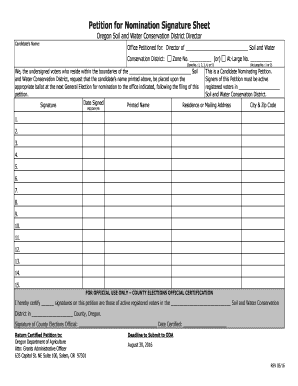
Petition for Nomination Signature Sheet - oregon
The document is a petition for nomination signature sheet for candidates seeking election as a director of a Soil and Wa ...

Media release form
The document is a media release form for St. Michael Parish Bible Camp, allowing parents to grant or deny permission for ...

Middle School Fight Contract
The document is a Fight Contract from the Tracy Unified School District for students involved in fighting. It outlines t ...

Notice of intention to defend template south africa
The document is a legal notice from defendants in a court case, indicating their intention to defend against the plainti ...
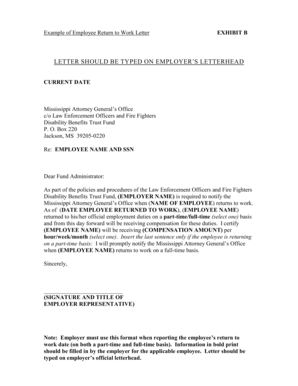
Return to work letter pdf
The document is a template for an Employee Return to Work Letter that employers must use to notify the Mississippi Attor ...
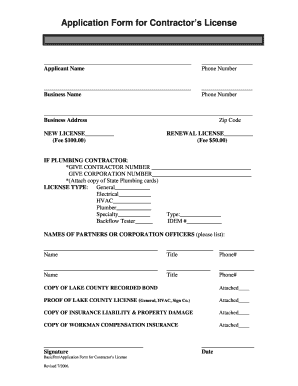
Crown point in contractor licensing form
The document is an application form for obtaining or renewing a contractor's license, requiring details such as the appl ...