



Here's how it works



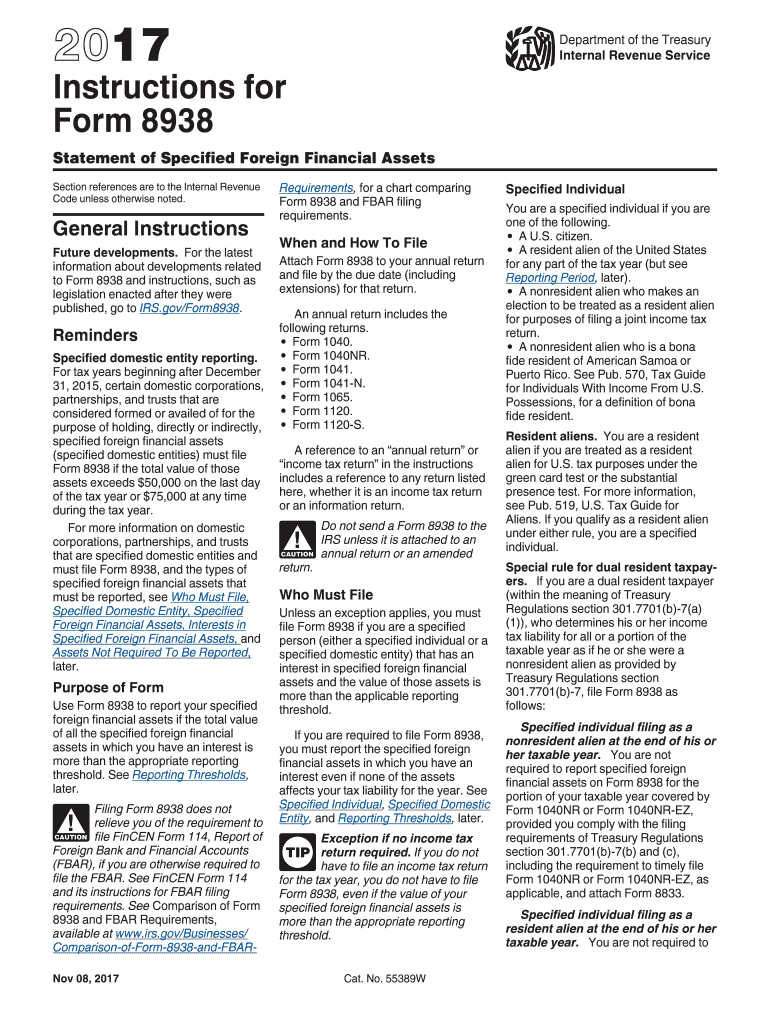
How to use or fill out IRS 8938 Instructions Form 2017 with DocHub

- Click ‘Get Form’ to open the IRS 8938 Instructions Form in our platform's editor.
- Begin by entering your identifying information at the top of the form, including your name and taxpayer identification number (TIN).
- In Part I, summarize your foreign deposit and custodial accounts. Report the number of accounts and their total maximum value.
- Proceed to Part II to summarize other foreign assets. Again, report the number of assets and their total maximum value.
- Complete Part III by entering tax items attributable to specified foreign financial assets, such as interest and dividends.
- If applicable, fill out Part IV for any excepted specified foreign financial assets reported on other forms.
- For detailed information on each account or asset, use Parts V and VI. Attach continuation sheets if necessary.
- Review all entries for accuracy before saving or exporting your completed form directly from our platform.
Start using our platform today to streamline your IRS form completion process for free!
It's free
See more irs 8938 instructions form 2017 versions
Got questions?
How can I send my irs 8938 instructions form 2017 for eSignature?
Upload your irs 8938 instructions form 2017 to DocHub (after you’ve set up an account for this). If you need to fill out fields in it, use proper tools from the upper pane. For instance, add Signature Fields, assign each to specific party, and click on Sign → Request signatures from others. Change your message for your recipients and click Send Request. You can also send your paperwork by fax or as a Signing link instead of using email (you’ll find these options by navigating to the Menu → Send)
Can I edit irs 8938 instructions form 2017 on my phone?
As a comprehensive document modifying service, DocHub is accessible on mobile phones. Open DocHub in your choice of mobile internet browser and use our intelligent mobile-friendly toolset to fill out your irs 8938 instructions form 2017.
Do I need to file both FBAR and 8938?
How to file Form 8938?
What must be reported on Form 8938?
Security and compliance
At DocHub, your data security is our priority. We follow HIPAA, SOC2, GDPR, and other standards, so you can work on your documents with confidence.
Learn more