
Get any PDF form from the DocHub library of ready-made templates - Page 1402

It 242 2015 form

One centre street 2016 form
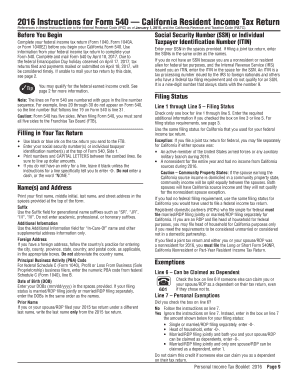
Where to attch check to ca form 540

Publication 910 2016 form
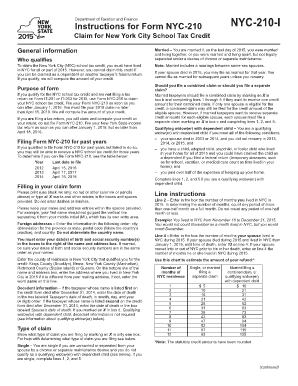
Nyc 210 form 2015
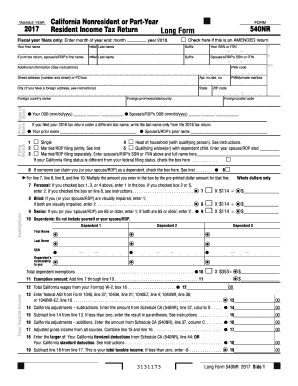
2017 form 540nr
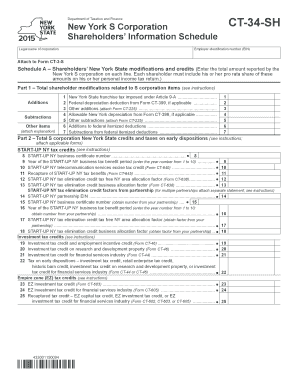
Ct 34 sh form 2015
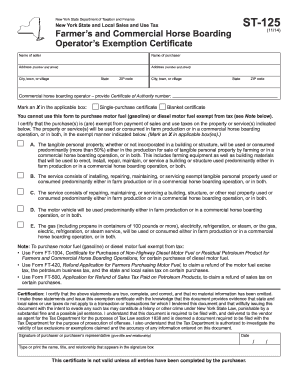
St 125 2014 form

Nyc 5ub 2015 form
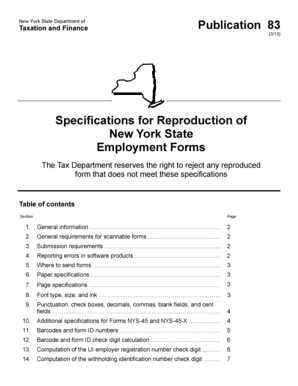
New York State Department of Taxation and Finance Publication 83 (3/13) Specifications for Reproduction of New York State Employment Forms The Tax Department reserves the right to reject any reproduced form that does not meet these - tax ny
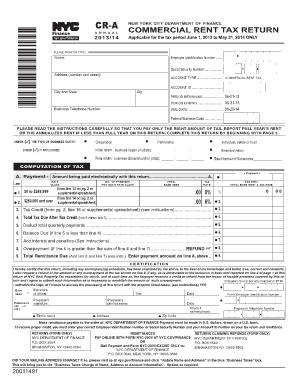
Commercial rent return

Tax commission expense 2016 form
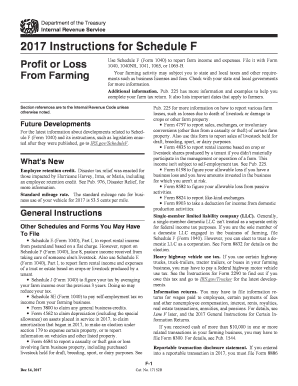
2017 Instructions for Schedule F. 2017 Instructions for Schedule F, Profit or Loss From Farming
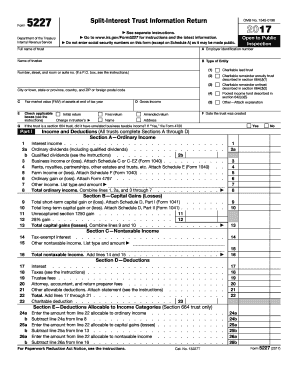
Form 5227 - irs
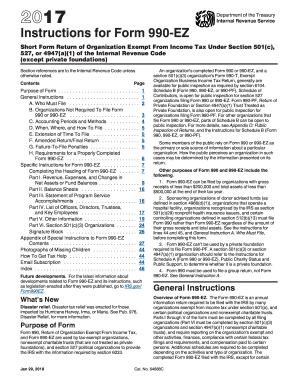
990 ez instructions form 2017
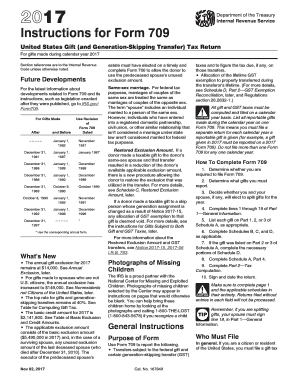
Form 709 instructions gift tax 2017

Blank civil 2015 form

540nr schedule
Whats New and Other Important Information for 2017
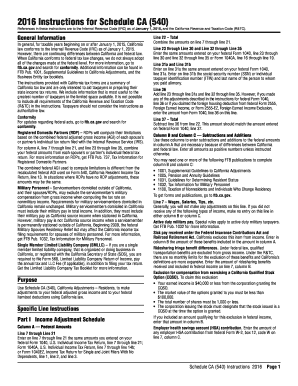
2016 Instructions For Schedule CA (540) -- California Adjustments -- Residents. 2016 Instructions For Schedule CA (540) -- California Adjustments -- Residents - ftb ca

Cms 1 2015 form
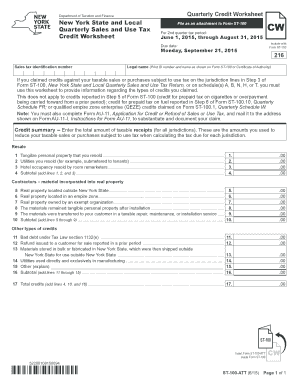
St 100 att 2015 form
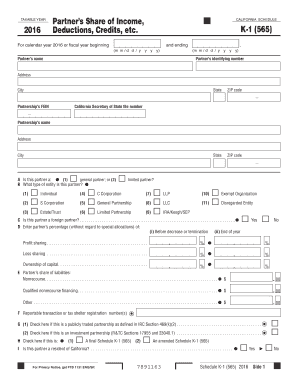
California k 1 form 2016
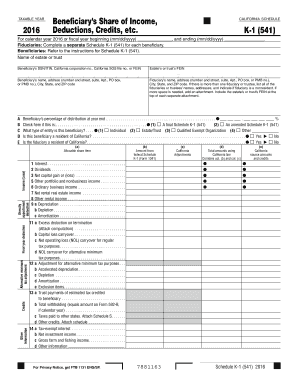
Form 541 k 1 2016
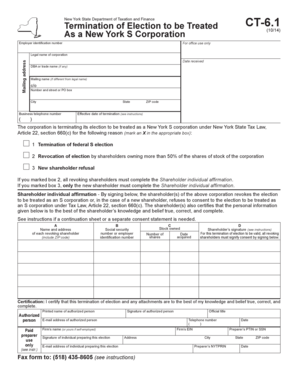
Ct 61 2014 form

Tp650 2013 form
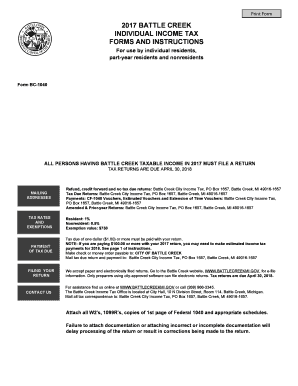
Refund, credit forward and no tax due returns: Battle Creek City Income Tax, PO Box 1657, Battle Creek, MI 49016-1657
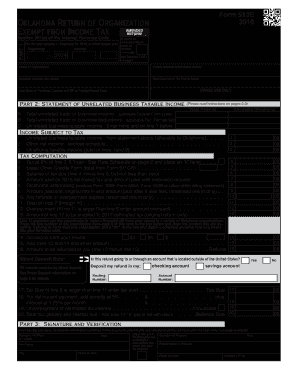
Oklahoma form 512e 2016

Enter date of death:
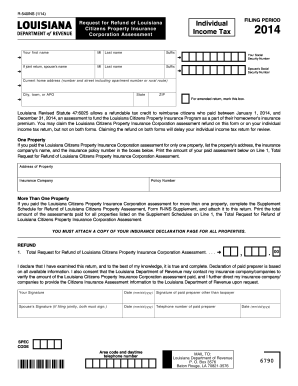
R 540ins louisiana 2014 form
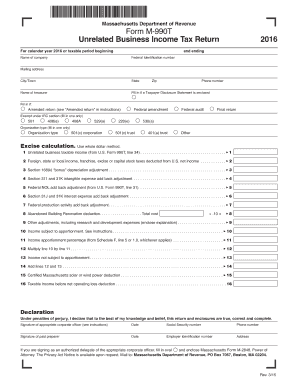
M 990t 2016 form
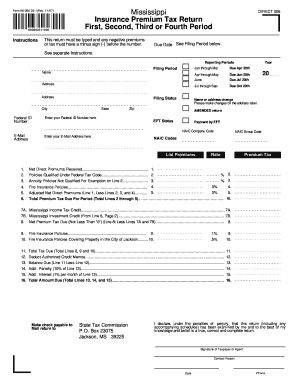
Form 66-066-03-1(Rev
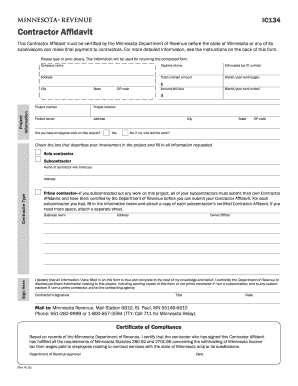
Ic134 2015 form
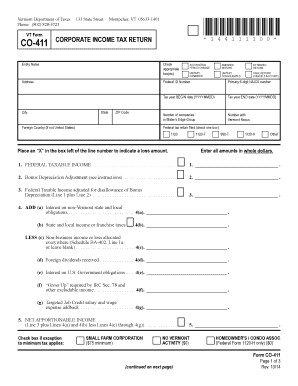
Co 411 2014 form
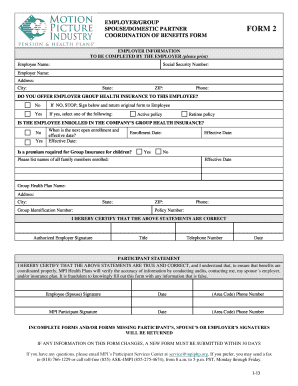
Mpi form 2013
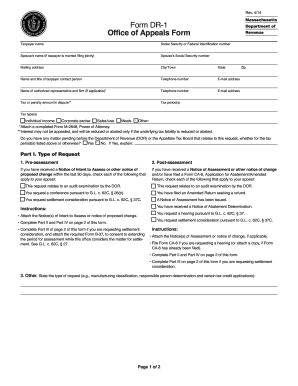
Dr 1 form 2014

Ms state tax forms 2015
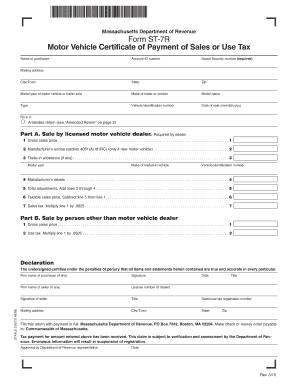
Form st 7r 2015

Application abatement 2009 form
Massachusetts instruction 2014 form
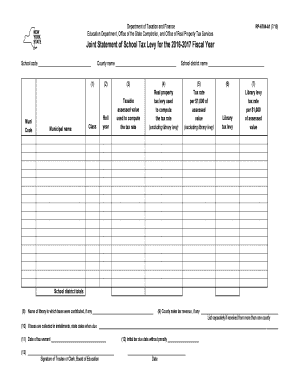
Form rp 6704 a1 2016

Dtf 17 2016 form

Property Data Update Class 1 - NYC.gov

Application assessed 2016 form

Btr wi 2016 form
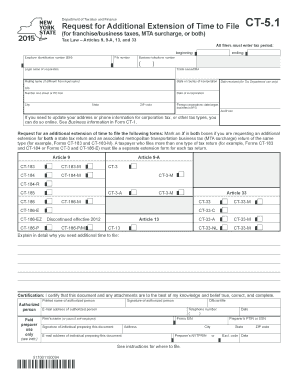
Ct 5 1 form 2015
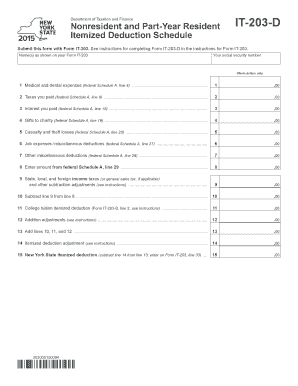
It 203d 2015 form
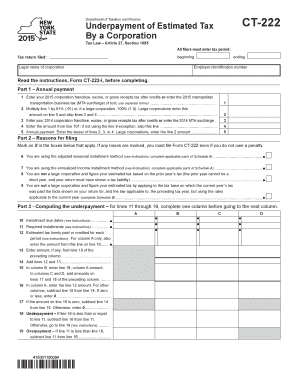
Ct 222 new york 2015 form
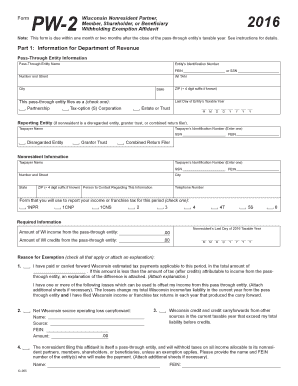
Form pw 2 2016
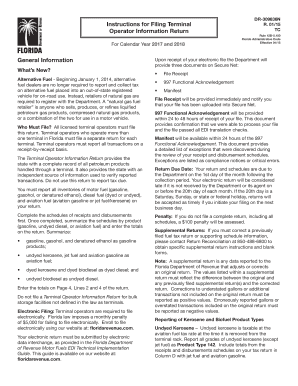
General Information Instructions for Filing Terminal Operator ...

General Information Instructions for Filing Blender Fuel Tax Return
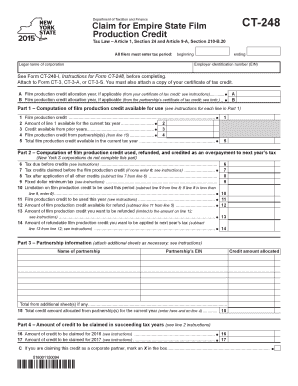
Ct 248 2015 form
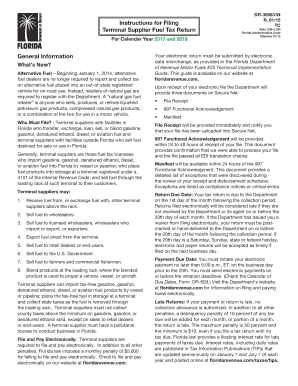
Fuel dealers are no longer required to report and collect tax
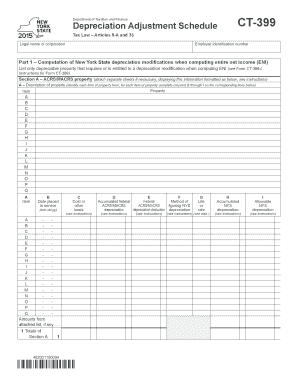
Form ct 399 2015
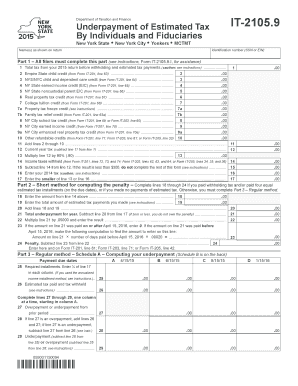
Ny it 2105 2018
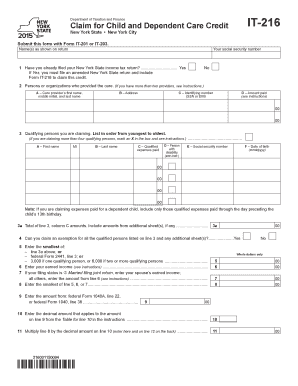
It 216 2015 form

St 140 2015 form
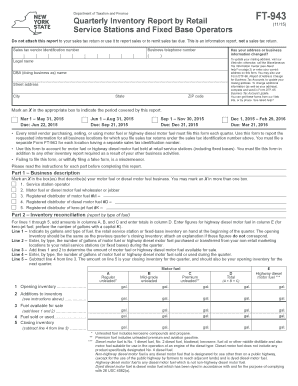
Ft 943 2015 form

Ifta 100 2011 form
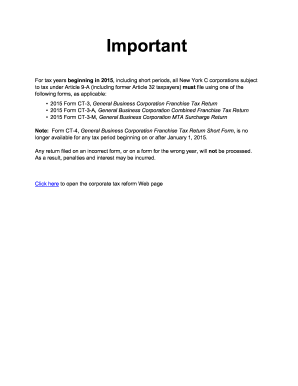
Form ct 3m 4m 2014
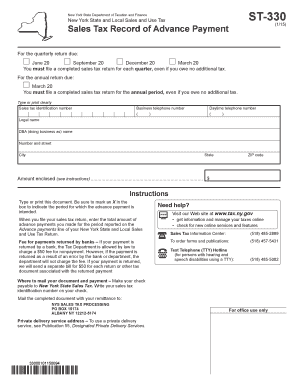
Form st 330 2015
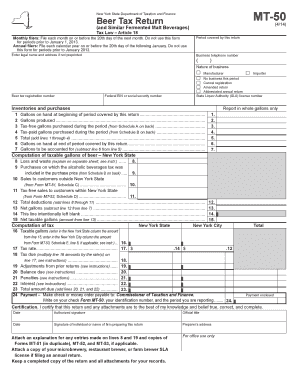
Mt 50 2014 form

Texas form 05 167 2015

936 2017 form
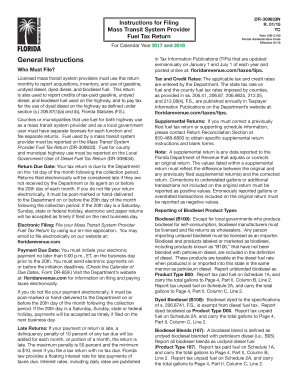
2017 FL DR-309633N

DR-908 R. 01-18.indd

2018 FL DR-146
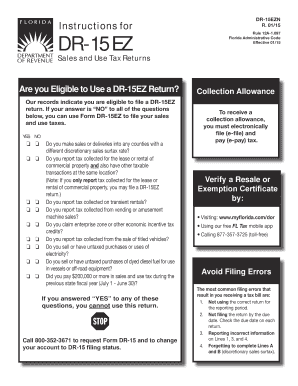
Formupack tn sales and use tax return 2015
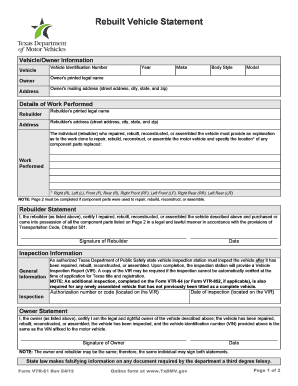
Off-highway vehicle registration decal change of address notification ...

Dmv14 form 2013
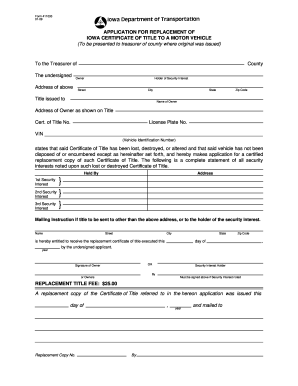
411033 2009 form
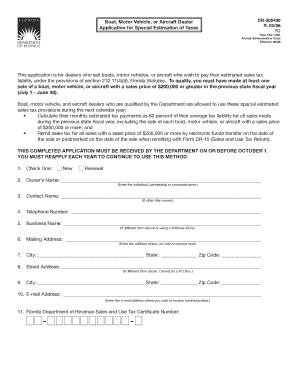
This bapplicationb is for dealers who sell boats motor vehicles or bb
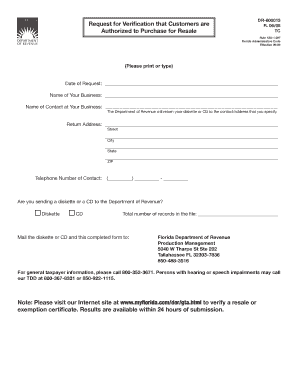
DR-600013 Request for Verification that Customers are Authorized to Purchase for Resale R0608
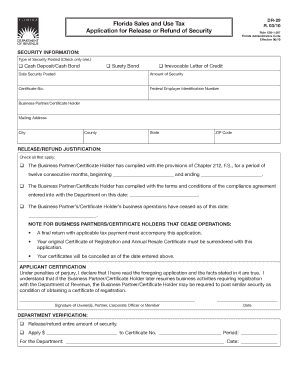
Florida Sales and Use Tax bApplicationb for Release or Refund of bb

Florida Neighborhood Revitalization Program - Florida Department ...
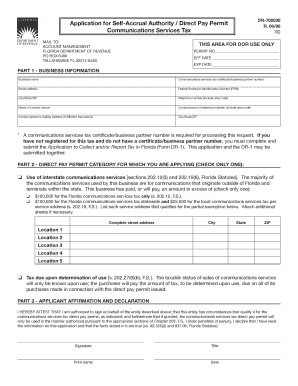
DR-700030 Application for Self-Accrual Authority Direct Pay Permit R0606
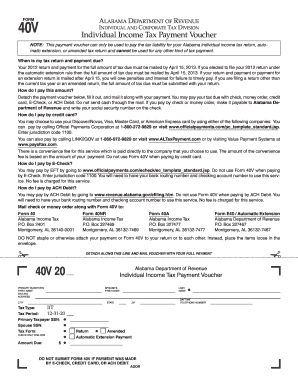
Alabama form 40vDocHubcom 2012

POSTMARK OR HAND-DELIVERY DATE - formupack

Have Questions? Inside - formupack

Download Form DR-309660 - formuPack
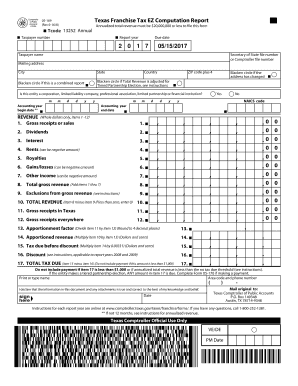
Texas franchise tax ez computation report 2016 form
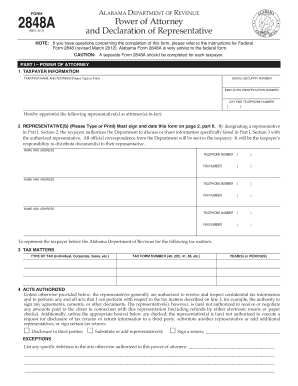
Al form declaration 2017

Affidavit of Concurrent Employment - Florida Department of Revenue
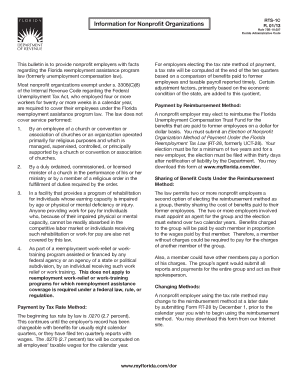
73B-11.0151 - Florida Administrative Code

RT-8i RT-8A Information Sheet WAGES
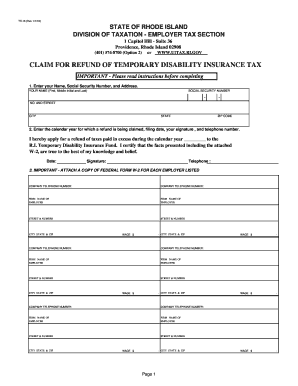
Ri tdi refund 2018 form

Request to Participate in the Certified Audit Program
... - sdat-snyat.info
Alaska Motor Fuel Tax Instructions - PDF - DocPlayer.net
Ri amended
Form MET-2 ADJ - Comptroller of Maryland
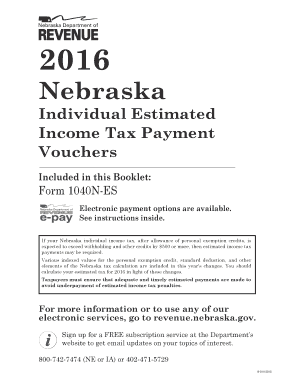
1040nes 2016 form

Form 10 sales tax nebraska
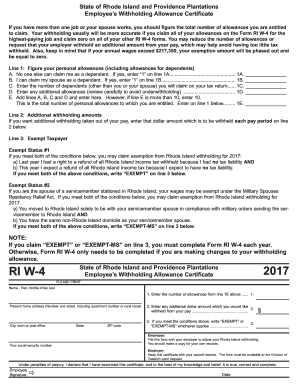
Ri w 4 form fillable form 2017
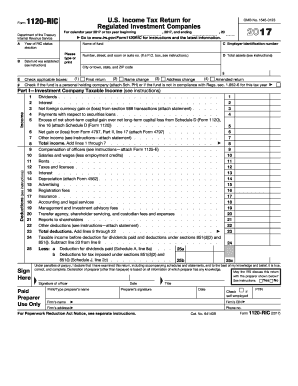
852 b 4 2017 form
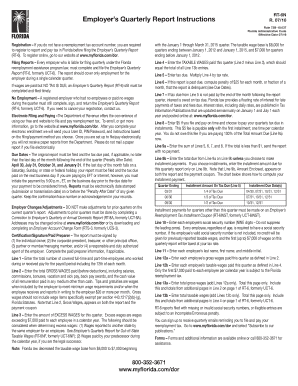
Employer's Quarterly Report Instructions

Sales and Use Tax on Aircraft - Florida Department of Revenue
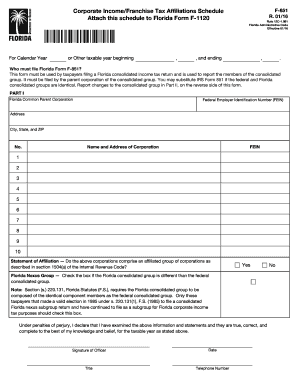
Affiliations Schedule - Florida Department of Revenue - MyFlorida.com
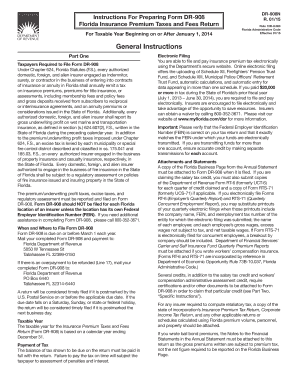
Florida Administrative Register - Florida Administrative Code
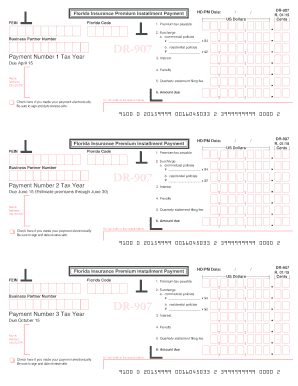
DR-907. Insurance Premium Installment Payment and Instructions R.01/15
Benefit from the DocHub online library of fillable PDF forms
Searching the PDF forms doesn't have to be a tedious and time-consuming process. With the DocHub online library, it has become easier to find the fillable PDF forms and modify them in your browser. The service allows you to adjust the document to your needs using powerful editing tools.
You can use online document editing features to modify almost any type of document with ease. You just need to find the template of your choice, open it in the editor, and use the toolbar to make the necessary corrections.
Follow this guide to get your document done with DocHub:
- Find the PDF template you need.
- Click the Get Form button to open the file in the editor.
- Use the toolbar to fill out and edit the document.
- Easily add and highlight text, insert images, checkmarks, and symbols.
- Drop new fillable fields, and rearrange or delete pages from your file.
- Save changes and download your record.
DocHub empowers everyone to streamline document editing, signing, and distribution, and form completion. Create an account and benefit from our well-organized PDF Forms library and comprehensive editor.