




01. Edit your form online
Type text, add images, blackout confidential details, add comments, highlights and more.

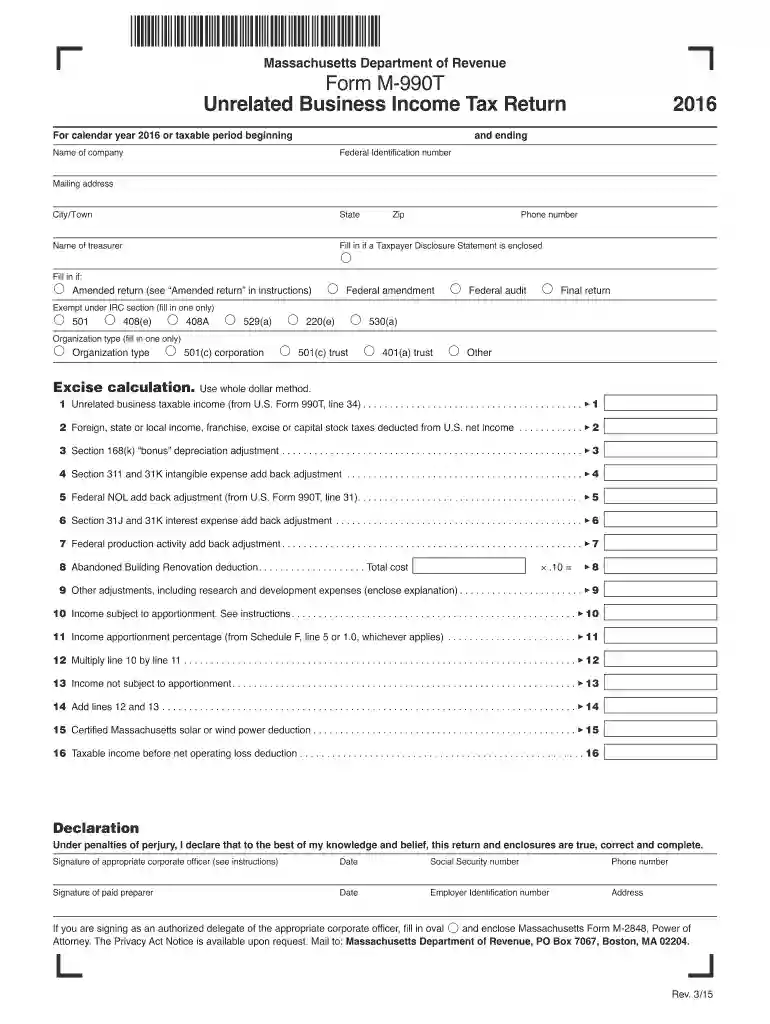
Type text, add images, blackout confidential details, add comments, highlights and more.

Draw your signature, type it, upload its image, or use your mobile device as a signature pad.

Send it via email, link, or fax. You can also download it, export it or print it out.

Start filling out your m 990t 2016 form today for free using our platform!
We've got more versions of the m 990t 2016 form form. Select the right m 990t 2016 form version from the list and start editing it straight away!
| Versions | Form popularity | Fillable & printable |
|---|---|---|
| 2022 | 4.7 Satisfied (56 Votes) | |
| 2021 | 4.6 Satisfied (39 Votes) | |
| 2020 | 4.8 Satisfied (75 Votes) | |
| 2019 | 4.3 Satisfied (174 Votes) | |
| 2018 | 4.3 Satisfied (175 Votes) | |
| 2017 | 4.3 Satisfied (78 Votes) | |
| 2016 | 4.3 Satisfied (116 Votes) | |
| 2015 | 4.3 Satisfied (162 Votes) | |
| 2014 | 3.9 Satisfied (41 Votes) | |
| 2013 | 4 Satisfied (20 Votes) | |
| 2009 | 4 Satisfied (32 Votes) |
At DocHub, your data security is our priority. We follow HIPAA, SOC2, GDPR, and other standards, so you can work on your documents with confidence.
Book value of all assets F Group exemption number (See instructions.) at end of year. 5,686,322. G Check organization type ▻. X 501(c) corporation.Read more
Sep 16, 2013 Filing Form 990T with an attached Form. 8941 is required Employer files Form. 8941 with Employers 2016 tax return to claim the credit.Read more
2016. Product Number Instruction 990-T Title Instructions for Form 990-T, Exempt Organization Business Income Tax Return (and proxy tax under section 6033(e))Read more


