
Get any PDF form from the DocHub library of ready-made templates - Page 1401

Irs k 1 form instructions 2018-2019
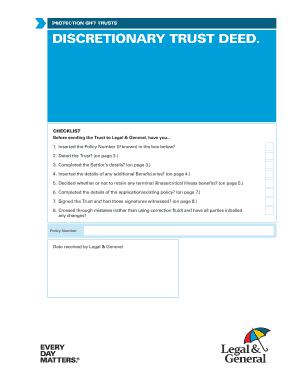
Protection Gift Trusts Discretionary Trust Deed - Legal & General
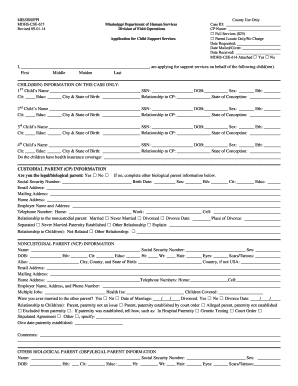
Revised 09-01-14
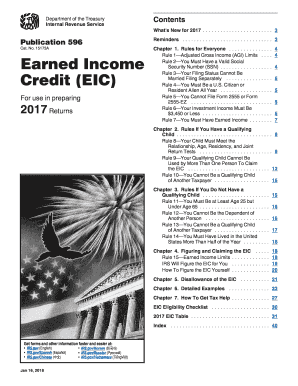
Earned income 2017 form
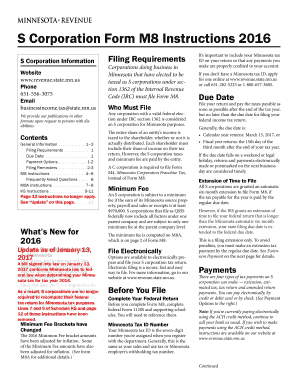
Mn form instructions 2016

Ohio universal tax 2015 form
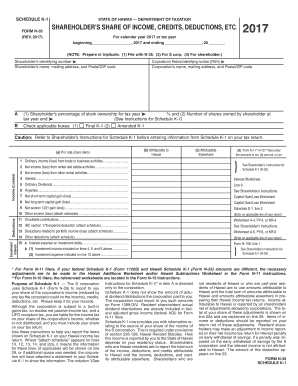
Schedule K-1 Form N-35 Rev 2017 Shareholder's Share of Income, Credits, Deductions, Etc.. Forms 2017
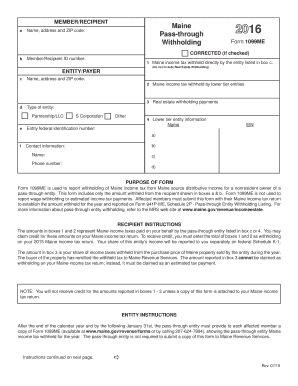
Hctc form 2012 2016 - maine
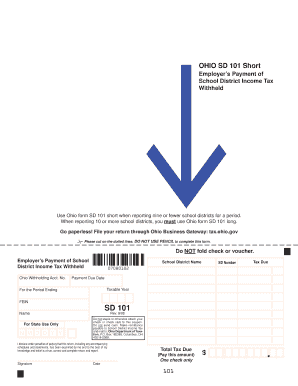
Sd 101 2014 form

Nyc uxs 2017 form

Dof 1 nyc 2017 form
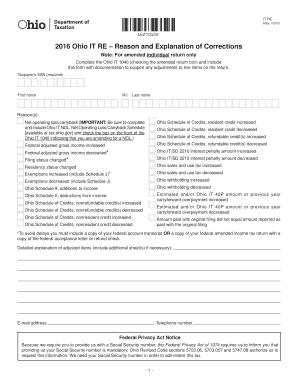
2016 Ohio IT RE Reason and Explanation of Corrections - Ohio.gov
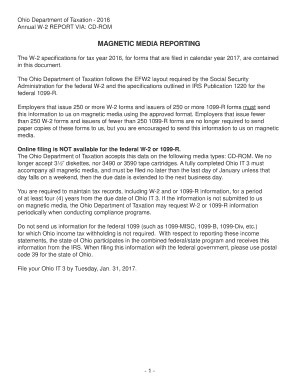
Ohio Department of Taxation - 2016 - tax ohio
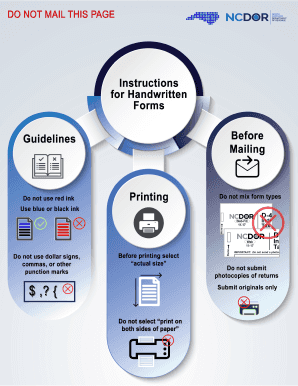
Employee's Withholding Allowance Certificate NC-4 - NC.gov
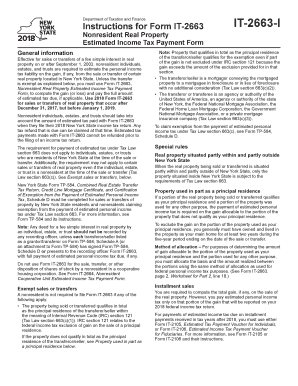
It 2663 i
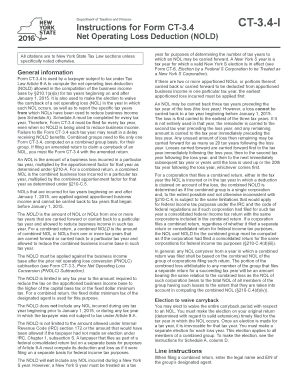
Form ct3 instructions 2016
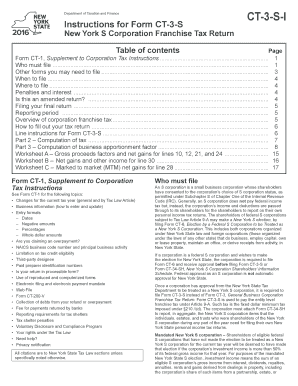
Ny ct 3 instructions 2016 form
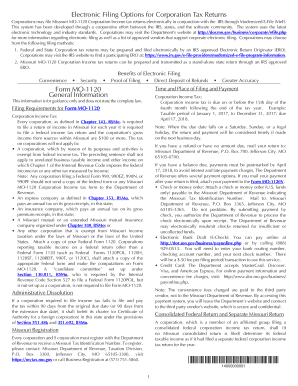
Corporations may file Missouri MO-1120 Corporation Income tax returns electronically in conjunction with the IRS through Modernized E-File (MeF)

Ct 3a instructions 2016 form
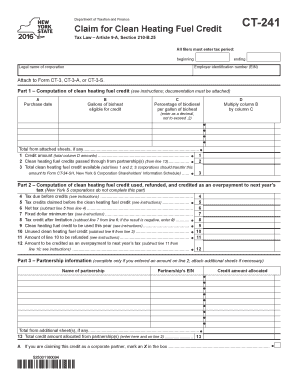
Ct241 2016 form
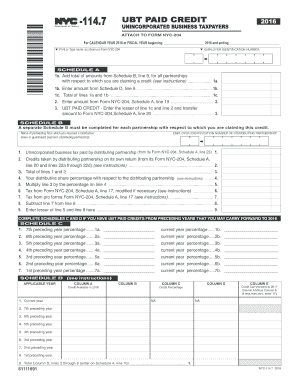
Nyc 1147 2016 form
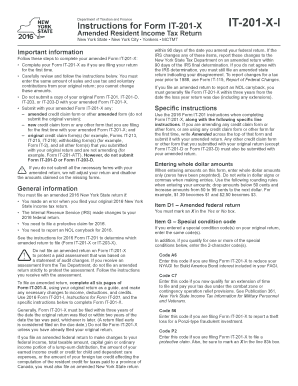
201 x 2016 form

M99 form 2017
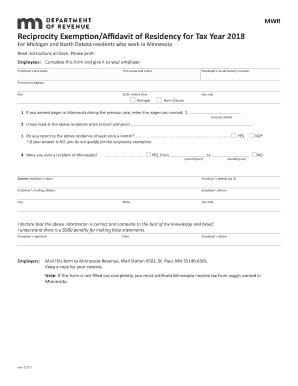
Minnesota tax form mwr 2012 manuals and guides in pdf

Nyc uxs 2016 form

Nyc 204 ez instructions 2016 form
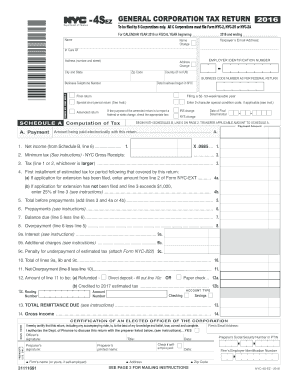
Nyc 4sez 2016 form
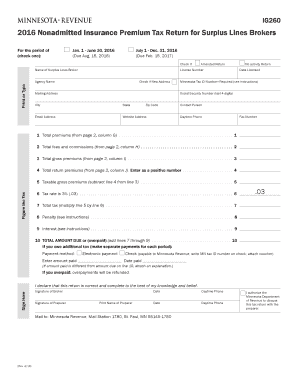
Minnesota form ig260 2016

Nyc 202 2016 form
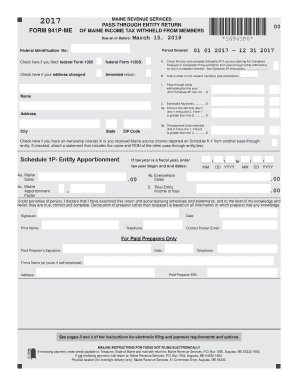
Form 941p me 2017
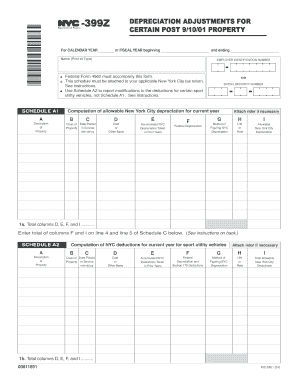
399z 2016 form

Nyc 245 2016 form

Note: Electronic copies of payee statements Due February 28, 2019

A Guide to Estate TaxesMass.gov
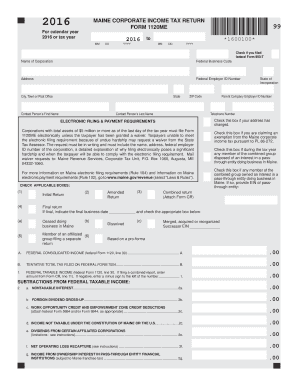
1120me 2016 form

Form 941P-ME
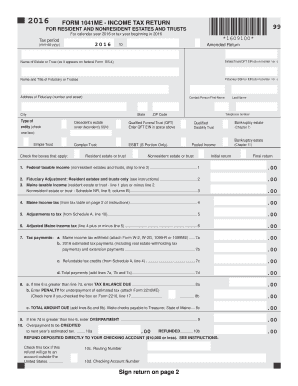
FORM 1041ME - INCOME TAX RETURN *1609100* Sign return on ... - maine

Nyc 4s ez 2016 form
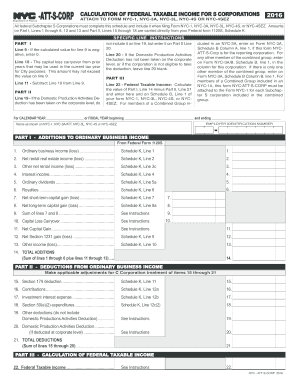
Nyc att s corp 2016 form

700 sov formDocHubcom 2016
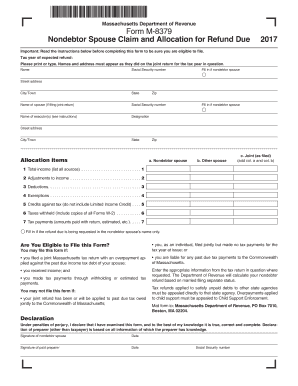
Form m 8379 2017
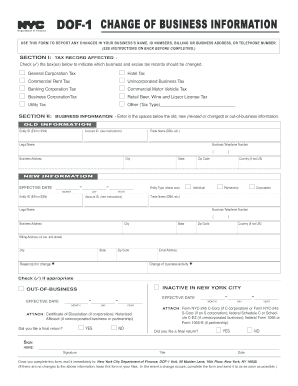
Dof 1 nyc 2016 form
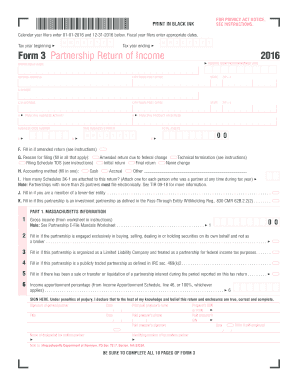
Form 3 partnership return 2016

WINE REPORT
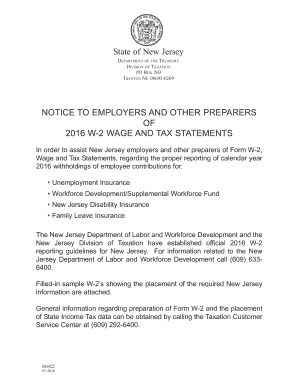
Njxxxxxxxxxxx 2016 form

Form 12N - 2017 Nebraska Nonresident Income Tax Agreement
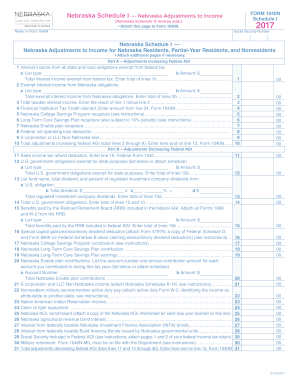
A List type:
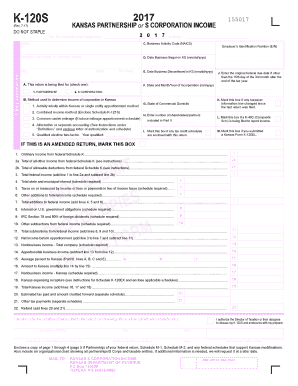
K-47 Adoption Credit Rev. 10-17 - Kansas Department of Revenue
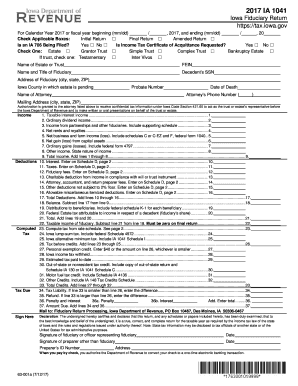
For Calendar Year 2017 or fiscal year beginning (mm/dd)
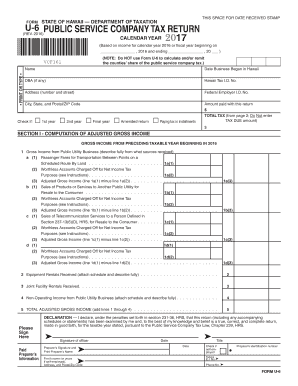
Hawaii u 6 2016 form

N 30 hawaii 2016 form
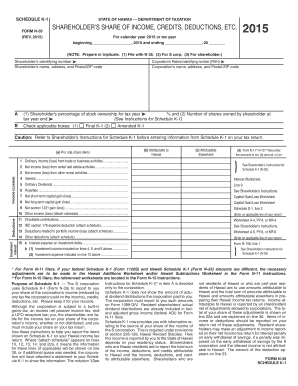
Schedule K-1 Form N-35 Rev 2015 Shareholder's ... - Hawaii.gov
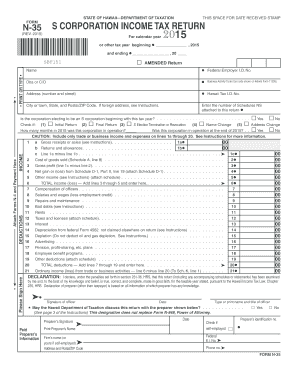
Hawaii form n 35 2015

Form cd 401s 2017
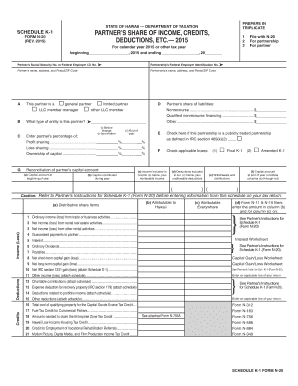
Hawaii form n 20 2015

Renewable Energy Systems Tax Credit - Office of EnergyOffice of ...
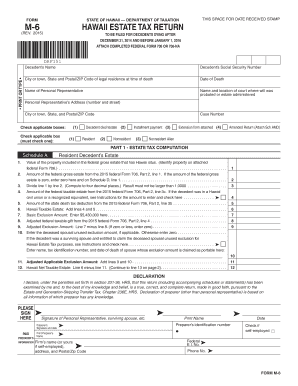
Form m 6 2015
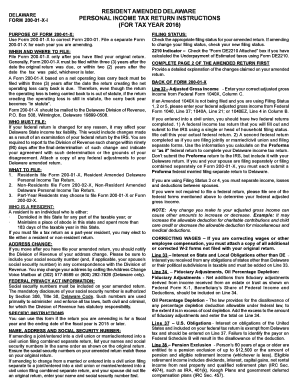
Delaware 200 01 x i 2016 form

Form 600s 2017
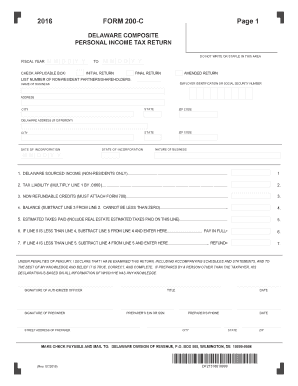
Form 200c 2016
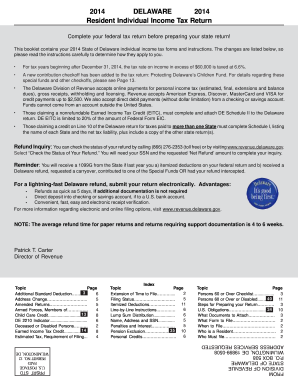
2014 DELAWARE 2014 Resident Individual Income Tax Return - revenue delaware
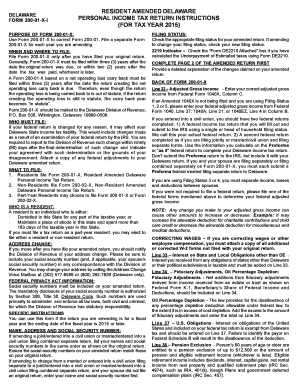
Delaware 200 01 x i 2015 form
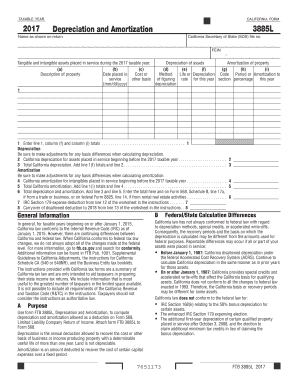
2017 Form 3885-L - Depreciation and Amortization
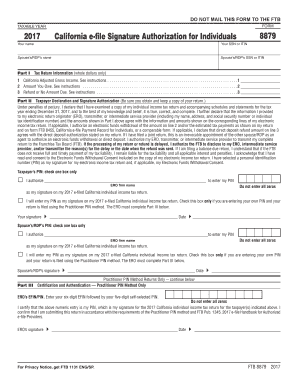
California tax form 8879 2017
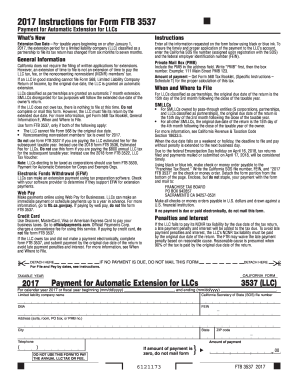
2017 Form 3537 - Payment for Automatic ... - Franchise Tax Board
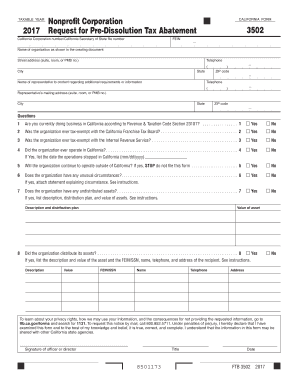
2017 Request for Pre-Dissolution Tax Abatement
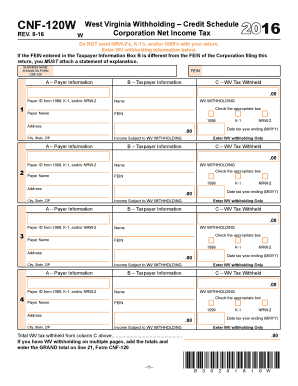
Cnf 120 2016 form
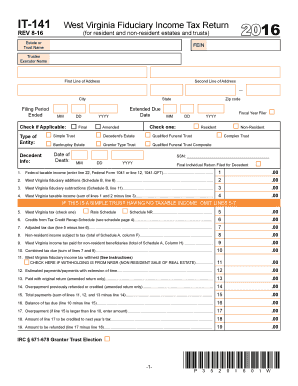
Wv it 141 2016 form
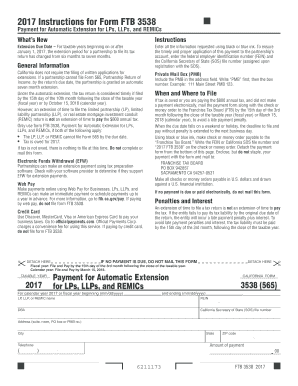
2017 Form 3538 - Franchise Tax Board

2019 virginia resident form 760
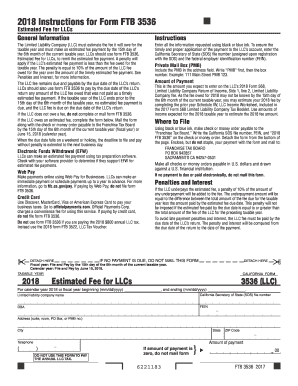
Form 3536 2018

763s form 2016
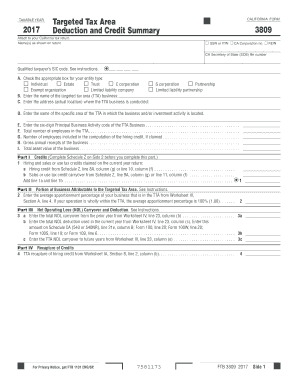
California form 3809 2017

Sc1065 2017 form

Using the Correct Name Control in e filing Corporate Tax Returns ...
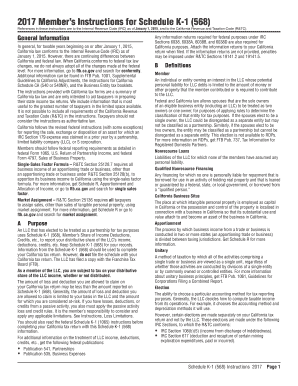
California schedule k 1 568 form

SUJETOS A CONTRIBUCIN BSICA ALTERNA
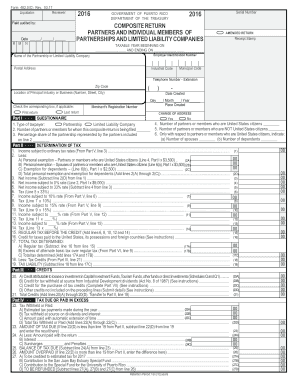
Reviewer: - hacienda pr
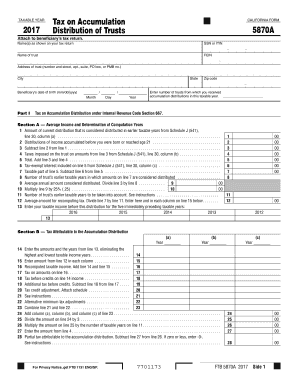
California 5870a 2017 form
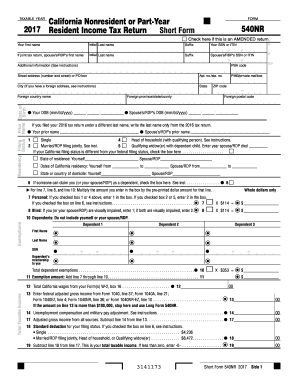
California 540nr transcript 2017 form
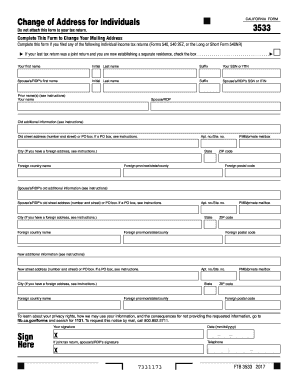
Form 3533 2017
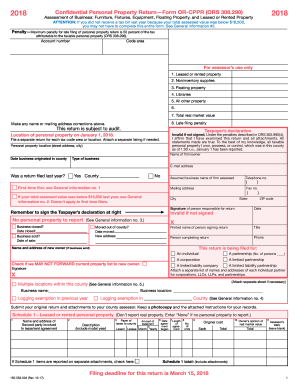
Form OR-40-N, Oregon Individual Income Tax Return ... - Oregon.gov
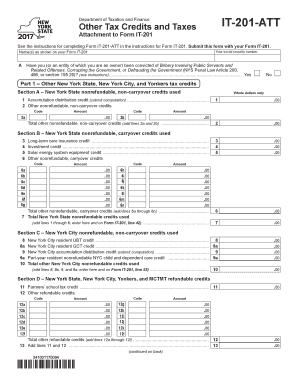
It 201 tax form 2017
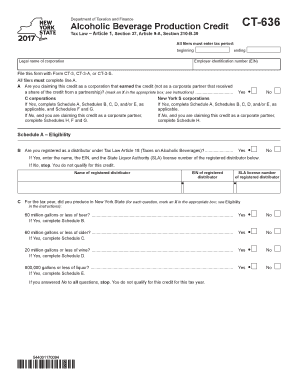
Tax Law Article 1, Section 37, Article 9-A, Section 210-B
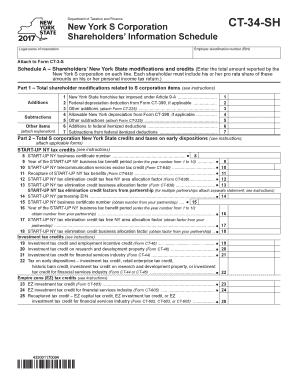
Form CT-34-SH:2016:New York S Corporation Shareholders' Information Schedule:ct34sh
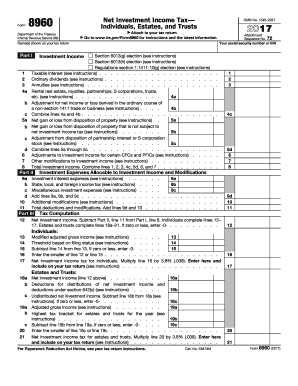
Gov/Form8960 for instructions and the latest information
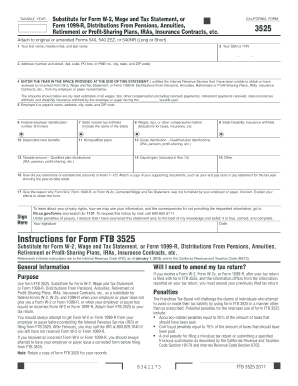
Form 3525 2017

Ny it 257 instructions 2017 form
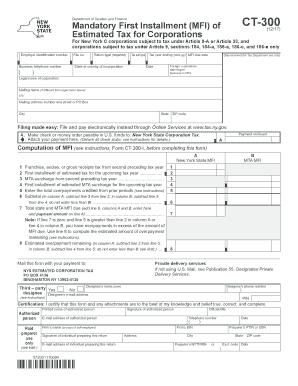
CT-300
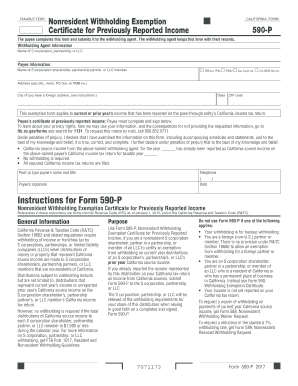
590 p 2018 form
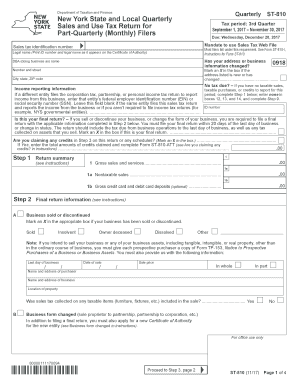
St 810 2017 form
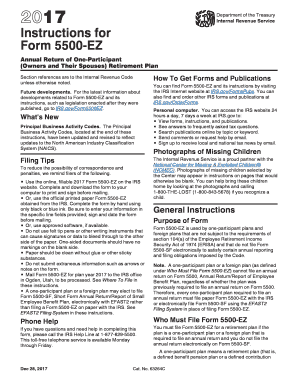
Form 5500ez instructions 2017
Online ftb state of ca schedule k 1 for s corp 2016 form
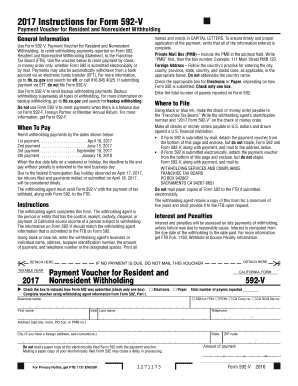
Form 592 v 2017
2016 ca form 568

Cr q1 form 2017
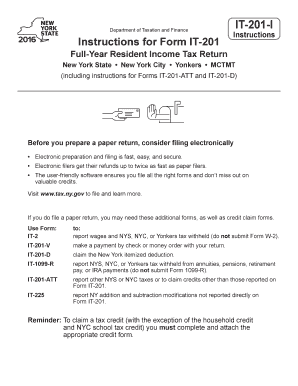
It 201 d new york 2016 form
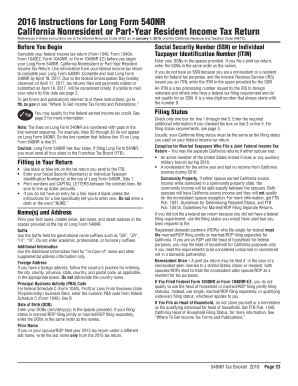
540nr instructions 2016 form
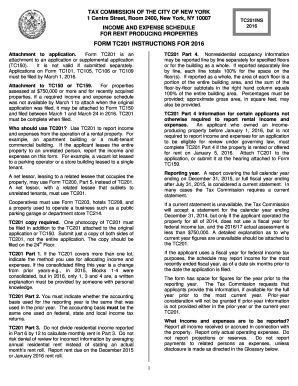
Tc201 2016 form

Cr q2 2016 form
Benefit from the DocHub online library of fillable PDF forms
Searching the PDF forms doesn't have to be a tedious and time-consuming process. With the DocHub online library, it has become easier to find the fillable PDF forms and modify them in your browser. The service allows you to adjust the document to your needs using powerful editing tools.
You can use online document editing features to modify almost any type of document with ease. You just need to find the template of your choice, open it in the editor, and use the toolbar to make the necessary corrections.
Follow this guide to get your document done with DocHub:
- Find the PDF template you need.
- Click the Get Form button to open the file in the editor.
- Use the toolbar to fill out and edit the document.
- Easily add and highlight text, insert images, checkmarks, and symbols.
- Drop new fillable fields, and rearrange or delete pages from your file.
- Save changes and download your record.
DocHub empowers everyone to streamline document editing, signing, and distribution, and form completion. Create an account and benefit from our well-organized PDF Forms library and comprehensive editor.