Alaska Motor Fuel Tax Instructions - PDF - DocPlayer.net 2026

Get Form
docplayer net Preview on Page 1

Here's how it works

01. Edit your docplayer net online
Type text, add images, blackout confidential details, add comments, highlights and more.

02. Sign it in a few clicks
Draw your signature, type it, upload its image, or use your mobile device as a signature pad.

03. Share your form with others
Send it via email, link, or fax. You can also download it, export it or print it out.

How to use or fill out Alaska Motor Fuel Tax Instructions - PDF - DocPlayer.net with our platform

Form edit decoration
9.5
Ease of Setup
DocHub User Ratings on G2
9.0
Ease of Use
DocHub User Ratings on G2
  1. Click ‘Get Form’ to open the Alaska Motor Fuel Tax Instructions in our editor.
  2. Begin by reviewing the front page of the form, which outlines essential information such as due dates and filing requirements. Ensure you have all necessary documentation ready.
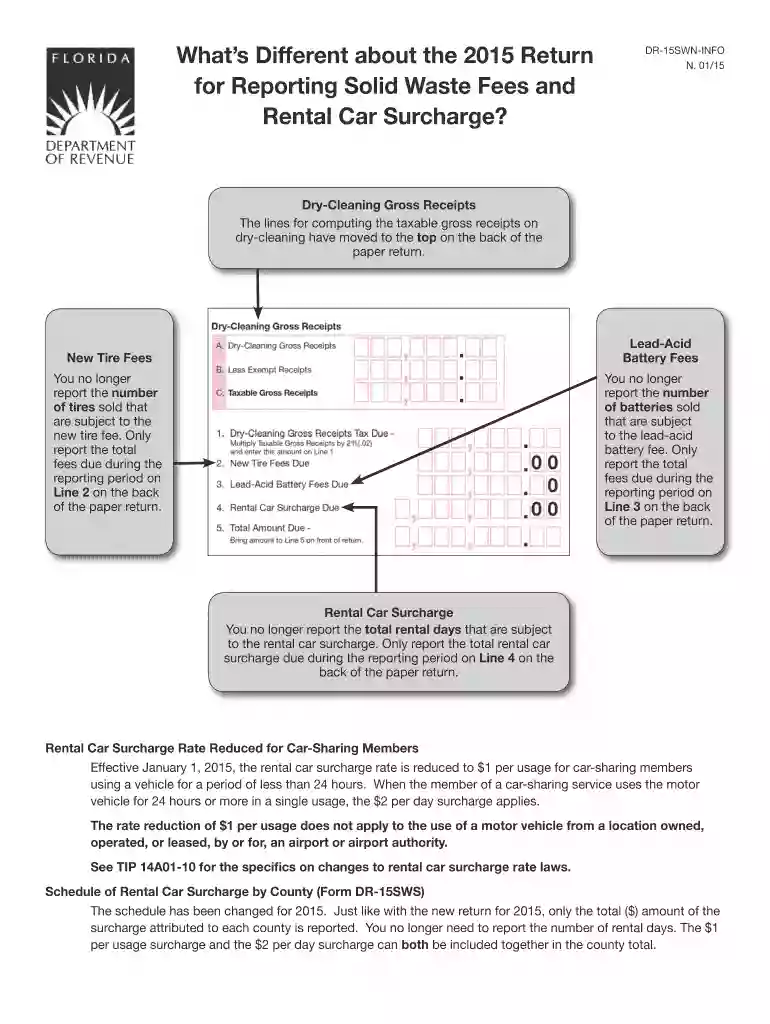
  3. Fill out the required fields on the back of the return first. This includes entering your total dry-cleaning gross receipts and any applicable fees for lead-acid batteries and new tires.
  4. For each section, carefully input your figures based on your records. Make sure to double-check calculations for accuracy before proceeding.
  5. Once all fields are completed, review your entries for any errors. Utilize our platform's editing features to make adjustments easily.
  6. Finally, sign and date your return electronically within our editor, ensuring compliance with submission guidelines.

Start using our platform today to streamline your document editing and filing process for free!

See more Alaska Motor Fuel Tax Instructions - PDF - DocPlayer.net versions

We've got more versions of the Alaska Motor Fuel Tax Instructions - PDF - DocPlayer.net form. Select the right Alaska Motor Fuel Tax Instructions - PDF - DocPlayer.net version from the list and start editing it straight away!
Versions Form popularity Fillable & printable
2024 4.1 Satisfied (46 Votes)
2023 4.8 Satisfied (26 Votes)
2022 4.8 Satisfied (78 Votes)
2021 4.8 Satisfied (165 Votes)
2018 4.4 Satisfied (163 Votes)
2015 4.3 Satisfied (168 Votes)
be ready to get more

Complete this form in 5 minutes or less

Get form

Got questions?

We have answers to the most popular questions from our customers. If you can't find an answer to your question, please contact us.
Contact us

Microsoft Word doesn’t have signing tools to create legitimate electronic signatures and enforceable documents. Fortunately, DocHub is an online eSignature-compliant editor that works with different file formats, including .doc files. Log in to your account and upload the Word version of your Alaska Motor Fuel Tax Instructions - PDF - DocPlayer.net from your device and cloud, or URL - our editor will automatically turn it into an editable PDF. Make all necessary modifications in your form and click Sign to create your own legally-binding eSignature. You will find four signing methods from which to choose.

Apart from an extensive toolset for editing PDFs on mobile devices, DocHub enables you to sign your Alaska Motor Fuel Tax Instructions - PDF - DocPlayer.net along the way. Open our editor in your browser, make modifications using DocHub’s toolset, and complete your editing by eSigning the finished form.

How to calculate IFTA tax Track Total Miles Driven in Each Jurisdiction. Record the miles driven in each state or province using trip logs, odometer readings, or GPS tracking. Calculate Overall Fuel Mileage. Determine Fuel Consumed per Jurisdiction. Apply the Jurisdictions Tax Rate. Reconcile Tax Paid and Tax Owed.
Are there other taxes levied on motor fuel in Alaska? Yes. In addition to Alaskas base excise tax rate of 8 cents per gallon on highway fuel and 5 cents per gallon on marine fuel, local sales taxes and the states refined fuel surcharge of . 95 cents per gallon also apply.
Keep records to support your claim, such as: A list of vehicles and equipment used, including proof of ownership. Copies of invoices or receipts for the fuel purchases that include: the purpose for which the fuel was used; the number of gallons used for each purpose; the dates of purchase; and.

Security and compliance

At DocHub, your data security is our priority. We follow HIPAA, SOC2, GDPR, and other standards, so you can work on your documents with confidence.

Learn more
ccpa2
pci-dss
gdpr-compliance
hipaa
soc-compliance

People also ask

How to File an IFTA Report: Step-by-Step See if your states IFTA form does the calculations for you (if it does, skip 2-7) Track and calculate total taxable miles driven in each jurisdiction. Add the number of gallons of fuel purchased in each jurisdiction. Calculate the average miles per gallon for the quarter.
State / ProvinceRateM-85 ALABAMA (AL) U.S. 0.2900 ARIZONA (AZ) #7 U.S. 0.1800 ARKANSAS (AR) #29 U.S. 0.2470 CALIFORNIA (CA) #1 U.S. 0.090029 more rows
Go to .irs.gov/Form4136 for instructions and the latest information. Complete and attach the Statement Supporting Fuel Tax Credit (FTC) Computation-1 to your return (see instructions).
If you file late, there are penalties and interest charges added to the tax bill. Especially important, if you miss a quarter your license can be suspended and revoked. Then, you will pay more fees to reinstate your IFTA license.
Yes, the IFTA taxes are deductible. Taxes on gasoline, diesel fuel, and other motor fuels that you use in your business can be deducted as a business expense for carrying out your trade or business.

Related links