
Get any PDF form from the DocHub library of ready-made templates - Page 14

Appeal Form (DE 1000M Rev 8 (5-19)) Appeal Form (DE 1000M Rev 8 (5-19))
Residential tenancy agreement form This form is a written record of a residential tenancy agreement
DL-14 A - Driver License or ID card application Adult (17 years 10 months of age or older)
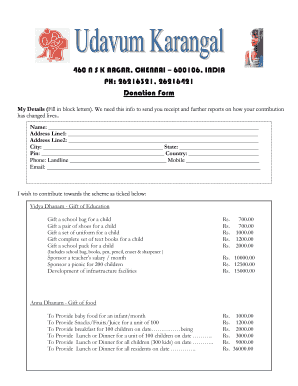
Donation Form
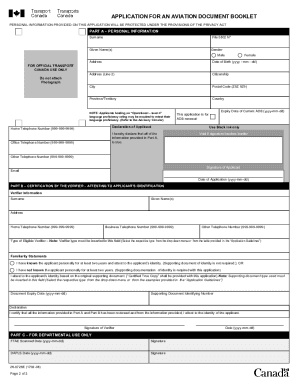
Aviation Document Booklet Application
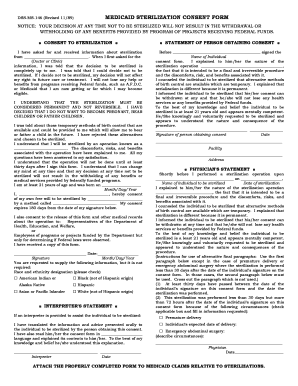
Medicaid Sterilization Consent Form
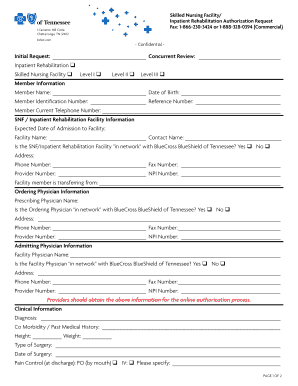
Skilled Nursing Facility Authorization Request

Wisconsin PPI Prior Authorization Form
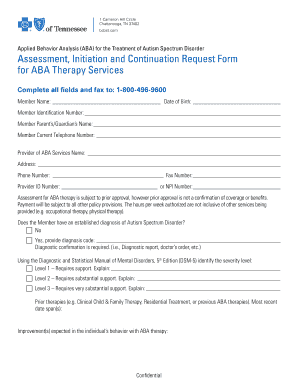
ABA Therapy Services Request Form
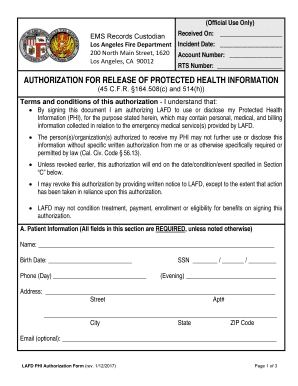
LAFD PHI Authorization Form
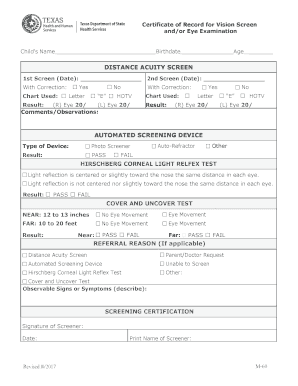
Texas Vision Screen Certificate
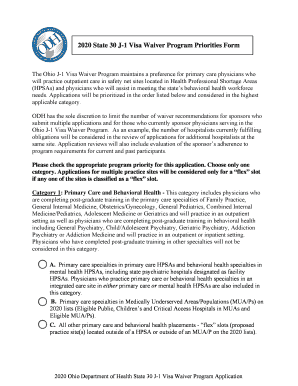
Ohio 2020 J-1 Visa Waiver Application
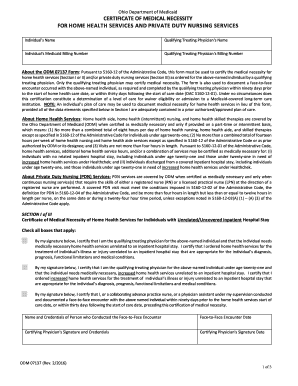
Ohio Certificate of Medical Necessity for Home Health Services
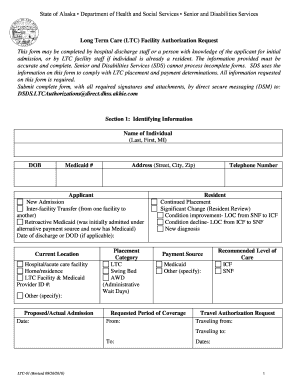
Alaska Long Term Care Facility Authorization Request

LAFD PHI Authorization Form
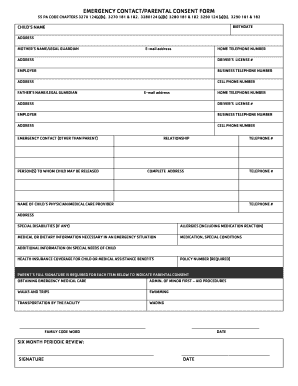
Emergency Contact Parental Consent Form
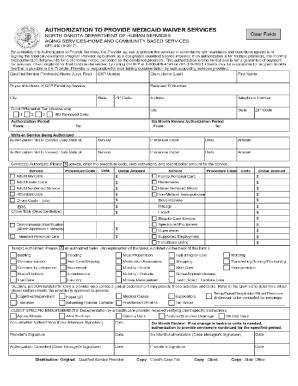
AUTHORIZATION TO PROVIDE MEDICAID WAIVER SERVICES
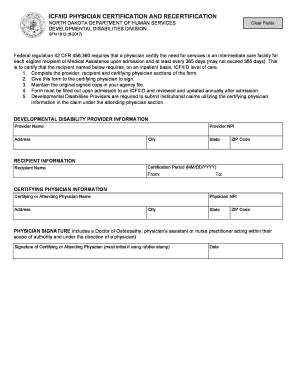
ICF IID Physician Certification Form

California Associate Marriage and Family Therapist Registration Application

Facility Data Sheet

Michigan Child Abuse or Neglect Report Form
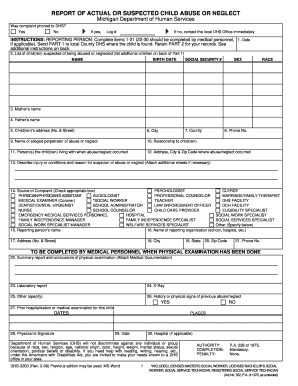
Michigan Child Abuse or Neglect Report Form
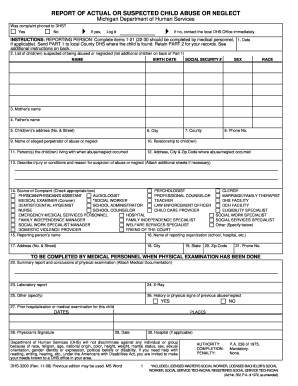
Michigan Child Abuse Report Form

Texas Workers' Compensation Claimant Information Request
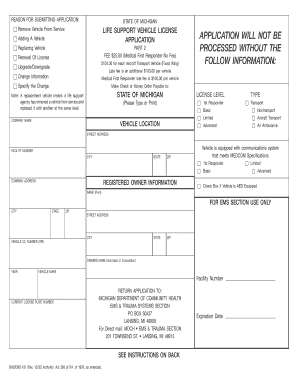
Michigan Life Support Vehicle License Application
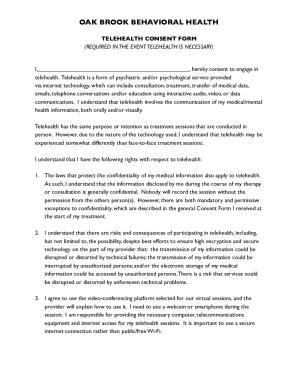
Oak Brook Behavioral Health Telehealth Consent Form
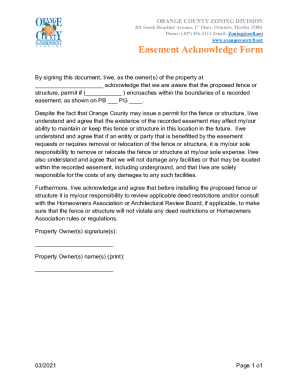
Orange County Easement Acknowledge Form

Orange County Easement Acknowledgement Form
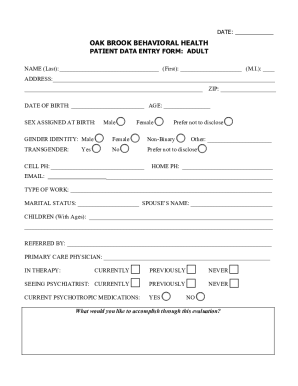
Oak Brook Behavioral Health Patient Data Entry Form
2026 USEA Horse Trials Entry Form

Post-Op LASIK Report Form
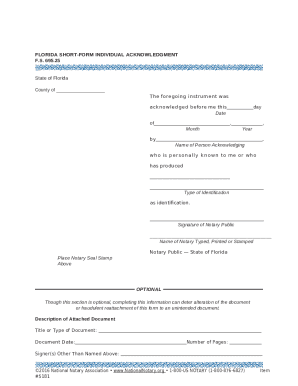
Florida Short-Form Individual Acknowledgment
US Savings Bonds Claim Form 1048
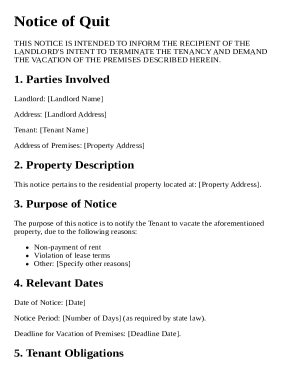
Notice of Quit Template
Michigan Court Case Form
Weekly Wound Tracking Form
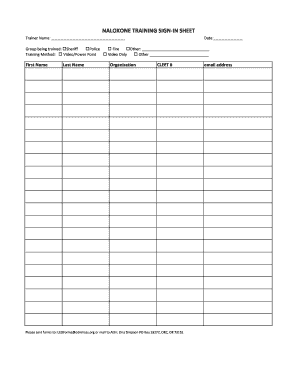
Naloxone Training Sign-In Sheet

Rental Declaration Form
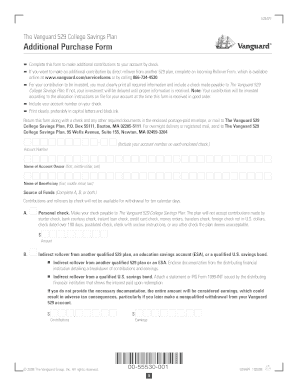
Vanguard 529 College Savings Plan Additional Purchase Form
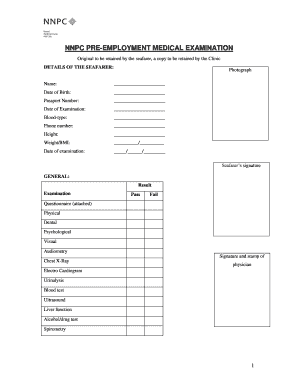
NNPC Pre-Employment Medical Examination
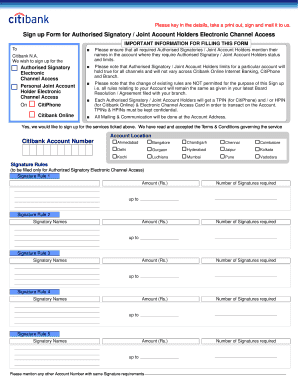
Citibank Authorised Signatory Sign Up Form

Idaho State University Petty Cash Form

Pennsylvania Divorce Answer and Counterclaim

Peccole Ranch Design Review Application Form
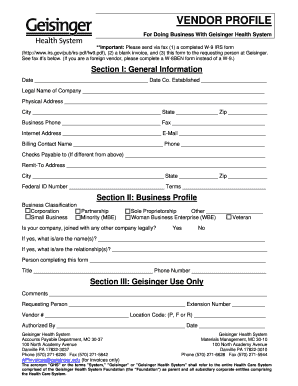
Vendor Profile Form

US Army Special Operations Forces Volunteer Form

ARCpoint Labs Collection Authorization Form

Arkansas Oil and Gas Lease
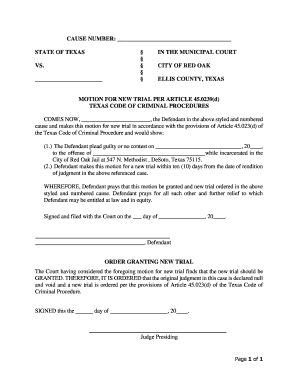
Motion for New Trial Texas

VA Form 22-5495 Request for Change of Program or Place of Training
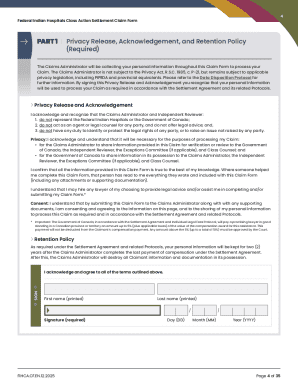
Federal Indian Hospitals Class Action Settlement Claim Form

USPS Rural Delivery Change Petition
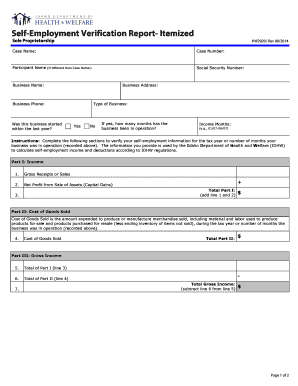
Self-Employment Verification Report
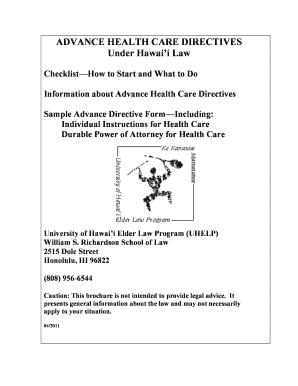
Hawaii Advance Health Care Directive Form

Witness Statement - Unpaid Penalty Charge

Motel 6 Employment Application Form

US Federal 1040 Tax Return 2017
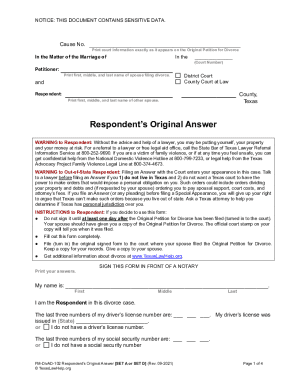
Texas Respondent's Original Answer Divorce Form

SF-424A Budget Information Form

Medicare Beneficiary Complaint Log

Temperature Log Sheet
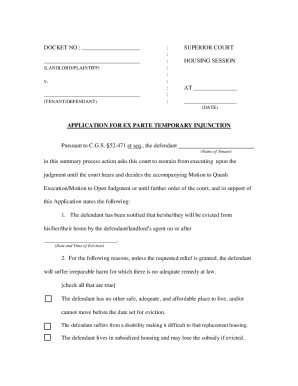
Connecticut Ex Parte Temporary Injunction Application

Ex Gratia Application Form

Blank DD214 Form

Florida Motion for Civil Contempt Enforcement
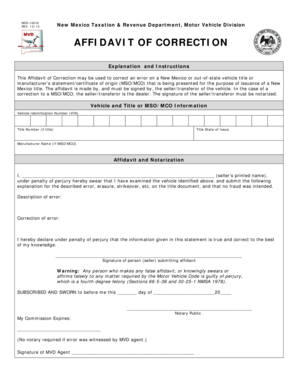
New Mexico Affidavit of Correction

Maryland Advance Directive
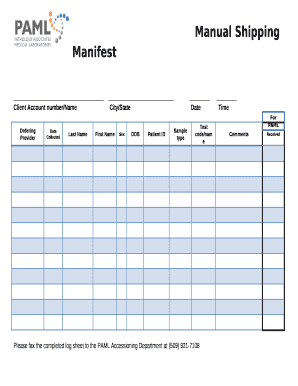
Manual Shipping Manifest
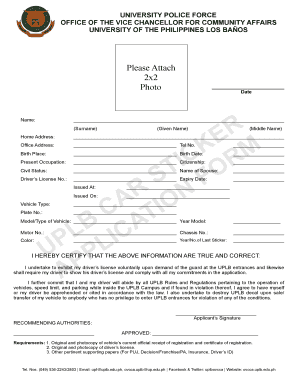
UPLB Vehicle Application Form
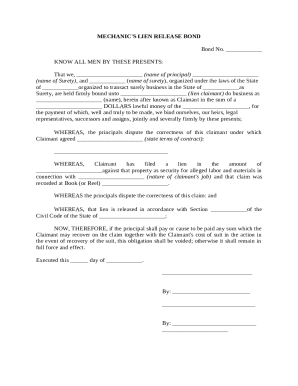
Mechanic's Lien Release Bond
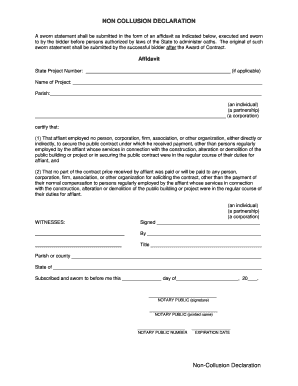
Non-Collusion Declaration Affidavit
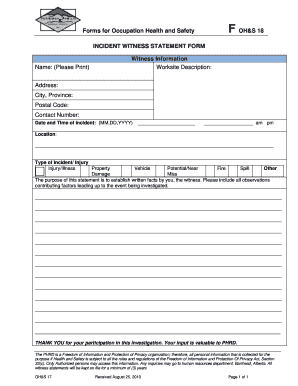
Incident Witness Statement Form
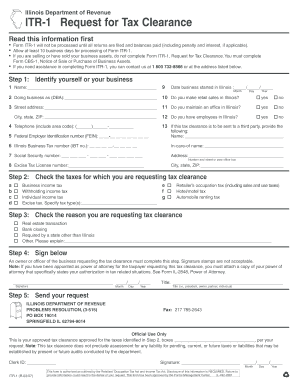
Illinois ITR-1 Tax Clearance Request
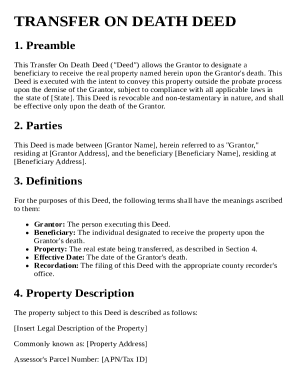
Transfer On Death Deed Template
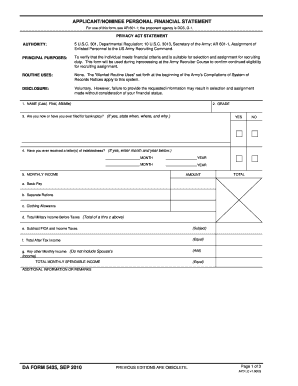
US Army Recruiter Financial Statement Form
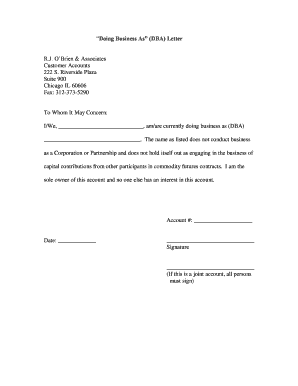
DBA Letter

Louisiana LLC Operating Agreement Template
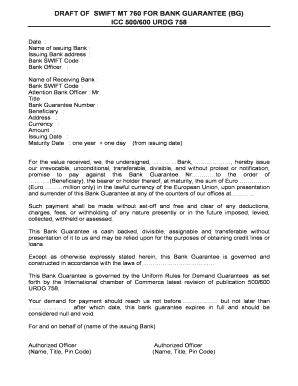
SWIFT MT 760 Bank Guarantee
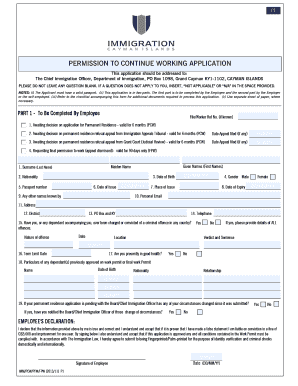
Permission to Continue Working Application
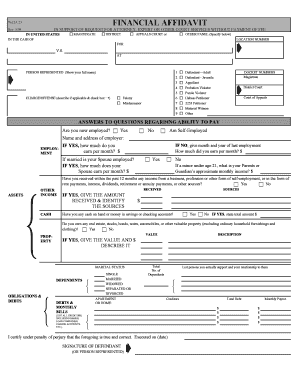
Financial Affidavit for Court Services

Sample Employer CPT Offer Letter
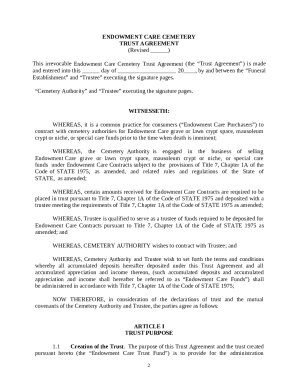
Endowment Care Cemetery Trust Agreement

CHEAPR Rebate Transfer Form
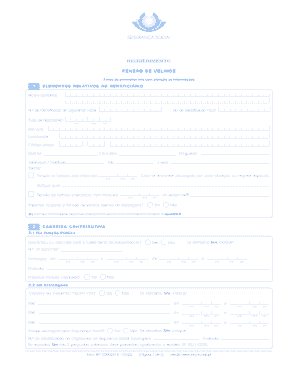
Requerimento Pens o de Velhice
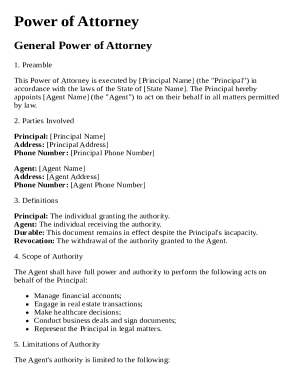
Standard Power of Attorney Template

PCGS US Coin Submission Form

MOE Tuition Grant Agreement
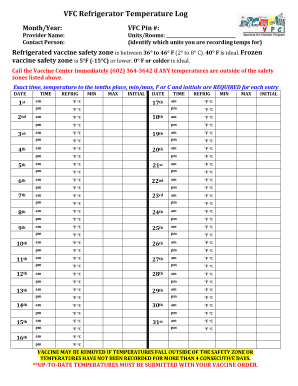
VFC Refrigerator Temperature Log

CMS-588 EFT Authorization Agreement

Recipient Rights Test

Transcript Request Form
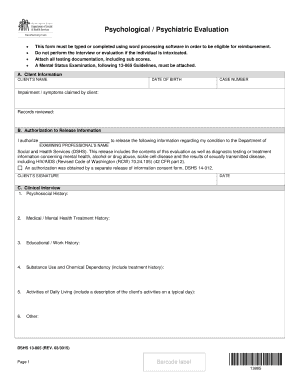
Psychological Evaluation Form
US Annual Business Survey Form ABS-1

Malawi Passport Application Form
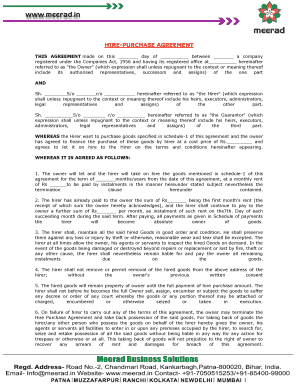
Hire-Purchase Agreement
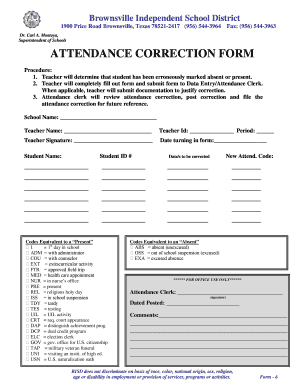
Attendance Correction Form

Training Request and Completion Form
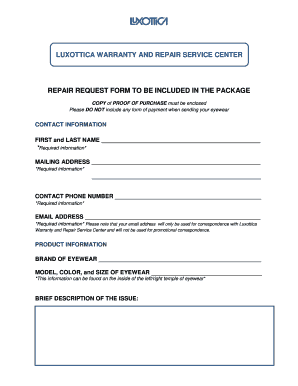
Luxottica Warranty Repair Request Form
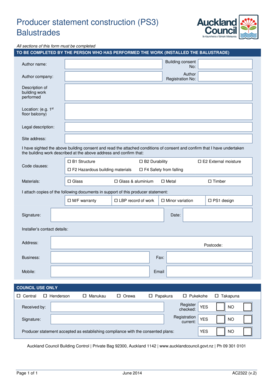
Producer Statement Construction Form
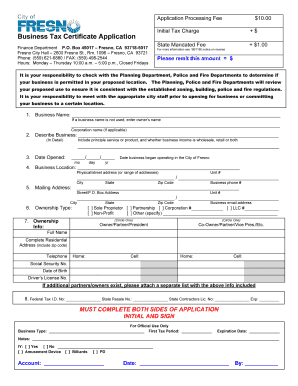
Fresno county business license
Benefit from the DocHub online library of fillable PDF forms
Searching the PDF forms doesn't have to be a tedious and time-consuming process. With the DocHub online library, it has become easier to find the fillable PDF forms and modify them in your browser. The service allows you to adjust the document to your needs using powerful editing tools.
You can use online document editing features to modify almost any type of document with ease. You just need to find the template of your choice, open it in the editor, and use the toolbar to make the necessary corrections.
Follow this guide to get your document done with DocHub:
- Find the PDF template you need.
- Click the Get Form button to open the file in the editor.
- Use the toolbar to fill out and edit the document.
- Easily add and highlight text, insert images, checkmarks, and symbols.
- Drop new fillable fields, and rearrange or delete pages from your file.
- Save changes and download your record.
DocHub empowers everyone to streamline document editing, signing, and distribution, and form completion. Create an account and benefit from our well-organized PDF Forms library and comprehensive editor.