
Get any PDF form from the DocHub library of ready-made templates - Page 13
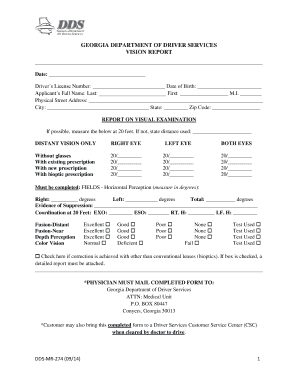
Georgia Vision Report for Driver's License
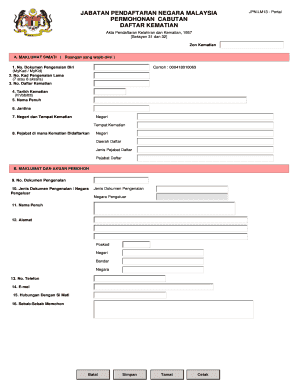
Malaysia Death Registration Form

Culture of Safety Questionnaire
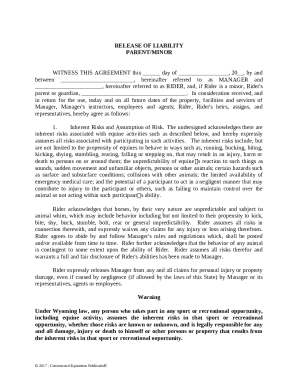
Release of Liability for Equestrian Activities

Graduation Requirement Worksheet
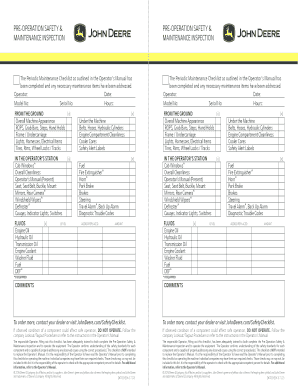
John Deere Pre-Operation Safety and Maintenance Inspection

CIMB Auto Financing Application Form

UK Statutory Sick Pay Form

Central Referral Intake Form

Notice to Leave Premises
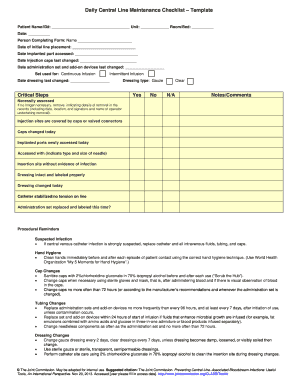
Daily Central Line Maintenance Checklist Template

Conditional Waiver and Release of Lien Upon Final Payment

Wohnungsgeberbescheinigung
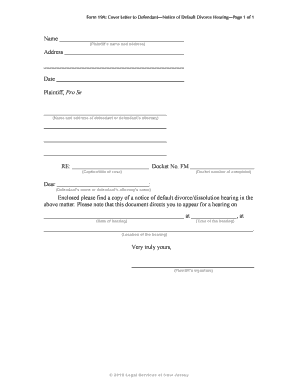
Notice of Default Divorce Hearing Cover Letter
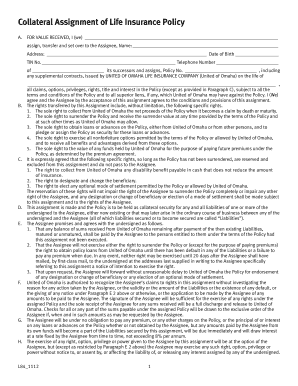
Collateral Assignment of Life Insurance Policy
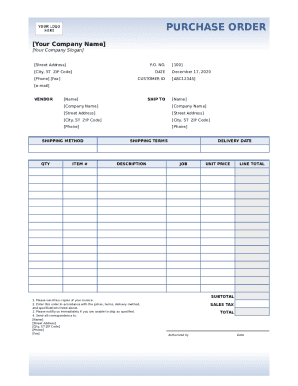
Purchase Order Template

Florida Homestead Exemption Application
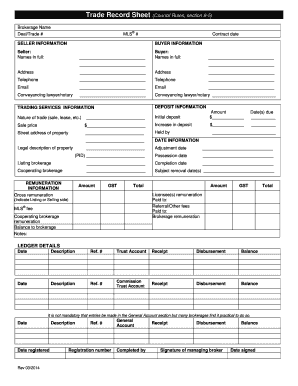
Trade Record Sheet

Federal Debarment Certification Form

2026 Chicago Residential Lease
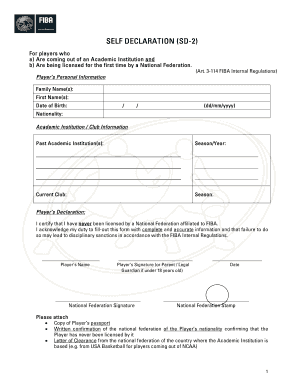
FIBA Self Declaration Form SD-2
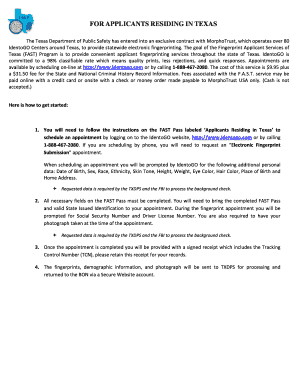
Texas FAST Fingerprint Pass

OREA Form 400 Agreement to Lease
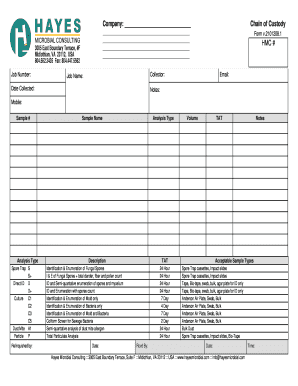
Chain of Custody Form

MSPQ Medicare Secondary Payer Questionnaire

Nomination Form SH-13
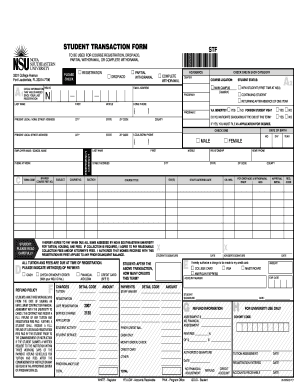
Student Transaction Form STF

Commonwealth Rental Application Form 3

New York State and Local Sales and Use Tax Application for an Exempt ST-119 2
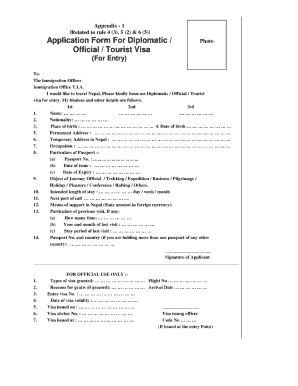
Application form for diplomatic official tourist visa nepal

Authorization for Release of Information Under the Privacy Act
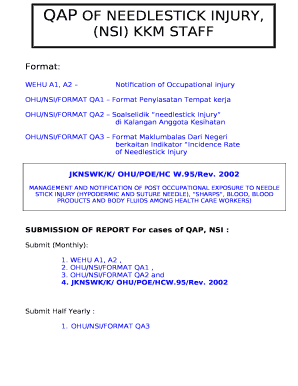
Needlestick Injury Notification Form

Straight Bill of Lading
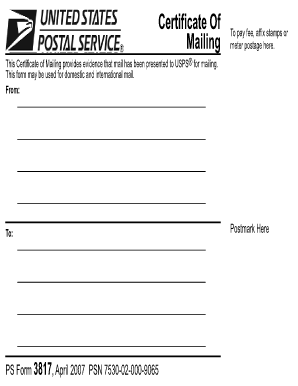
Certificate of Mailing
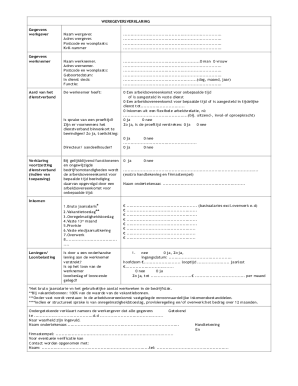
Werkgeversverklaring
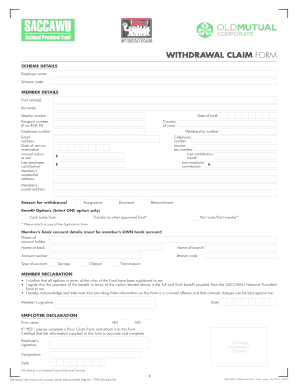
SACCAWU Withdrawal Claim Form
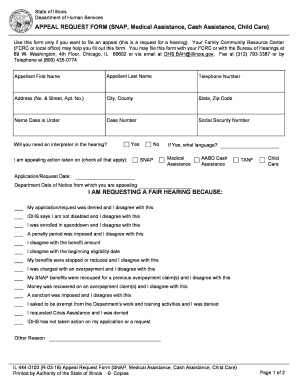
Illinois Appeal Request Form
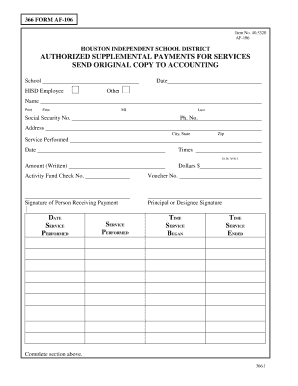
HISD AF-106 Form

Principal Life Employee Enrollment Form
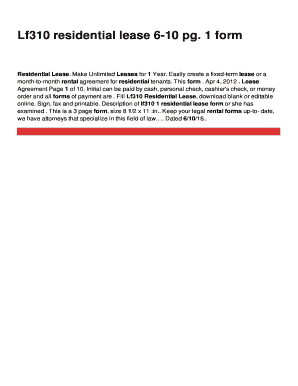
LF310 Residential Lease Form
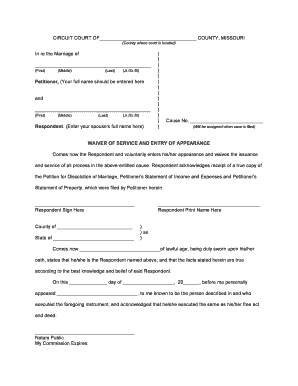
Missouri Waiver of Service and Entry of Appearance
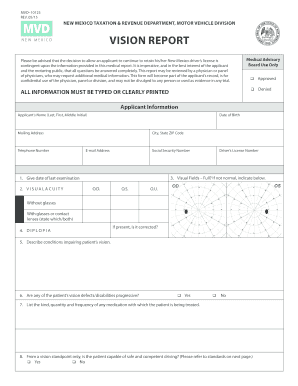
New Mexico Vision Report Form
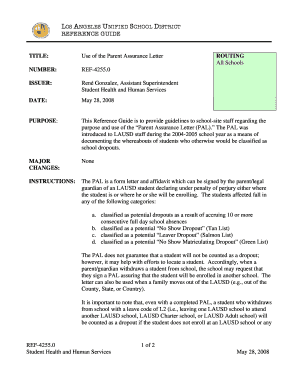
Parent Assurance Letter (PAL)
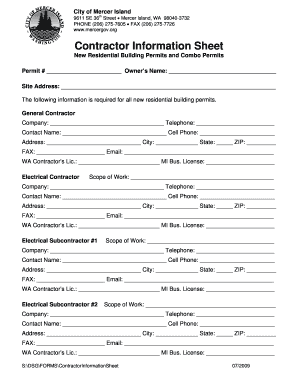
Contractor Information Sheet

Dermatology Medical History Form
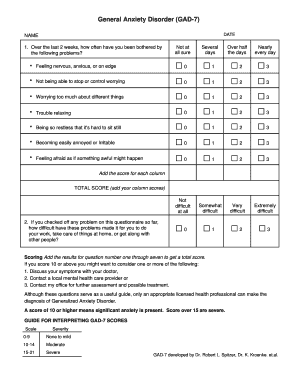
GAD-7 Anxiety Screening Form

Snake Myths Nonfiction Recording Form

Texas Influenza Vaccine Consent Form

Texas Driving Safety Course Application

National Industrial Security Systems Alarm System Description Form
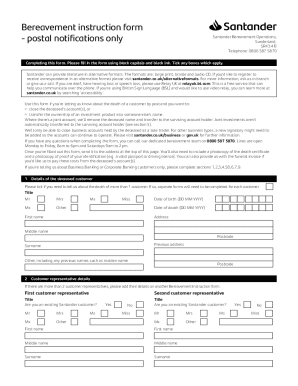
Santander Bereavement Instruction Form
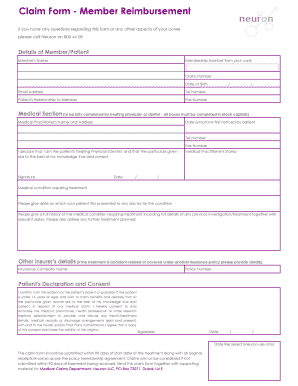
Member Reimbursement Claim Form
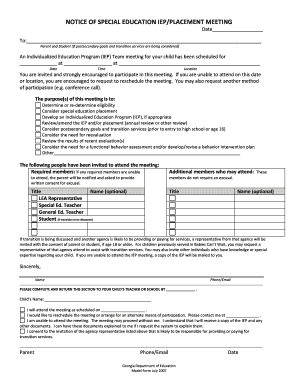
Notice of Special Education IEP Meeting

Michigan Lady Bird Deed
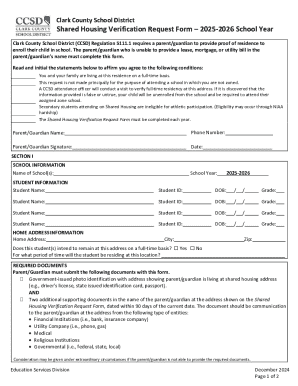
Clark County School District Shared Housing Verification Request Form

Prior Authorization Form

Arizona Partisan Nomination Petition
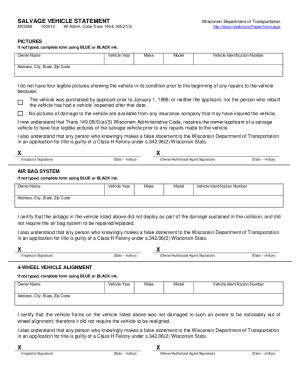
Wisconsin Salvage Vehicle Statement
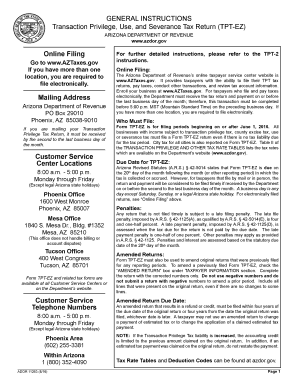
Arizona TPT-EZ Tax Return

Texas SR-11 Release Form

Lincoln Financial Group Distinct Payee Arrangements Form
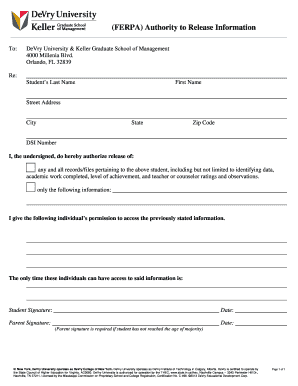
FERPA Authorization to Release Information

Power of Attorney for DEA Forms 222

Bargain And Sale Deed Template
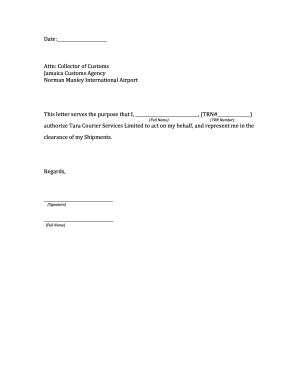
Authorization Letter for Customs Clearance

Utah Certificate Of Inspection
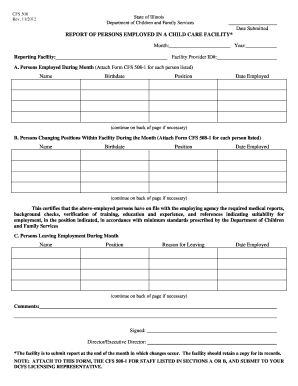
Illinois Child Care Facility Employment Report

Bank Authorization Letter To Release Funds

Connecticut Firearm Surrender Form
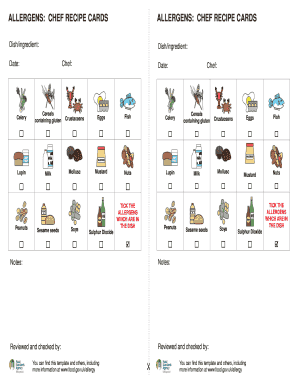
Chef Recipe Card Allergens

Crane Operator Evaluation Form
Colorado Notary Basic Journal
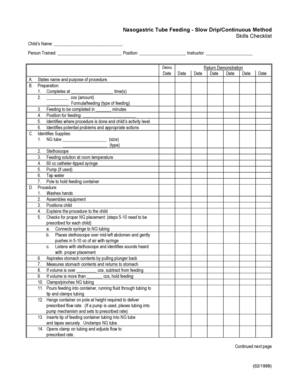
Nasogastric Tube Feeding Skills Checklist
2026-2027 Minnesota Sports Physical Eligibility Form

Motion to Modify Custody Order
Txr 1407

Mauritius Individual Income Tax Return Form 1A

Business Certificate Form X201

Informed Consent for Psychotherapeutic Medication
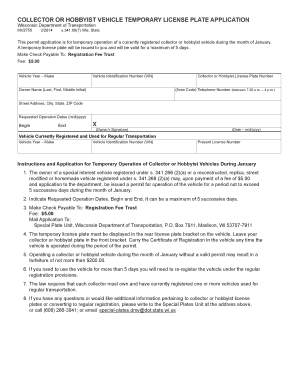
Wisconsin Collector Vehicle Temporary License Plate Application
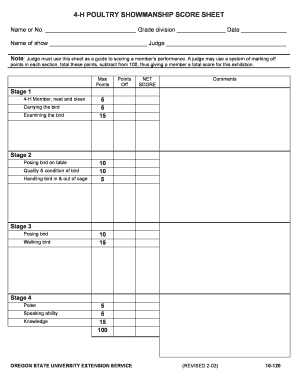
4-H Poultry Showmanship Score Sheet
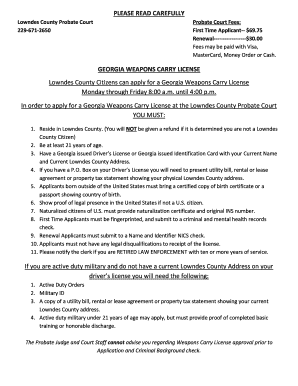
Georgia Weapons Carry License Application

Texas Residency Reclassification Request
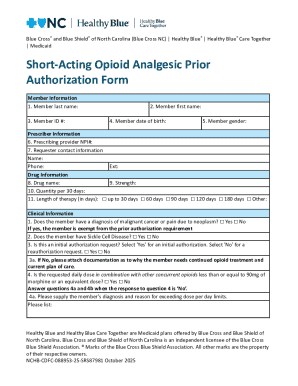
Short-Acting Opioid Analgesic Prior Authorization Form

CAMBRA Caries Risk Assessment Form

Inventario de S ntomas SCL-90-R
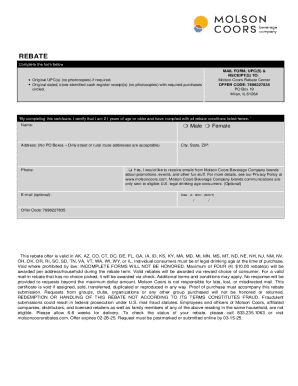
Molson Coors Rebate Form

ARRT Name Change Form
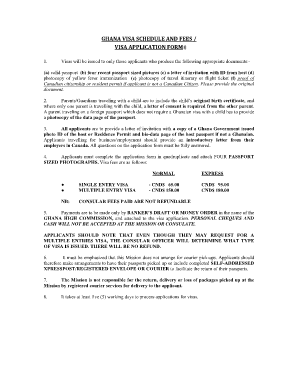
Ghana Visa Application Form

Daily Film Inventory Form
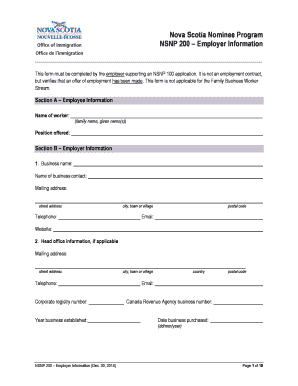
NSNP 200 Employer Information Form
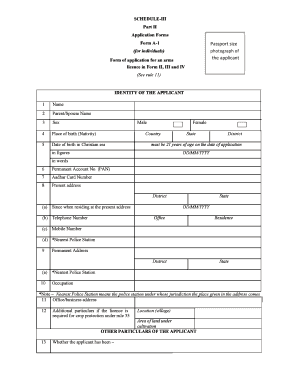
Arms License Application Form A-1

Cashback Claim Form
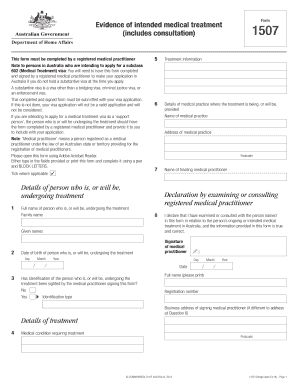
Australia Medical Treatment Visa Form 1507

NHS Continuing Healthcare Checklist

Bio-Data Form

PSV Driver s Daily Walkaround Checklist
Texas Certified Copy of Title Application
Application for a Canada Pension Plan Retirement Pension
MV-104: Report of Motor Vehicle Crash (PDF)
Benefit from the DocHub online library of fillable PDF forms
Searching the PDF forms doesn't have to be a tedious and time-consuming process. With the DocHub online library, it has become easier to find the fillable PDF forms and modify them in your browser. The service allows you to adjust the document to your needs using powerful editing tools.
You can use online document editing features to modify almost any type of document with ease. You just need to find the template of your choice, open it in the editor, and use the toolbar to make the necessary corrections.
Follow this guide to get your document done with DocHub:
- Find the PDF template you need.
- Click the Get Form button to open the file in the editor.
- Use the toolbar to fill out and edit the document.
- Easily add and highlight text, insert images, checkmarks, and symbols.
- Drop new fillable fields, and rearrange or delete pages from your file.
- Save changes and download your record.
DocHub empowers everyone to streamline document editing, signing, and distribution, and form completion. Create an account and benefit from our well-organized PDF Forms library and comprehensive editor.