
Get any PDF form from the DocHub library of ready-made templates - Page 16
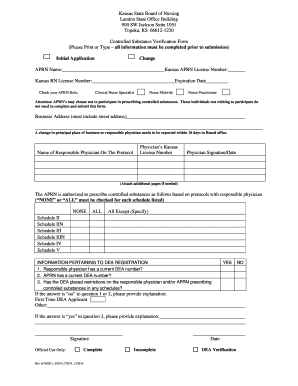
Kansas Controlled Substance Verification Form

Utah 401(k) Withdrawal Form

Domanda di visto Nazionale (D)

New Jersey Behavioral Assistance Form

Separation and Property Settlement Agreement
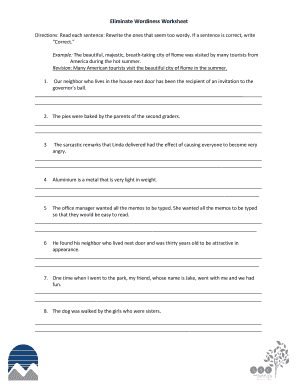
Eliminate Wordiness Worksheet

Illinois Home Repair Consumer Rights

Fire Fighter II Skills Performance Sheet

California CDL Driving Performance Evaluation Score Sheet

Form W-9 Request for Taxpayer Identification Number and Certification
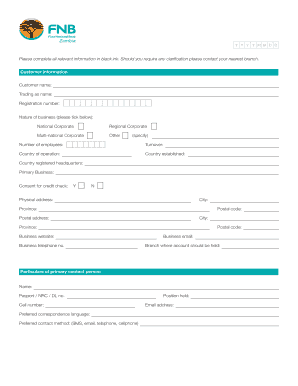
Business Account Application Form
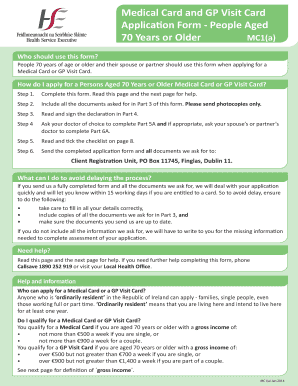
Medical Card and GP Visit Card Application Form
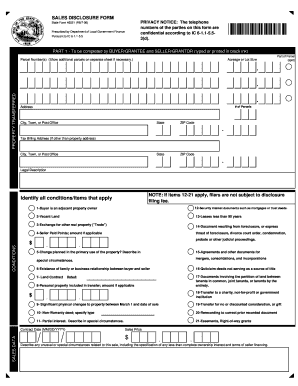
Indiana Sales Disclosure Form
CONTINUATION SHEET FROM IGAR DA FORM I559 - al ngb army
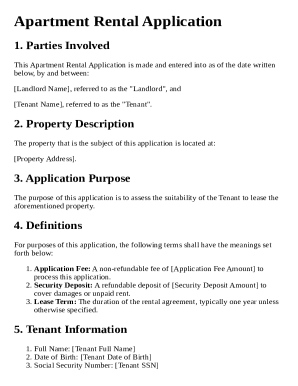
Apartment Rental Application Template
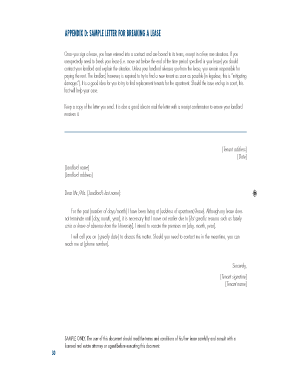
Sample Lease Termination Letter
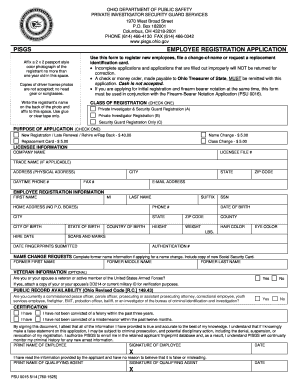
Ohio Private Investigator Security Guard Employee Registration Application
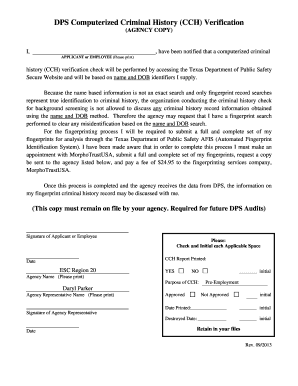
Texas CCH Verification Form

PATS Application Form
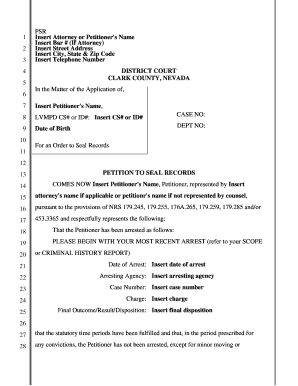
Petition to Seal Records
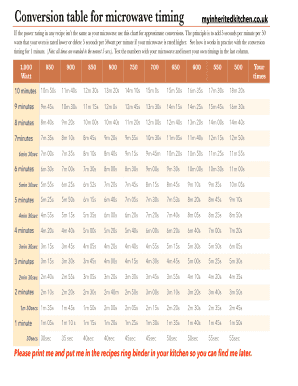
Microwave Conversion Table

Celebrate It Place Cards Template
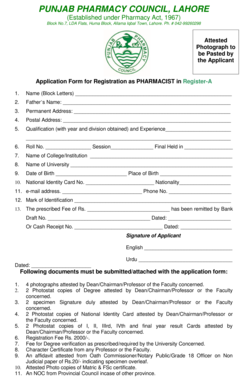
Pharmacist Registration Application Form

Contrato de Compraventa de Remolque

Adolescent Dissociative Experiences Scale-II Form

Heavy Vehicle Driver Experience Certificate

VA Form 10-10EZ

California Radioactive Materials License Application
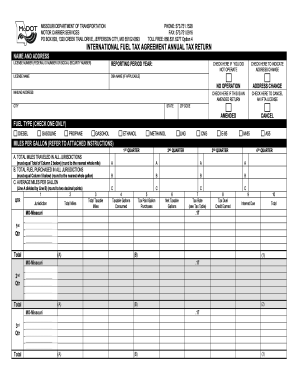
Missouri IFTA Annual Tax Return

UCLA Student Hiring Form
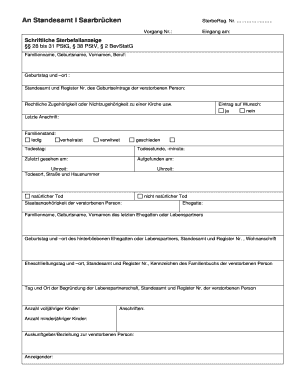
Sterbefallanzeige

Form 4506 Request for Copy of Tax Return
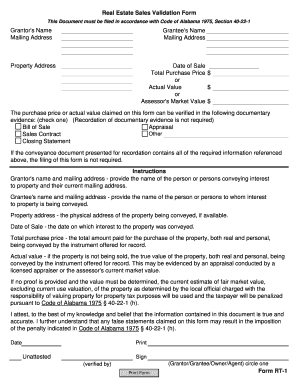
Real Estate Sales Validation Form

Arizona Long Term Disability Claim Form

IRS Identity Theft Affidavit Form 14039
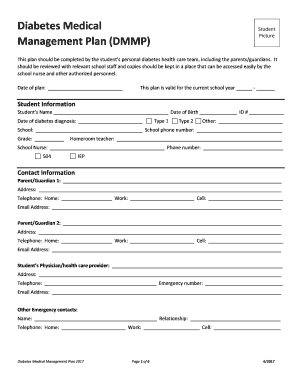
Diabetes Medical Management Plan
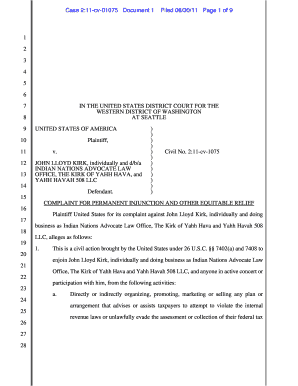
Complaint for Permanent Injunction
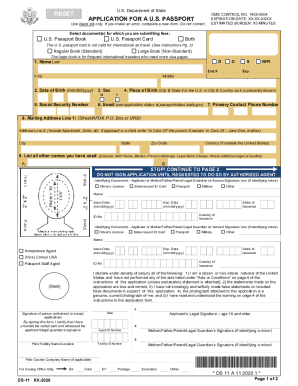
US Passport Application Form DS-11

New Holland Maintenance Inspection Checklist
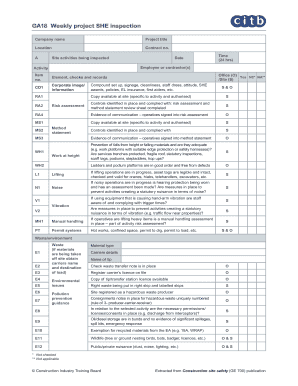
GA18 Weekly Project SHE Inspection

Tree Removal Proposal Template

Small Business Needs Assessment Form

Earnings Statement
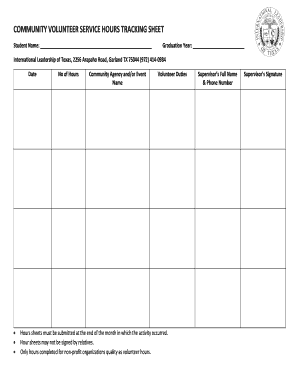
Community Volunteer Service Hours Tracking Sheet
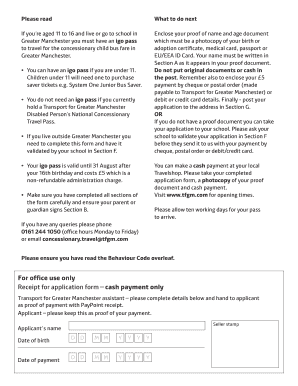
Igo Young Person's Concessionary Travel Pass Application

Texas Franchise Tax EZ Computation Report

Ear Lobe Piercing Consent Form

Plumbing Permit Application

Scout First Aid Merit Badge Worksheet

California Meal Period and Rest Break Policy
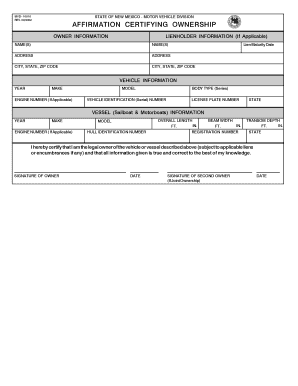
New Mexico Vehicle Ownership Affirmation

RAIC or ID Badge Application
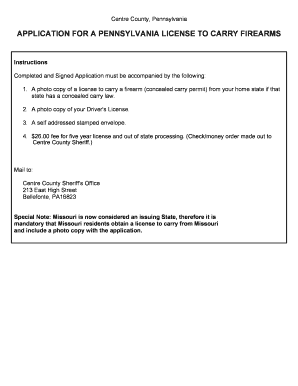
Pennsylvania License to Carry Firearms Application

Emergency Response Planning Template for Public Drinking Water Systems
Florida Condominium Rider
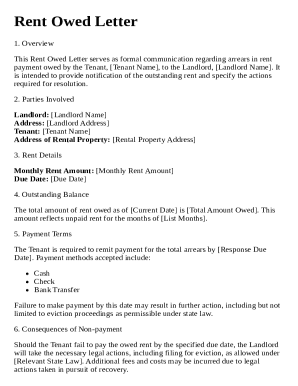
Rent Owed Letter Template

Food Truck Vendor Application Form
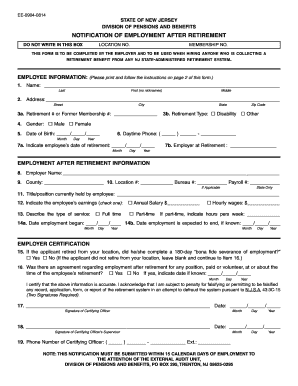
New Jersey Employment After Retirement Notification

USPS Nonprofit Marketing Mail Form 3602-NZ

FEP PPO Prescription Drug Prior Authorization Form

Void Check Request Form

US Army Will Worksheet

National Registry EMT Exam Authorization
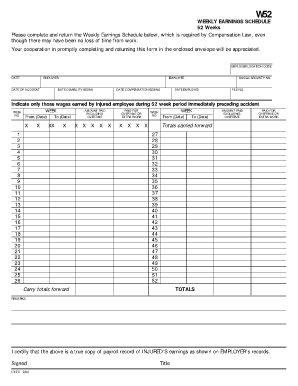
W52 Weekly Earnings Schedule

Order for Service Form
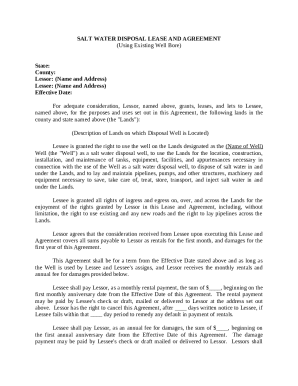
Salt Water Disposal Lease Agreement
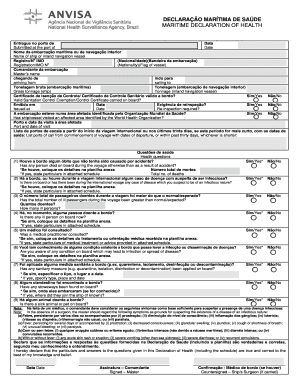
Maritime Declaration of Health
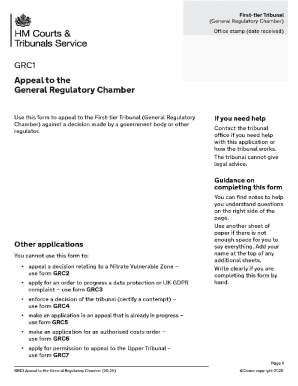
GRC1 Appeal to the General Regulatory Chamber

IRS Form SS-4 Application

Florida Health Care Surrogate Designation

Child Care Vehicle Inspection Form
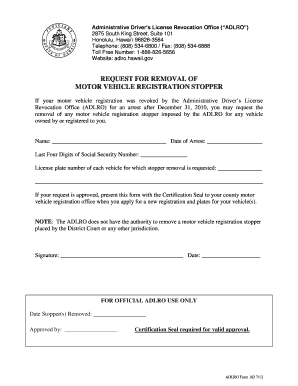
Hawaii Motor Vehicle Registration Stopper Removal Request
Liberia Birth Certificate Form

VicRoads Consent to Release Information Form
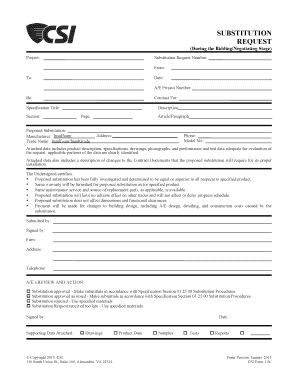
Substitution Request Form
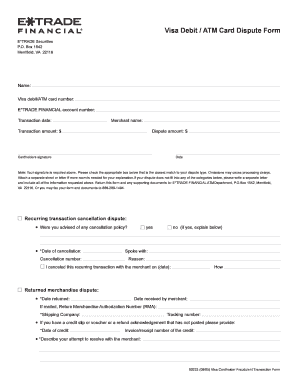
Visa Debit ATM Card Dispute Form

Patient Pre-Registration Form
Texas Residential Property Declaration Form T-47 1
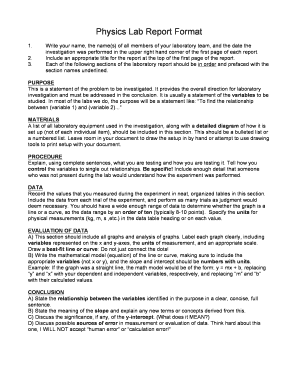
Physics Lab Report Format

USDF Horse Registration Form
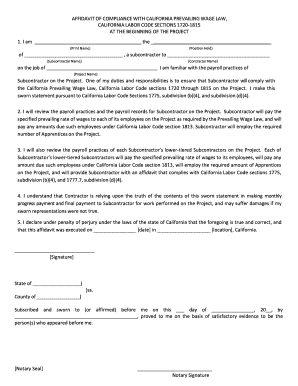
Affidavit of Compliance with California Prevailing Wage Law

VFW Auxiliary Trustees Report of Audit
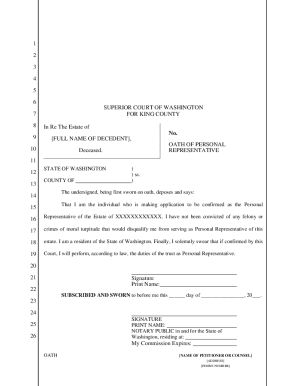
Oath of Personal Representative
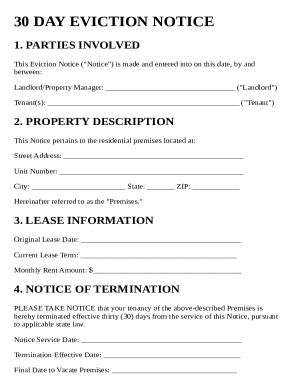
30 Day Eviction Notice Template

British Columbia Residential Purchase Agreement
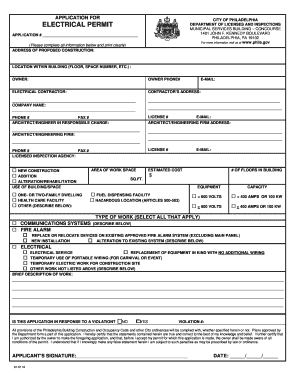
City of Philadelphia Electrical Permit Application

Turkmenistan Visa Application Form

Wyoming Motion for Continuance

Manulife Registered Investment Transfer Form

CDPHP Member Appeal Form

US Coast Guard Administrative Remarks Form

US Small Business Administration Personal Financial Statement

M-CHAT Autism Screening Form
Residential Purchase Contract
Mississippi Warranty Deed
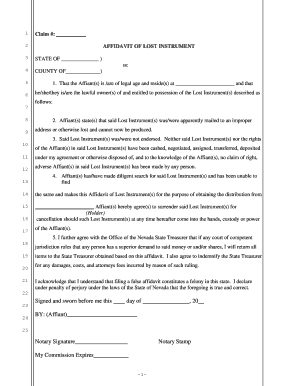
Affidavit of Lost Instrument

HUD Disability Verification Form
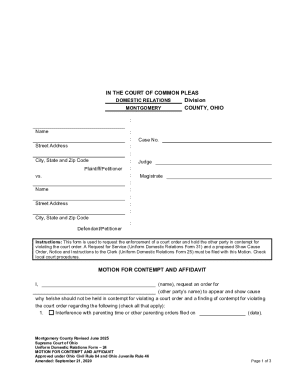
Motion for Contempt and Affidavit
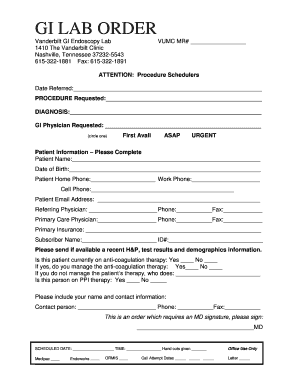
Vanderbilt GI Endoscopy Lab Order Form

Texas Electrician Experience Verification Form
Benefit from the DocHub online library of fillable PDF forms
Searching the PDF forms doesn't have to be a tedious and time-consuming process. With the DocHub online library, it has become easier to find the fillable PDF forms and modify them in your browser. The service allows you to adjust the document to your needs using powerful editing tools.
You can use online document editing features to modify almost any type of document with ease. You just need to find the template of your choice, open it in the editor, and use the toolbar to make the necessary corrections.
Follow this guide to get your document done with DocHub:
- Find the PDF template you need.
- Click the Get Form button to open the file in the editor.
- Use the toolbar to fill out and edit the document.
- Easily add and highlight text, insert images, checkmarks, and symbols.
- Drop new fillable fields, and rearrange or delete pages from your file.
- Save changes and download your record.
DocHub empowers everyone to streamline document editing, signing, and distribution, and form completion. Create an account and benefit from our well-organized PDF Forms library and comprehensive editor.