
Get any PDF form from the DocHub library of ready-made templates - Page 1360
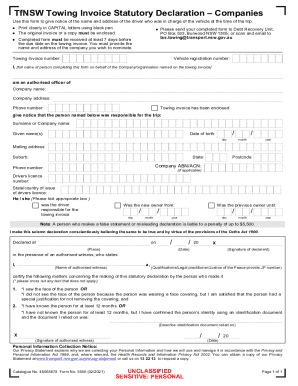
Rental Terms & Conditions - Apex Car Rentals Australia
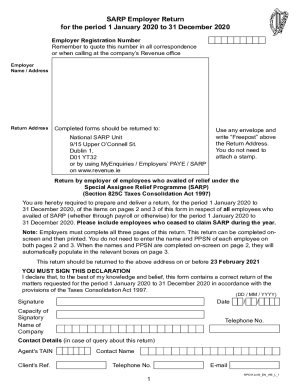
Sarp employer return

ONLINE EXAM REQUEST AND INVIGILATION INSTRUCTIONS

Texas barber shop permit

Indiana state beer wine authority type 118 form

Il in transit identification card

Dcf f dwsw13259-E POD Regulatory Agency Approval - Acknowledgement to Operate Child Care Business .doc
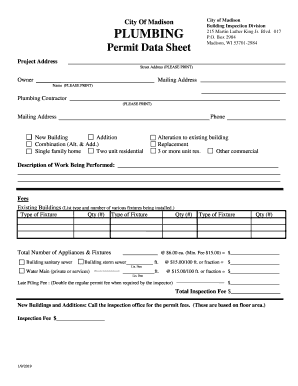
City of madison plumbing permit
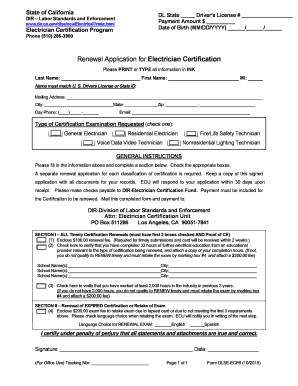
California state electrician license renewal
Wa business information change form
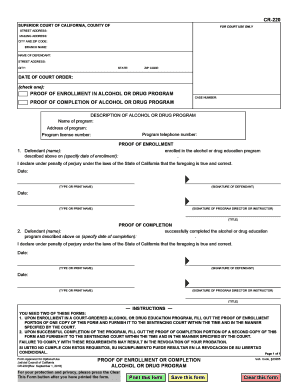
Completion drug program
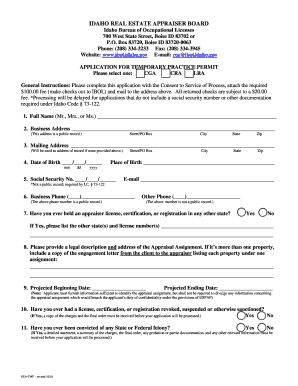
Idaho reatmp bureau occupational licenses
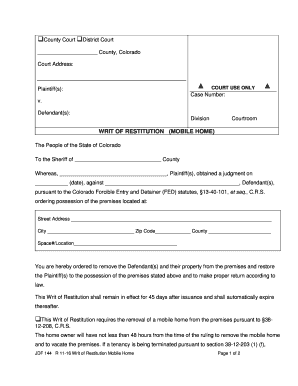
Filing Civil SuitsUS District Court of Colorado - United States District ...
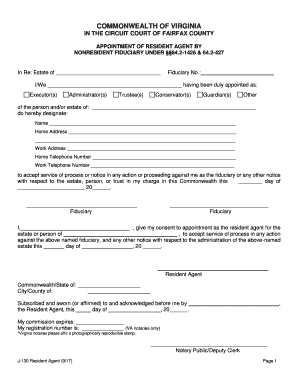
Resident Agent Form for Living and or Family Trusts - Fairfax County
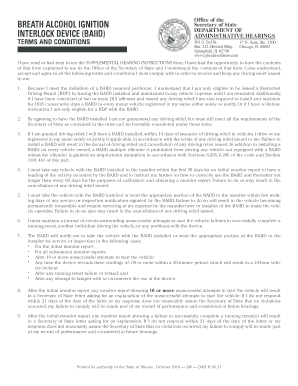
Dah h ignition baiid template
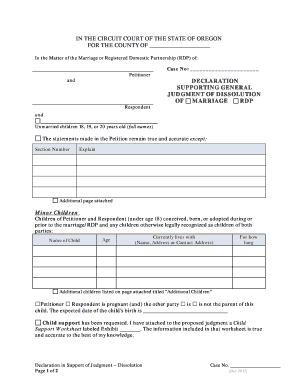
Supporting general judgment
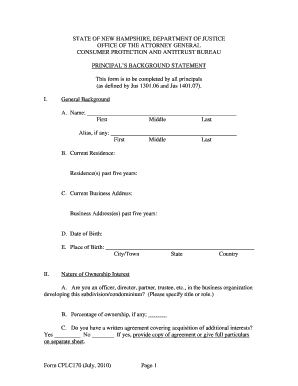
Cplc170
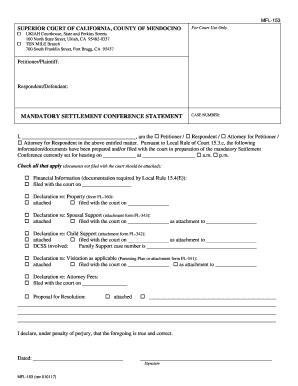
Mfl mandatory settlement conference form
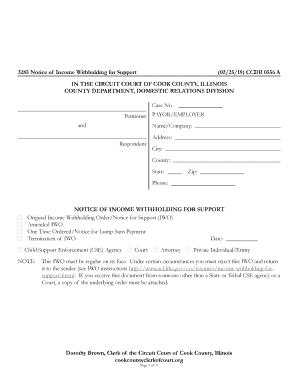
Illinois notice income court
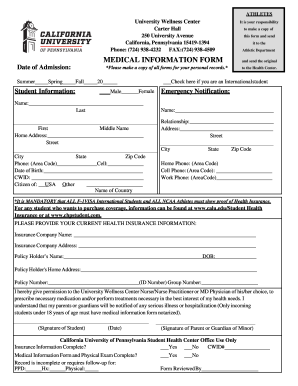
Calu form

Praxis eligibility
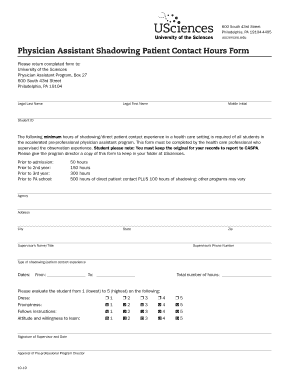
Physician Assistant Shadowing Patient Contact Hours Form

FormsPolicies and Manuals - NCDHHS

Medical Malpractice Insurance2020 Maryland Medical Assistance Program ... - Medicaid HomeMedical Assistance - Maryland Department of Human Services2020 Maryland Medical Assistance Program ... - Medicaid Home

BenefitsETF - Wisconsin Department of Employee Trust FundsWisconsin Department of Employee Trust FundsETFDOR Estates, Trusts and FiduciariesReference

Nh vaccine form
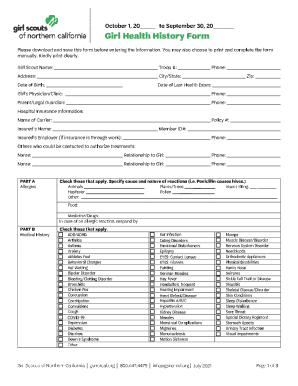
PDF COVID-19 and HIPAA: Disclosures to law enforcement ... - HHS.gov

What you need to know before submitting an ... - Oklahoma

Maine dmv forms
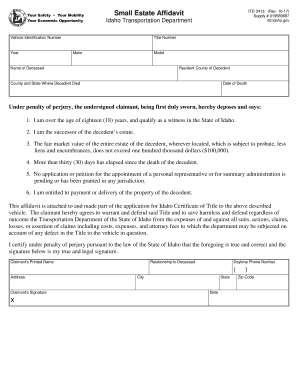
Small Estate Affidavit Idaho Transportation Department itd.idaho

Abandoned Vehicle Affidavit of Sale (Registered Tow Truck Operators Only)
Certification for Conducting Driver or Vehicle Inspections ...
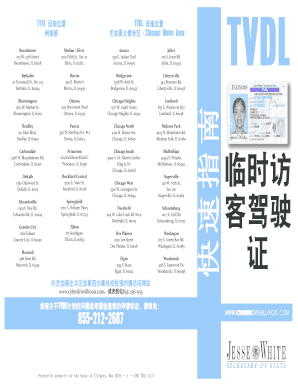
IllinoisTemporary Visitor Drivers License (TVDL) Quick Guide Chinese
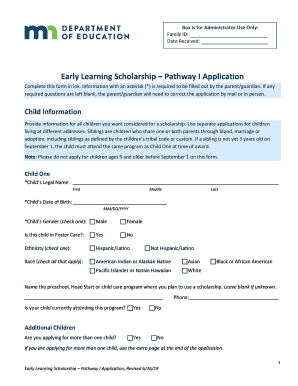
Box is for Administrator Use Only:

Pa title application crushed

Fillable REPORT OF TRANSFER / MULTIPLE ENROLLMENT FORM
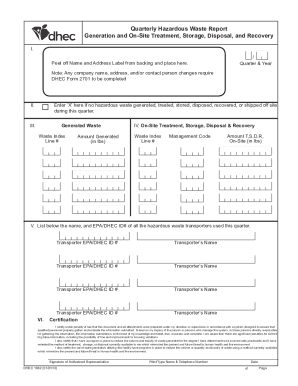
2013 SC DHEC 1962

CLAIM AGAINST THE CITY OF SAN JOSE, CA

Form HPD4 "Certificate of No Harassment (CONH) Pilot ...
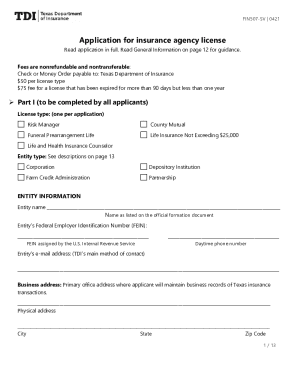
Texas application insurance

Personal history questionnaire
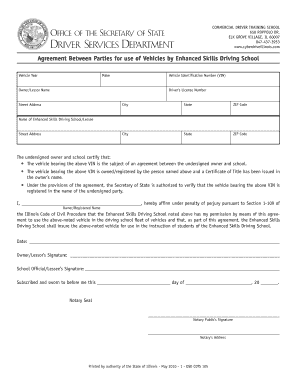
Dsdcdts 105 form
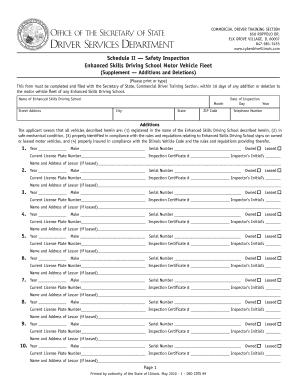
Illinois inspection driving

Illinois uninsured

Dmv 142or

Connecticut statement motor vehicle

Dealer plates application

Ct artificer
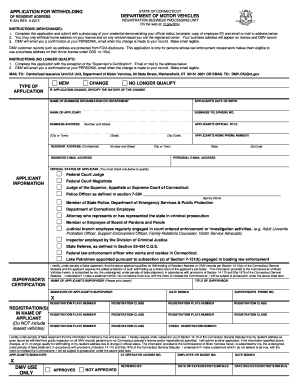
E 224 form
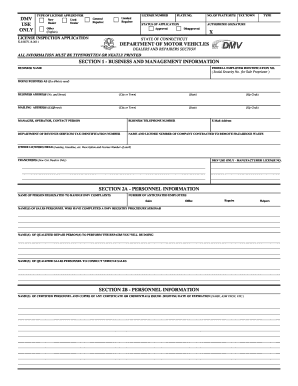
K 8 application
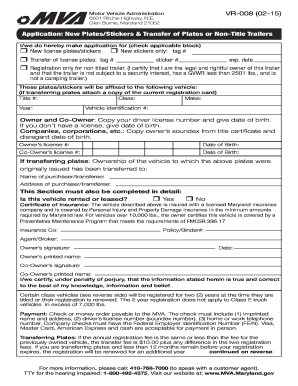
Maryland transfer form
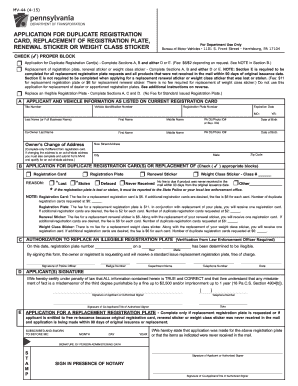
Pa registration renewal sticker

Rd 108 application title registration
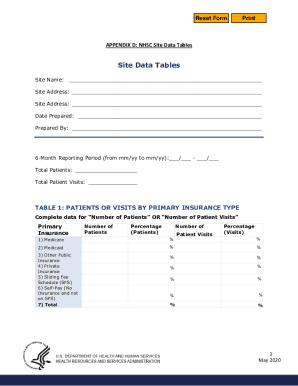
Nhsc site data tables
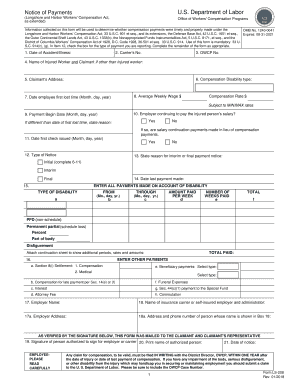
Ls 208
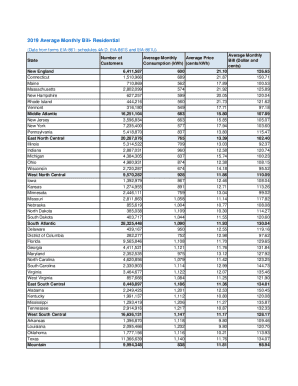
Information monthly bill print
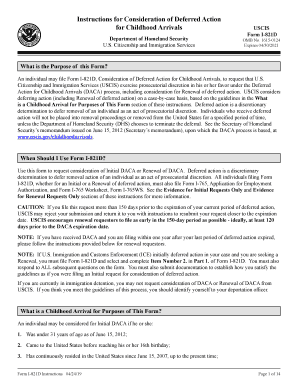
I 821d form

North dakota application title
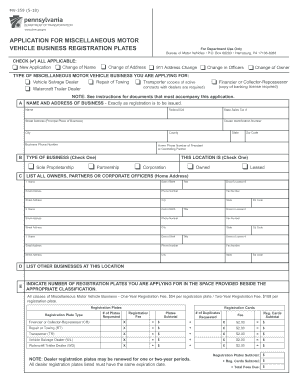
Mv359
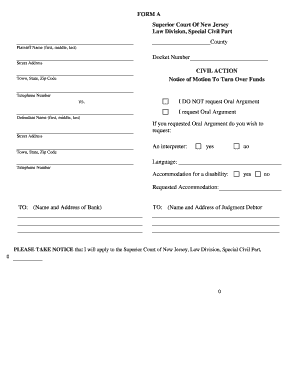
Nj court turn online
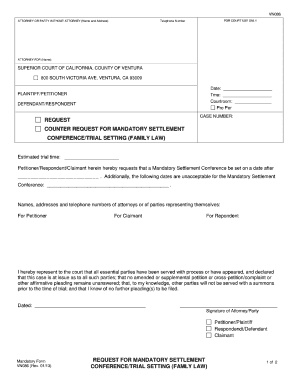
Declarant nunc inequality
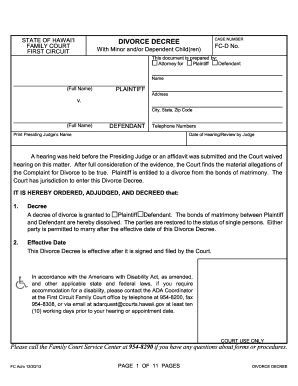
Hawaii divorce decree

Nj form execution
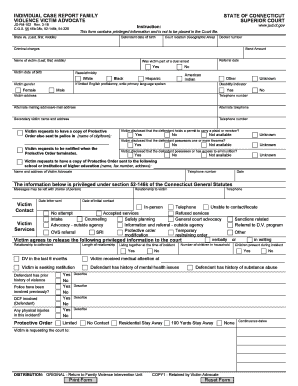
Ct jd victim form

Court elder adult abuse

596 info condicional form

Jv 110
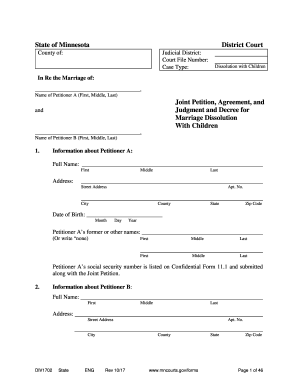
Minnesota joint agreement

Case Type: Dissolution
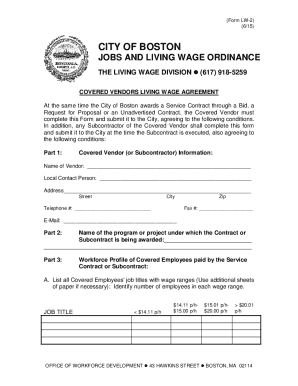
At the same time the City of Boston awards a Service Contract through a Bid, a

Form continental testing online

Small claims court shreveport

Ny serve court
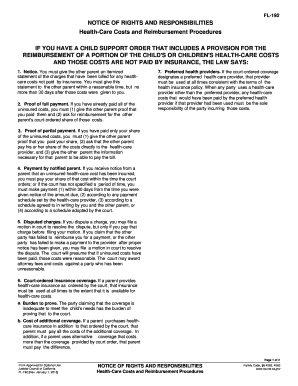
Fl 192
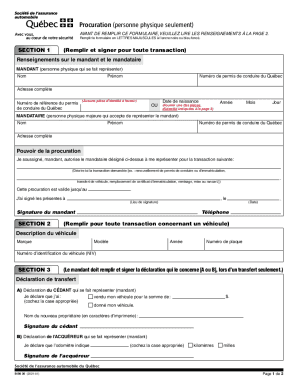
Procuration saq
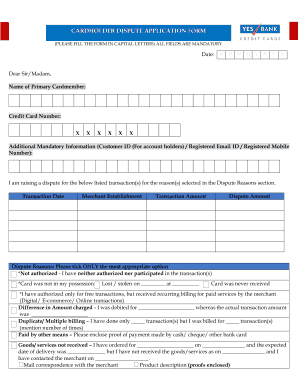
Yes bank dispute form
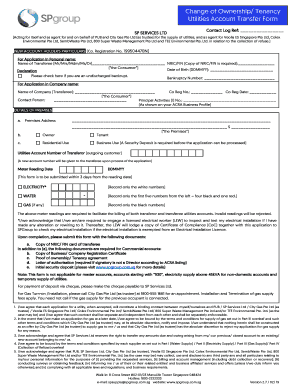
Singapore ownership transfer
Insurance neft form
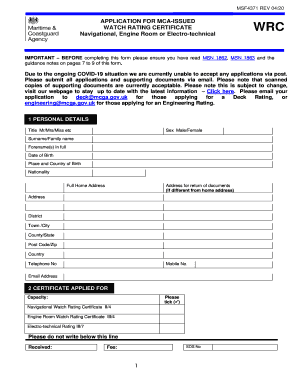
Application mca engine electro technical download
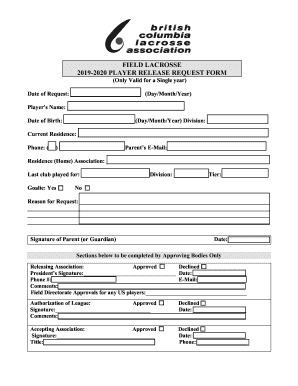
Youth Field Lacrosse 2019-20 Process for Release Requests
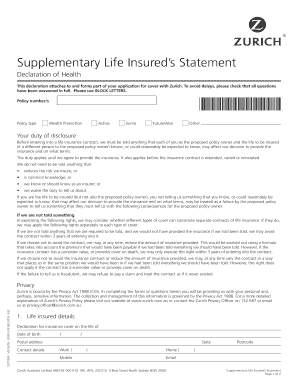
Au declaration health form

Four Months' Notice to End Tenancy For Demolition

Jv 100
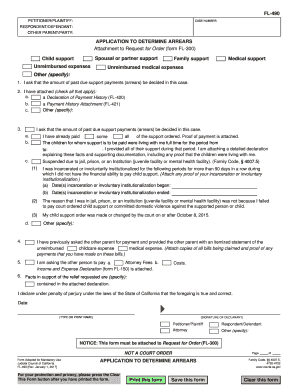
Fl 490
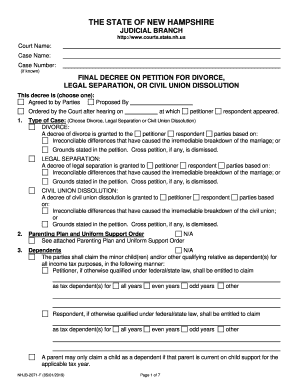
Nh decree divorce

Louisiana jurisdiction bar
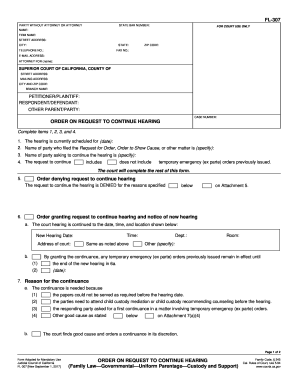
Fl307
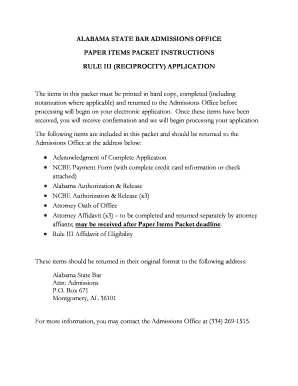
Alabama items reciprocity

FREQUENTLY ASKED QUESTIONS - mdcourts.gov

DRIVER ANALYSIS DIVISION Office of the Secretary of State ...

Uc 304

Return work employers form search
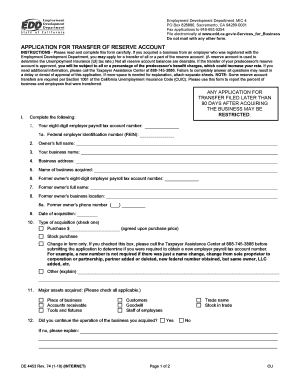
Ca application transfer form
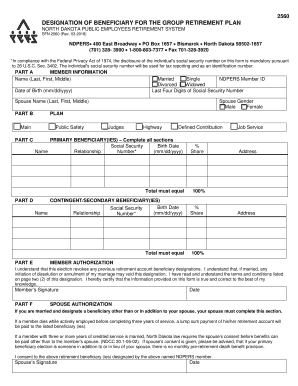
North dakota pers designation
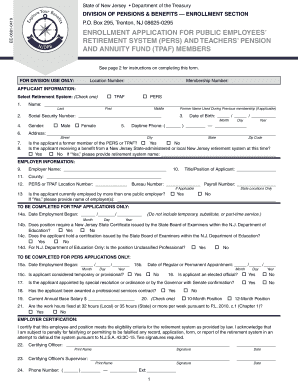
New jersey tpaf form

Ks bis

Illinois ccco n114 civil
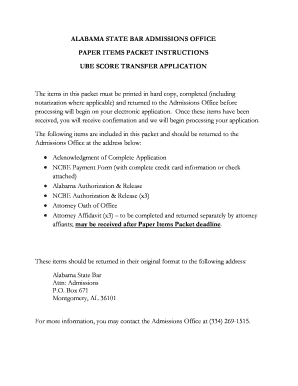
Alabama instructions score get
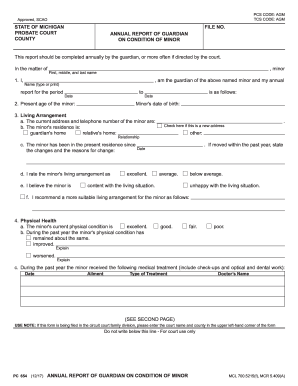
Pc 654

Ct sentence modification
Benefit from the DocHub online library of fillable PDF forms
Searching the PDF forms doesn't have to be a tedious and time-consuming process. With the DocHub online library, it has become easier to find the fillable PDF forms and modify them in your browser. The service allows you to adjust the document to your needs using powerful editing tools.
You can use online document editing features to modify almost any type of document with ease. You just need to find the template of your choice, open it in the editor, and use the toolbar to make the necessary corrections.
Follow this guide to get your document done with DocHub:
- Find the PDF template you need.
- Click the Get Form button to open the file in the editor.
- Use the toolbar to fill out and edit the document.
- Easily add and highlight text, insert images, checkmarks, and symbols.
- Drop new fillable fields, and rearrange or delete pages from your file.
- Save changes and download your record.
DocHub empowers everyone to streamline document editing, signing, and distribution, and form completion. Create an account and benefit from our well-organized PDF Forms library and comprehensive editor.