
Get any PDF form from the DocHub library of ready-made templates - Page 1361

Ct sentence modification

HOW TO APPLY FOR A RESTRAINING ORDER UNDER 46B-15
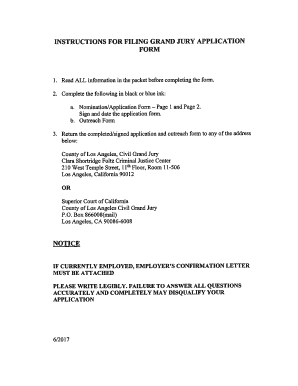
Ca instructions grand jury
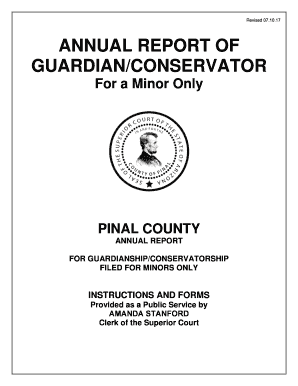
Annual report conservator form
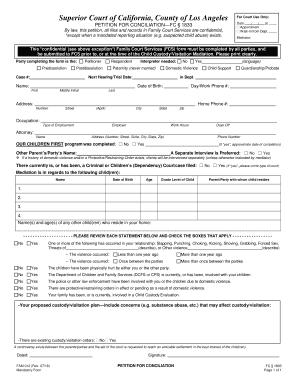
Fam012 form
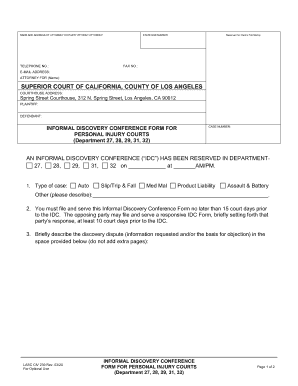
Los angeles informal discovery conference
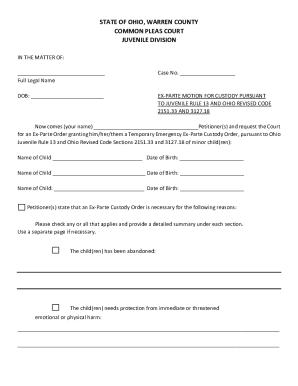
Ex parte motion custody
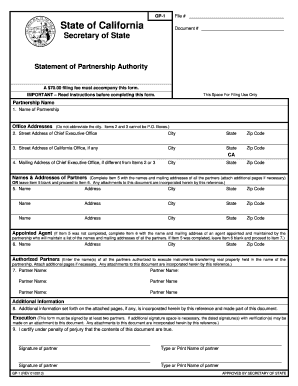
California gp

Retail food plan review questionnaire

Bca1515

Application expansion licenses online
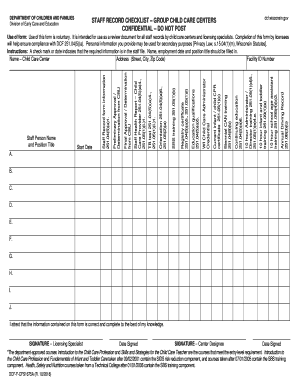
Wi dcf f

FIS 0407 (6/18) Department of Insurance and ... - Michigan
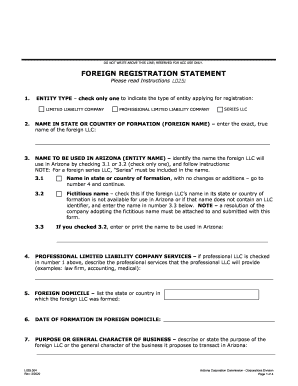
Name of the foreign LLC:

Mi
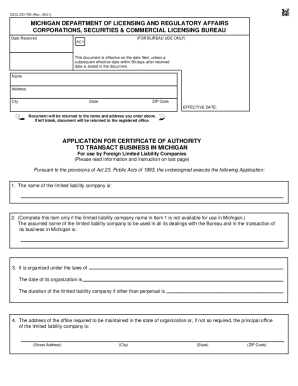
2021 mi

Michigan certificate amendment
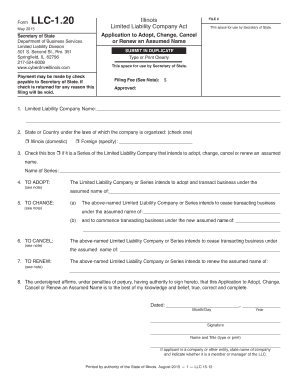
Assumed business form state of illinois

Ca qr 500

Certificate of assignment

Mi mc garnishment
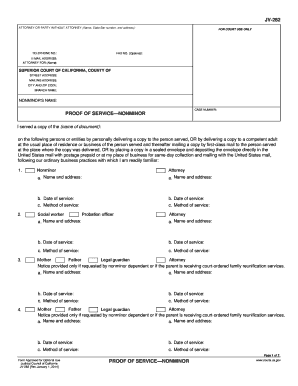
JV-282 Proof Of service Nonminor. Judicial Council forms - courts ca

Uncontested Divorce Without Children Instructions - Hawaii State ... - courts state hi
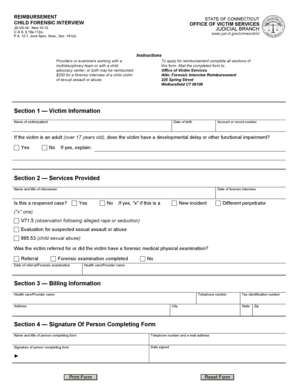
REIMBURSEMENT CHILD FORENSIC INTERVIEW. Connecticut Bar Examining Committee Additional Response Page - Form 2S

AFFIDAVIT OF PERSONAL HISTORY - michbar.org
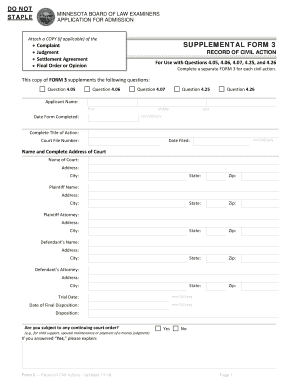
SUPPLEMENTAL FORM 3
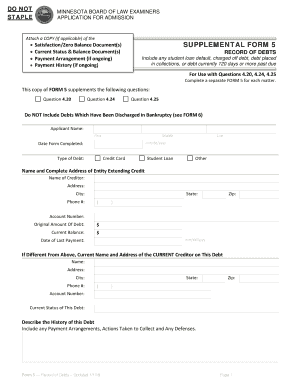
Attach a COPY (if applicable) of the
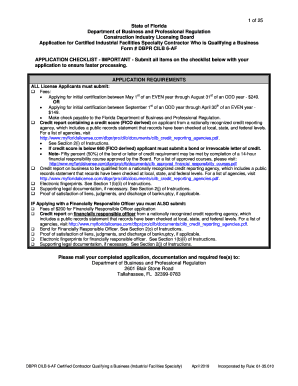
Dbpr certified
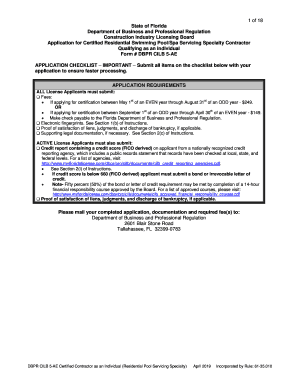
Fl dbpr certified

County subcontractors form

Washington devsvcs template
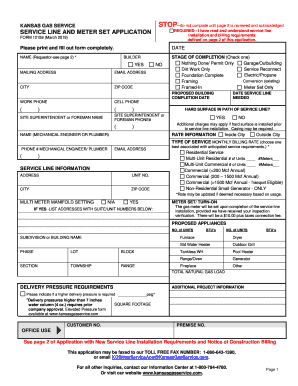
Kansas service application

Michigan cscl cd
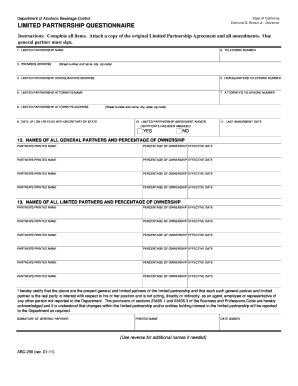
Ca abc 256 form
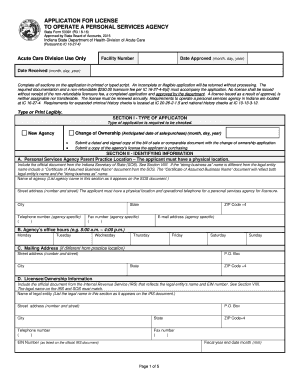
Sf 53391
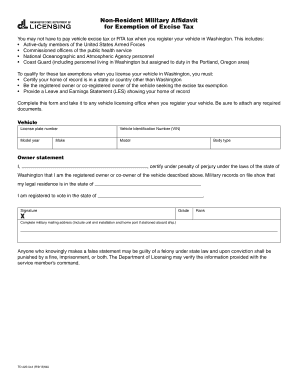
Dol non resident military affidavit

3096 form dsps

Texas air conditioning license
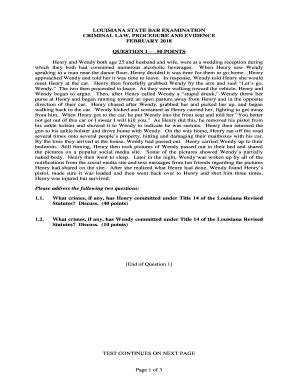
Examination criminal law
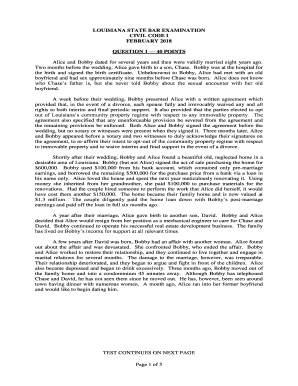
Lascba
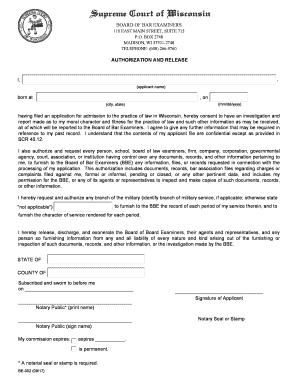
Be 002

BOARD OF BAR EXAMINERS EMERGENCY CONTACT ...
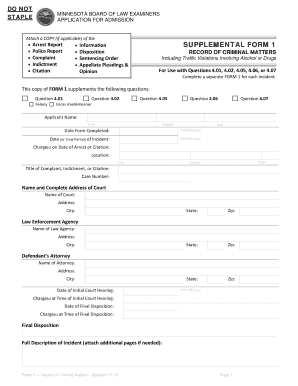
Appellate Pleadings &
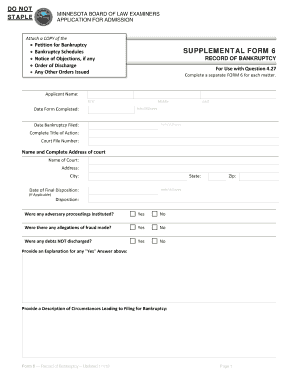
Attach a COPY of the
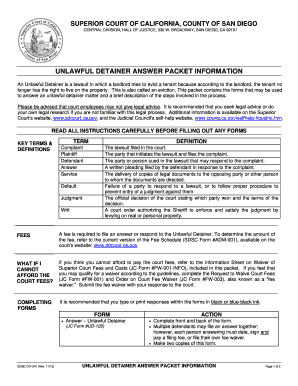
Unlawful detainer packet

Illinois Employee/Attorney Information

Additional order
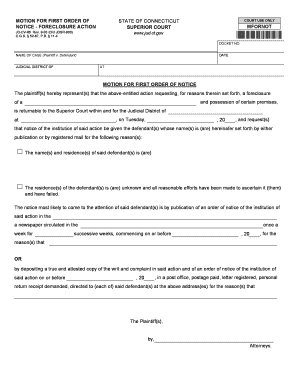
Jd cv 86
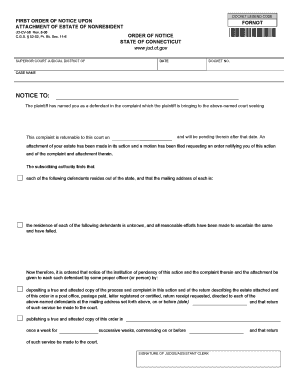
First order of notice upon attachment of estate of nonresident - jud ct

Wisconsin dsps insurance
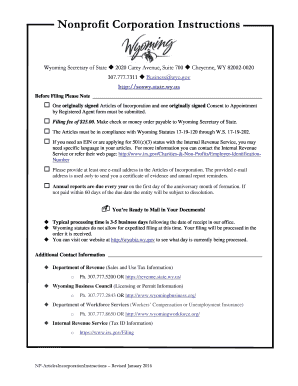
Wyoming articles incorporation

California ua
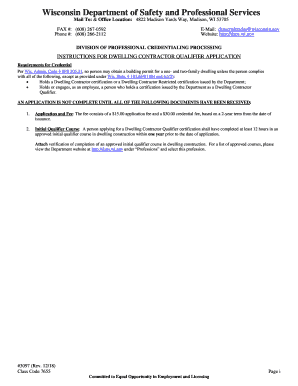
Dsps application qualifier
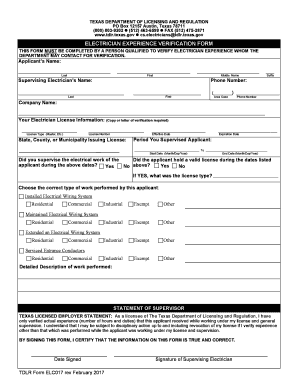
Electrician experience verification form

Falconry License Renewal Application - FG360 - California
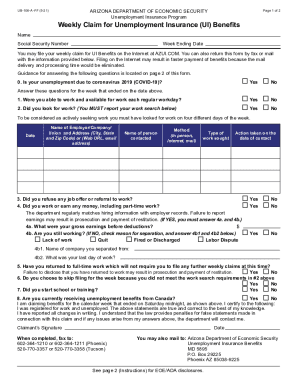
Arizona unemployment
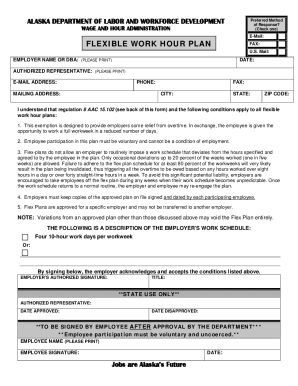
Flexible work plan

Course or Event Request Form
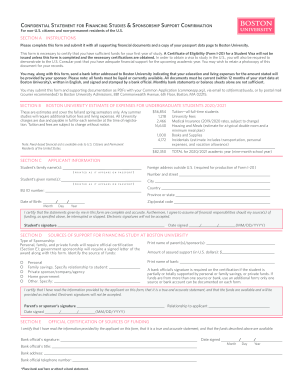
Fillable Online DS-2029 Application for Consular Report of ...
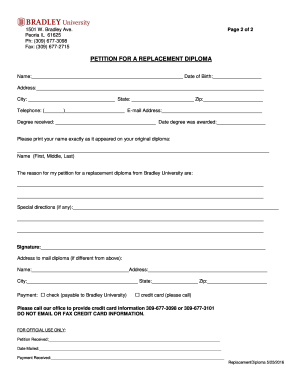
Bradley university diploma
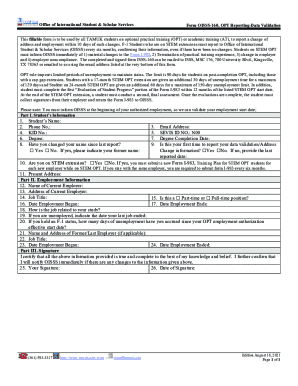
OISSS FormsTexas A&M University Kingsville

Joint dissolution in minnesota

Small claims court ventura county

Summary of Benefits and Coverage - FAQs for BrokersMedical ...
ETF Form - Employee Identification Correction/Change
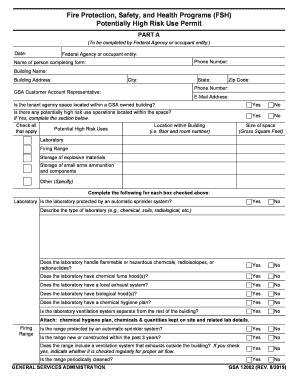
Fire, Safety and H - GSA.gov
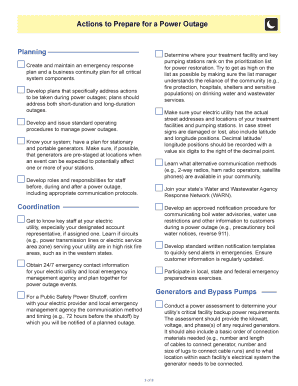
Power outage incident action checklist

Instructions to Form SCC544 - Articles of Incorporation of a Virginia Professional Stock Corporation

Form 2200-127. Special Event Application and Permit

Assumed name certificate forms Results For Websites Listing

Form CSCL/CD-800 "Application to Register a Limited ...

Form CSCL/CD-754 Download Fillable PDF or Fill Online ...

Fillable Online Articles of Organization of a Virginia ... - DocHub
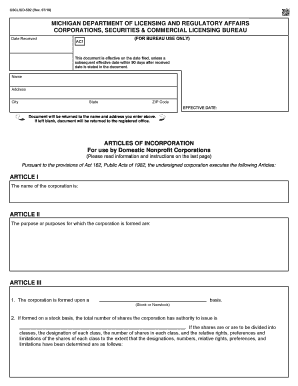
Mi 502 form

Illinois Driver Training School Application for Branch License

Llc virginia changing
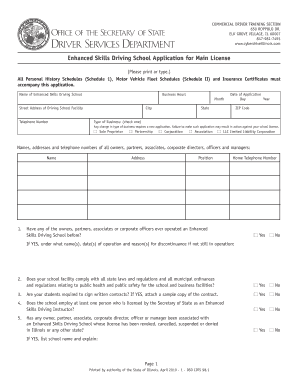
Illinois dsdcdts license search

Virginia foreign
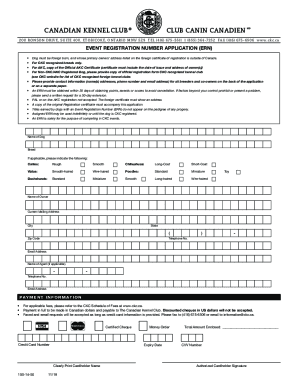
Ckc forms
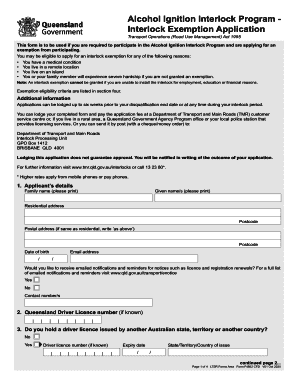
Ignition InterlockMissouri Department of Transportation

Individual Vehicle Approval (IVA) for lorries and goods ...

Ds 875q answer key

2011 CT P-142R

Colorado item registration

Waiver registration

2013 illinois personalized license
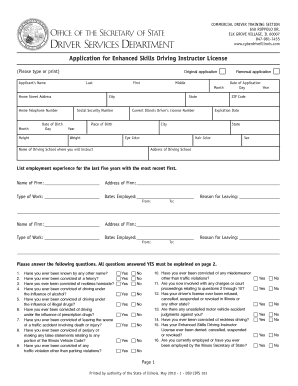
Dsdcdts 103 form

Il driving physical form

Illinois driver training online

Illinois cdl

Information and Instructions for Prequalification of Bidders

Illinois transito
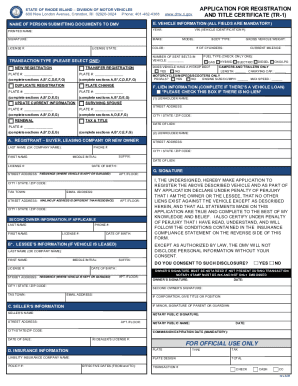
Rhode island form tr 1

Purchase agreement for a house
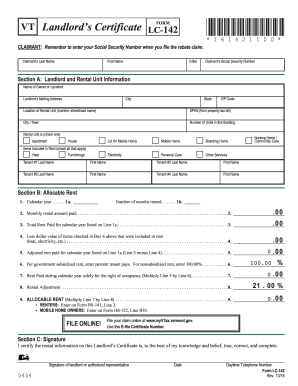
Vermont renters rebate

Nc disclosures

Registration plates transit

Department of motor vehicles x - CT.gov - ct

2017 MI PC 100
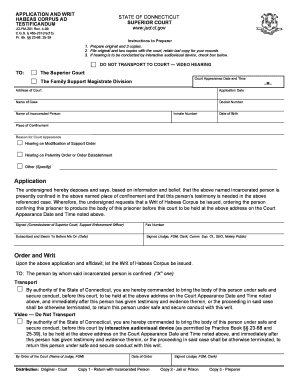
Writ of habeas corpus ad testificandum
Benefit from the DocHub online library of fillable PDF forms
Searching the PDF forms doesn't have to be a tedious and time-consuming process. With the DocHub online library, it has become easier to find the fillable PDF forms and modify them in your browser. The service allows you to adjust the document to your needs using powerful editing tools.
You can use online document editing features to modify almost any type of document with ease. You just need to find the template of your choice, open it in the editor, and use the toolbar to make the necessary corrections.
Follow this guide to get your document done with DocHub:
- Find the PDF template you need.
- Click the Get Form button to open the file in the editor.
- Use the toolbar to fill out and edit the document.
- Easily add and highlight text, insert images, checkmarks, and symbols.
- Drop new fillable fields, and rearrange or delete pages from your file.
- Save changes and download your record.
DocHub empowers everyone to streamline document editing, signing, and distribution, and form completion. Create an account and benefit from our well-organized PDF Forms library and comprehensive editor.