
Get any PDF form from the DocHub library of ready-made templates - Page 1358

L withholding statements
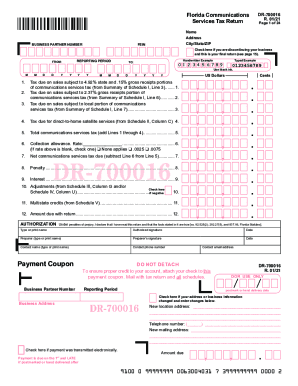
Florida services tax return form

Instructions dr 15ez
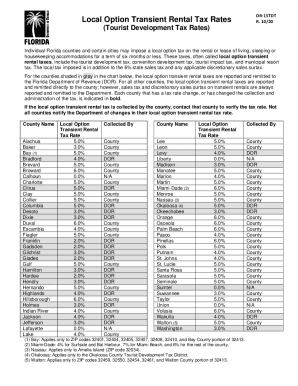
Fl rental tax rates
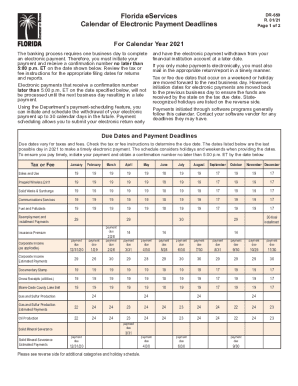
Calendar due
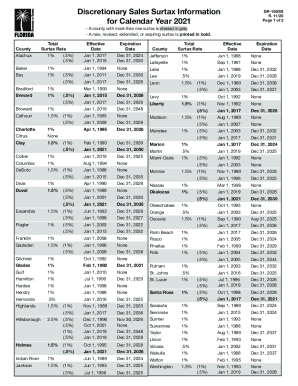
Fl discretionary sales surtax
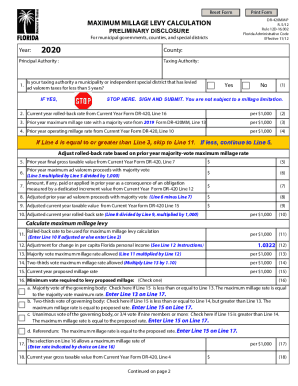
Maximum millage
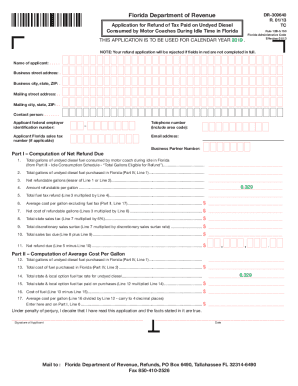
2019 FL DR-309640

Form dr 1n
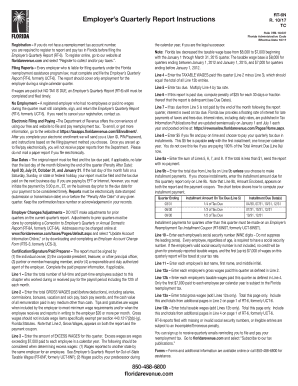
Fl unemployment form download
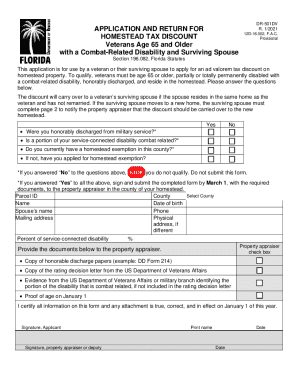
Dr 501dv
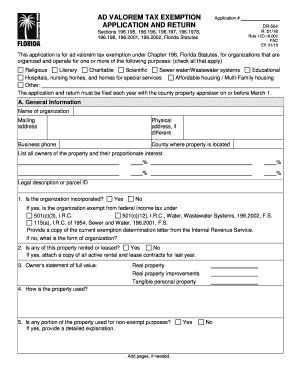
Valorem tax exemption

Ut tax instructions

Ad valorem tax exemption application

Forms & Information - Utah Income TaxesUtah State Tax ...
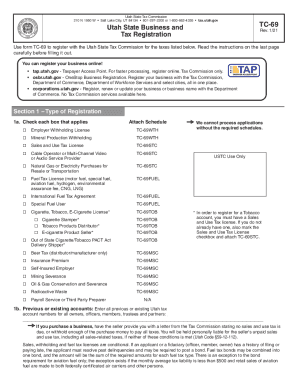
Ut tax registration
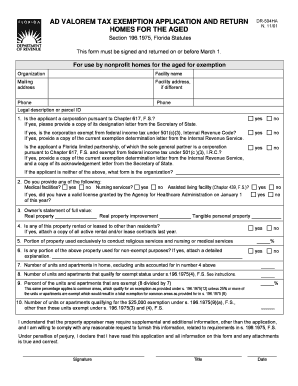
Florida 504ha
CALIFORNIA 540 2EZ Forms & Instructions 2019 Personal Income Tax Booklet. CALIFORNIA 540 2EZForms & Instructions 2019 Personal Income Tax Booklet

490port homestead form

Utility users tax

2018 California Schedule EO (568) - PassThrough Entity Ownership. 2018, California Schedule EO (568), PassThrough Entity Ownership
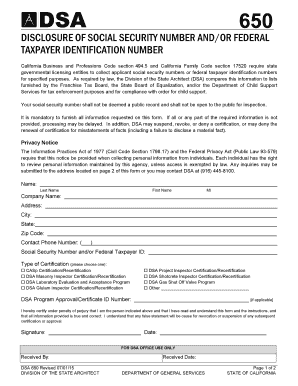
Disclosure documents dgs form

Boe530 - Schedule C - Detailed Allocation by Suboutlet of Combined State and Uniform Local boe530 - Schedule C - Detailed Allocation by Suboutlet of Combined State and Uniform Local - boe ca

Beer Manufacturer Tax Return. BOE-501-BM - boe ca
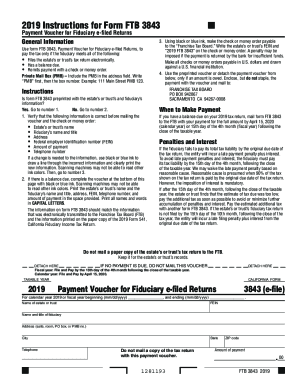
Ca ftb payment fiduciary filed
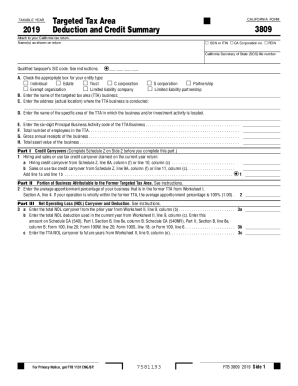
Form 3809
Ftb k1
Ca 592 a form
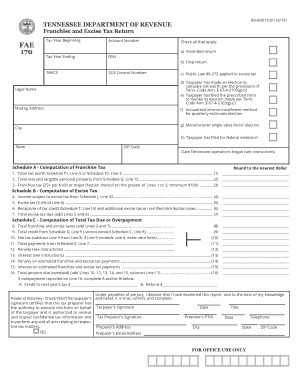
How to franchise excise tax return tennessee
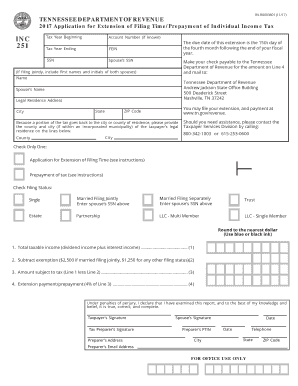
Tn inc tax
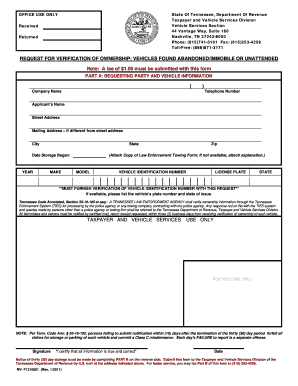
Verification abandoned

Pc 181

District 4

Rhode island bar instruction form

Sfn407
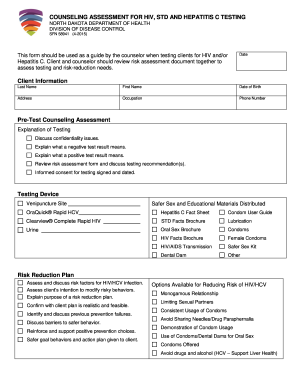
COUNSELING ASSESSMENT FOR HIV, STD AND HEPATITIS C TESTING

Evfh

Sleep study authorization
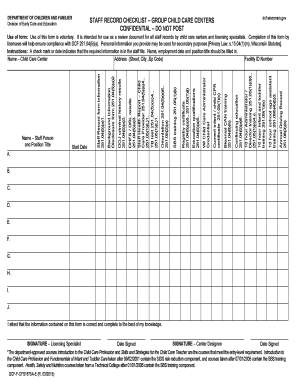
Nj childcare staff records checklist
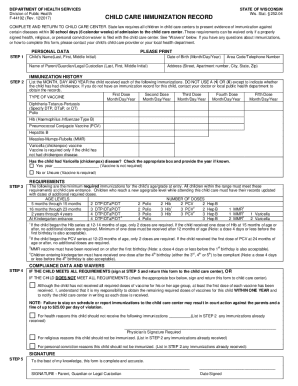
Wi care immunization record
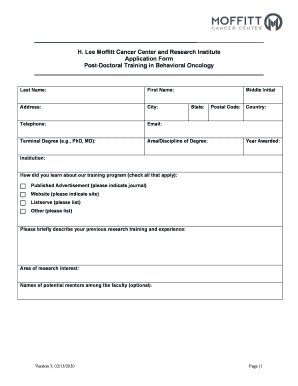
Project LINK Training Program Application - Moffitt Cancer ...
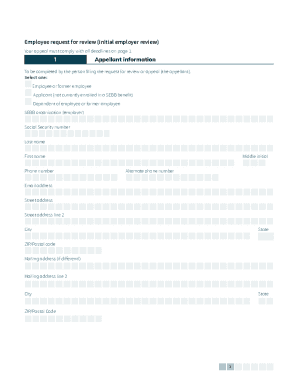
If your situation is
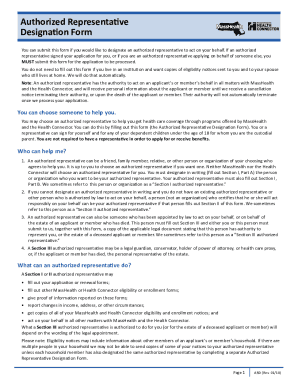
Ma designation
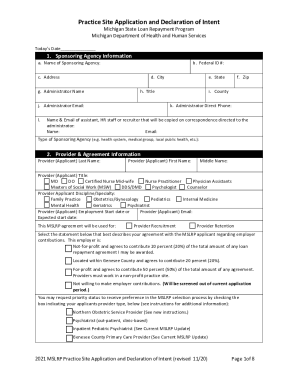
Site form

Transfer of ownership form maine

Alaska influence application

2011 FL HSMV 82078

Hsmv 73209

Illinois reinstatement
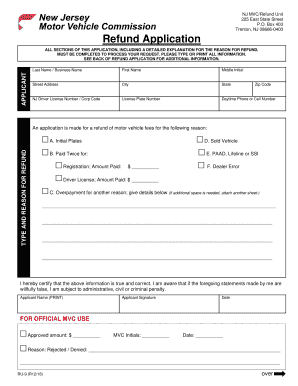
New jersey ru vehicle commission
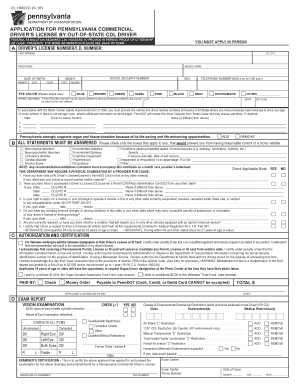
Pennsylvania dl driver license out of state
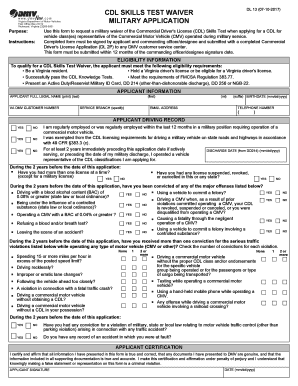
Dl 13
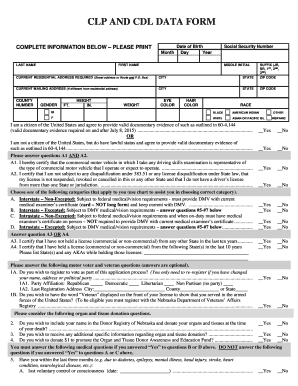
Clp and nebraska

Illinois a rules road
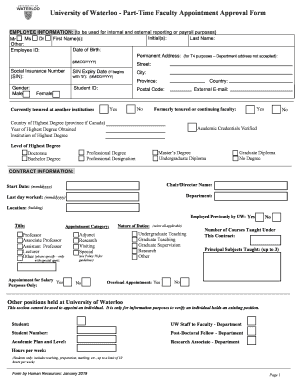
Part-Time Faculty Appointment Approval Form
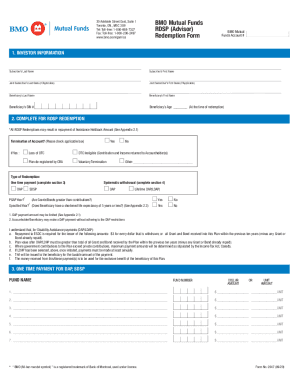
Bmo 250 yonge street
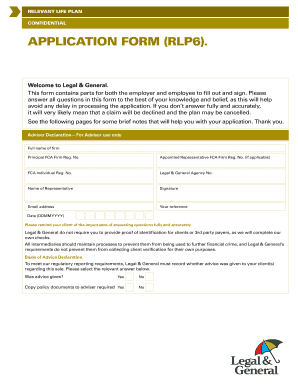
Pdf reader app for windows 10
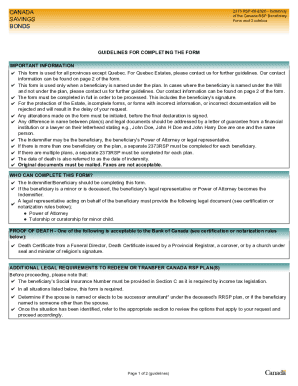
PDF Indemnity of The Canada RSP Beneficiary Form and Guidelines

RESIDENTIAL/SINGLE LOT

Contra costa temporary
NEW STUDENT - Laguna Beach Unified School District
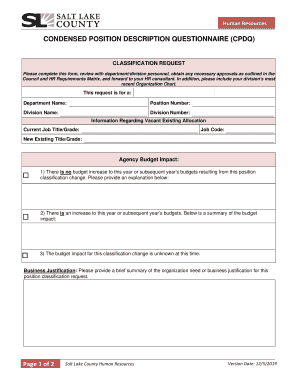
Page 1 of 2 CONDENSED POSITION DESCRIPTION ...

Office of K-12 Educational Services

Cicb application

2021 PLUMBING Journeyman - Apprentice Application

Vehicle checklist

Illinois dop state police

Sos dop
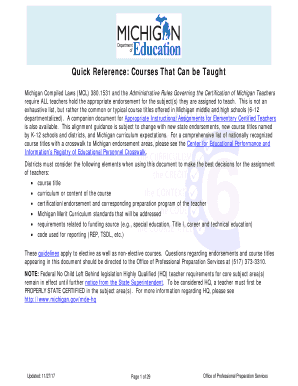
Courses that can online
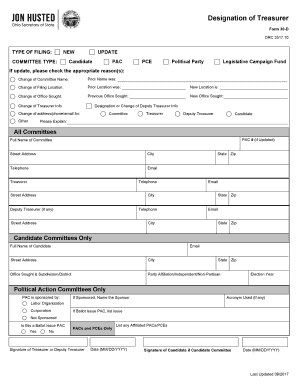
Form 30 d designation treasurer

Illinois vsd

Illinois irp form

Illinois guia limitida form printable

Illinois sos identity
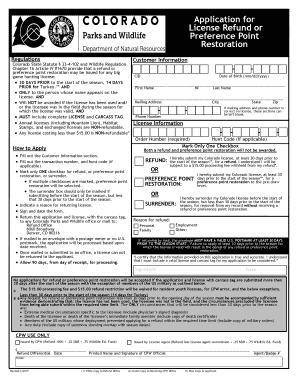
Application license refund
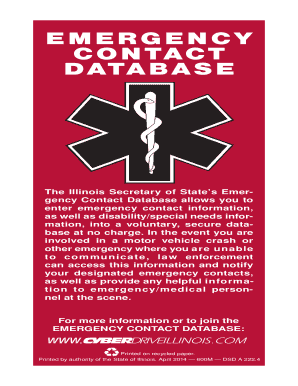
Emergency contact database
Illinois expenditure
Project Next Generation Brochure - Illinois Secretary of State

Family Reading Night Poster - Illinois Secretary of State
Indiana incorporation create
Unit illinois explosive
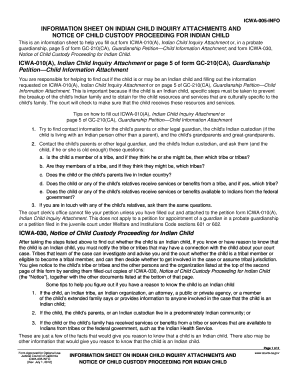
Icwa information form online
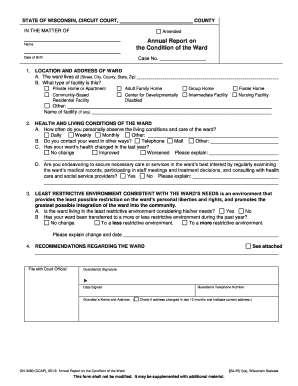
Condition report wisconsin
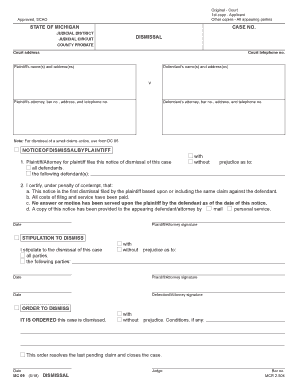
Michigan form 09 court
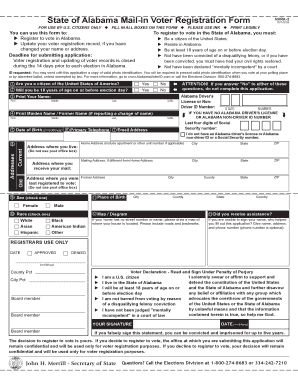
Alabama mail in voter
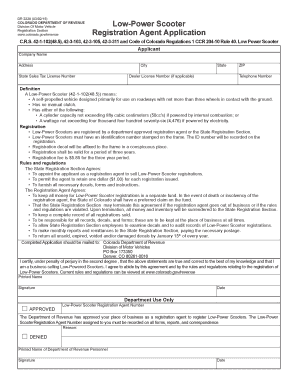
Low-Power Scooter Registration Agent Application - Colorado.gov - colorado
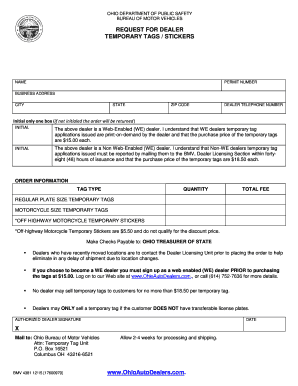
45 day temporary tag ohio
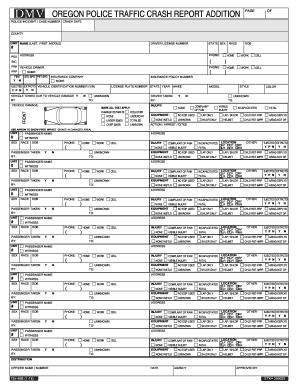
Oregon crash form print

Dsdcdts adult fill

Delaware license relative
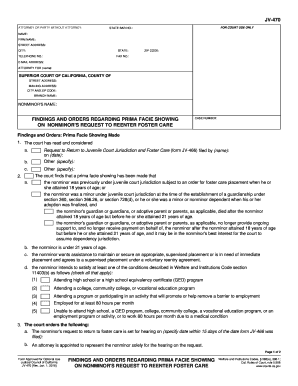
Findings facie sample
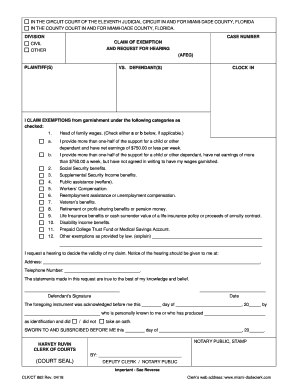
Fl claim exemption form

Info sealing

Idaho release form pdf
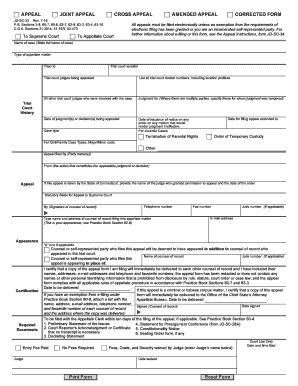
Connecticut corrected court
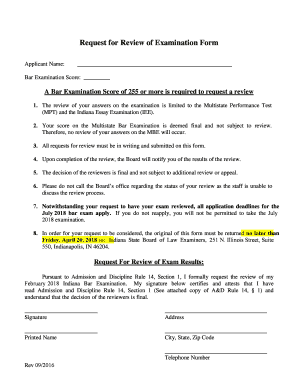
Indiana request examination

Ne authorization nsbc commission get

California fl 120s form
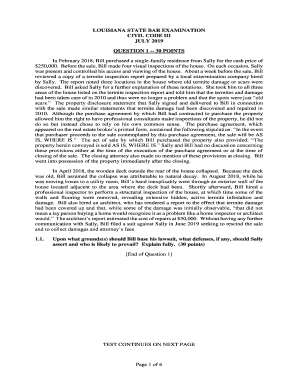
Louisiana lascba civil 3

Information Regarding Registry of Child Custody Evaluators - courts state hi
Benefit from the DocHub online library of fillable PDF forms
Searching the PDF forms doesn't have to be a tedious and time-consuming process. With the DocHub online library, it has become easier to find the fillable PDF forms and modify them in your browser. The service allows you to adjust the document to your needs using powerful editing tools.
You can use online document editing features to modify almost any type of document with ease. You just need to find the template of your choice, open it in the editor, and use the toolbar to make the necessary corrections.
Follow this guide to get your document done with DocHub:
- Find the PDF template you need.
- Click the Get Form button to open the file in the editor.
- Use the toolbar to fill out and edit the document.
- Easily add and highlight text, insert images, checkmarks, and symbols.
- Drop new fillable fields, and rearrange or delete pages from your file.
- Save changes and download your record.
DocHub empowers everyone to streamline document editing, signing, and distribution, and form completion. Create an account and benefit from our well-organized PDF Forms library and comprehensive editor.