




Here's how it works

01. Edit your form online
Type text, add images, blackout confidential details, add comments, highlights and more.

02. Sign it in a few clicks
Draw your signature, type it, upload its image, or use your mobile device as a signature pad.

03. Share your form with others
Send it via email, link, or fax. You can also download it, export it or print it out.
How to use or fill out k 8 application with our platform

- Click ‘Get Form’ to open the k 8 application in the editor.
- Begin with Section 1, where you will enter your business and management information. Fill in your business name, federal employer identification number, and contact details clearly.
- Proceed to Section 2A for personnel information. List the designated person for DMV complaints and anticipated employees. Ensure all names are typed accurately.
- In Section 2D, prepare a resume format detailing the last five years of work history for each owner or officer. Include job titles, company names, and detailed descriptions of duties performed.
- Complete Sections 3 through 6 by providing site information, office details, and answering the questionnaire regarding your knowledge and ability to operate under the license.
- Finally, ensure that all sections are filled out completely before signing in Section 7. Use our platform's tools to review your entries for accuracy.
Start filling out your k 8 application today using our platform for free!
Fill out k 8 application online
It's free
It's free
Security and compliance
At DocHub, your data security is our priority. We follow HIPAA, SOC2, GDPR, and other standards, so you can work on your documents with confidence.
Learn more


Related forms

D4 form pdf
The document is a Medical Examination Report that requires a doctor to assess a patient's fitness to drive. It includes ...
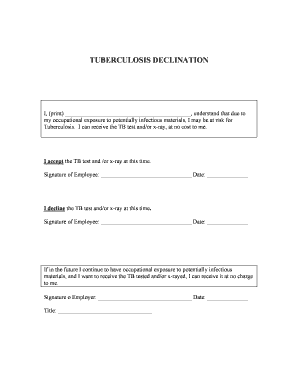
Tb declination form
The document is a Tuberculosis Declination form where an employee acknowledges the risk of TB due to occupational exposu ...

Control and information device symbols
The document is a worksheet designed for Unit 2 of a vehicle education curriculum, focusing on familiarizing students wi ...