
Get any PDF form from the DocHub library of ready-made templates - Page 1138

Transcript Request Form - Registrar - Mercer University

Affirms under penalties of perjury, that:
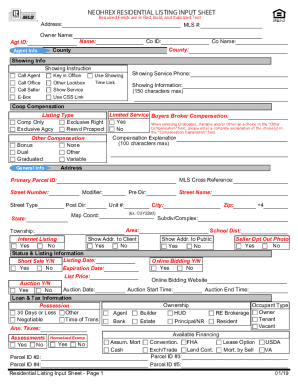
Neohrex residential listing input sheet

Employer's Monthly Remittance Form - inldc
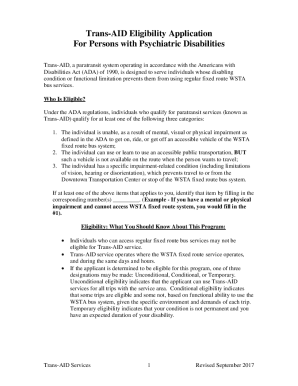
Trans-AID Eligibility Application
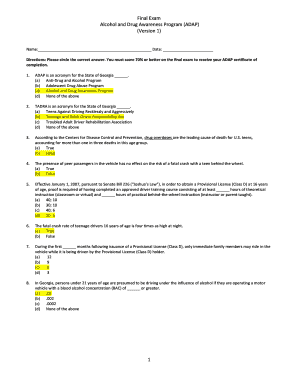
Adap test answers

Fa 4150v

Maine IFTA-100 Quarterly Fuel Use Tax Return
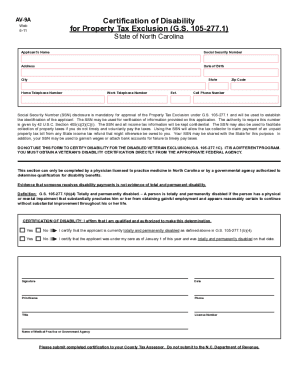
AV-9A Certification of Disability for Property Tax Exclusion
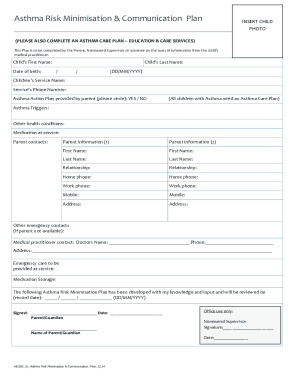
Anaphylaxis Asthma Allergy Risk Minimisation Plan Template
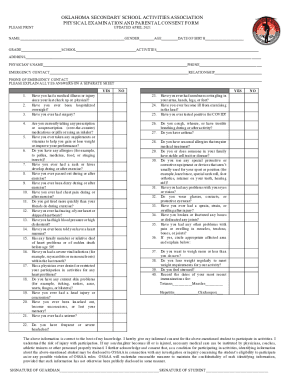
State Department Of Education Ok - XpCourse
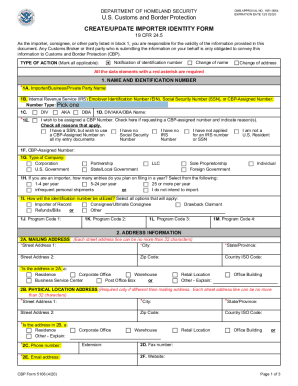
CBP 5106 CREATE UPDATE IMPORTER IDENTITY FORM

AUD-6 HHIA form

Vtr270
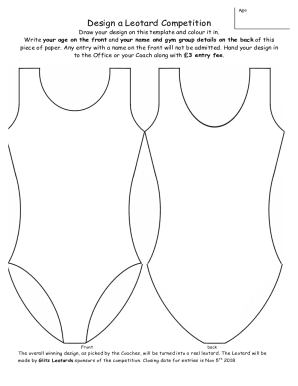
Blank leotard template

Title objection letter example
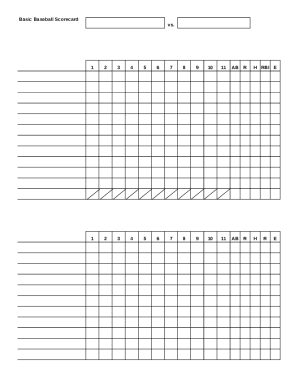
Baseball Stat SheetStat Sheet Baseball
Boat deposit receipt

Copa bail bonds
Kirklees blue badge renewal
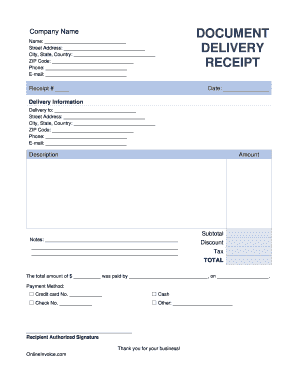
Delivery receipt form

Property valuation form
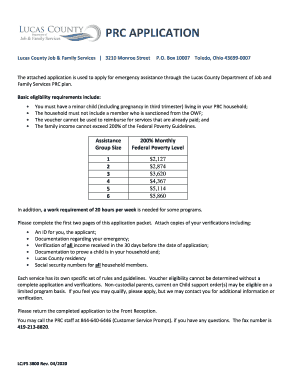
Prc program toledo ohio
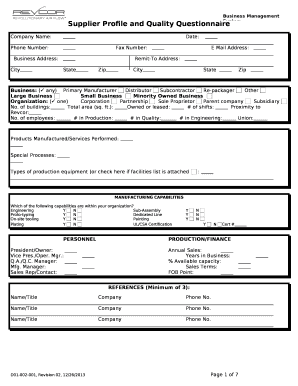
Supplier profile template
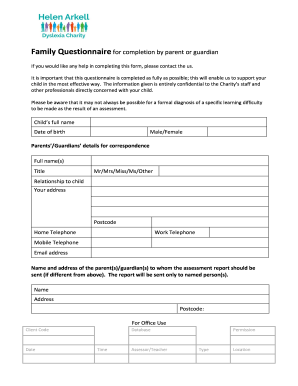
Family Questionnaire for completion by parent - Helen Arkell
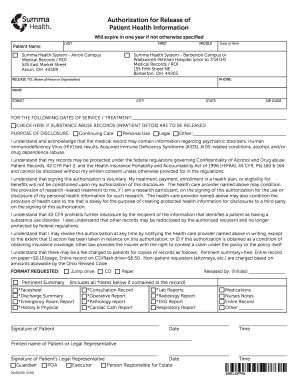
Roi medical records
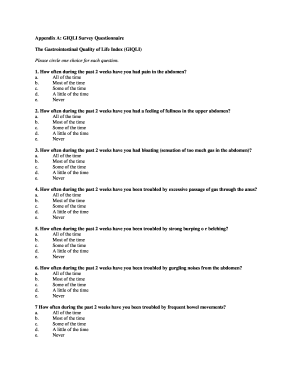
Gastrointestinal quality of life index questionnaire pdf

Apex world history semester 1 answers
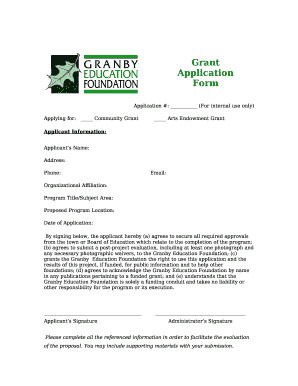
For internal use only

Affidavit of Eligibility Sweepstakes & Contests Form - Sample
Hiv template form

Molly hawkins art supplies 2022

Illinois - Order for Waiver of Court Fees

Louisiana Short Sale Addendum to Purchase Agreement
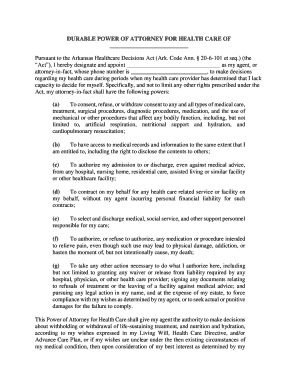
Arkansas medical health form
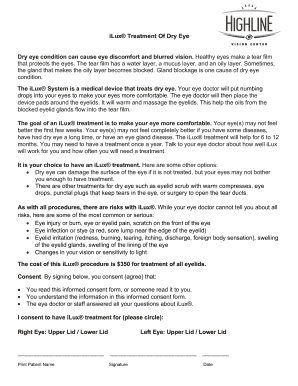
ILux consent doc
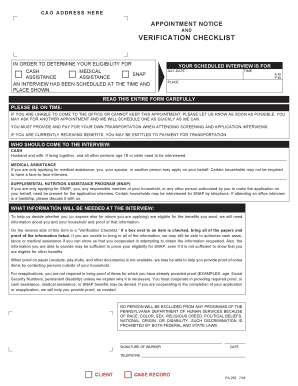
Pa form 253

Breast Cancer Golf Day Flyer - Pacific Harbour Golf & Country
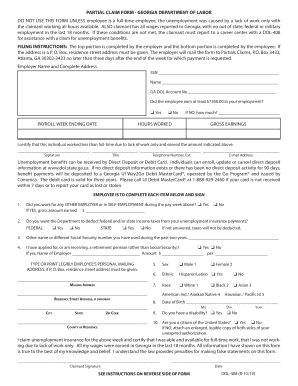
Dol partial 408
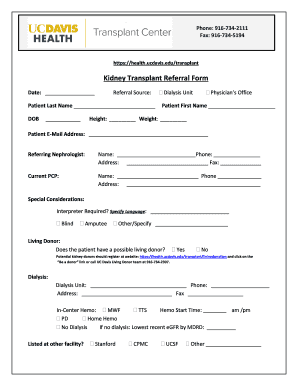
Kidney transplant form
Studypool downloader

Montana lead paint disclosure

Confidentiality agreement form
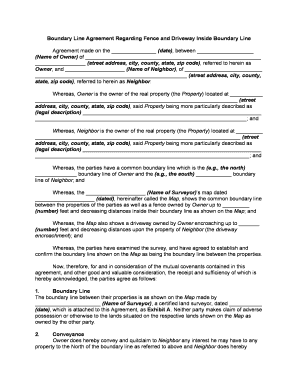
Boundary line property
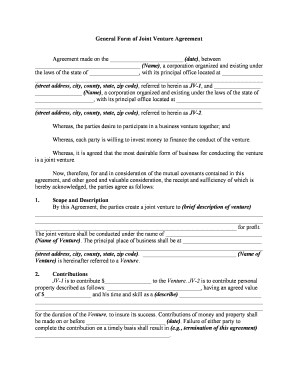
Joint venture

Mortgage release form

Nipt test form
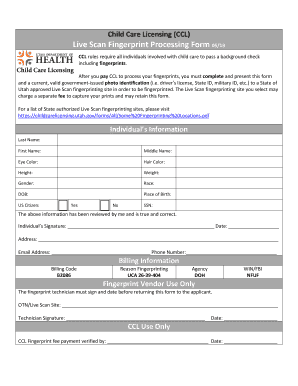
Ccl fingerprinting

Tcf loan
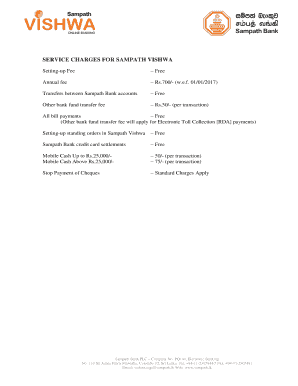
Sampath vishwa
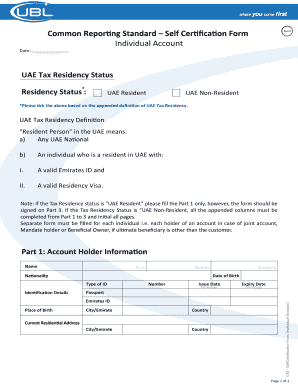
Ubl crs form

Sunscreen log
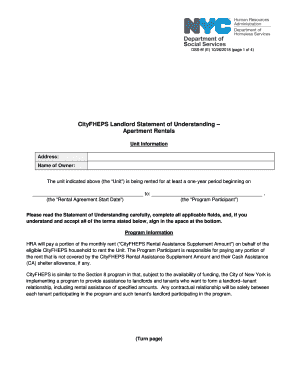
Dss 8f

Direct deposit form spanish
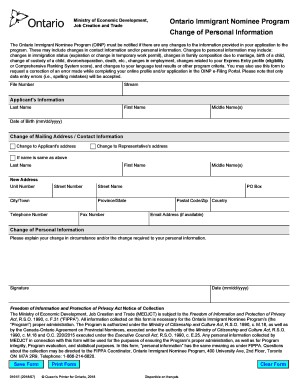
Oinp change of personal information form

Eviction questionnaire

Dhs 1121

Jamba juice application

Custom Compounding Fax Form
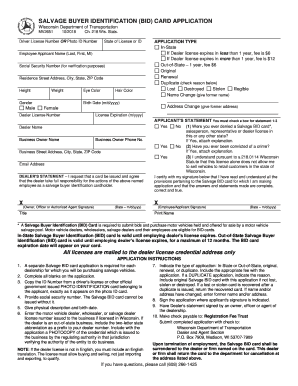
Mv2651
Personal branding workbook pdf

Disney transfer form

Regular Standards and Checklist for Accreditation of Ambulatory Surgery Facilities

Planned Death at Home

Driving lesson checklist pdf
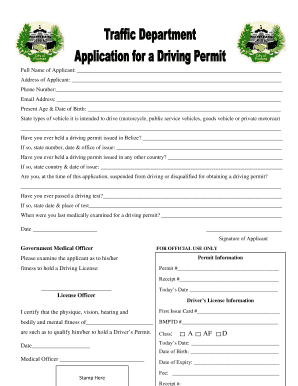
Belize driver's license application form
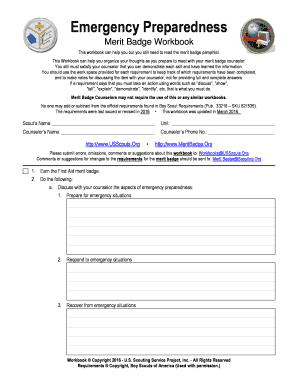
Emergency preparedness merit badge workbook pdf

Midlothian garage sale permit
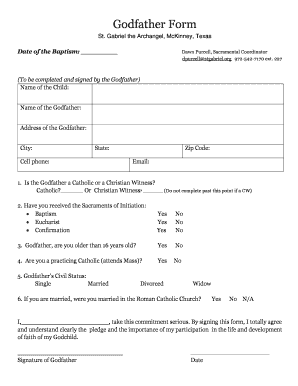
Godfather application

Printable enrollment form - AKC Reunite
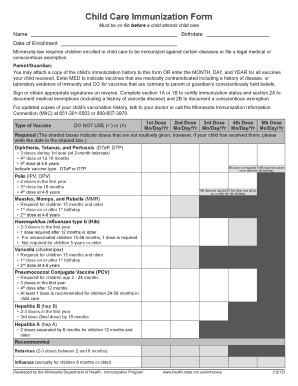
Immunization program form
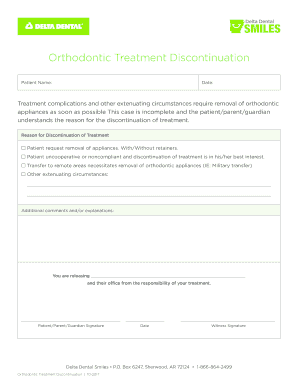
Discontinuation of orthodontic treatment form
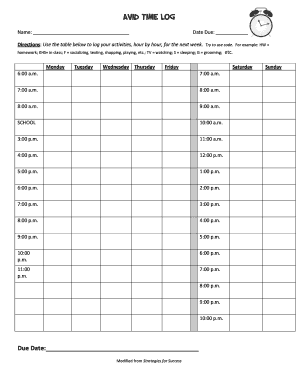
Avid time log

Defensive driving course test answers 2022

Bdo dispute form download
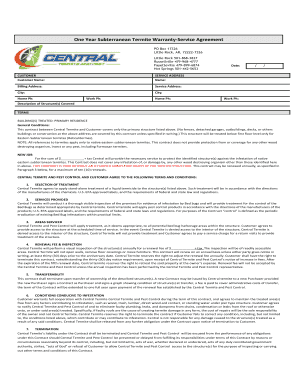
One Year Subterranean Termite Warranty-Service Agreement
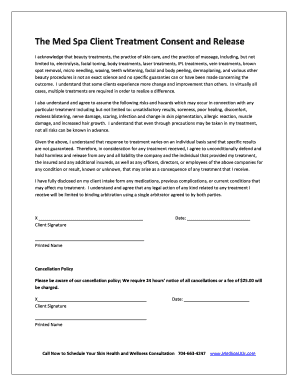
Spa consent form

NV Diabetes Foot Exam

Rodeo sponsorship form
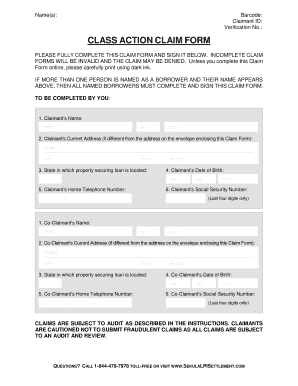
Class action claim form - Sekula LPI Settlement
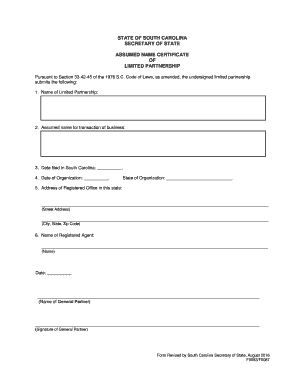
Pursuant to Section 33-42-45 of the 1976 S
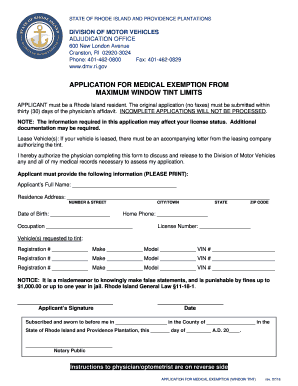
Exemption window tinting california pdf

Autism social skills profile pdf

Data Capture Form - Detailed - CashCalc

Cgtc admission
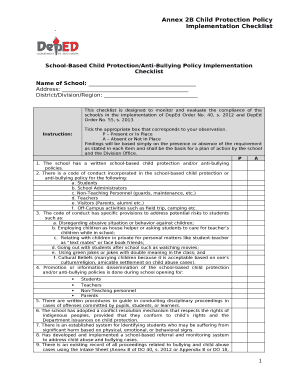
Child protection policy implementation checklist
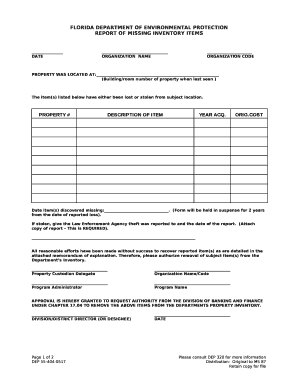
Missing item template
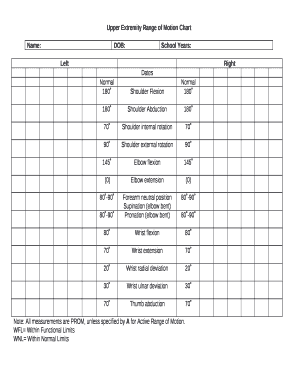
Upper extremity range of motion chart

Sales agency agreement template word

HONORS ANATOMY & PHYSIOLOGY COURSE SYLLABUS
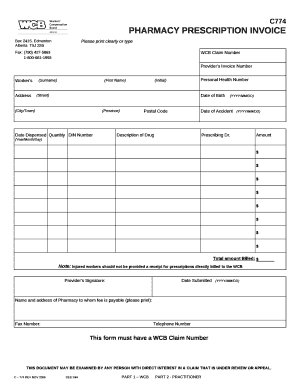
Pharmacy bill format

A standardization review and a separate audit is required by OpSpec paragraph A031 and must be accom

INSPECTOR VISUAL ACUITY RECORD
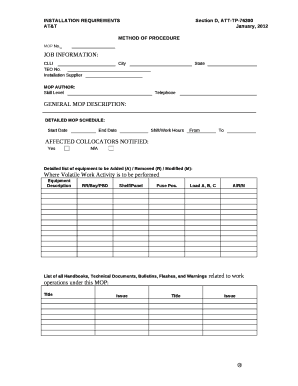
Method of procedure template
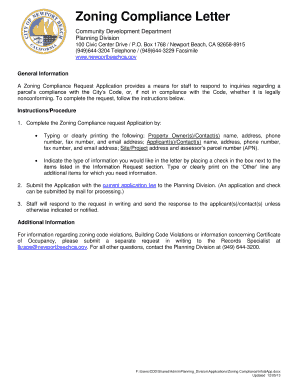
Zoning Compliance Letter
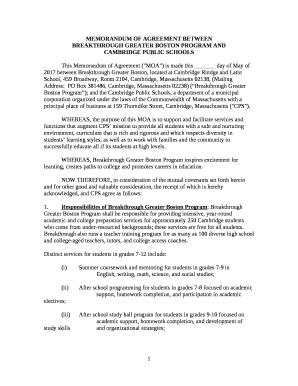
BREAKTHROUGH GREATER BOSTON PROGRAM AND
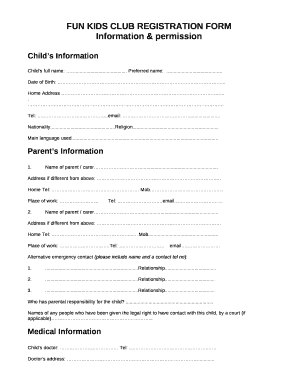
FUN KIDS CLUB REGISTRATION FORM
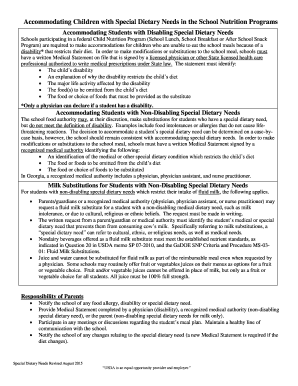
Accommodating Children with Special Dietary Needs in the School Nutrition Programs
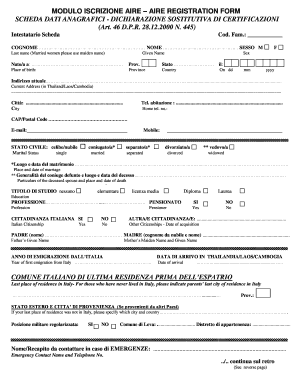
Aire registration update form

Special teams playbook pdf
Benefit from the DocHub online library of fillable PDF forms
Searching the PDF forms doesn't have to be a tedious and time-consuming process. With the DocHub online library, it has become easier to find the fillable PDF forms and modify them in your browser. The service allows you to adjust the document to your needs using powerful editing tools.
You can use online document editing features to modify almost any type of document with ease. You just need to find the template of your choice, open it in the editor, and use the toolbar to make the necessary corrections.
Follow this guide to get your document done with DocHub:
- Find the PDF template you need.
- Click the Get Form button to open the file in the editor.
- Use the toolbar to fill out and edit the document.
- Easily add and highlight text, insert images, checkmarks, and symbols.
- Drop new fillable fields, and rearrange or delete pages from your file.
- Save changes and download your record.
DocHub empowers everyone to streamline document editing, signing, and distribution, and form completion. Create an account and benefit from our well-organized PDF Forms library and comprehensive editor.