




Here's how it works

01. Edit your form online
Type text, add images, blackout confidential details, add comments, highlights and more.

02. Sign it in a few clicks
Draw your signature, type it, upload its image, or use your mobile device as a signature pad.

03. Share your form with others
Send it via email, link, or fax. You can also download it, export it or print it out.
How to Use or Fill Out Joint Venture with Our Platform

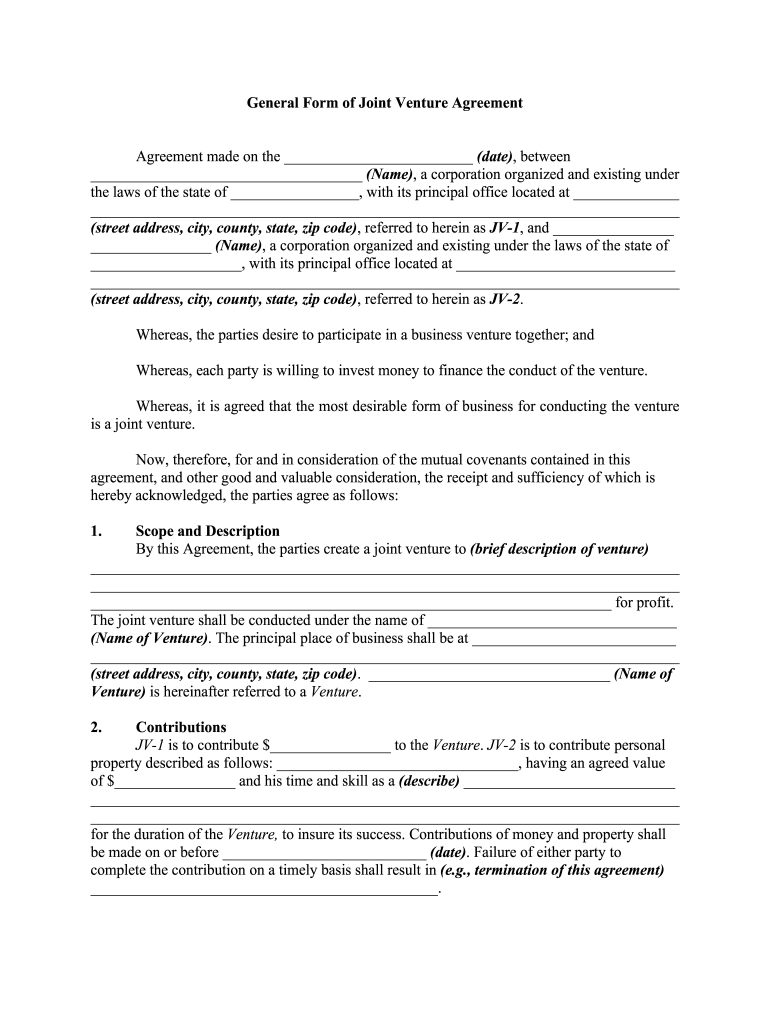
- Click ‘Get Form’ to open the Joint Venture Agreement in the editor.
- Begin by entering the date of the agreement at the top of the form. This is crucial for establishing the timeline of your joint venture.
- Fill in the names and addresses of both parties involved (JV-1 and JV-2). Ensure that all details are accurate to avoid any legal complications.
- In the 'Scope and Description' section, provide a brief description of your joint venture's purpose. Clearly state how profits will be generated.
- Detail each party's contributions in the 'Contributions' section, specifying monetary amounts and any personal property being contributed.
- Outline management responsibilities under 'Conduct of Venture', ensuring clarity on who manages what aspects of the venture.
- Complete sections regarding profit division, loss apportionment, records maintenance, insurance requirements, and other relevant clauses as needed.
Start using our platform today to streamline your joint venture agreement process for free!
Fill out joint venture online
It's free
It's free
Security and compliance
At DocHub, your data security is our priority. We follow HIPAA, SOC2, GDPR, and other standards, so you can work on your documents with confidence.
Learn more


