
Get any PDF form from the DocHub library of ready-made templates - Page 1139
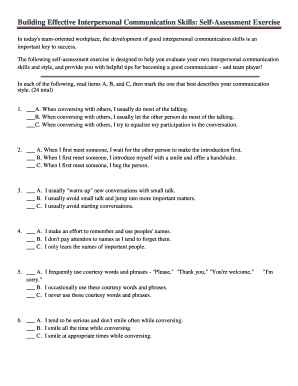
Interpersonal skills quiz pdf
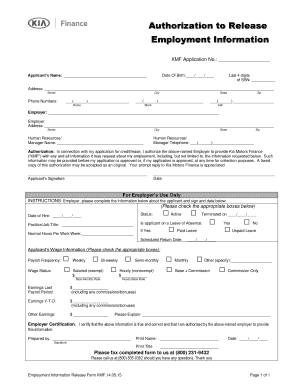
KMF Application No
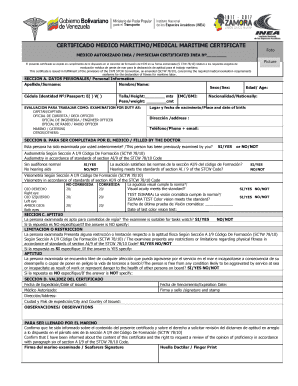
Certificado medico maritimo

Public forum debate template
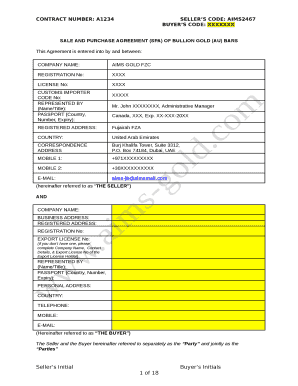
Gold purchase agreement template

PHANTOM Stock Appreciation RIGHTS PLAN

Ca nrca mch a
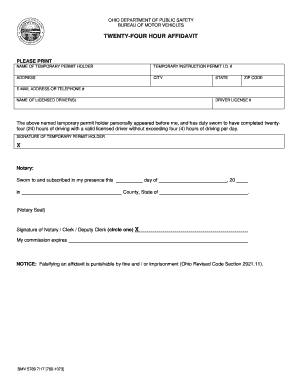
TWENTY-FOUR HOUR AFFIDAVIT - Ohio Department of Public Safety
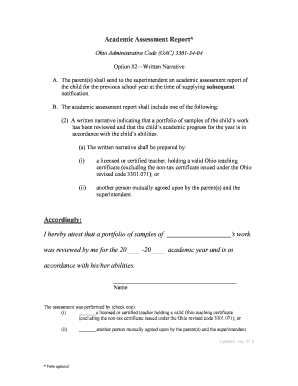
Ohio Administrative Code (OAC) 3301-34-04
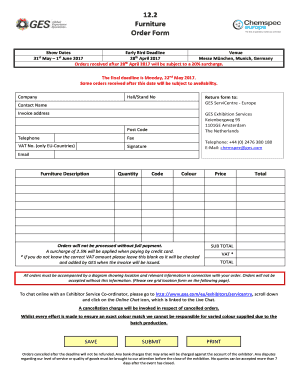
Furniture order form
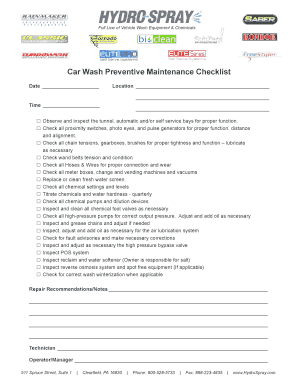
Car detailing equipment list pdf

Endo advantage xiaflex form

Funeral home first call sheet
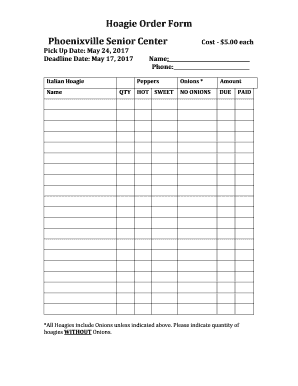
Hoagie Order Form Phoenixville Senior Center - phoenixvilleseniorcenter

I9pdf
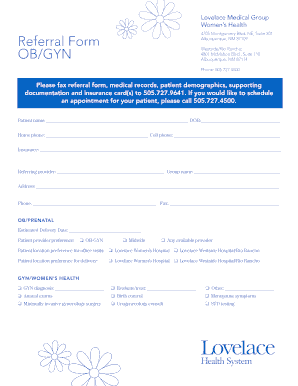
Lovelace Medical Group
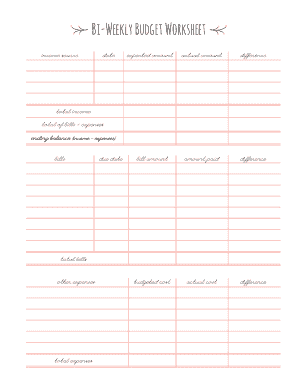
Bi weekly budget template pdf
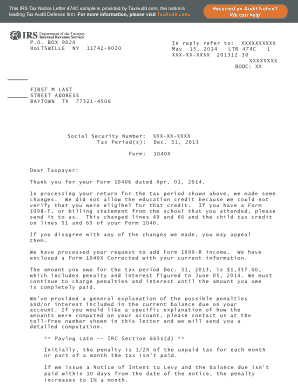
Irs letter 474c

Rabies waiver

PUBLIC TRANSIT REIMBURSEMENT REQUEST FORM - metroplus

Yogli mogli job application
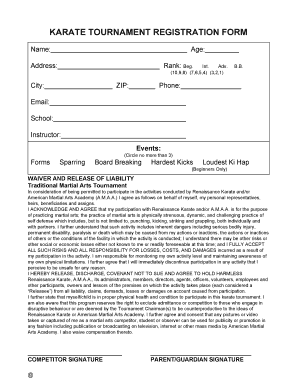
Karate tournament registration
Multivariable calculus math 53 at uc berkeley pdf

SERVICE AGREEMENT CONTRACT Amity In-Home Care Services

Crpa application

Enteral Therapy Precertification Worksheet - unicarestateplan
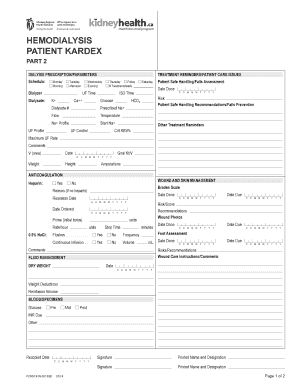
HEMODIALYSIS PATIENT KARDEX - Kidney Health
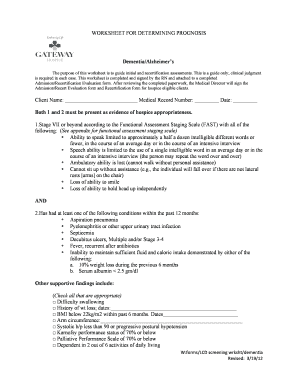
Hospice lcd worksheets

Tyler perry studios email format

Soccer scouting report pdf
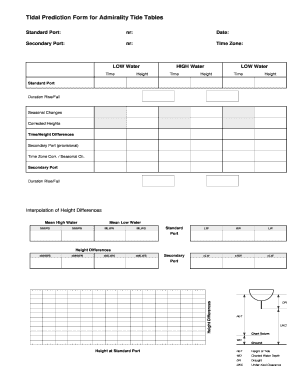
Tidal prediction form
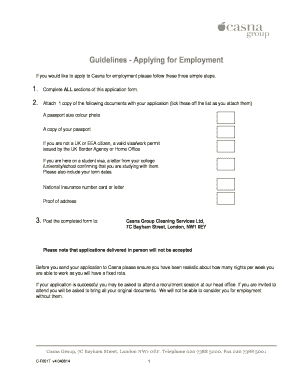
Guidelines - Applying for Employment - Casna Group - casnagroup co
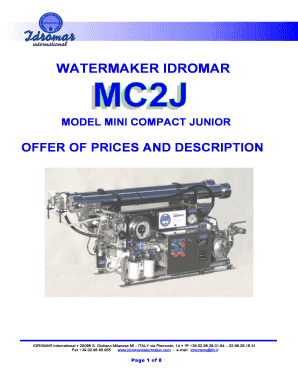
Idromar watermaker manual pdf
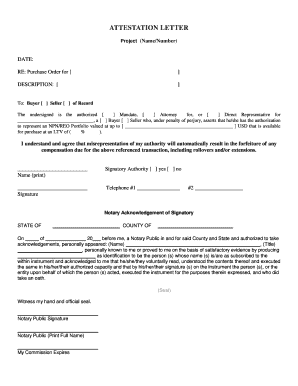
Attestation letter template
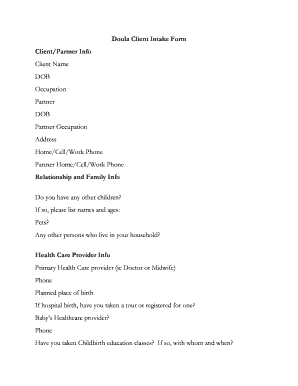
Doula Client Intake Form ClientPartner Info - Jill Forse - jillforse

Child support assignment of rights signature
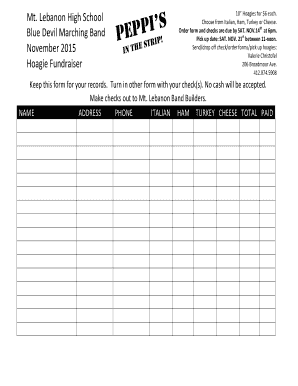
Hoagie order form (6) docx
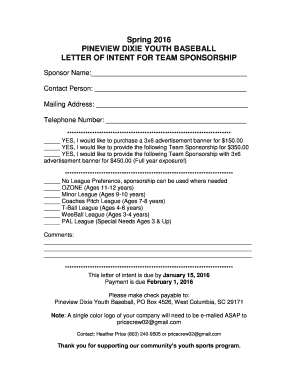
Baseball sponsorship letter
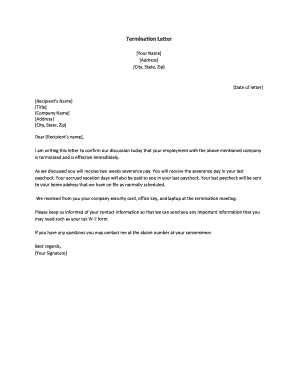
Termination Letter

Cna skills checklist pdf

Graphing Points from a Ratio Table

Client qualification form
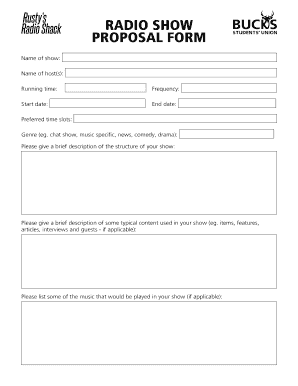
Radio talk show proposal sample pdf
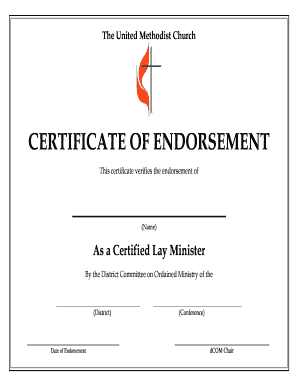
Certificate of endorsement sample
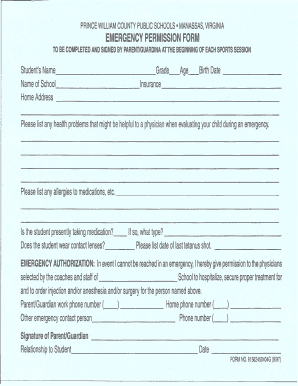
Prince William County Public Schools bEmergencyb Permission bFormb
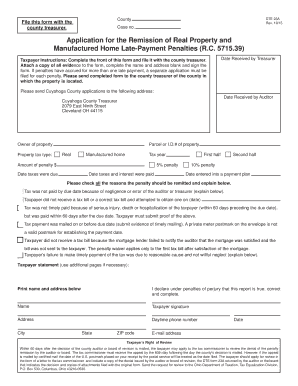
Remission of Late Payment Penalty Form - Cuyahoga County
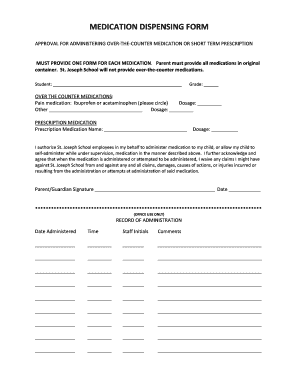
MEDICATION DISPENSING FORM - St Joseph School - stjoeelem
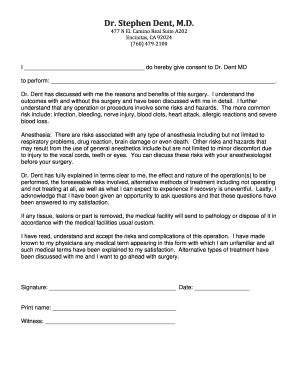
Blank surgical consent form

Client Intake Form Therapeutic Massage Natural Care Clinic www
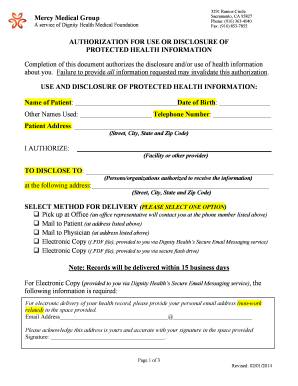
Dignity health prior authorization form
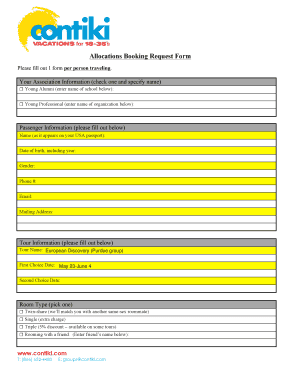
Allocation Booking Request Form - iModules Software
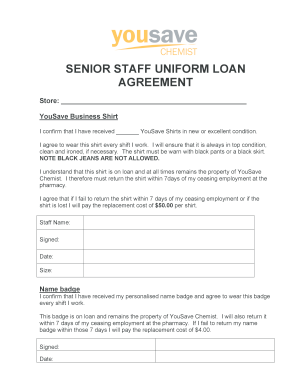
Employee uniform agreement
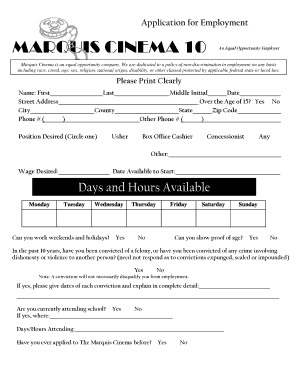
Marquis cinema 10 application
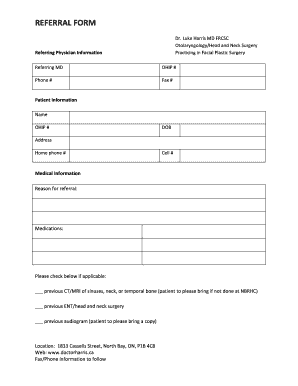
Ent referral form

Gambinos Pizza Application for Employment
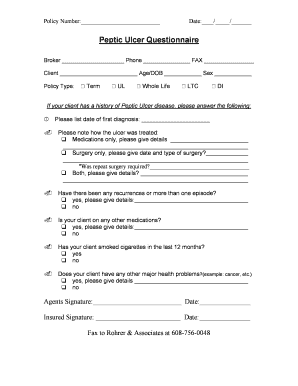
Peptic ulcer questionnaire

NSW Health Patient Controlled Analgesia PCA Adult SMR130025 - 280812indd
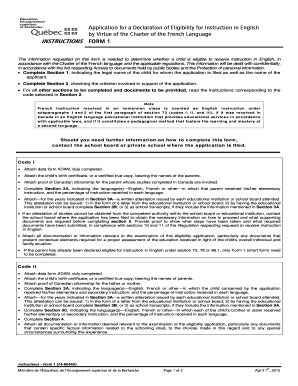
Application for a declaration of eligibility for instruction in english
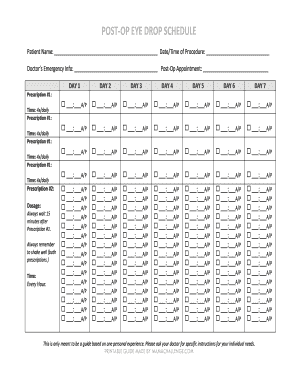
Eye drop schedule template

Wasco state prison photos

Australian standard transfer form
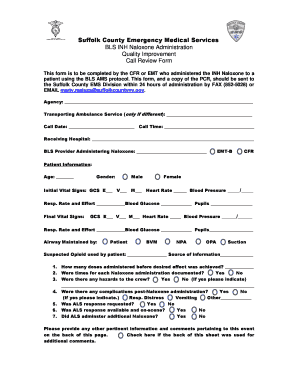
Suffolk County Emergency Medical Services BLS INH Naloxone

Download Form Here - Escambia County Sheriffs Office

Doctor office relocation announcement

Pupils should - Cardinal Pole Roman Catholic School

PORTLAND POLICE DEPARTMENT CIVILIAN COMPLAINT REPORT - portlandct

Misdemeanor diversion program contract - State Attorney Office - sa14 fl
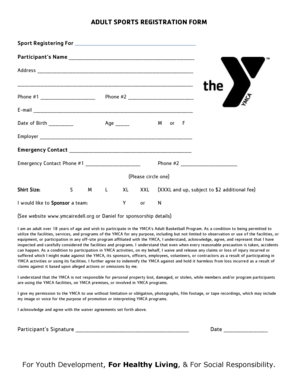
ADULT SPORTS REGISTRATION FORM - QuickScorescom

Cidb joint venture agreement

BAIL BOND EXECUTION REPORT - UNITED Surety Agents Inc
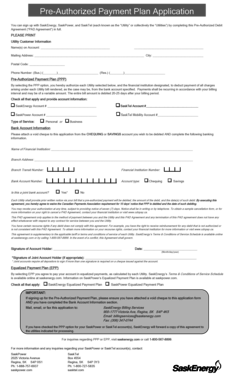
Saskpower pre authorized payment

New hire worksheet
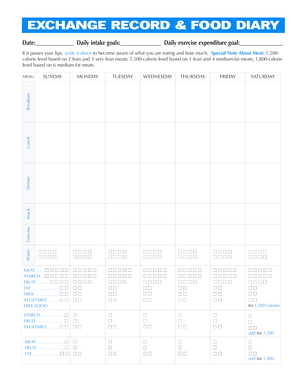
Weight watchers exchange plan pdf

P634

Mr70 form
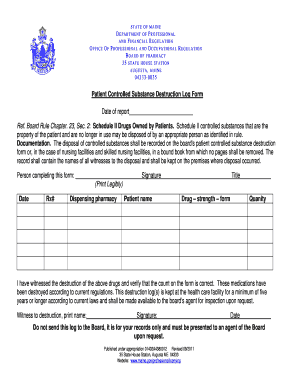
Controlled Substance Destruction Log
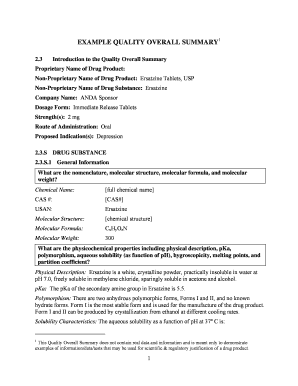
Quality overall summary
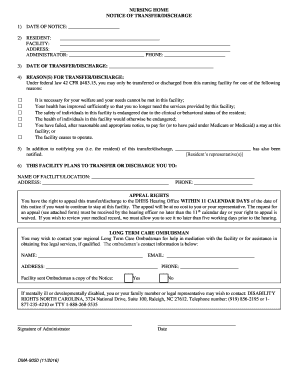
30 day discharge notice nursing home template

BIOMEDICAL WASTE RECEIPT LOG

Neurociencia cognitiva redolar pdf

Florida writ bodily
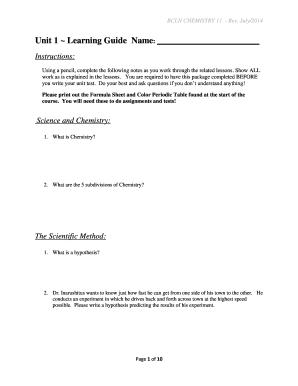
Bcln chemistry 11 answer key
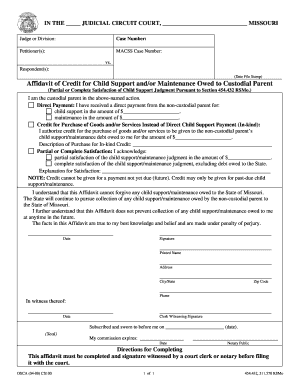
Affidavit of credit for child support missouri
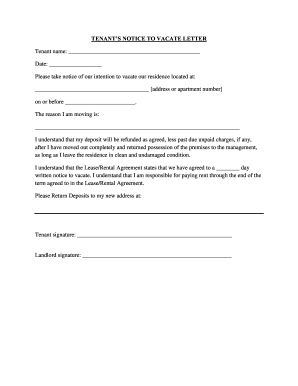
Tx vacate letter form
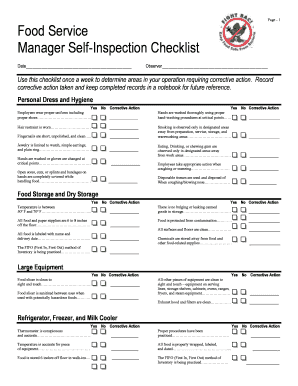
Self inspection checklist

Vehicle log book template download
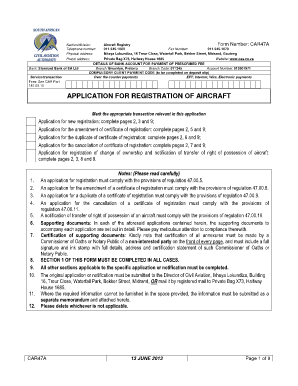
Sacaa forms
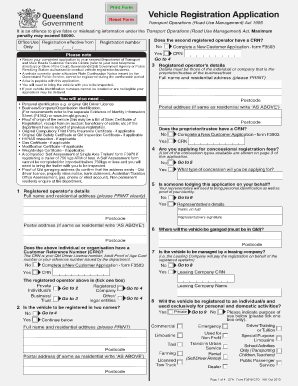
Vehicle registration qld form

Aws d1 4 pdf
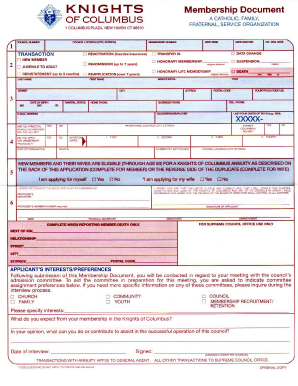
Knights of columbus form 100 fillable
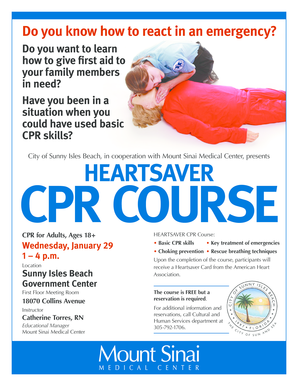
Heartsaver cpr course - City of Sunny Isles Beach
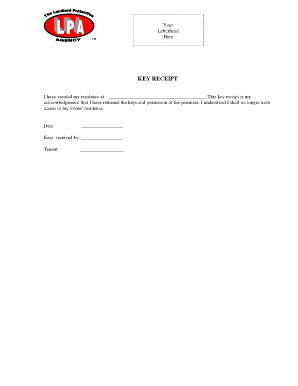
Tenant key receipt acknowledgement form
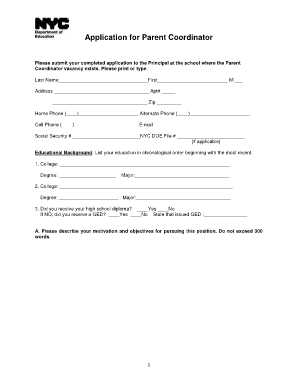
PARENT COORDINATOR APPLICATION - schools nyc
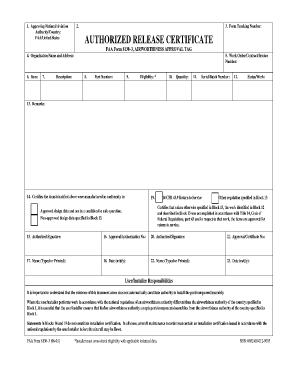
FAA Form 8130-3 version 6 01 - faa
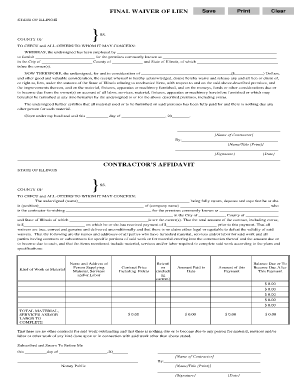
Form 18 - Lien Waiver Affidavit Final by Contractor
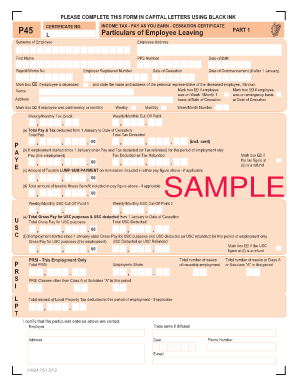
P45 form jamaica
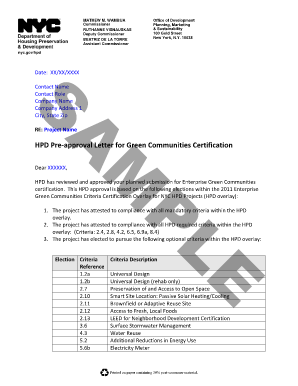
Sample letter from nyc hpd form
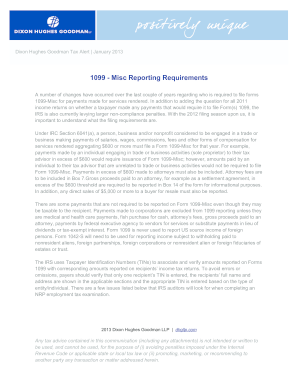
1099 misc reporting requirements
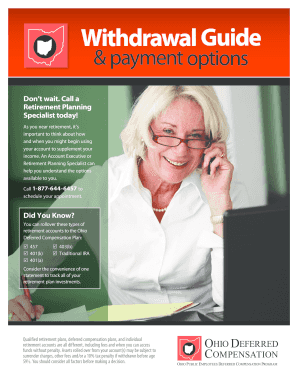
Ohio deferred comp withdrawal form
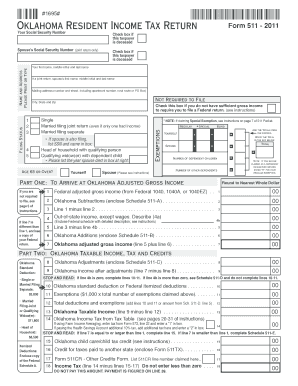
Oklahoma 2012 fillable 511 form
Benefit from the DocHub online library of fillable PDF forms
Searching the PDF forms doesn't have to be a tedious and time-consuming process. With the DocHub online library, it has become easier to find the fillable PDF forms and modify them in your browser. The service allows you to adjust the document to your needs using powerful editing tools.
You can use online document editing features to modify almost any type of document with ease. You just need to find the template of your choice, open it in the editor, and use the toolbar to make the necessary corrections.
Follow this guide to get your document done with DocHub:
- Find the PDF template you need.
- Click the Get Form button to open the file in the editor.
- Use the toolbar to fill out and edit the document.
- Easily add and highlight text, insert images, checkmarks, and symbols.
- Drop new fillable fields, and rearrange or delete pages from your file.
- Save changes and download your record.
DocHub empowers everyone to streamline document editing, signing, and distribution, and form completion. Create an account and benefit from our well-organized PDF Forms library and comprehensive editor.