
Get any PDF form from the DocHub library of ready-made templates - Page 1129
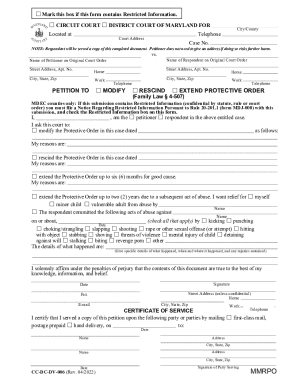
Maryland modify protective
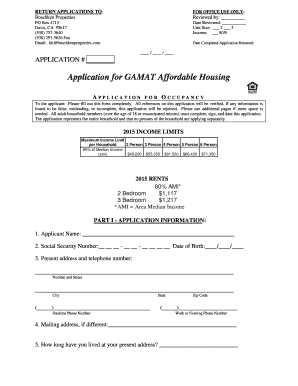
Application gamat form online

Appellate access form template
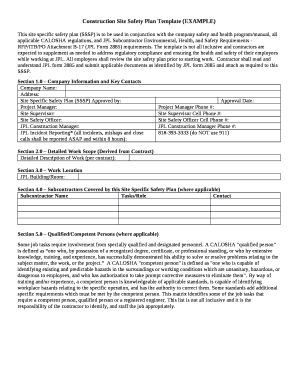
Construction Site Safety Plan (Sample)
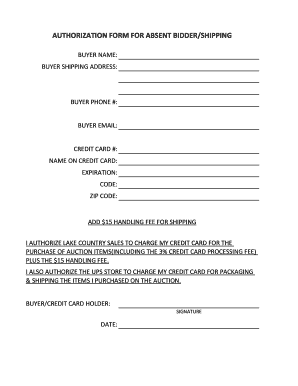
Shipping authorization form
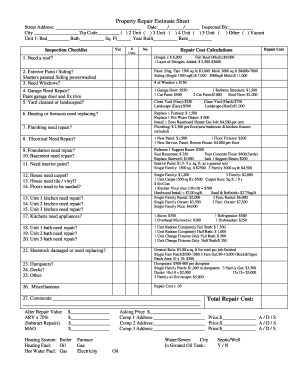
Property repair estimate sheet pdf
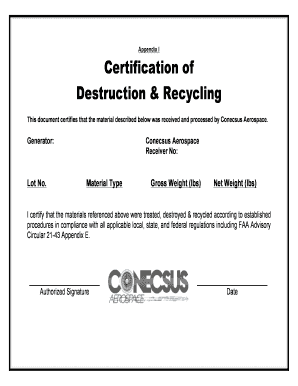
Certificate of destruction
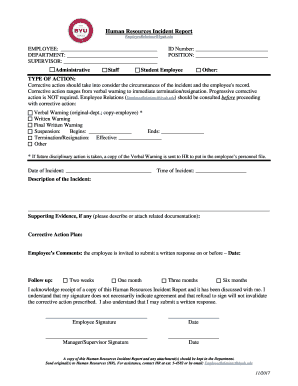
HR Incident Report 11-01-17
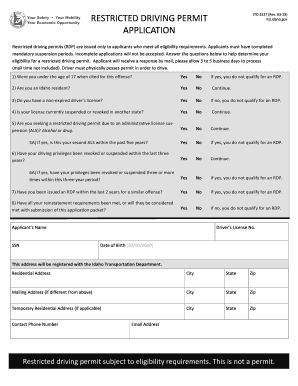
Itd 3227
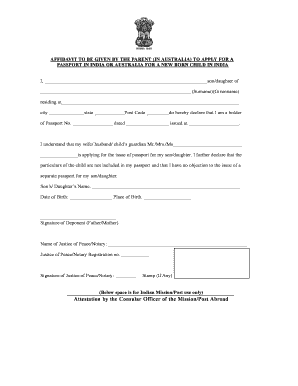
Attestation by the Consular Officer of the Mission Post - VFS Global
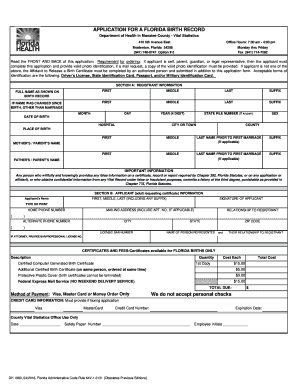
Florida department health
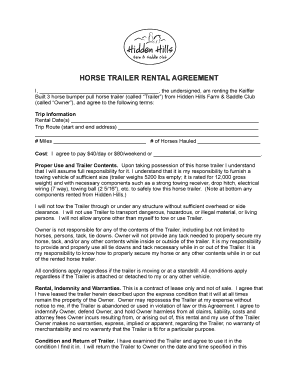
Horse Trailer Rental Agreement - Hidden Hills Farm & Saddle Club
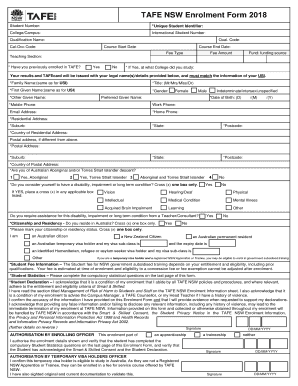
TAFECORR024-TAFE NSW Enrolment Form (existing learners)

Usafe form 291a

Australia direct debit form

Unsw agent nomination form
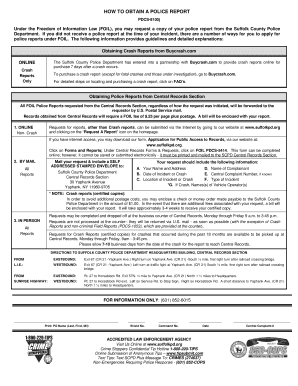
Foil pdcs 5414
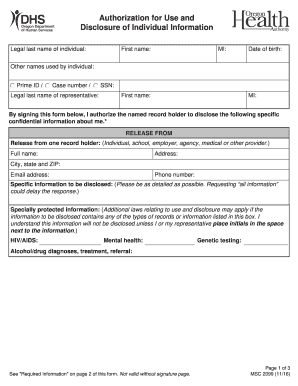
Authorization for Use and Disclosure of Individual Information (MSC 2099)

Summer camper health history form - Crossways Camping Ministries

IOWA HEALTH CARE FACILITY (135C) RECORD CHECK Form C

Tony saad catering
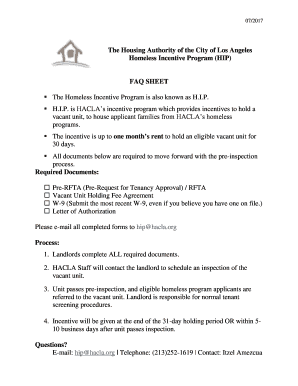
Homeless incentive program
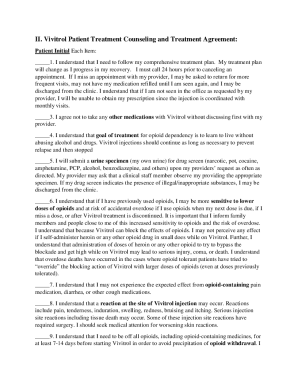
Vivitrol consent form
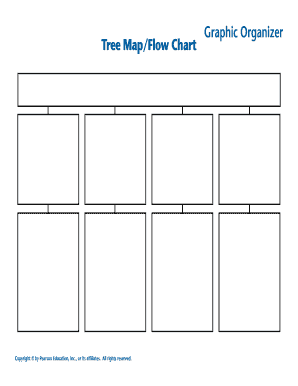
Tree Map Flow Chart
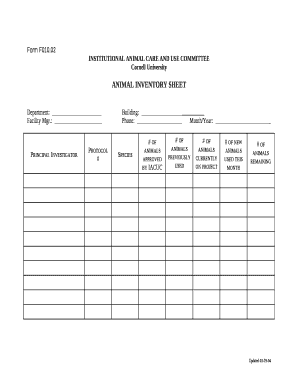
ANIMAL INVENTORY SHEET
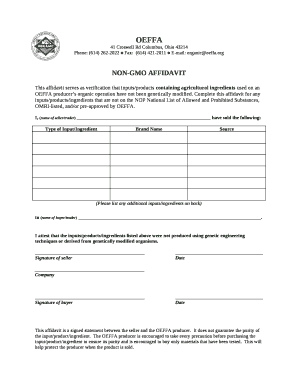
NON-GMO AFFIDAVIT

Challenge jurisdiction template
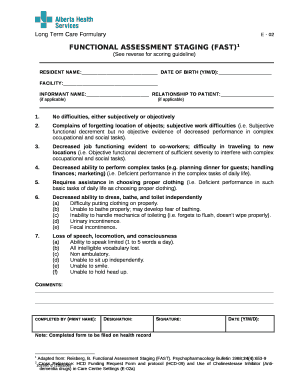
Functional assessment staging test pdf

One-Way Buy-Sell Agreement between Sole Business Owner and Key Employee(s)

Pgw payoff request form
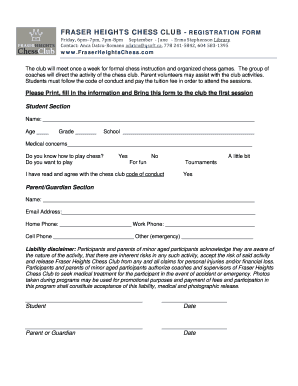
FRASER HEIGHTS CHESS CLUB - REGISTRATION FORM

Parent Guardian(please circle)
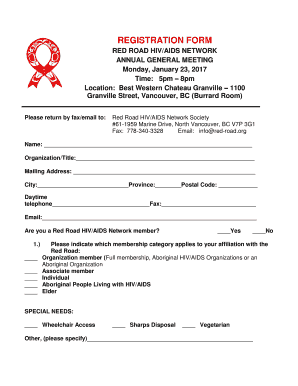
Hiv form

Westpac foreign tax residency declaration form

MERCHANT PROCESSING APPLICATION P O Box 3429

USA SOFTBALL MINNESOTA WAIVER, RELEASE OF LIABILITY, INDEMNIFICATION, AND YOUTH ROSTER FORM

Roundtable agenda example
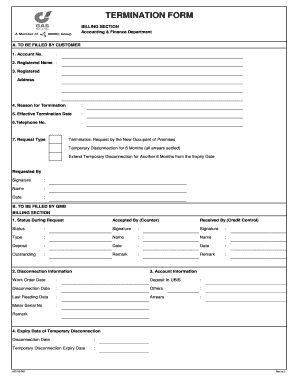
Gas malaysia termination form
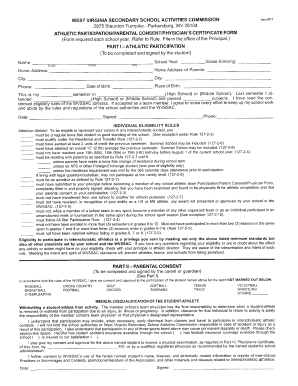
Wv sports physical form 2021
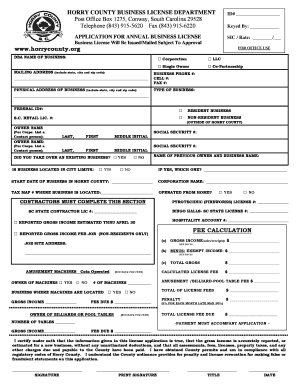
Horry county business license application

Satirical User-Generated Memes as an Effective Source of Political - www2 warwick ac
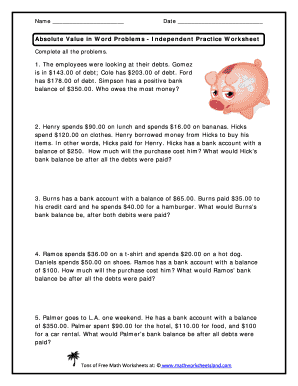
Absolute value word problems worksheet pdf
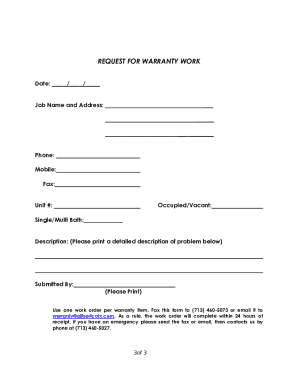
Plumbing warranty template
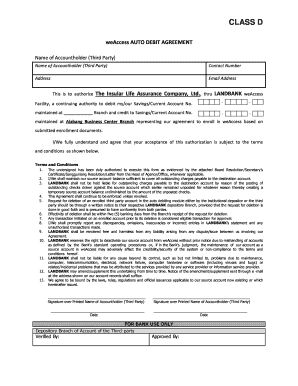
Weaccess
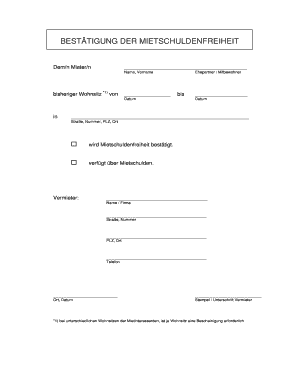
Mietschuldenfreiheit pdf
Body shop quality control checklist
Labcorp add on test form pdf
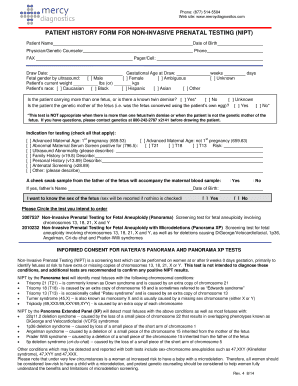
PATIENT HISTORY FORM FOR NON-INVASIVE PRENATAL TESTING (NIPT)
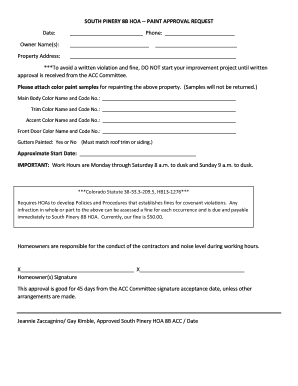
Hoa approval letter template
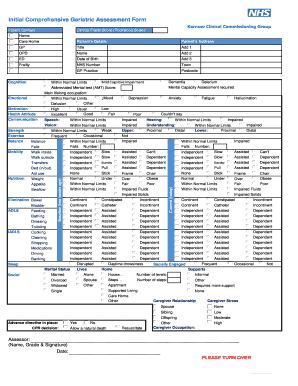
Comprehensive geriatric assessment form pdf
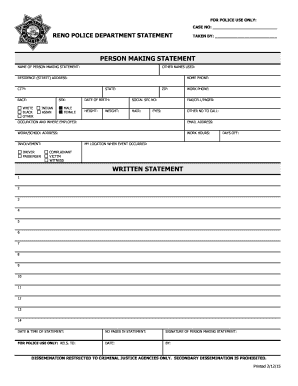
PERSON MAKING STATEMENT - renopd
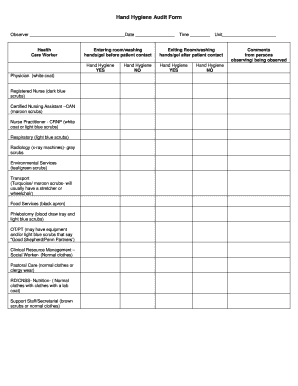
Hand Hygiene Audit Form - brwillifordbbcomb
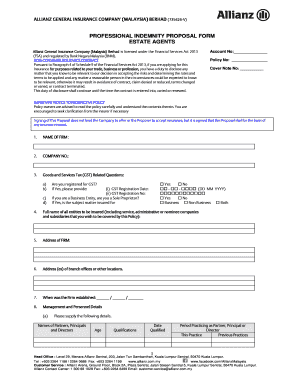
Allianz professional indemnity proposal form
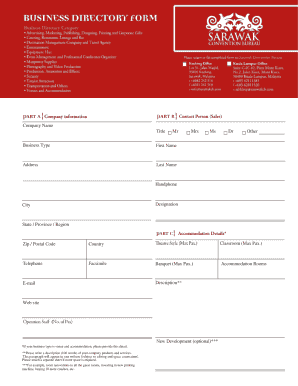
Business Directory Form (PDF)
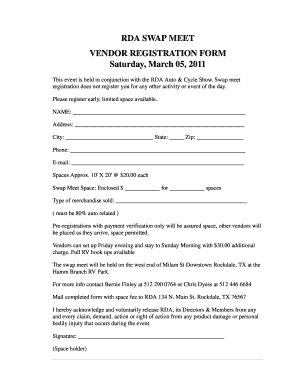
RDA SWAP MEET VENDOR REGISTRATION FORM Saturday March 05
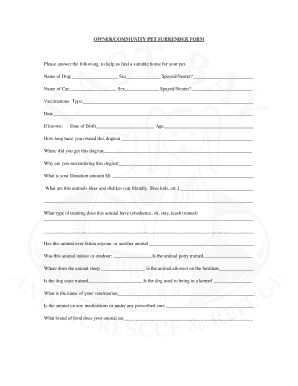
Printable dog surrender form
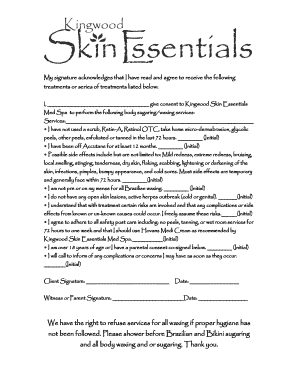
Body contouring consent form
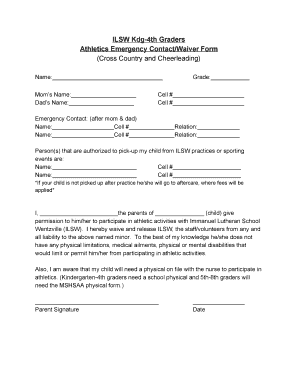
4th Emergency Contact and Waiver Form - Immanuel Lutheran - ilcsw

Delegation decision making grid
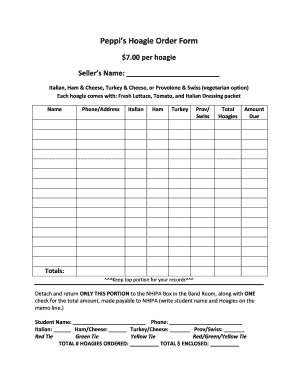
Peppis Hoagie Order Form - bNHIPAb - nhipa
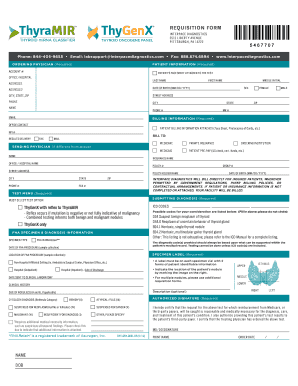
REQUISITION FORM - Interpace Diagnostics
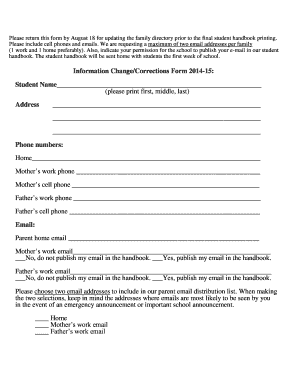
Information ChangeCorrections Form 2014-15 Student Name - thesummitschool
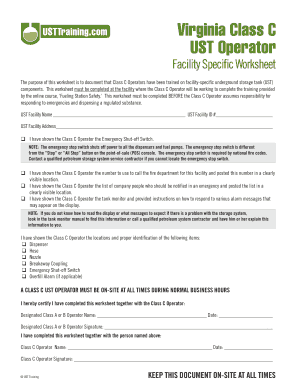
Virginia Class C UST Operator - usttrainingcom
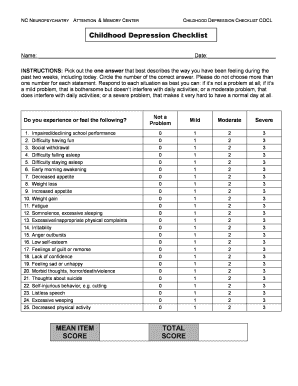
MEAN ITEM SCORE TOTAL SCORE Childhood Depression Checklist
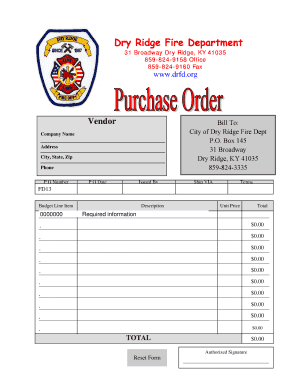
Purchase Order Form - Dry Ridge Fire Department - drfd
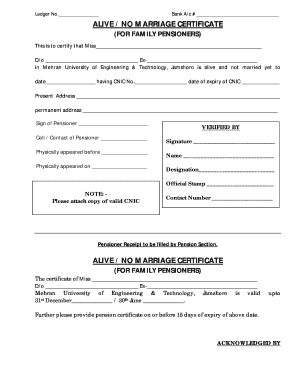
Non marriage certificate word format

Quest referral form

Common safety orientation answers

Advertisement form

Immigration questionnaire form

Provider Transfer Form - Early Learning Coalition of Seminole
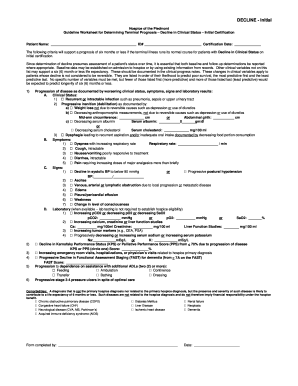
Hospice lcd worksheets

Aig hospitalisation claim form

ROV Pilot Tech 2 Appraisal Form The appraiser must have observed the appraisee completing the task b
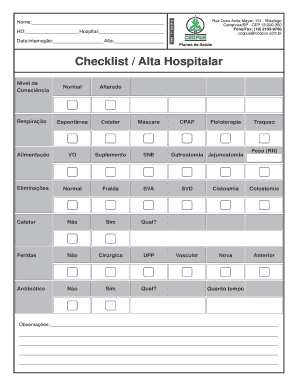
Checklist Alta Hospitalar - coopuscombr
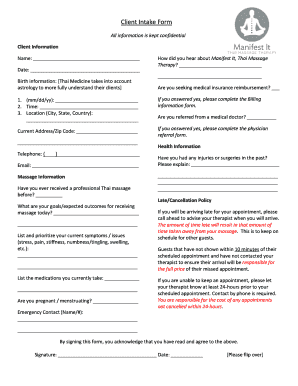
Client Intake Form - Manifest It Thai Massage Therapy
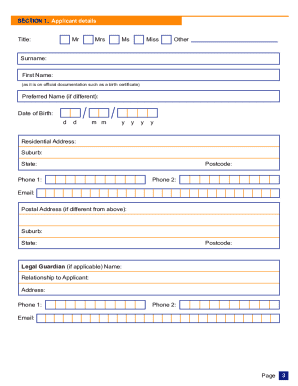
Victorian companion card application form

Marshfield doorsystems inc

Kfc donation request

Bm dc registration renewal online
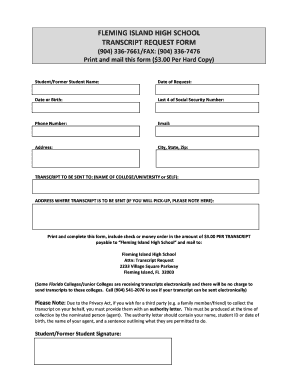
Fleming island high school transcripts

Liftline application

Application Form for Mobile Banking Service dfafOn als
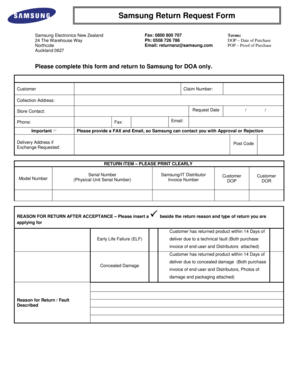
Samsung nz
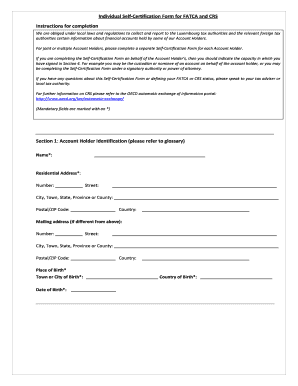
Self certification form
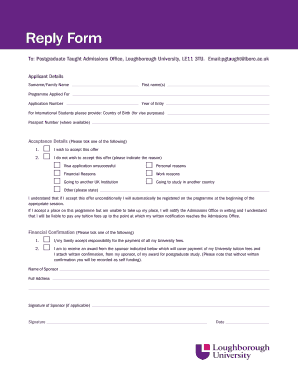
Reply Form - Loughborough University - lboro ac
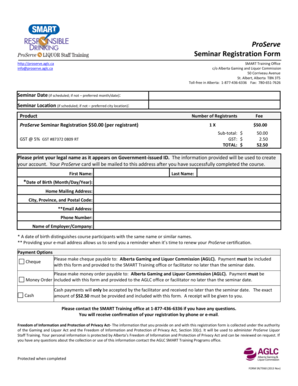
Proserve alberta

Db4 assignment form

Commonwealth of Pennsylvania Notice of Appeal from Summary - buckscounty

2016 connecticut os
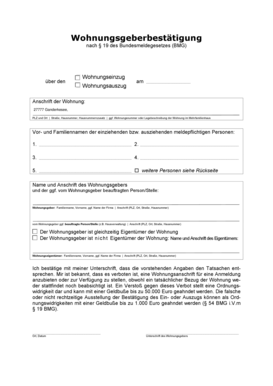
Wohnungsgeberbescheinigung
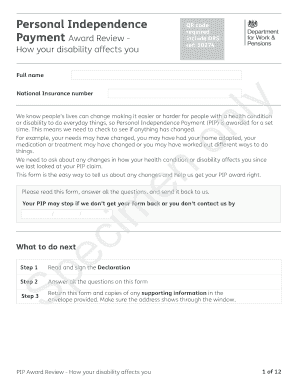
Ar1 form pip

Grubhub direct deposit form
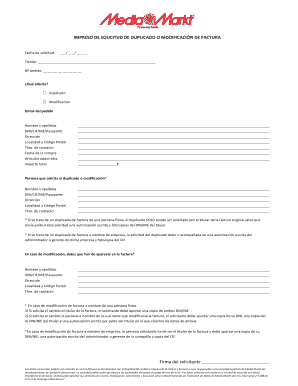
Factura media markt pdf
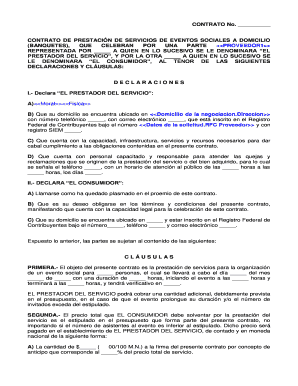
Contrato para eventos
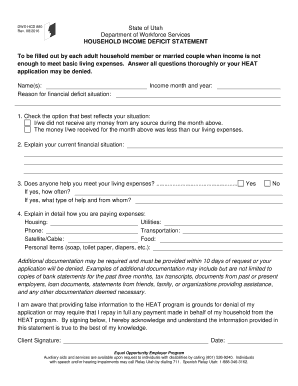
Utah 880 form
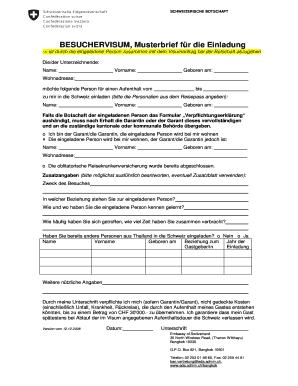
Einladungsschreiben besuchervisum muster
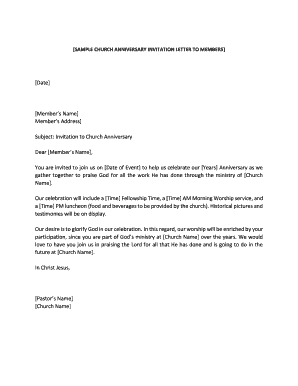
Church invitation letter to other churches pdf
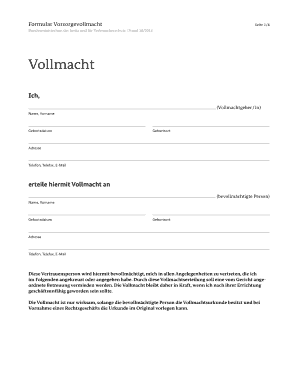
Vollmacht formular
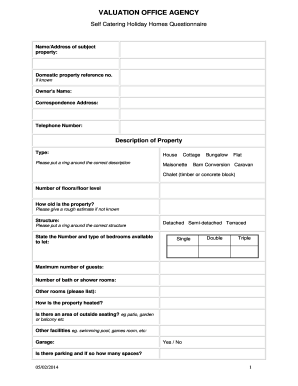
Self Catering Holiday Homes Questionnaire
Benefit from the DocHub online library of fillable PDF forms
Searching the PDF forms doesn't have to be a tedious and time-consuming process. With the DocHub online library, it has become easier to find the fillable PDF forms and modify them in your browser. The service allows you to adjust the document to your needs using powerful editing tools.
You can use online document editing features to modify almost any type of document with ease. You just need to find the template of your choice, open it in the editor, and use the toolbar to make the necessary corrections.
Follow this guide to get your document done with DocHub:
- Find the PDF template you need.
- Click the Get Form button to open the file in the editor.
- Use the toolbar to fill out and edit the document.
- Easily add and highlight text, insert images, checkmarks, and symbols.
- Drop new fillable fields, and rearrange or delete pages from your file.
- Save changes and download your record.
DocHub empowers everyone to streamline document editing, signing, and distribution, and form completion. Create an account and benefit from our well-organized PDF Forms library and comprehensive editor.