
Get any PDF form from the DocHub library of ready-made templates - Page 1130
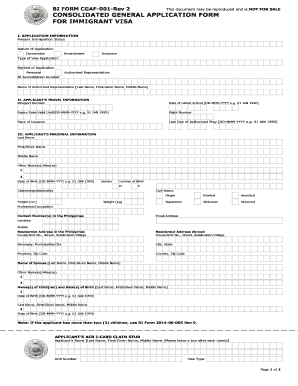
Bi form cgaf 001 rev 2

PROVIDER INTEREST FORM - avmed
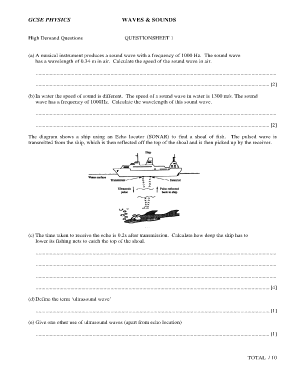
Chemactive biology worksheets
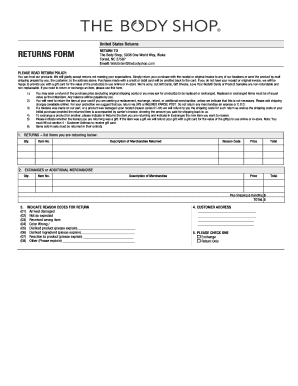
The body shop returns
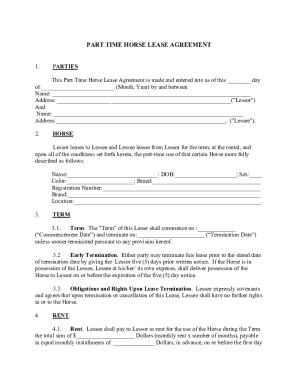
Part Time Horse Lease Agreement
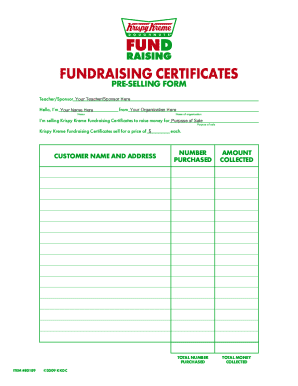
Krispy kreme certificate

Hsbc safeguard kyc form
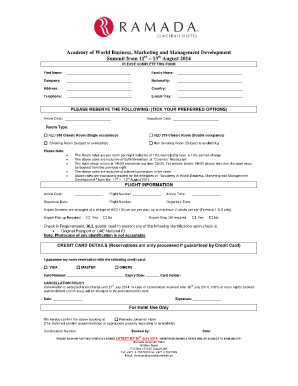
Hotel reservation paper
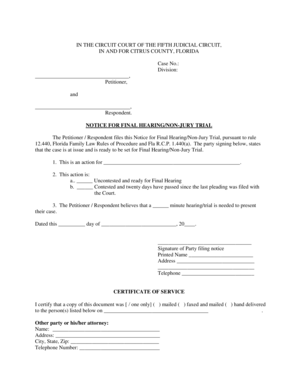
Notice for Final Hearing Non Jury Trial - State of Florida Fifth Judicial
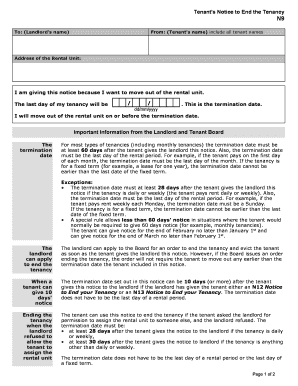
Car form ntt

Paid timeoff
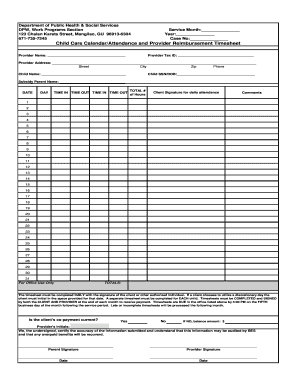
Child care timesheet
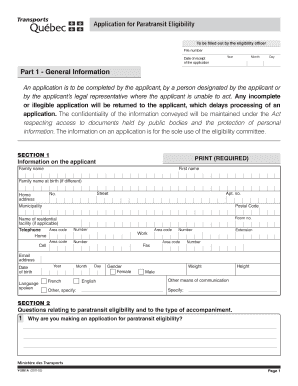
Application for paratransit service las vegas

Sealed bid form for vehicles

St 556 lse x
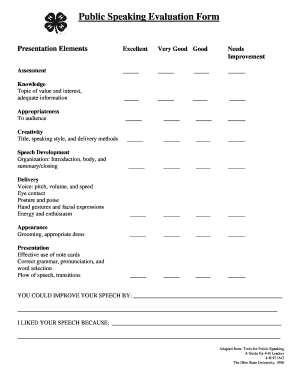
Public speaking evaluation form

PDE 294 15may2018 docx - Pennsylvania Department of Education

Form 53

Hospital visitation form

EXPEDITED SERVICE REQUEST (5-DAY) - NYC - nyc

Articles of revival maryland
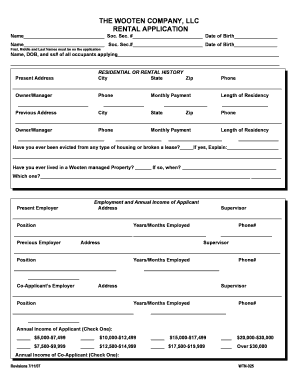
The wooten company, llc rental application - Eko Park Apartments

Commonwealth of virginia state corporation commission llc-1014n - scc virginia
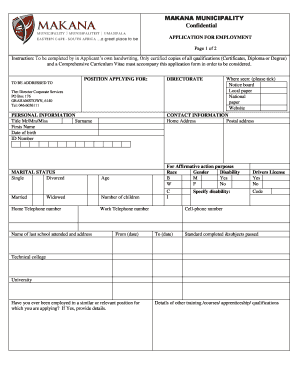
Makana municipality application forms

Lost Stolen Badge and Hangtag Report
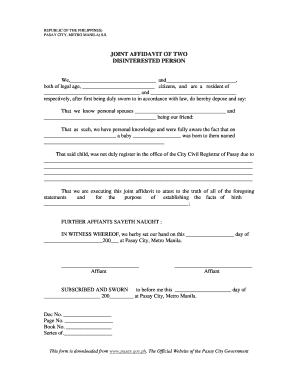
Joint affidavit of two disinterested persons sss

DOT SP-13341 Inspection Form - PMAK
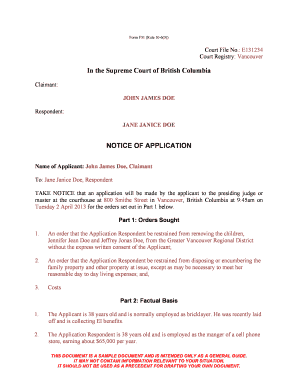
Sample notice of application bc

Transcript Request Form - Medix College - medixcollege

Airfoce academic form
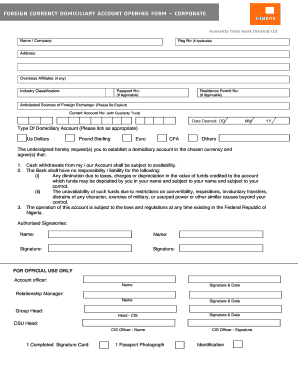
Gtbank domiciliary account form
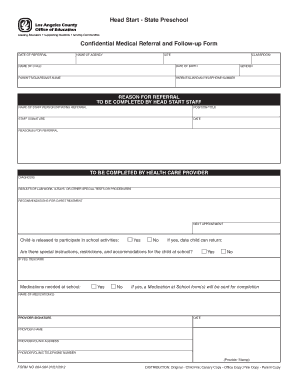
604-564 Confidential Medical Referral and Follow-up Form - prekkid
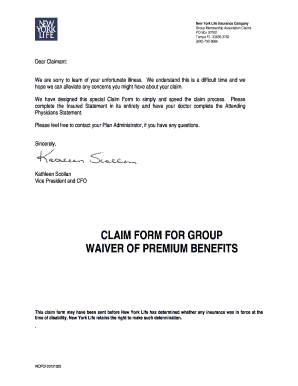
New york life waiver

Patient Guardianship Form
Check received form

Form 501 texas
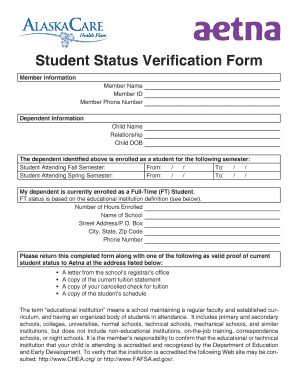
Student Status Verification Form - Alaska Department of Administration - doa alaska
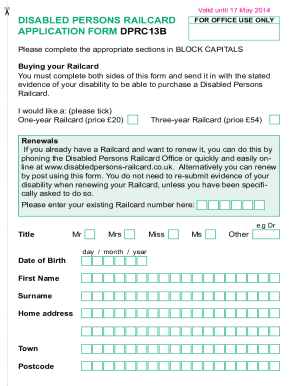
Disabled persons railcard application form dprc13b
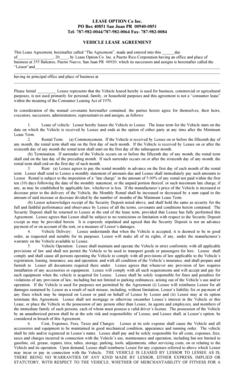
Auto Lease Agreement LOdocx

School payment form
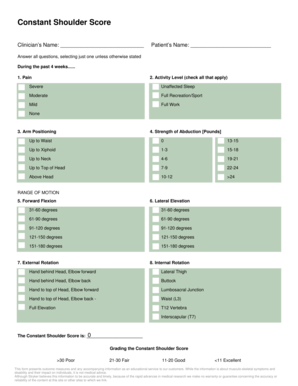
Constant score shoulder pdf
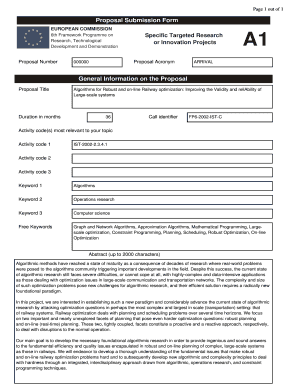
A1 application form pdf

Aaa 40 point inspection checklist
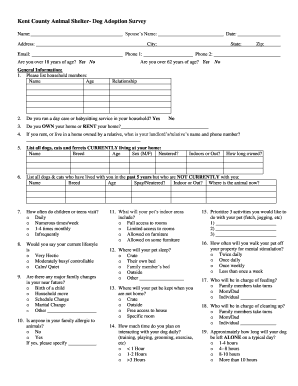
Kent County Animal Shelter- Dog Adoption Survey
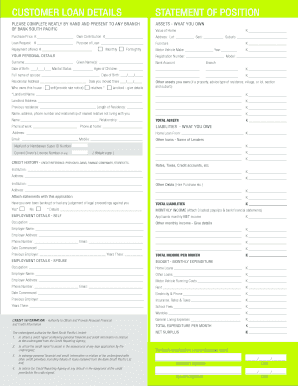
BSP Personal Loan Application Form A4 - Bank South Pacific

Child attendance and parental choice certificate
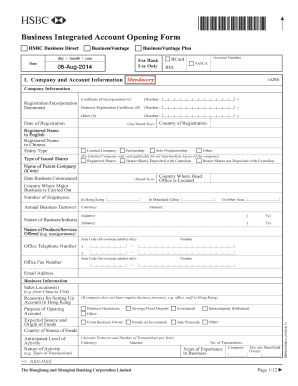
Hsbc business account application form

Dental examination forms printable

Pa homeschool affidavit printable
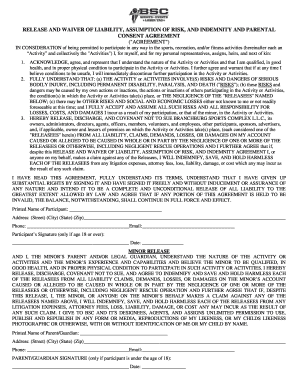
Branchburg sports complex waiver
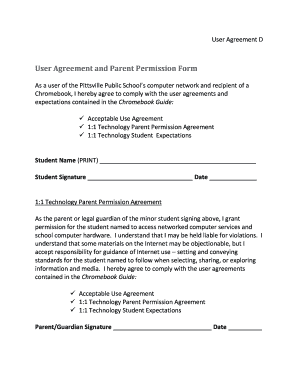
Student agreement

Motor Vehicle Liability Insurance Card - North Star Mutual Insurance
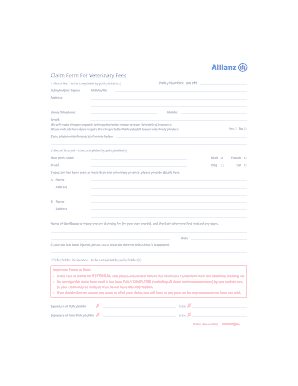
Allianz pet insurance claim form

19 CFR 101a2 Declaration by Owner Importer or Consignee
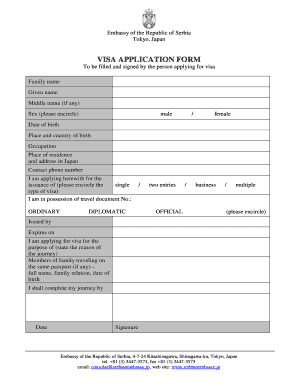
Serbia visa application form pdf

Form 0653 visiting application and information

Clarkstown dog license
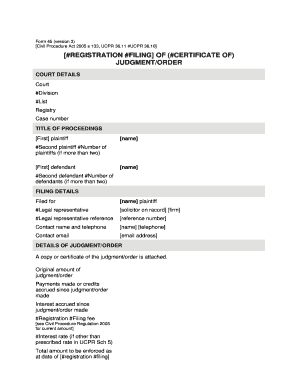
Ucpr form 45

Sworn accountability statement for cmr
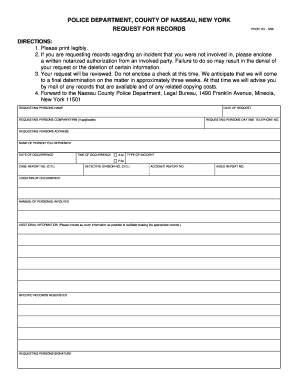
PDCN Form 151 - Nassau County Police Department - police co nassau ny
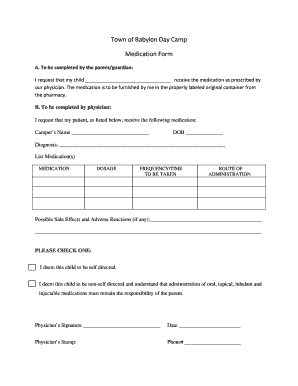
Camp medication form
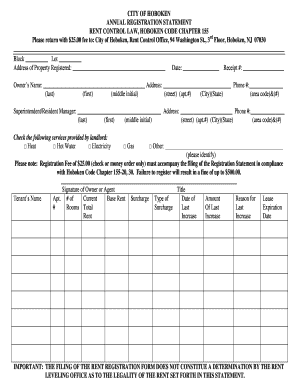
Rent Control Annual Registration Form - Hoboken NJ - hobokennj
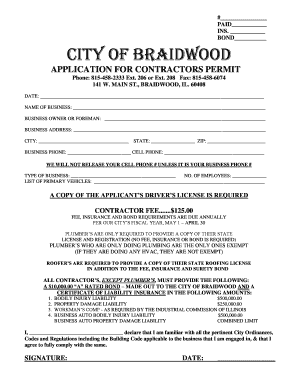
Village of braidwood

Personal Financial Statement - Emprise Bank

Application for certificate of birth resulting in stillbirth - Nebraska - dhhs ne

Safety shoe program template
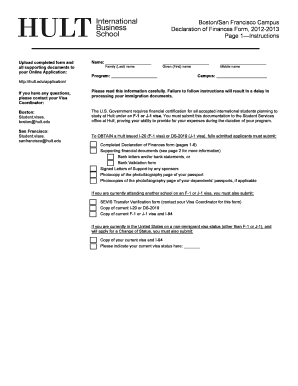
Boston San Francisco Campus Declaration of Finances Form - Hult
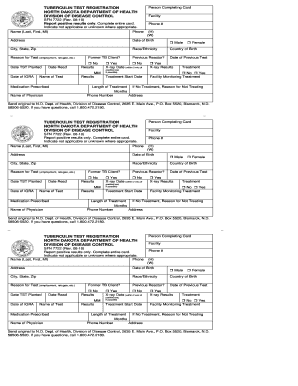
Tb test card
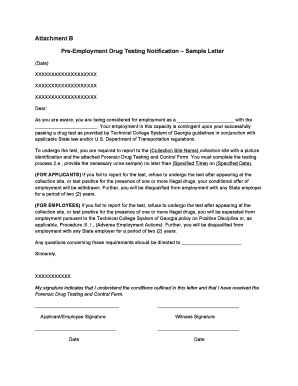
Pre employment drug test letter template

Fencing notice pdf

Chp 90 day inspection form pdf
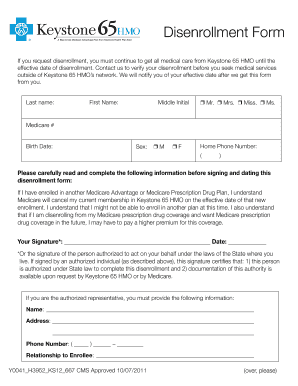
Disenrollment forms for keystone 65
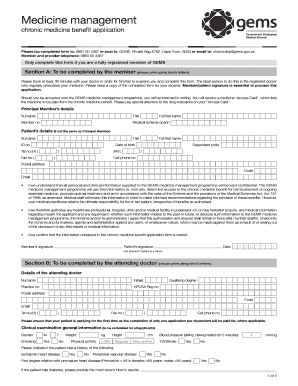
Gems chronic application
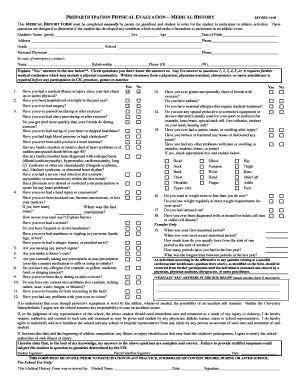
Uil texas physical form

Metis card application manitoba
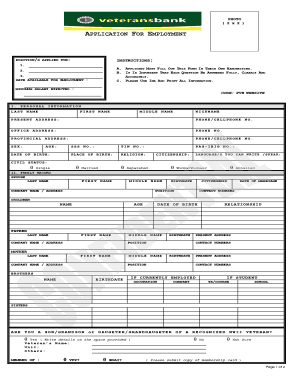
Veterans bank online application

Path program application form
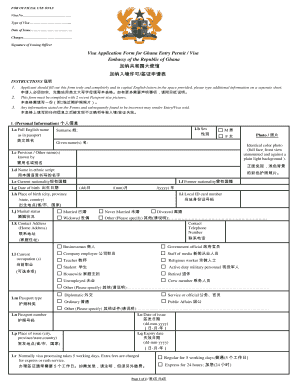
Ghana embassy visa application form pdf
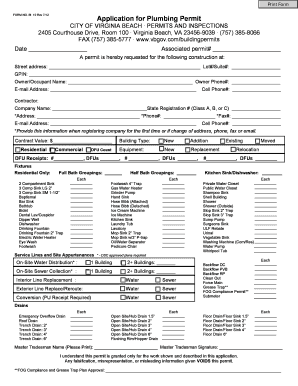
Application for Plumbing Permit - City of Virginia Beach
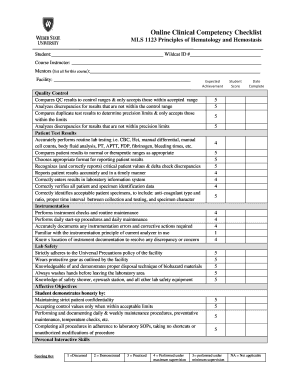
Online Clinical Competency Checklist MLS 1123 Principles of Hematology and Hemostasis Student: Wildc

Residency form

Alvernia transcript request

CG4971

Oda0008 form

Waste inventory template

Fulton county dispossessory
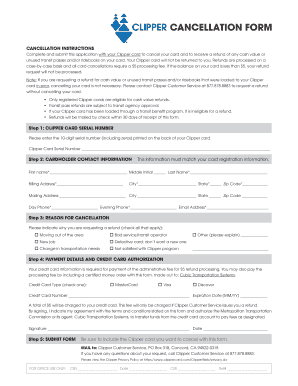
Clipper cancellation form
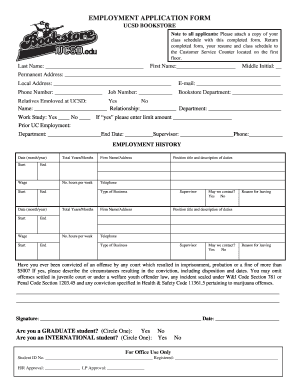
EMPLOYMENT APPLICATION FORM - UCSD Bookstore
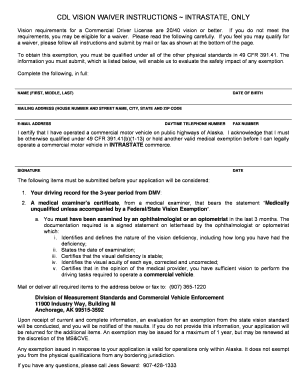
Dot vision waiver requirements
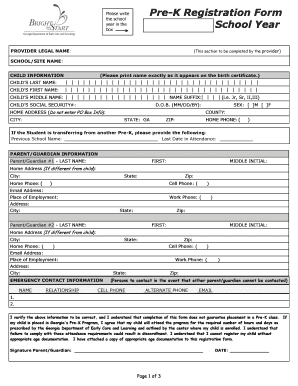
Pre k registration

Online greene county indiana sheriff department application form
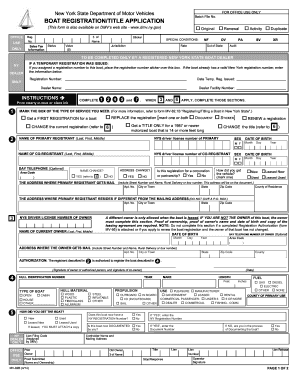
Mv 3 form ny
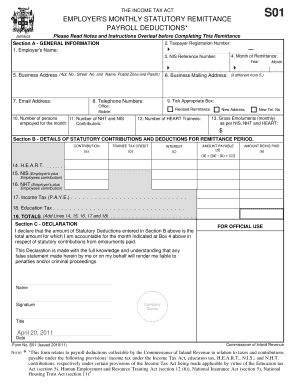
So1 form download

RELEASE OF LIEN ON REAL PROPERTY Whereas , of , by a bond - contacts gsa
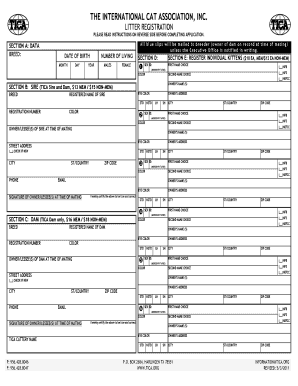
Tica registration papers
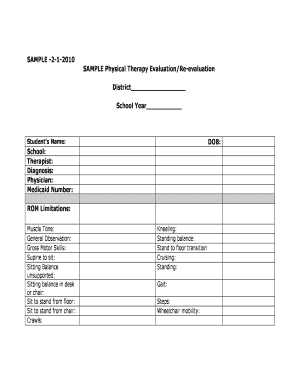
Physical therapy assessment template
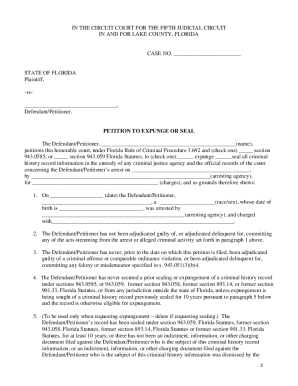
Florida expunge county form
Florida schedule 1 ifta fuel tax computations

Ach payment authorization form
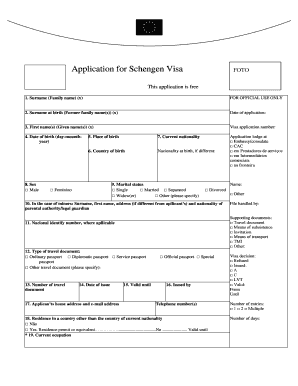
Schengen visa form germany
Benefit from the DocHub online library of fillable PDF forms
Searching the PDF forms doesn't have to be a tedious and time-consuming process. With the DocHub online library, it has become easier to find the fillable PDF forms and modify them in your browser. The service allows you to adjust the document to your needs using powerful editing tools.
You can use online document editing features to modify almost any type of document with ease. You just need to find the template of your choice, open it in the editor, and use the toolbar to make the necessary corrections.
Follow this guide to get your document done with DocHub:
- Find the PDF template you need.
- Click the Get Form button to open the file in the editor.
- Use the toolbar to fill out and edit the document.
- Easily add and highlight text, insert images, checkmarks, and symbols.
- Drop new fillable fields, and rearrange or delete pages from your file.
- Save changes and download your record.
DocHub empowers everyone to streamline document editing, signing, and distribution, and form completion. Create an account and benefit from our well-organized PDF Forms library and comprehensive editor.