
Get any PDF form from the DocHub library of ready-made templates - Page 1090

ANSWER & OBJECTION TO WRIT OF POSSESSION

Ihp template
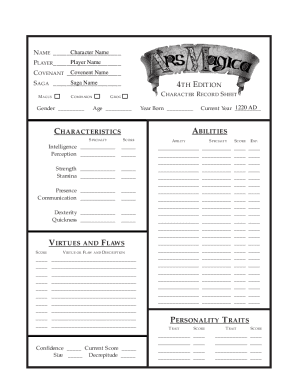
Ars magica 4th edition pdf
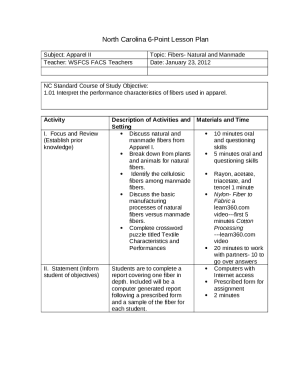
Six point lesson plan template
Parts Inventory
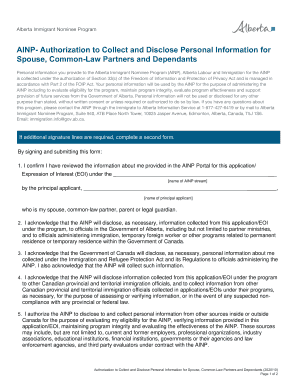
Dependents authorization form
Tarrant county quit claim deed

Gde 2r
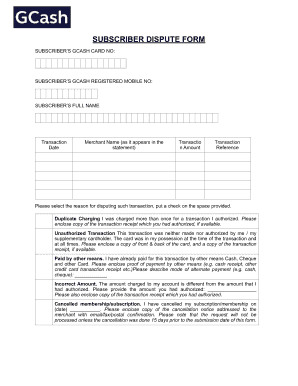
Gcash transaction slip printable

Parish Picnic Registration Form docx
Canadian visa family information form 5707 Canadian visa family information form 5707 IMM5707 is a f
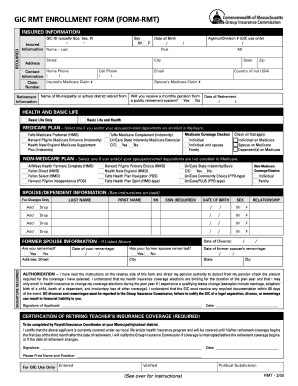
GIC RMT ENROLLMENT FORM (FORM-RMT) - Mass
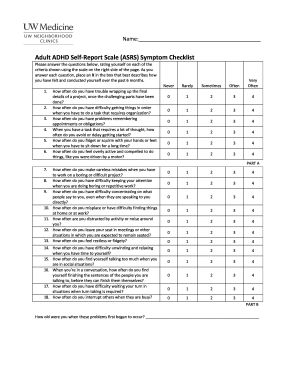
Quick Adult ADHD Screening Quiz: Adult ADHD Self-Report

Tax certification statement
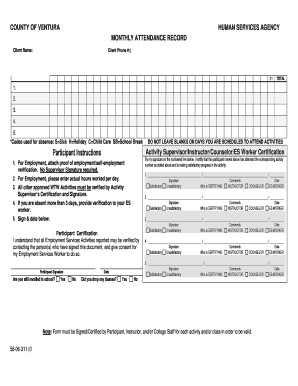
56-06-311 WTW Monthly Attendance Record (06 18) docx
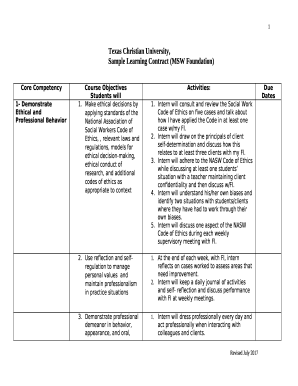
Sample Learning Contract (MSW Foundation)

Revenue statutory declaration
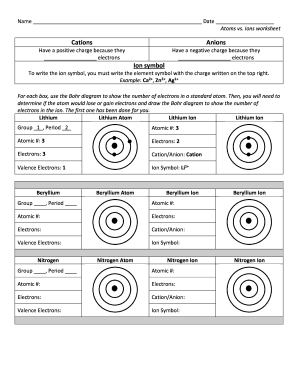
Atoms vs ions worksheet

Firearms variation form police scotland
Seylan bank job application form

McLaren Hospice and Home Care Foundation Donation Form

Oxford primary social studies 4 pdf download
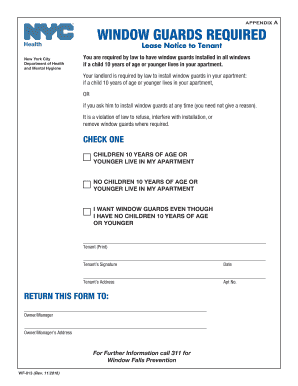
Wf 013

EX-10 6 3 ex10-6 htm BB&T LOAN AGREEMENT BB&T

Kansas odometer disclosure statement

Earth's interior worksheet answers

Birth Certificates - Volusia County Health Department - Florida

Hotel management contract sample pdf

Statement of Occurrence - CWA Local 3905

Rodeo Sponsor Flyer - Wells County 4-H Park
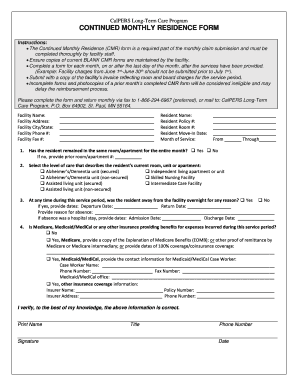
Continued monthly residence form - CalPERS Long Term Care

Declaration non responsibility
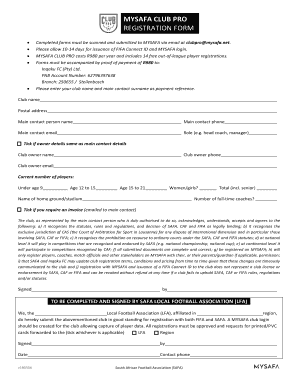
Mysafa
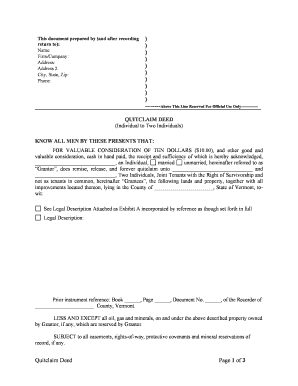
Vermont deed

Revocable license to use real property
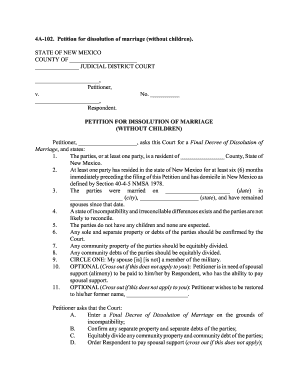
New mexico marriage

Notice vacate form
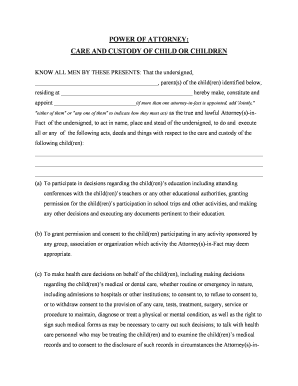
Virginia custody

Personal property

Missouri trust
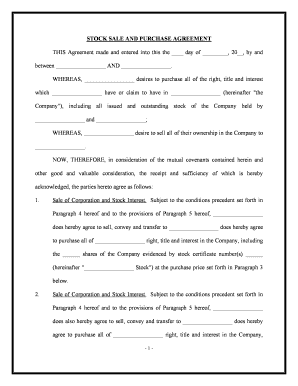
Stock purchase agreement
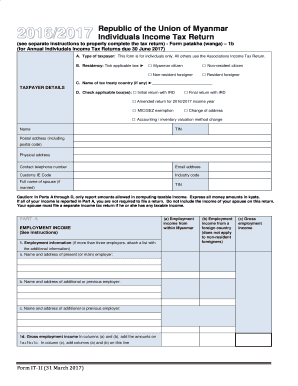
Republic of the Union of Myanmar Individuals Income Tax Return - IRD

Wisconsin death application

Application for Initial Eligibility

Mlb badging office
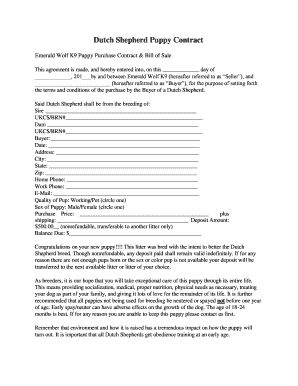
Dutch Shepherd Puppy Contract - emeraldwolfk9
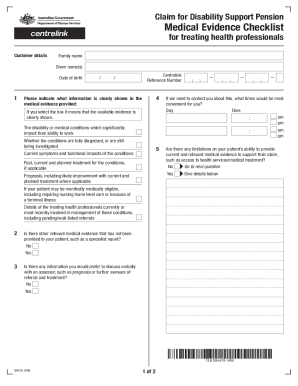
Sa478
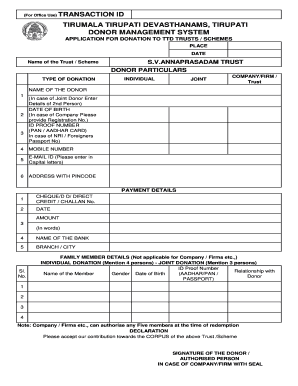
Cdms ttd

Qcc sap appeal
Oh background check
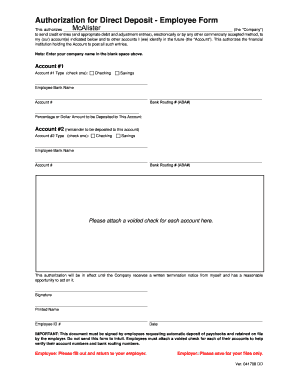
Authorization for Direct Deposit - Employee Form - McAlister
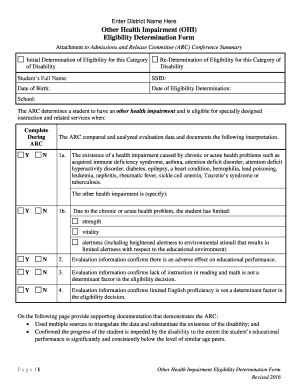
Other Health Impairment Eligibility Determination Form

West side story questions pdf

Cr2 chassis rating

Dunkin donuts franchise disclosure fillable
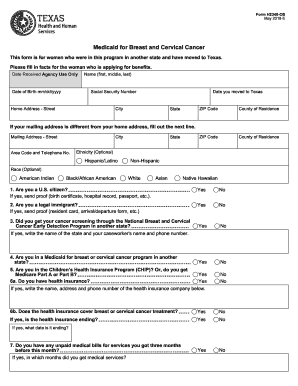
Formh2340 renewal
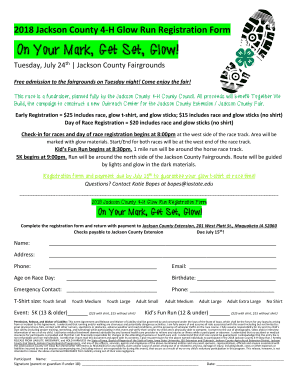
2018 Jackson County 4-H Glow Run Registration Form
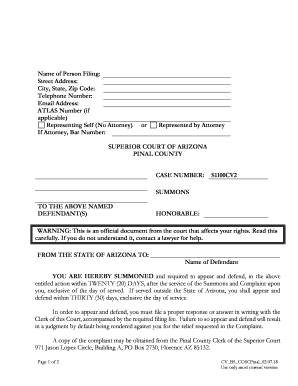
Az pinal county blank

Withdrawal Form - SMU Matriculation 2018
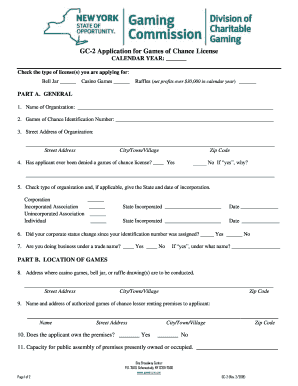
GC-2 Application for Games of Chance License - gaming ny
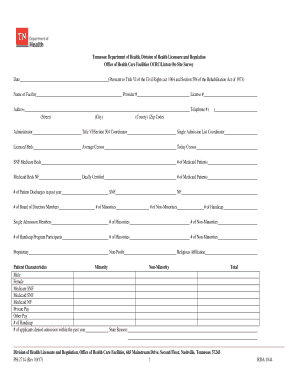
Miller AM and Warren MD Tennessee Department of - TN
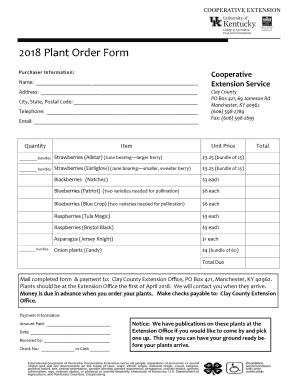
Plant order form
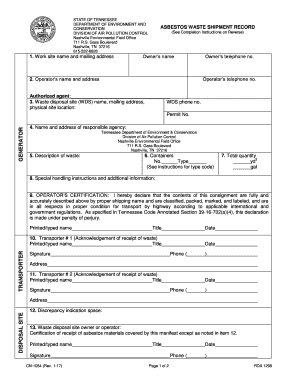
Tennessee cn 1054 asbestos waste record
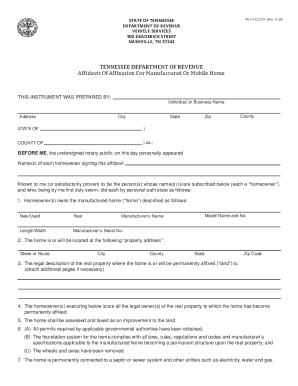
State tennessee affidavit form
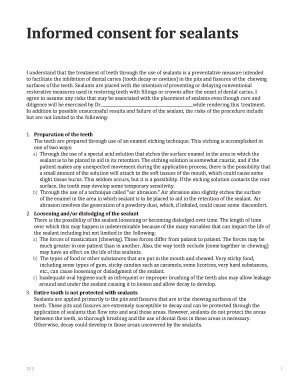
Informed consent for sealants
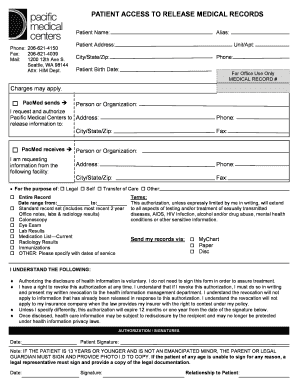
PATIENT ACCESS TO RELEASE MEDICAL RECORDS

Heartland youth football
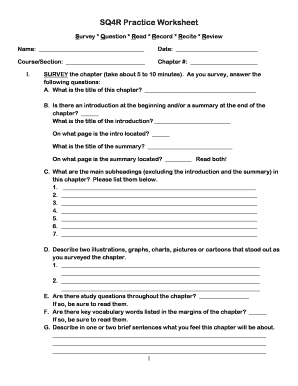
Sq4r worksheet

Teaming agreement template word
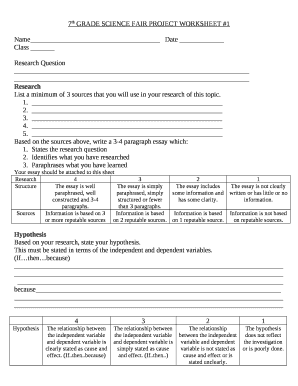
Science fair board template pdf
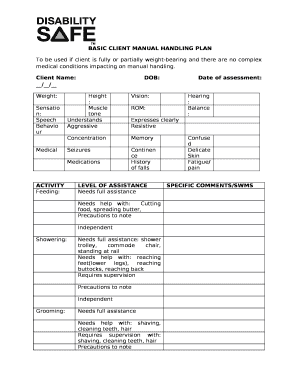
BASIC CLIENT MANUAL HANDLING PLAN

Fluency graph template
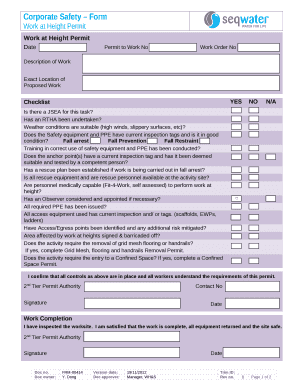
Work at height permit word format

Driver sign in sheet template

2017 GOOD FAITH DEPOSIT FORM
Character map template
Missouri driver license template download
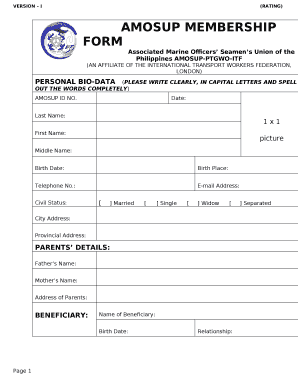
Amosup id application form
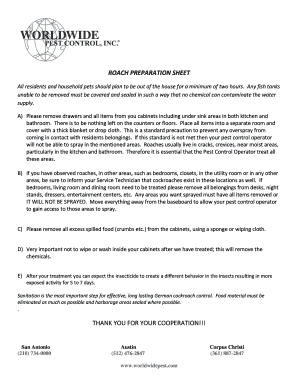
Roach prep sheet
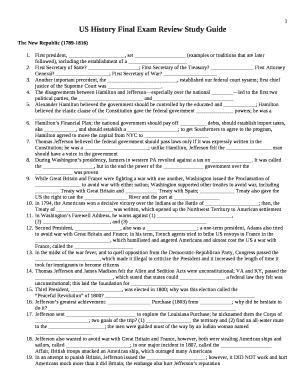
U s history final exam study guide pdf
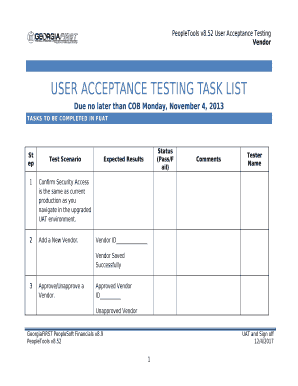
Uat template word
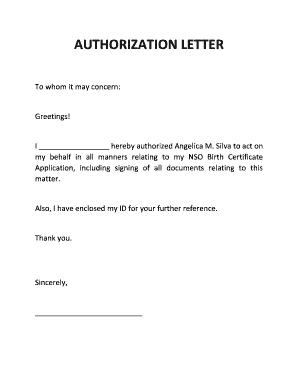
I hereby authorized Angelica M
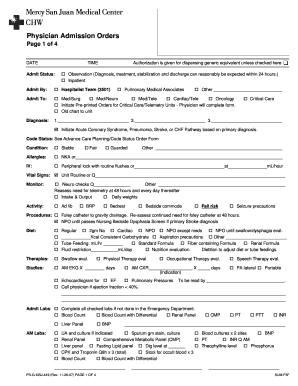
Physician Admission Orders
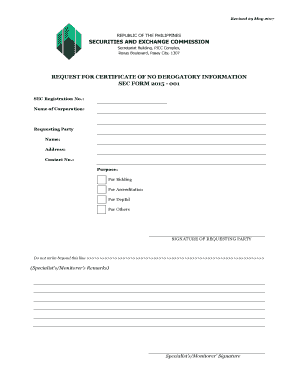
Sample certificate of no derogatory record

Authorized monitoring form
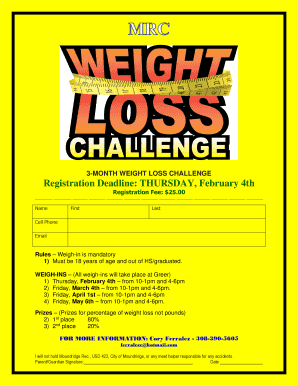
Weight loss challenge rules
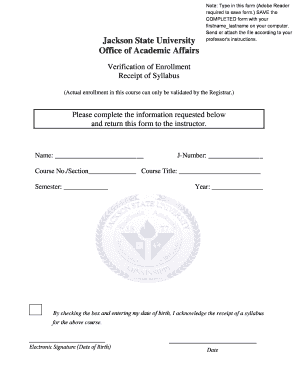
Verification of Syllabus Receipt Form - Jackson State University
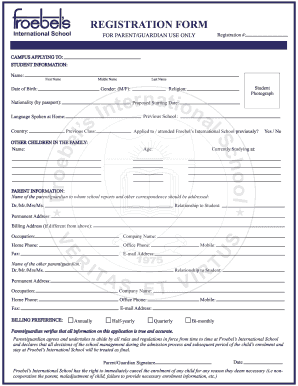
Registration Forms - Froebels International School
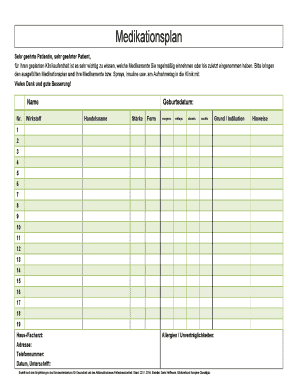
Medikamentenplan vorlage word
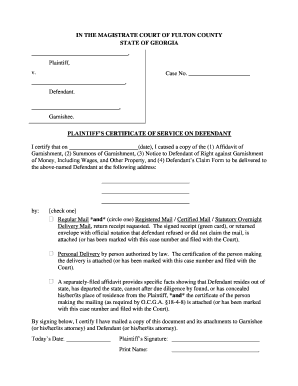
Plaintiffs Certificate of Service on Defendant - Fulton County

Guardian ad litem home visit checklist virginia
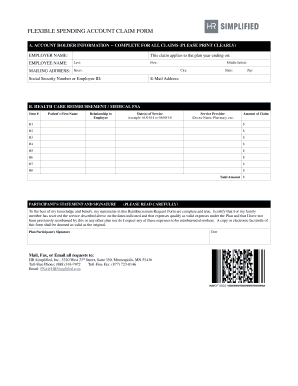
Hr simplified claim form

Ros wilson writing criterion scale scotland
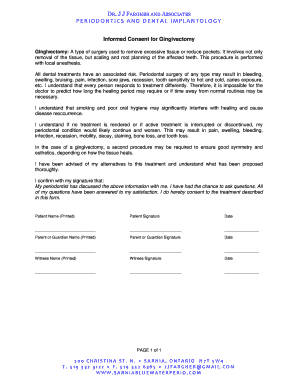
Gingivectomy consent form

Custom art contract template
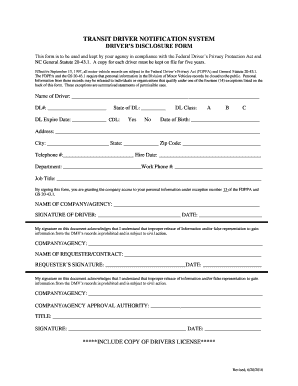
TRANSIT DRIVER NOTIFICATION SYSTEM

Patient information form

Request for a new hearing after a failure to appear
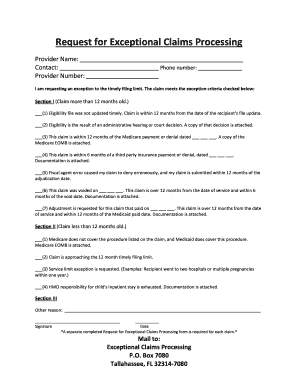
Florida medicaid exceptional claim form

APPLICATION FOR FLORIDA BIRTH RECORD - Broward County
Benefit from the DocHub online library of fillable PDF forms
Searching the PDF forms doesn't have to be a tedious and time-consuming process. With the DocHub online library, it has become easier to find the fillable PDF forms and modify them in your browser. The service allows you to adjust the document to your needs using powerful editing tools.
You can use online document editing features to modify almost any type of document with ease. You just need to find the template of your choice, open it in the editor, and use the toolbar to make the necessary corrections.
Follow this guide to get your document done with DocHub:
- Find the PDF template you need.
- Click the Get Form button to open the file in the editor.
- Use the toolbar to fill out and edit the document.
- Easily add and highlight text, insert images, checkmarks, and symbols.
- Drop new fillable fields, and rearrange or delete pages from your file.
- Save changes and download your record.
DocHub empowers everyone to streamline document editing, signing, and distribution, and form completion. Create an account and benefit from our well-organized PDF Forms library and comprehensive editor.