
Get any PDF form from the DocHub library of ready-made templates - Page 1091

Peco no income form

Hotel groundskeeper contract agreement bid

Ca int interpreter
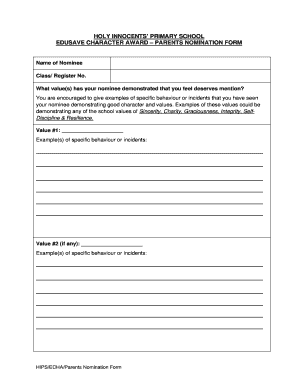
HOLY INNOCENTS PRIMARY SCHOOL EDUSAVE CHARACTER AWARD - holyinnocentspri moe edu
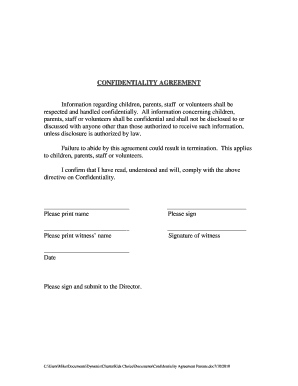
Confidentiality Agreement Parents - Kids Choice Childcare
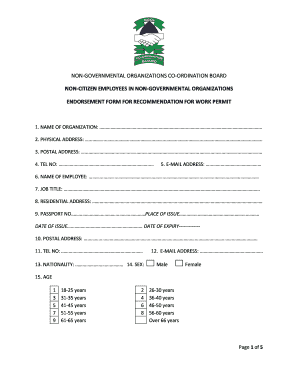
NGO Board Work Permit Endorsement Form
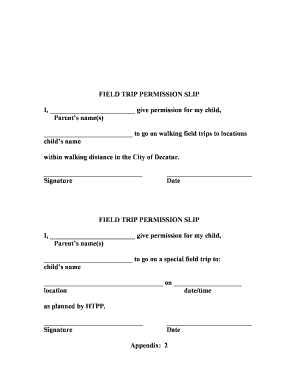
Field trip permission slip

Recording Consent Form RCF - bstapbborgbau - stap org

Prank eviction notice
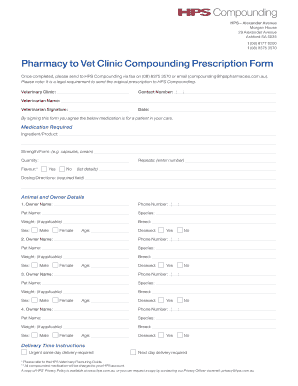
Pharmacy to Vet Clinic Compounding Prescription Form

AODA Customer Feedback Form - Haver Boecker Canada - wstyler
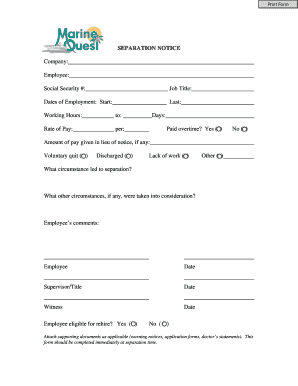
BSEPARATION NOTICEb Company bEmployeeb Social Security Job bb - marinequest
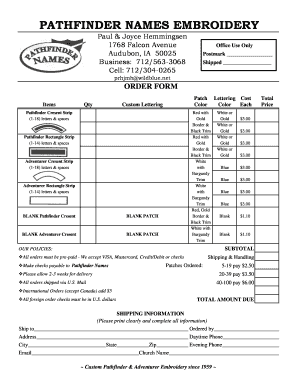
Pathfinder names embroidery
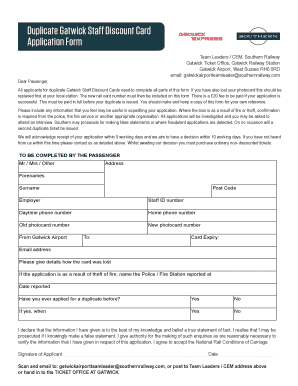
Gatwick staff discount card
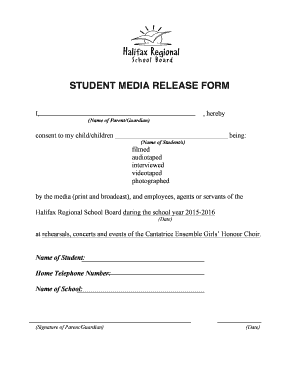
Media release form for students
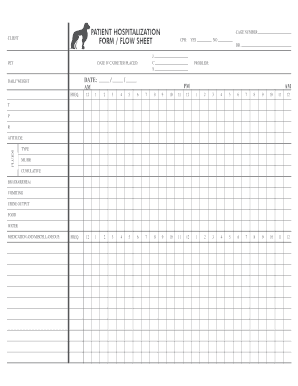
PATIENT HOSPITALIZATION FORM FLOW SHEET
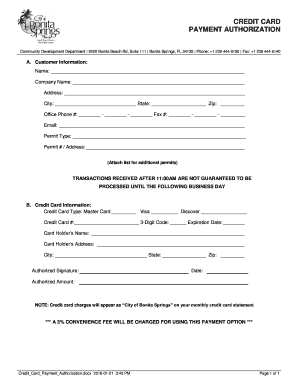
Credit Card Payment Authorization Form - Community Development
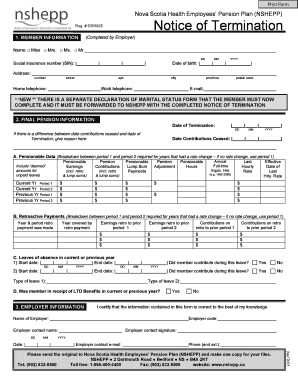
Nshepp
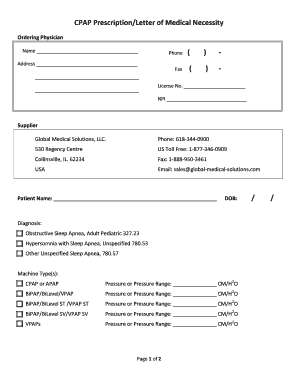
Cpap prescription template

Modello ci520
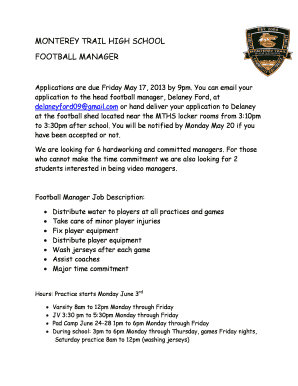
Football manager application
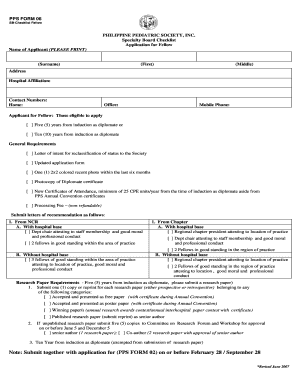
Pps sb form 2021 1

Naloxone Administration Evaluation Received Naloxone - ohrdp
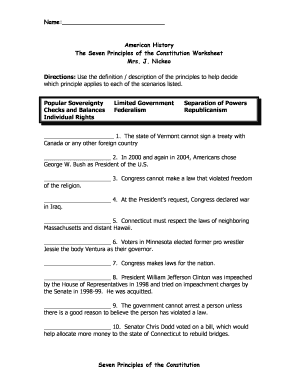
Seven principles of government worksheet answers pdf
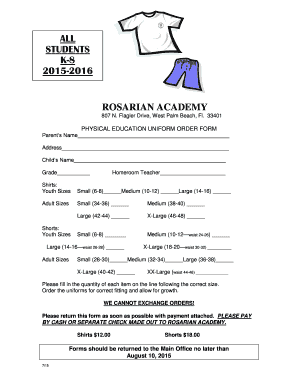
The PE uniform form - Rosarian Academy
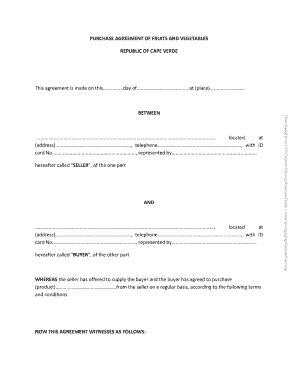
PURCHASE AGREEMENT OF FRUITS AND VEGETABLES

Social Skills Group Data Sheet
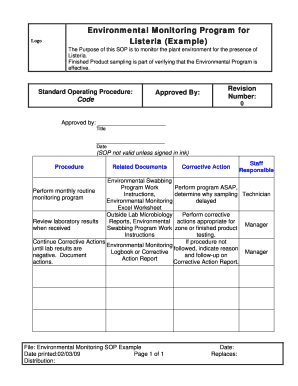
Environmental monitoring program template
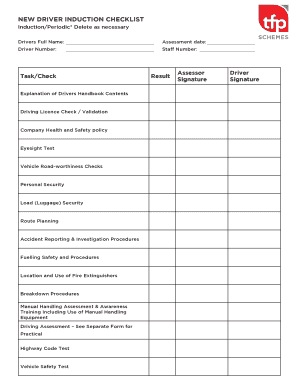
Driver induction template

Safety shoe reimbursement form
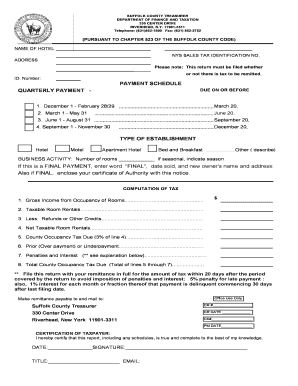
Hotel and Motel Remittance bFormb - Suffolk County - suffolkcountyny

Maternal fetal medicine aultman
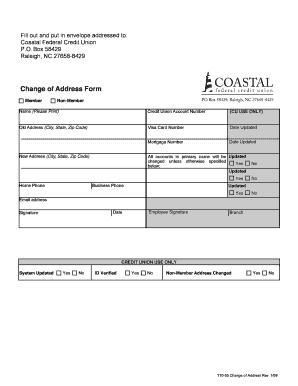
Change of Address Form - Coastal Federal Credit Union
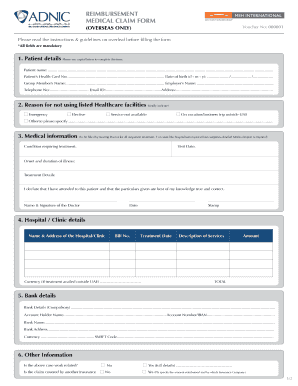
Adnic claim form
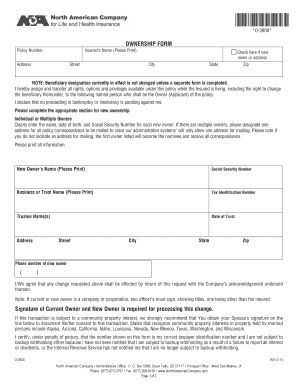
O-2808 - North American Company
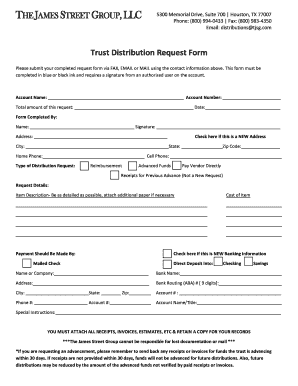
The james street group
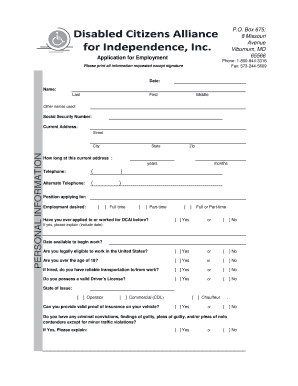
Dcai viburnum mo
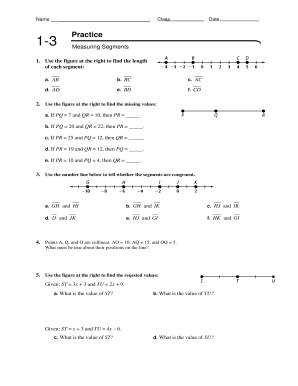
Measuring segments worksheet answer key
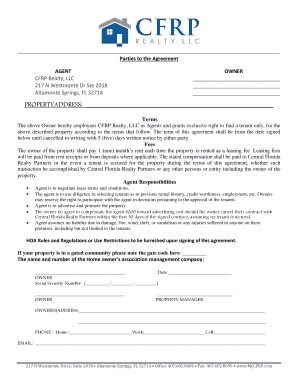
Tenant Placement Only Contract - MyCfrp

CP10 Claim of Right to Possession and Notice of Hearing Editable and Saveable California Judicial Co
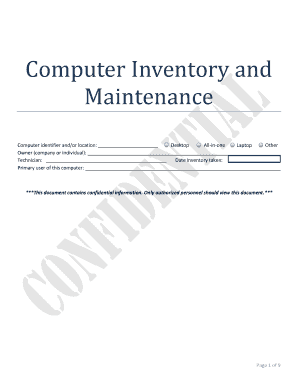
Computer inventory and maintenance form

Five themes of geography worksheet pdf
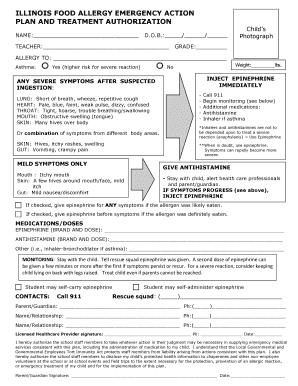
Illinois food allergy emergency action plan
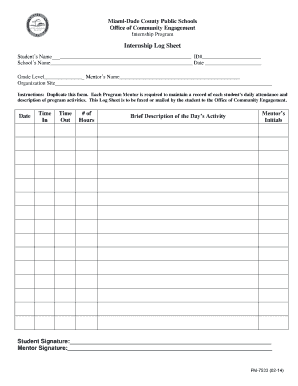
Internship Log Sheet - Dadeschoolsnet
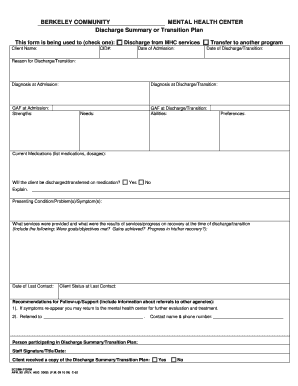
Discharge Summary or Transition Plan - bbcmhcorgb
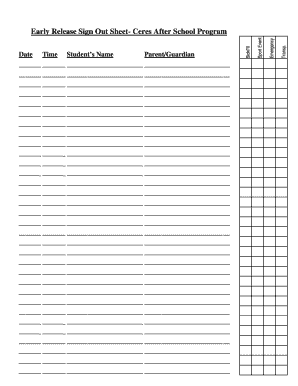
Early Release Sign Out Sheet- Ceres After School Program
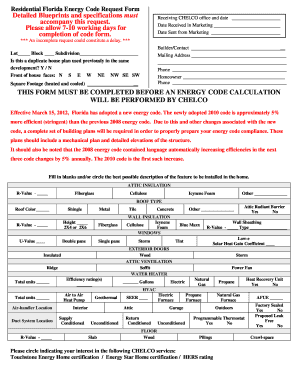
Residential Florida Energy Code Request Form
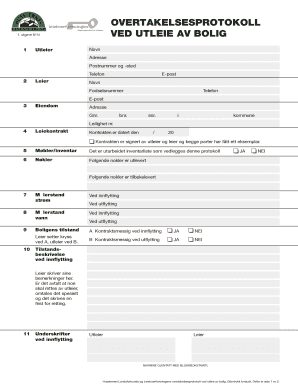
Overtakelsesprotokoll pdf
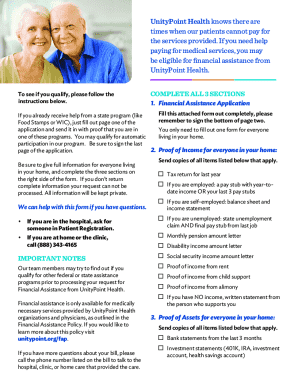
Financial Assistance - UnityPoint Health
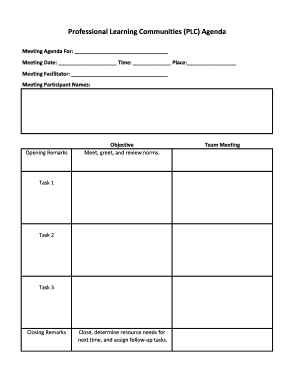
Plc agenda template
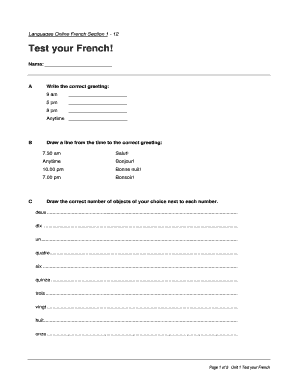
Languages Online French Section 1 - 12
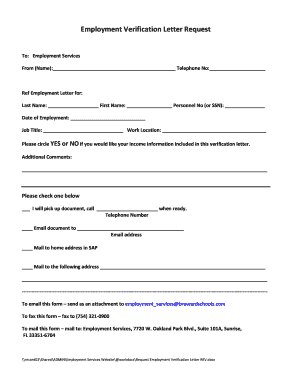
Employment Verification Letter Request - browardschoolscom - broward k12 fl
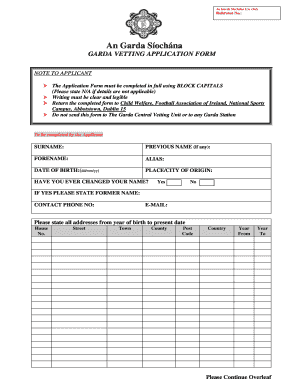
Fai garda vetting

Affidavit of baptism

2015 florida cocv1100 summons county hillsborough court edit
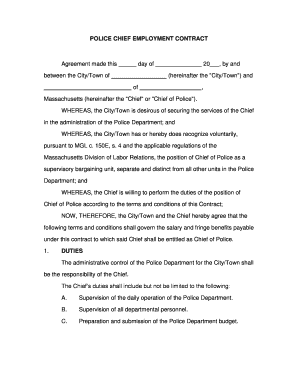
Sample Police Chief Contract Police Chief Contract - aele
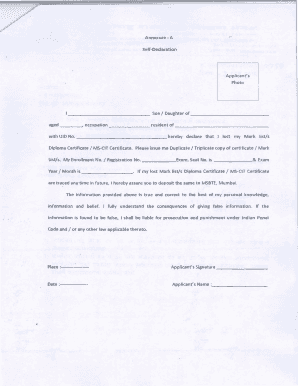
Annexure a self declaration for duplicate marksheet
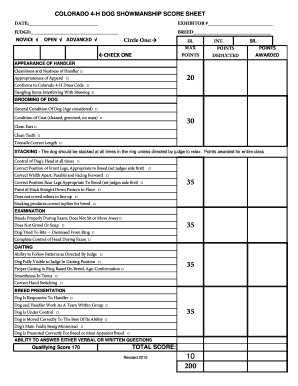
Dog show judging sheet
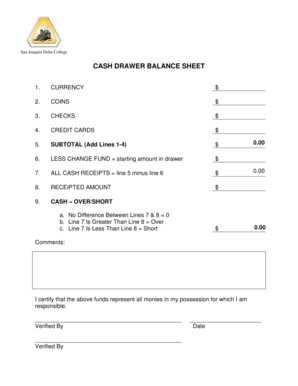
Cash drawer balance sheet
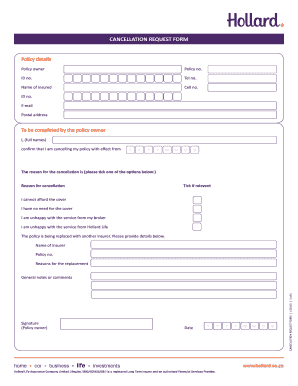
CANCELLATION REQUEST FORM - Hollard
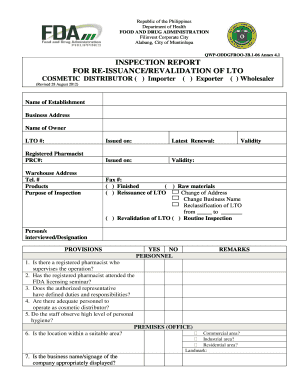
Fda drugstore inspection checklist philippines 2022
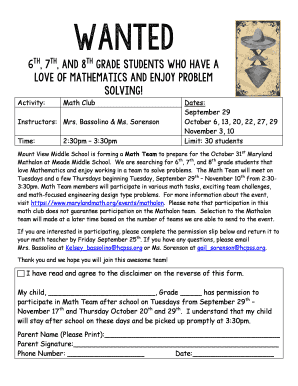
Permission slip math club - Mount View Middle School
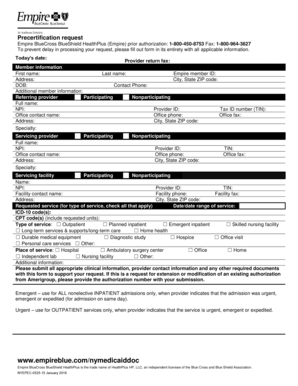
Empire bcbs prior authorization form pdf
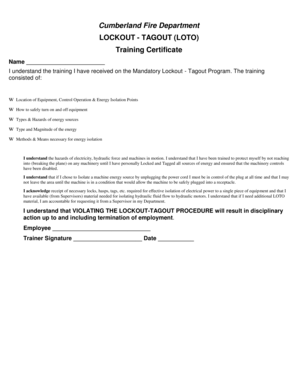
Lock out tag out training certificate template
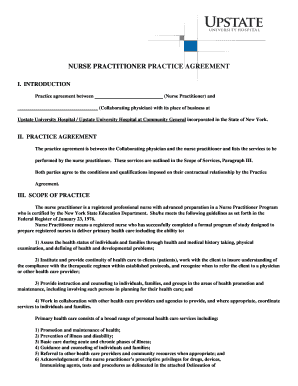
NURSE PRACTITIONER PRACTICE AGREEMENT

Union credit card dispute form
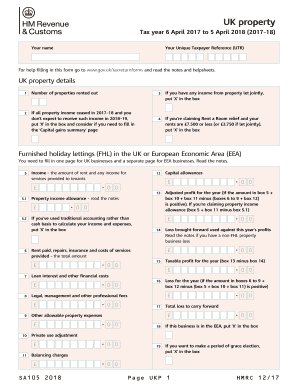
Sa105 download
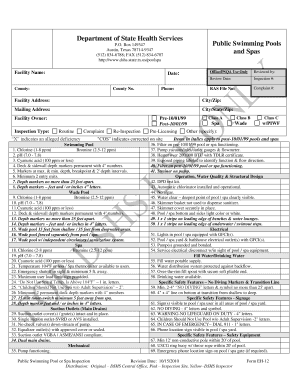
Texas pool inspection checklist

Tt2112 pdf

Eta 9143

Substance abuse progress notes examples
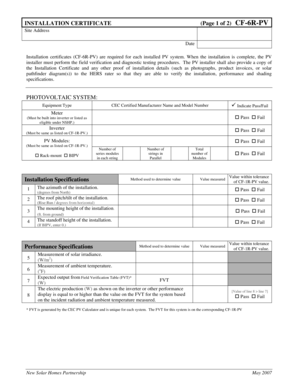
INSTALLATION CERTIFICATE Page 1 of 2 CF-6R-PV - gosolarcalifornia ca
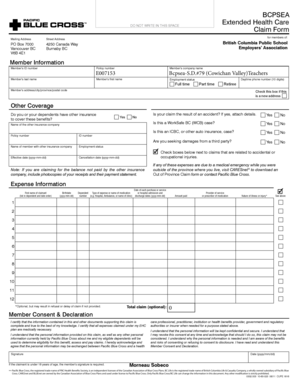
Blue cross claim form
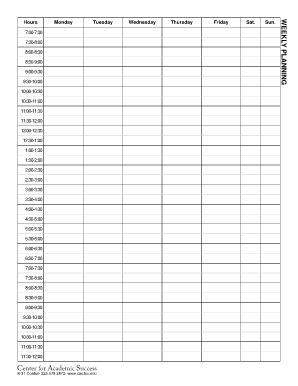
CAS Weekly Planner - Center for Academic Success
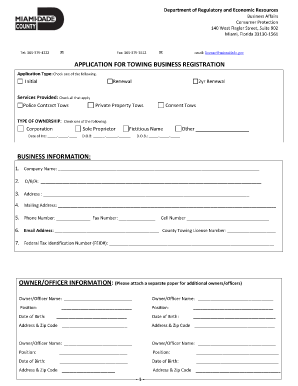
Miami dade towing license

Cosigner release form

Empire beauty school kit
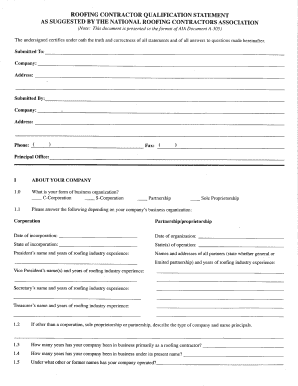
NRCA's Roofing Contractor Qualification Statement - National - nrca
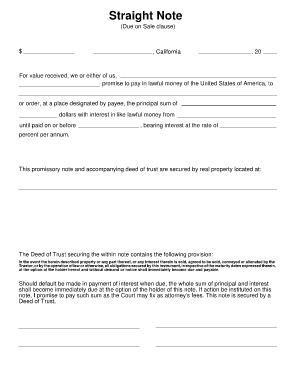
Straight note template
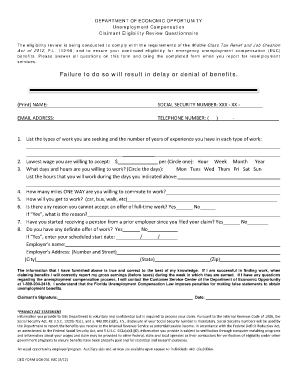
Deo forms

Church visitation report
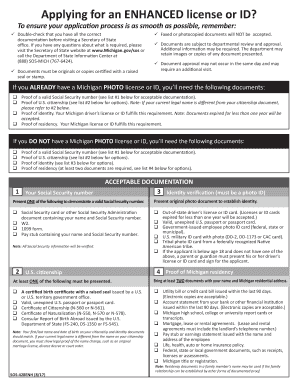
Form fs 545

Ucc 1 form california pdf
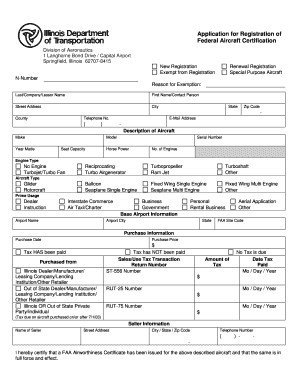
Illinois aircraft registration
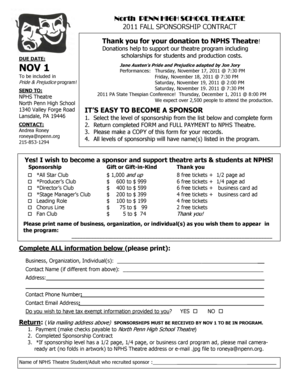
North PENN HIGH SCHOOL THEATRE 2011 FALL SPONSORSHIP CONTRACT Thank you for your donation to NPHS Th
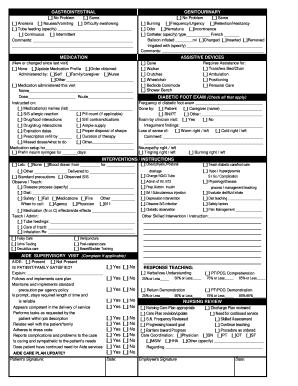
Skilled Nurse Visit note BACK - Pacific Home

Imtap pdf
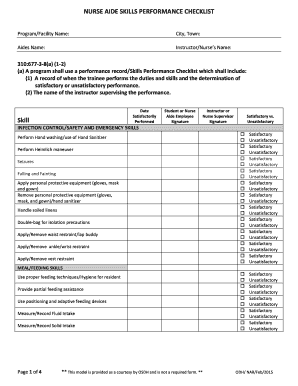
NURSE AIDE SKILLS PERFORMANCE CHECKLIST - ok
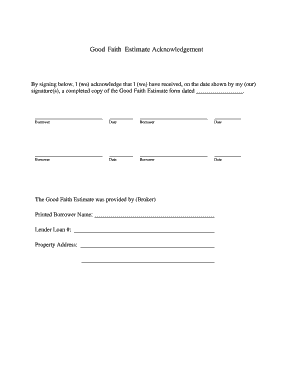
Good faith estimate form fillable
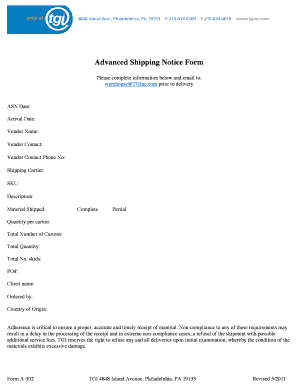
Advanced Shipping Notice Form - TGI
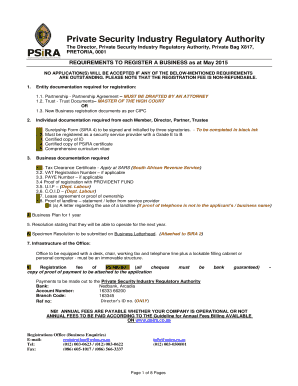
Psira application form

Mercy AHA Training Center Roster - mchs
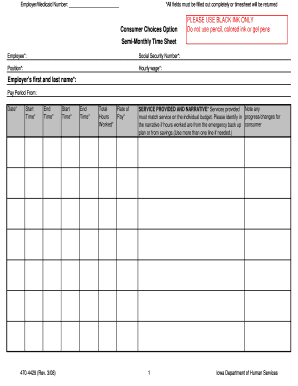
Veridian cco
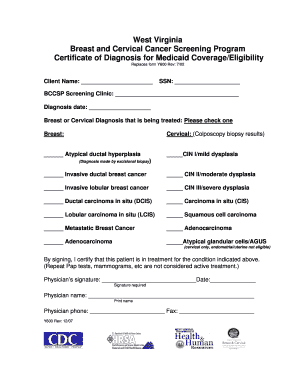
Certificate of diagnosis
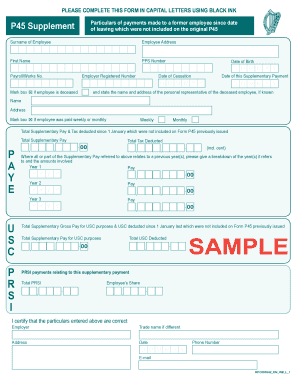
Ireand form p45
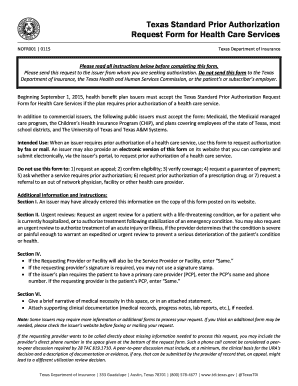
Texas standard auth form
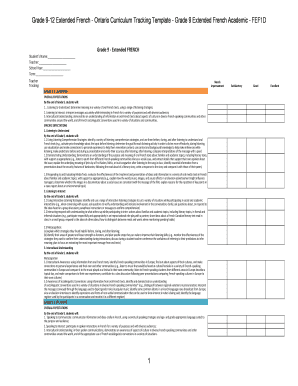
Sample report card comments ontario

Texas Voter Registration Form

Lift truck operator's daily weekly inspection report

Wisconsin 1cns
Benefit from the DocHub online library of fillable PDF forms
Searching the PDF forms doesn't have to be a tedious and time-consuming process. With the DocHub online library, it has become easier to find the fillable PDF forms and modify them in your browser. The service allows you to adjust the document to your needs using powerful editing tools.
You can use online document editing features to modify almost any type of document with ease. You just need to find the template of your choice, open it in the editor, and use the toolbar to make the necessary corrections.
Follow this guide to get your document done with DocHub:
- Find the PDF template you need.
- Click the Get Form button to open the file in the editor.
- Use the toolbar to fill out and edit the document.
- Easily add and highlight text, insert images, checkmarks, and symbols.
- Drop new fillable fields, and rearrange or delete pages from your file.
- Save changes and download your record.
DocHub empowers everyone to streamline document editing, signing, and distribution, and form completion. Create an account and benefit from our well-organized PDF Forms library and comprehensive editor.