
Get any PDF form from the DocHub library of ready-made templates - Page 1076
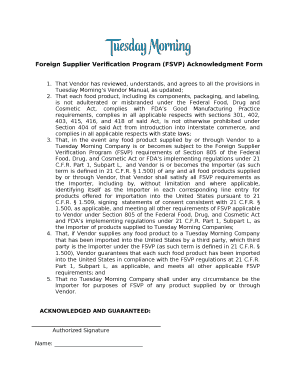
Fsvp statement example
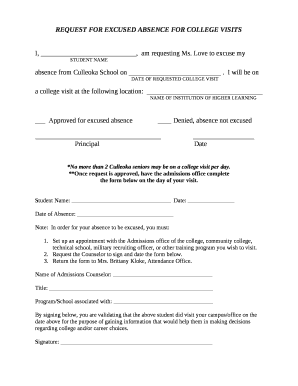
College visit excused absence letter

Percolation test results sheet
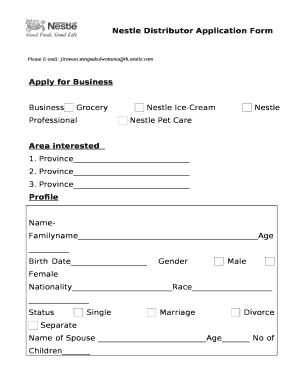
Nestle distributorship

DIABETES MANAGEMENT LOG
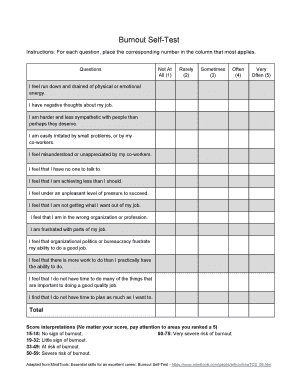
Burnout self test
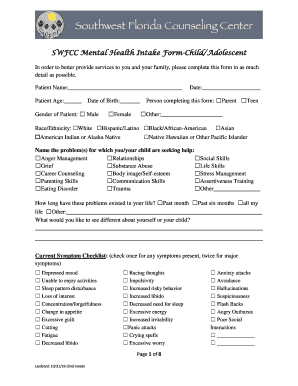
SWFCC Mental Health Intake Form-Child Adolescent

Tim turner dom documents

Dd form 137 6
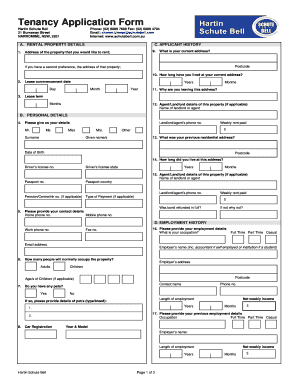
Schute bell badgery lumby form
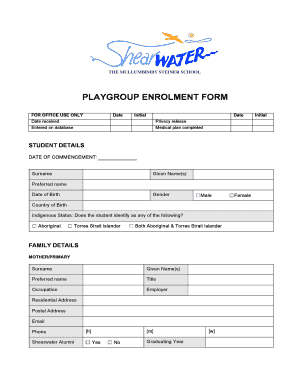
Playgroup enrolment form - Shearwater The Mullumbimby

APPLICATION FOR DBS INTERBANK GIRO

Baylor scott and white letterhead
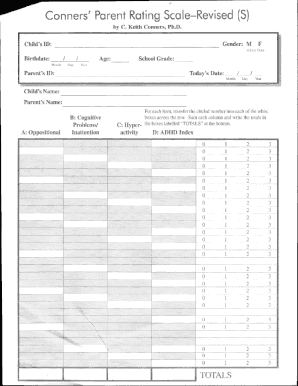
Conners parent rating scale pdf scoring
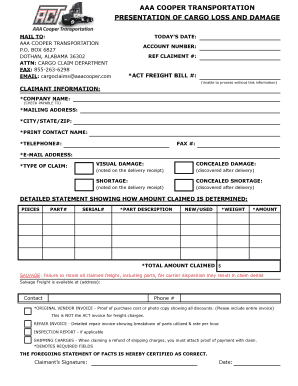
Aaa cooper claim form

Contractor LCPtracker Setup Sheet - City and County of - denvergov

3 day food diary template

Residential Estate Agency Property Information Questionnaire - NAEA - propertymark co
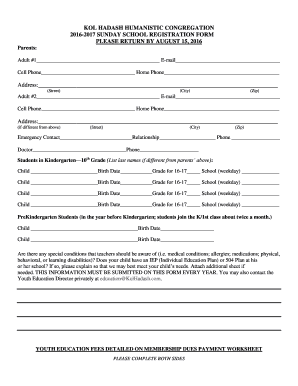
Sunday school registration form - Kol Hadash Humanistic
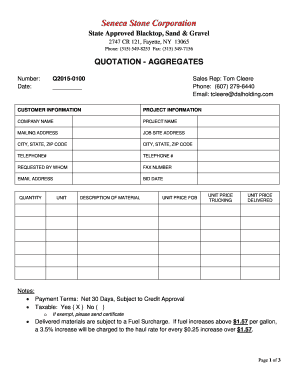
Sand supply quotation format
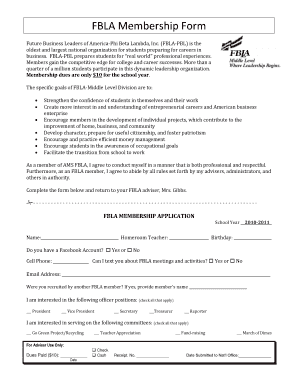
Fbla membership form

Cscl cd 700
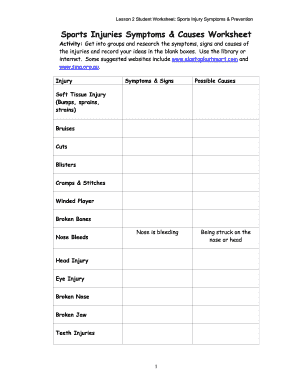
Sports injuries worksheet
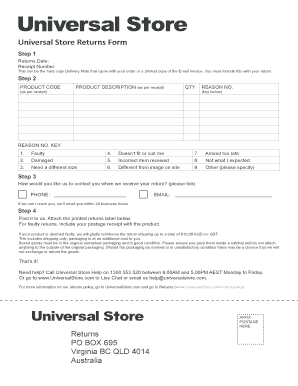
Universal store returns

Safekeeping agreement sample
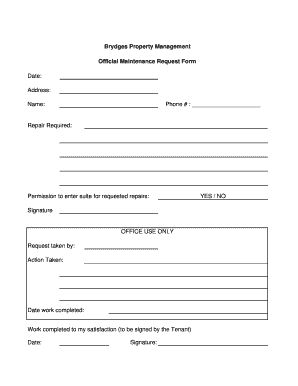
Office repair request form

AISIN DIAGNOSTIC CORE FORM ISUZU - isuzu rrli
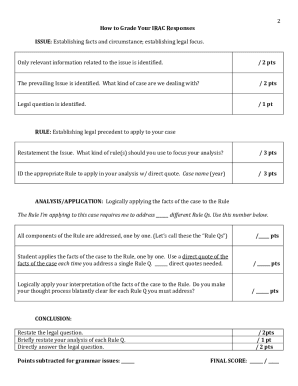
Irac template word

Ibpoew forms

Deer processing order forms
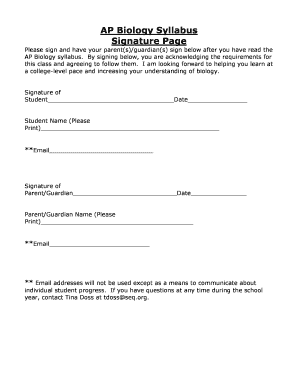
Syllabus signature page
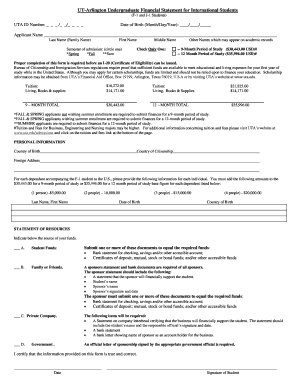
UT-Arlington Undergraduate Financial Statement for International Students - uta

Tuberculin Skin Test Permission Form
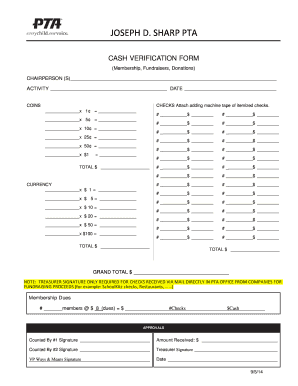
Pta cash verification form
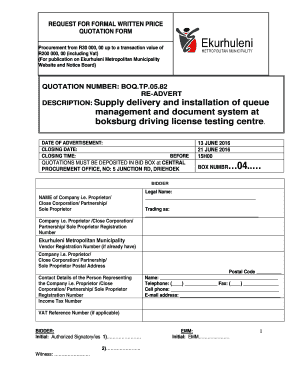
Ekurhuleni municipality proof of residence pdf

Instructor evaluation form

Church collection count sheet

Chapter 22 plant diversity

WRITE YOUR OWN OBITUARY - Warehouse 242 - warehouse242

Riders club membership form

Psychological release of information form
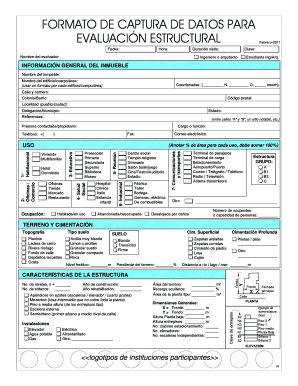
Formato de evaluaci n estructural en excel
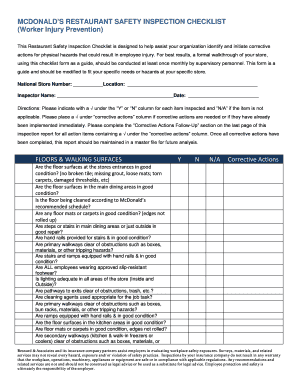
Mcdonald's maintenance checklist

Client registration form
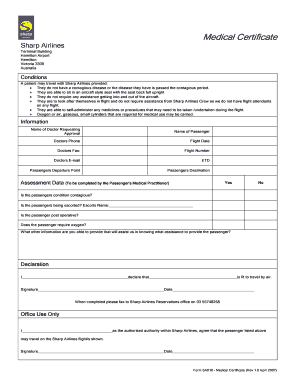
Medical certificate for travelling abroad sample

Alphabetical list of states

Glasgow pain score dogs
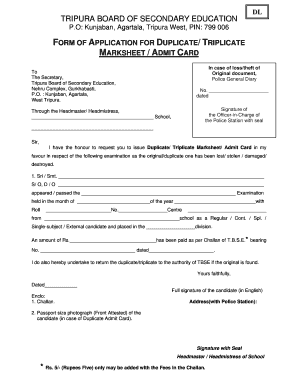
Tbse marksheet download
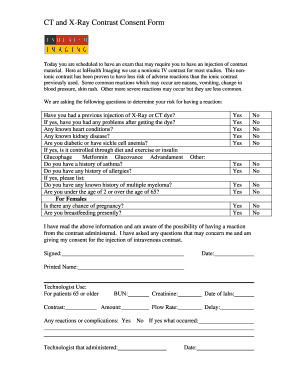
CT and X-Ray Contrast Consent Form

Nssf forms download tanzania
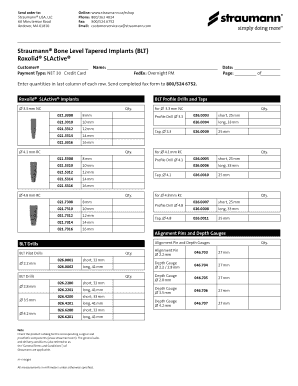
Straumann Bone Level Tapered Implants (BLT) Roxolid SLActive - straumann
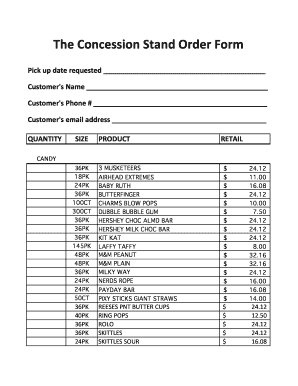
Concession stand order form
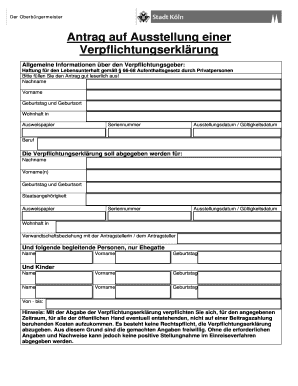
Verpflichtungserkl rung formular

Johnson medoc travel insurance application form

Moon phases blank
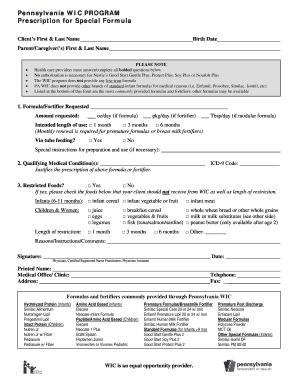
Pa wic application

Bnsg 0219 atmosphere answer key

2013 homecoming mum form printable

Physical science worksheet conservation of energy 2
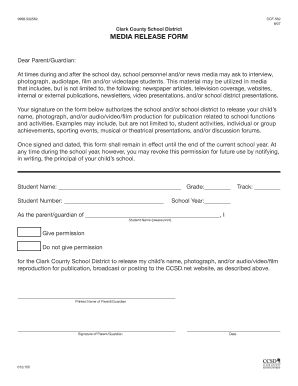
Ccsd media release form
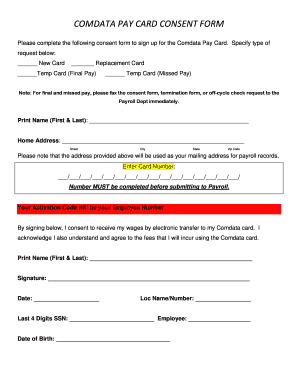
Comdata Consent form - Prime Total Rewards
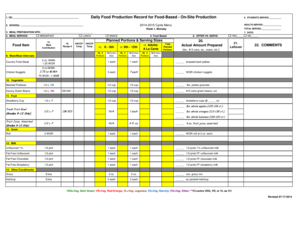
School lunch production record template
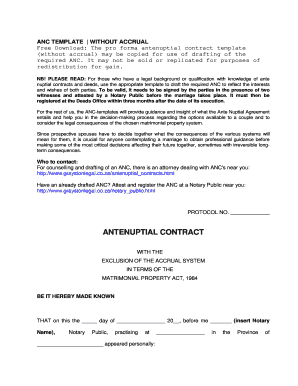
Antenuptial agreement template

Elementary school transcript template
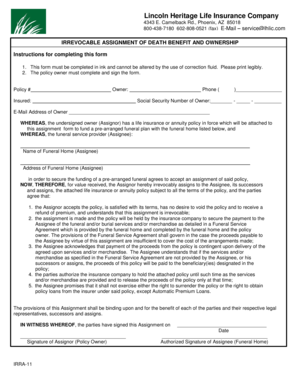
Service lhlic
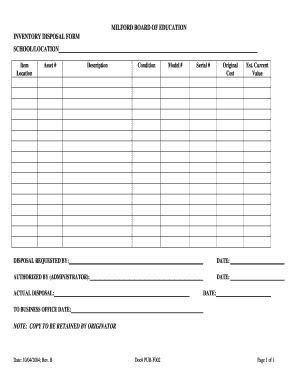
Inventory disposal form
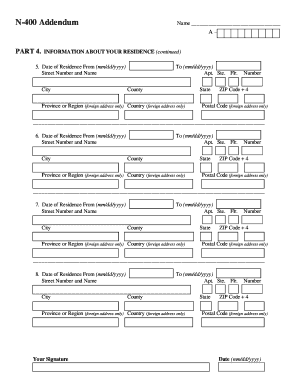
N 400 addendum
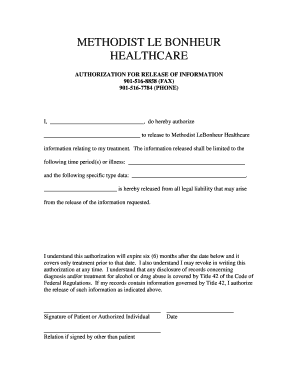
Lebonheur doctors note
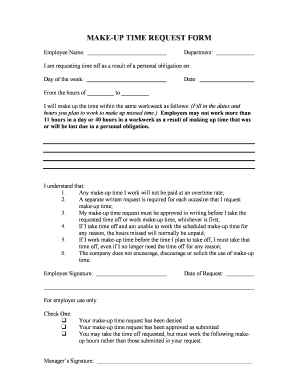
Make up time request form
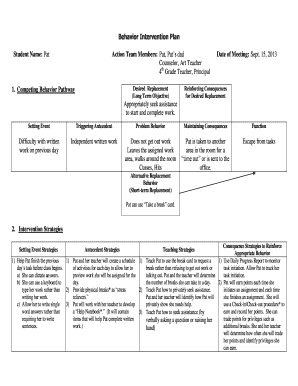
Competing behavior pathway examples

Medical leave certificate for tamilnadu government employees
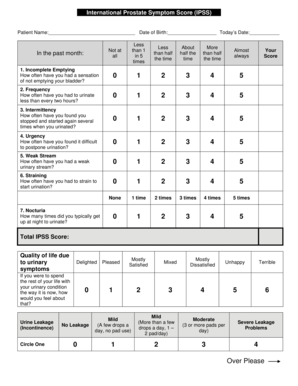
Aua symptom score
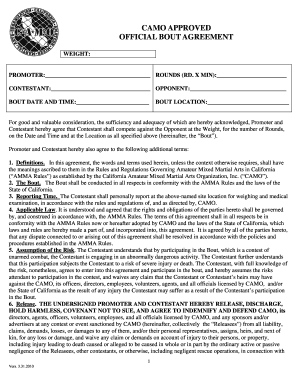
CAMO APPROVED OFFICIAL BOUT AGREEMENT - camo-mma

POWER OF ATTORNEY FOR CARNETS for Freight Forwarders

Running record no grid with follow up comprehension prompts - hpedsb on
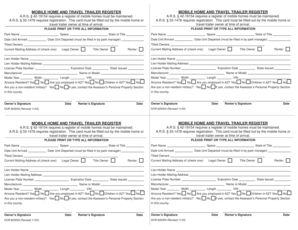
MOBILE HOME AND TRAVEL TRAILER REGISTER ARS 42-19154 - co santa-cruz az

Phosphorus cycle notes

Girl Scout Silver Award Project Hours Log - gswpa

Rto form 27 sample filled
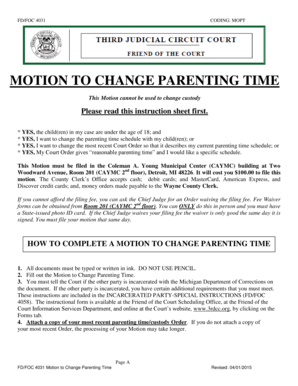
Motion change parenting time

Seniors Support Program - The Royal Canadian Legion
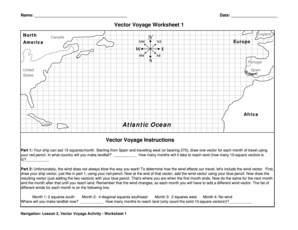
Vector voyage worksheet 1
The gilded age worksheet answer key pdf

City of Hollywood Florida Retrofit Toilet Rebate Program - hollywoodfl
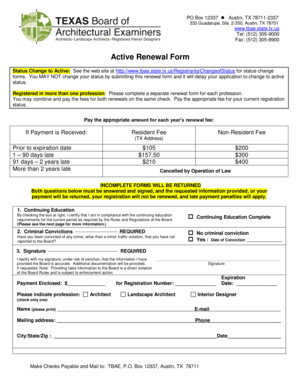
Active Renewal Form - Texas Board of Architectural Examiners
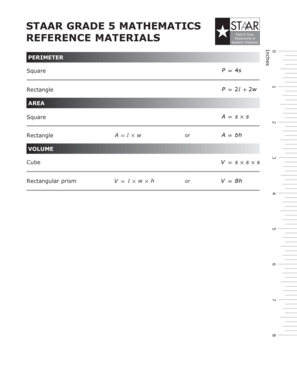
5th grade reference sheet staar

C2 formulier vermissing

Lone wolf action chart
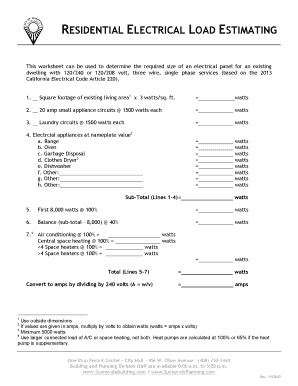
Residential load calculation worksheet

Contrato de arrendamiento florida
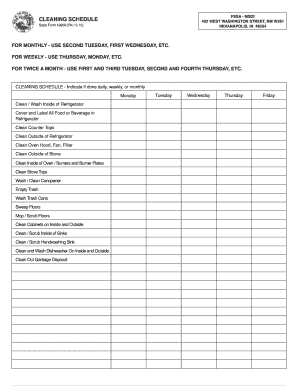
CLEANING SCHEDULE - forms in
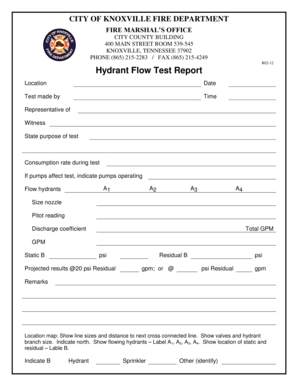
Hydrant Flow Test Report
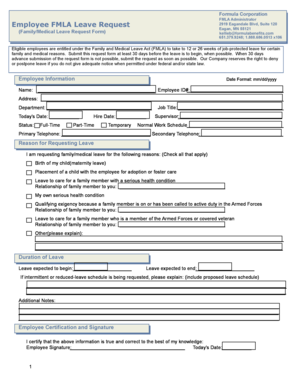
Employee FMLA Leave Request
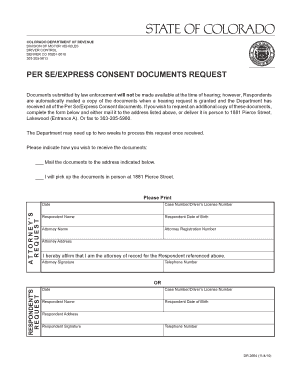
Colorado express consent request

Wellspan doctors note
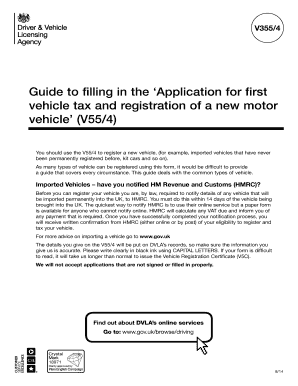
Application for first vehicle tax and registration
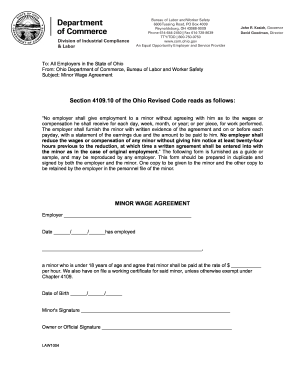
Minor wage agreement
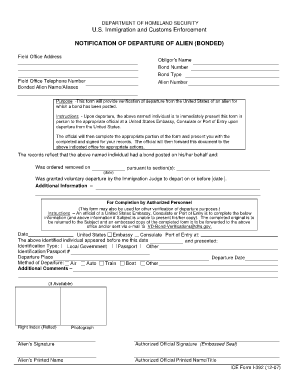
Form i 391 notice of immigration bond cancelled

Nm prc application
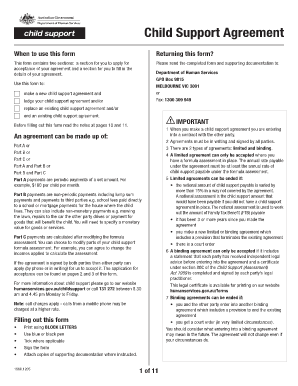
Cs1666
Benefit from the DocHub online library of fillable PDF forms
Searching the PDF forms doesn't have to be a tedious and time-consuming process. With the DocHub online library, it has become easier to find the fillable PDF forms and modify them in your browser. The service allows you to adjust the document to your needs using powerful editing tools.
You can use online document editing features to modify almost any type of document with ease. You just need to find the template of your choice, open it in the editor, and use the toolbar to make the necessary corrections.
Follow this guide to get your document done with DocHub:
- Find the PDF template you need.
- Click the Get Form button to open the file in the editor.
- Use the toolbar to fill out and edit the document.
- Easily add and highlight text, insert images, checkmarks, and symbols.
- Drop new fillable fields, and rearrange or delete pages from your file.
- Save changes and download your record.
DocHub empowers everyone to streamline document editing, signing, and distribution, and form completion. Create an account and benefit from our well-organized PDF Forms library and comprehensive editor.