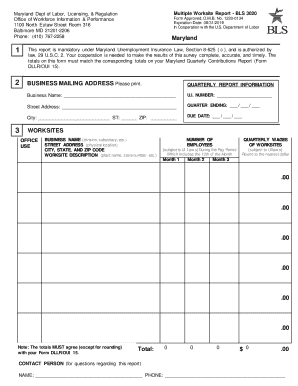
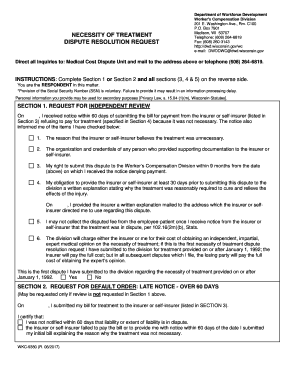
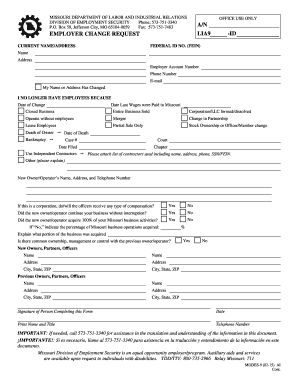
Type text, add images, blackout confidential details, add comments, highlights and more.
02. Sign it in a few clicks
Draw your signature, type it, upload its image, or use your mobile device as a signature pad.
03. Share your form with others
Send winz redirection form via email, link, or fax. You can also download it, export it or print it out.
How to use or fill out winz redirection form with our platform
Ease of Setup
DocHub User Ratings on G2
Ease of Use
DocHub User Ratings on G2
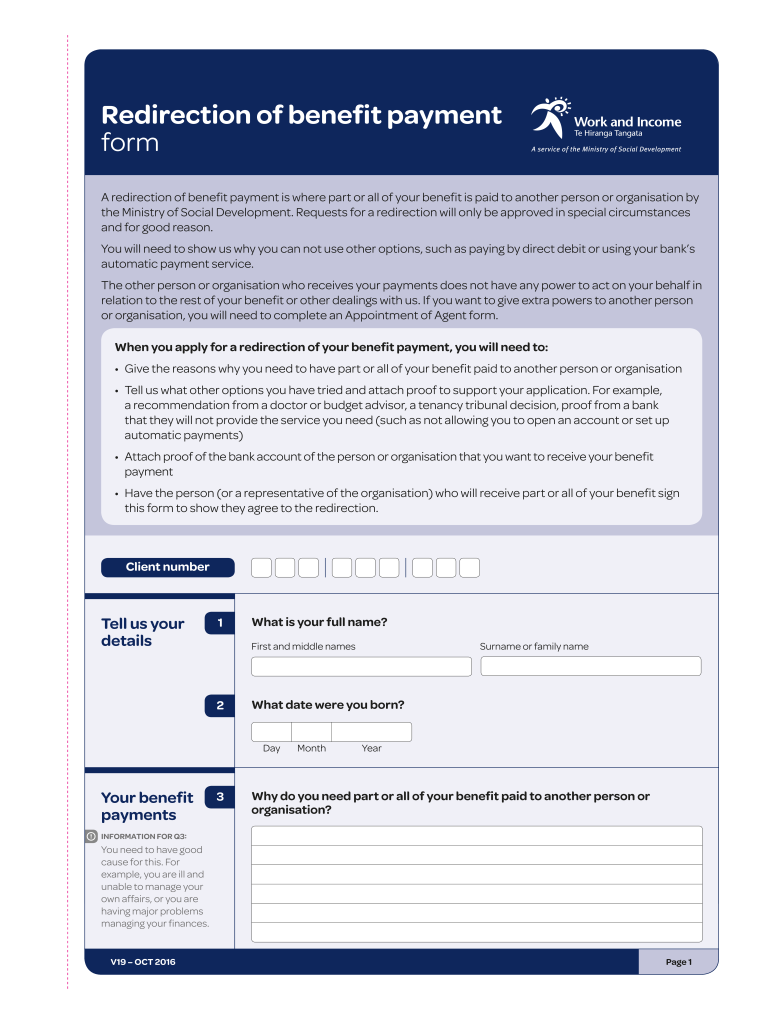
Click ‘Get Form’ to open the winz redirection form in the editor.
Begin by entering your client number and personal details, including your full name and date of birth. Ensure accuracy as this information is crucial for processing your request.
In section three, clearly explain why you need part or all of your benefit redirected. Provide valid reasons such as illness or financial difficulties, as this will support your application.
Attach any necessary proof that supports your explanation in section four. This could include documents from a doctor or bank statements.
Indicate how much of your benefit you wish to redirect in section five, specifying whether it’s the whole amount or a part of it.
Fill in the payee's details, including their name, postal address, and contact information in sections six through eight.
Provide the bank account details where payments should be directed. Ensure you attach proof of the payee’s bank account as required.
Finally, review the client declaration and have both you and the payee sign where indicated to confirm agreement.
Start using our platform today to fill out your winz redirection form easily and for free!
We've got more versions of the winz redirection form form. Select the right winz redirection form version from the list and start editing it straight away!
Click on the form that youd like to modify to bring up the Properties tab. In the Properties tab on the right side of the screen, scroll down to the FORM CONFIRMATION section. Select Go to URL from the Confirmation drop-down menu.
How to prevent forms from redirecting?
CMD/CTRL + Click. This is typically the easiest way to handle the redirect problem. Its also very simple. Instead of just clicking the link or the submit button, simply hold down the CMD key (OS X) or the CTRL key (Windows) and press the left mouse button as you normally would.
What is redirection in Contact Form 7?
Redirection for Contact Form 7 allows you to redirect users to any desired page after a successful email submission, execute scripts post-submission, and store submissions in the database. The plugin also lets you include Honeypot to help minimize spam.
What is redirection for contact form?
🤝 HOW REDIRECTION FOR CF7 CAN HELP YOU: Redirect to Any URL: Easily redirect users to any specific webpage after form submission, enhancing user navigation and experience. Open Page in a New Tab: Configure forms to open the target URL in a new tab, keeping your site accessible to users post-submission.
winz forms
Winz redirection form msdWinz redirection form pdfWinz redirection form onlineRedirection of benefit payment formStop redirection winzWinz redirection form downloadRent redirection formWinz application forms pdf
Security and compliance
At DocHub, your data security is our priority. We follow HIPAA, SOC2, GDPR, and other standards, so you can work on your documents with confidence.
May 23, 2024 Welcome to the 14th Annual Undergraduate Research Symposium! As a top-tier liberal arts and sciences research institution, discovery,Read more
by PJ McCown 2020 Cited by 248 In this review article, we summarize the characterization of all 143 currently known modified ribonucleosides by describing their taxonomic distributions.Read more
Cookie consent notice
This site uses cookies to enhance site navigation and personalize your experience.
By using this site you agree to our use of cookies as described in our Privacy Notice.
You can modify your selections by visiting our Cookie and Advertising Notice.