




Here's how it works

01. Edit your icash illinois unclaimed money online
Type text, add images, blackout confidential details, add comments, highlights and more.

02. Sign it in a few clicks
Draw your signature, type it, upload its image, or use your mobile device as a signature pad.

03. Share your form with others
Send illinois unclaimed cash via email, link, or fax. You can also download it, export it or print it out.
How to use or fill out icashillinois treasurer gov with DocHub

- Click ‘Get Form’ to open the I-CASH Claim Form in our editor.
- In the 'Amount of Claim' section, check the box that corresponds to your claim amount as listed on the search results screen.
- Fill in the 'Account Information' (Boxes 1-3) with the name and address exactly as it appears on the list. Include your social security number or FEIN for businesses.
- Complete the 'Individual Submitting Claim' section (Boxes 4-12) by entering your full name, current mailing address, daytime phone number, and social security number.
- Check one box in 'My relationship to the owner of the property' (Box 13) and prepare any additional documentation required based on your selection.
- Ensure you include a clear copy of documentation showing your social security number, proof of ownership, and notarization if applicable.
- Review all entries for accuracy before submitting. Once completed, mail the form to the Illinois State Treasurer’s Office as indicated at the bottom of the form.
Start using our platform today to easily fill out and submit your I-CASH Claim Form for free!
Fill out icashillinois treasurer gov online
It's free
See more icashillinois treasurer gov versions
We've got more versions of the icashillinois treasurer gov form. Select the right icashillinois treasurer gov version from the list and start editing it straight away!
Security and compliance
At DocHub, your data security is our priority. We follow HIPAA, SOC2, GDPR, and other standards, so you can work on your documents with confidence.
Learn more


Related forms

Costco volume
The document is a form for requesting volume sales quotes from Costco.com, requiring users to provide shipping and billi ...
2014 california 540ez form
The document is a California Resident Income Tax Return form (Form 540 2EZ) for the taxable year 2014. It includes secti ...
2016 592 b form
The document is the California Form 592-B, a Resident and Nonresident Withholding Tax Statement for the year 2016. It pr ...
GA Form 500 Indvidual Income Tax Return
The document is the Georgia Form 500, an Individual Income Tax Return for the fiscal year 2014, issued by the Georgia De ...

2015 502b form
The document is a Maryland Form 502B for reporting dependents' information for tax purposes in 2015. It includes section ...
2015 mw 507 form
The document is the Maryland Form MW507, which is used by employees to determine the correct amount of Maryland income t ...
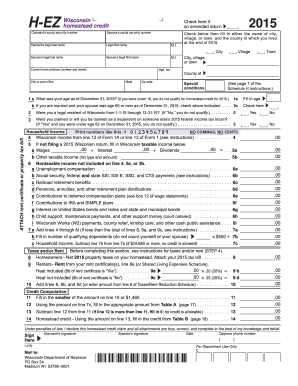
2015 h ez form
The document is a Schedule H-EZ form for claiming the Wisconsin homestead credit for the year 2015. It includes sections ...
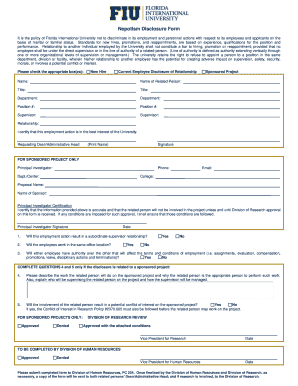
Nepotism form
The Nepotism Disclosure Form outlines Florida International University's policy against discrimination based on familial ...