



Here's how it works



How to use or fill out 692 s courts with our platform

- Click ‘Get Form’ to open the 692 s courts document in the editor.
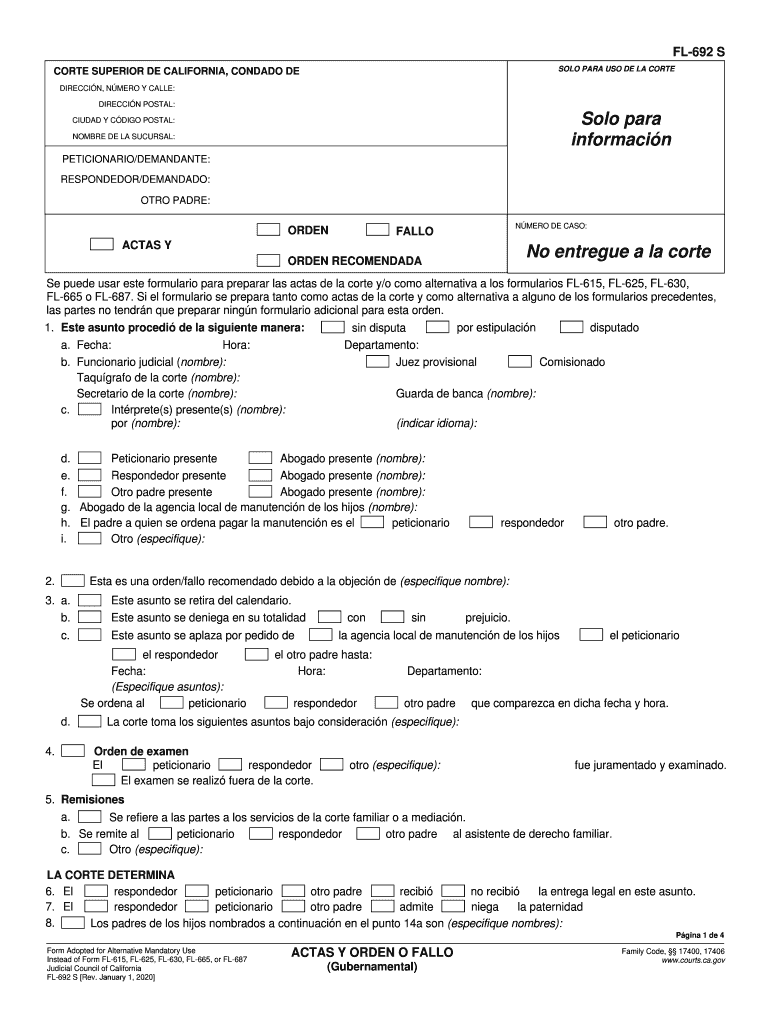
- Begin by filling in the court's address and case number at the top of the form. Ensure accuracy as this information is crucial for processing.
- In the 'Petitioner' and 'Respondent' sections, enter the names of all parties involved. This includes any additional parents if applicable.
- Proceed to section 1, where you will indicate how the matter was resolved (e.g., stipulated, disputed). Fill in relevant dates and names of judicial officers present.
- Continue through each section, providing details about child support amounts, custody arrangements, and any other pertinent information as outlined in the form.
- Review your entries for completeness and accuracy before saving or exporting your completed form for submission.
Start using our platform today to easily fill out your 692 s courts form online for free!
It's free
See more 692 s courts versions
Got questions?
How can I sign my 692 s courts on iOS?
With DocHub, you can quickly sign your 692 s courts or any other paperwork on iOS, even without installing extra applications. You can access your DocHub account from any internet-connected browser and fill out and sign your document in any way you like with just a few clicks.
How do you get 692 s courts?
You can find the latest and most relevant version of the 692 s courts in our DocHub forms collection. Search it by categories or use the search field to locate the exact template that suits your situation. You can open this form for editing once you find it.
Security and compliance
At DocHub, your data security is our priority. We follow HIPAA, SOC2, GDPR, and other standards, so you can work on your documents with confidence.
Learn more


Related forms