
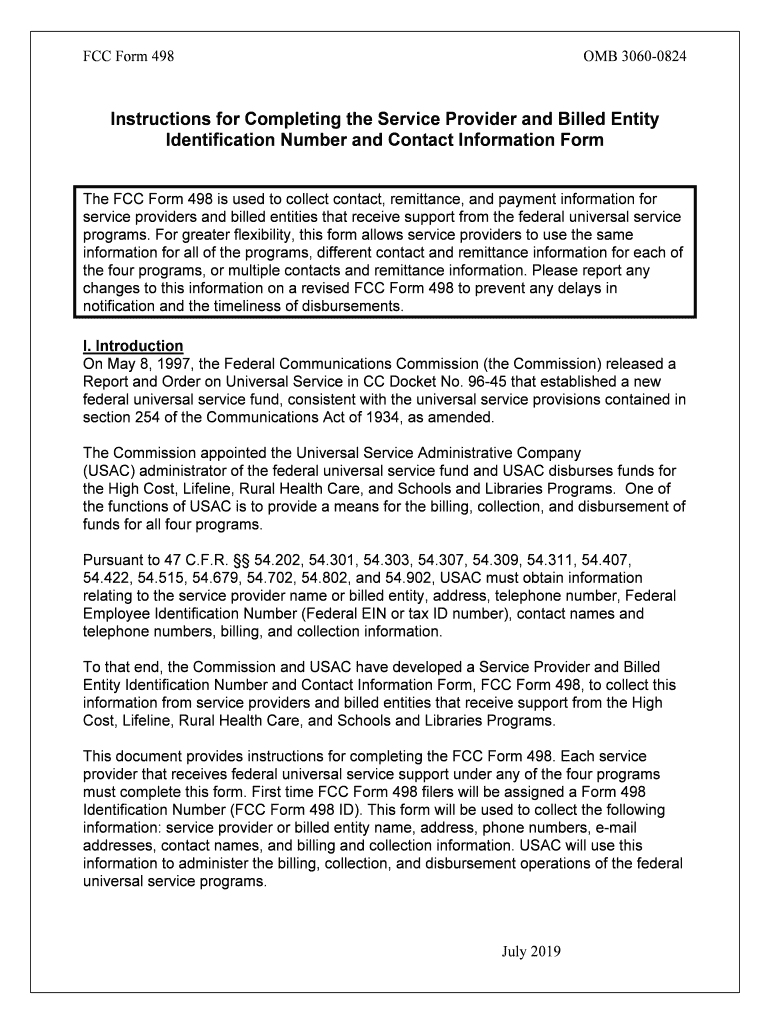




Here's how it works

01. Edit your federal universal fund online
Type text, add images, blackout confidential details, add comments, highlights and more.

02. Sign it in a few clicks
Draw your signature, type it, upload its image, or use your mobile device as a signature pad.

03. Share your form with others
Send form 4980h via email, link, or fax. You can also download it, export it or print it out.
How to use or fill out federal support with our platform

- Click ‘Get Form’ to open the FCC Form 498 in the editor.
- Begin by selecting the appropriate action for your submission, such as 'Original Application' or 'Revision'. Ensure all required fields are filled out accurately.
- In Block 1, provide your legal name and address. Make sure to include a physical address, as P.O. boxes are not accepted.
- Complete Block 2 with the contact information of the individual preparing the form. This person will be your main point of contact for any inquiries.
- Fill out Block 3 with your Federal EIN and other identification numbers as required. Ensure these match any previously submitted forms.
- Continue through each block, providing detailed information about remittance contacts and financial institutions for each program you participate in.
- Review all entries for accuracy before submitting. Use our platform's features to save and edit your form as needed.
Start filling out your FCC Form 498 today on our platform for free!
Fill out federal support online
It's free
See more federal support versions
We've got more versions of the federal support form. Select the right federal support version from the list and start editing it straight away!
Security and compliance
At DocHub, your data security is our priority. We follow HIPAA, SOC2, GDPR, and other standards, so you can work on your documents with confidence.
Learn more


Related forms
Home Buyout Agreement Template
The Home Buyout Agreement is a legal document outlining the terms and conditions for the buyout of a Seller's interest i ...
User and Privacy Policy Agreement Template
The User and Privacy Policy Agreement outlines the terms governing the relationship between the Service Provider and its ...
Business Acquisition Contract Template
The Business Acquisition Agreement outlines the terms and conditions under which a Buyer will acquire specific assets an ...
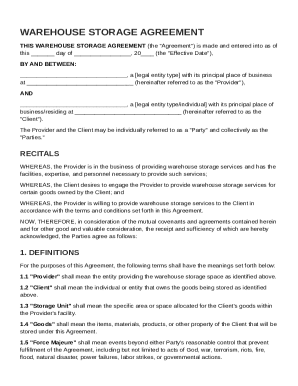
Warehouse Storage Agreement Template
The Warehouse Storage Agreement outlines the terms and conditions between a Provider, who offers warehouse storage servi ...
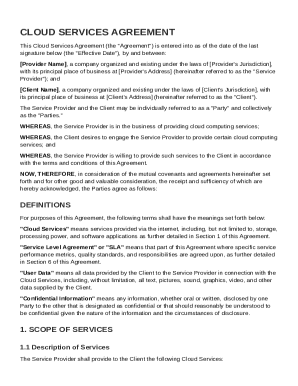
Cloud Contract Template
The Cloud Services Agreement outlines the terms and conditions between a Service Provider and a Client for the provision ...
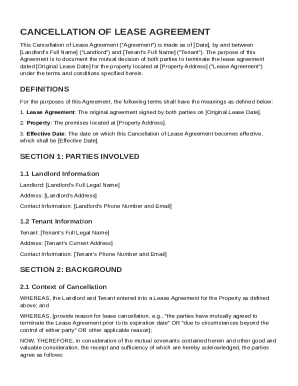
Cancel Lease Agreement Template
The document is a Cancellation of Lease Agreement between a landlord and tenant, outlining their mutual decision to term ...
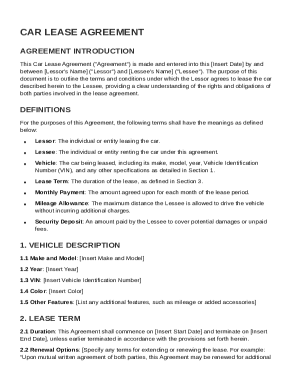
Car Lease Agreement Template
The Car Lease Agreement outlines the terms and conditions for leasing a vehicle between the Lessor and Lessee, including ...
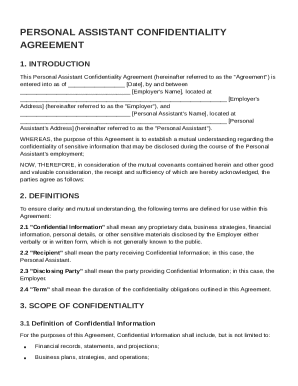
Personal Assistant Confidentiality Agreement Template
The Personal Assistant Confidentiality Agreement establishes a mutual understanding between an employer and a personal a ...