




Here's how it works

01. Edit your sfsu school code online
Type text, add images, blackout confidential details, add comments, highlights and more.

02. Sign it in a few clicks
Draw your signature, type it, upload its image, or use your mobile device as a signature pad.

03. Share your form with others
Send sfsu email via email, link, or fax. You can also download it, export it or print it out.
How to use or fill out the San Francisco State Form with our platform

- Click ‘Get Form’ to open it in the editor.
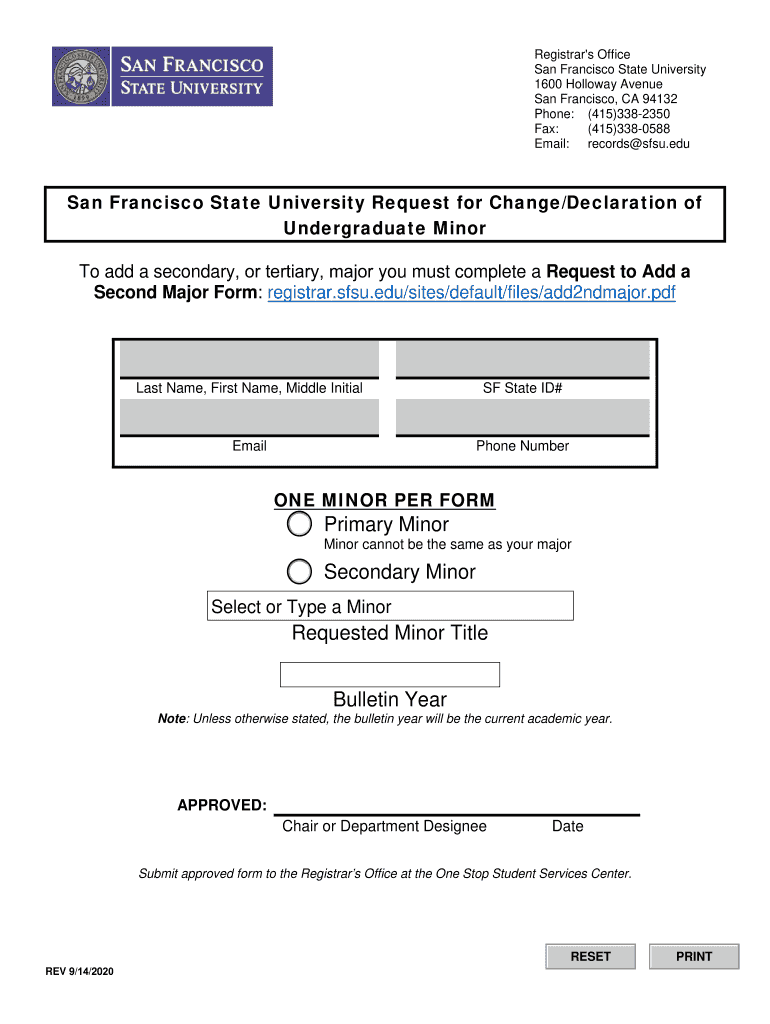
- Begin by entering your Last Name, First Name, and Middle Initial in the designated fields. Ensure accuracy as this information is crucial for identification.
- Input your SF State ID# in the corresponding field. This unique identifier helps streamline processing.
- Provide your Email and Phone Number for any necessary follow-up regarding your request.
- Select your Primary Minor from the dropdown menu. Remember, this cannot be the same as your major.
- If applicable, enter a Secondary Minor by selecting or typing it into the provided field.
- Fill in the Requested Minor Title and select the Bulletin Year, which defaults to the current academic year unless specified otherwise.
- Ensure that you have a space for approval from the Chair or Department Designee along with their signature and date before submission.
- Once completed, submit the approved form to the Registrar’s Office at the One Stop Student Services Center.
Start using our platform today to fill out your San Francisco State form online for free!
Fill out san francisco state form online
It's free
See more san francisco state form versions
We've got more versions of the san francisco state form form. Select the right san francisco state form version from the list and start editing it straight away!
Security and compliance
At DocHub, your data security is our priority. We follow HIPAA, SOC2, GDPR, and other standards, so you can work on your documents with confidence.
Learn more


Related forms
Trailer Purchase Agreement Template
The Trailer Purchase Agreement outlines the terms and conditions for the sale of a trailer between a Buyer and a Seller. ...
Between Co Signer and Borrower Agreement Template
The document is a Co-Signer and Borrower Agreement that outlines the responsibilities and obligations of both parties in ...
Between Employer and Employee Agreement Template
The document is an Employment Agreement between an employer and an employee, outlining the terms and conditions of emplo ...
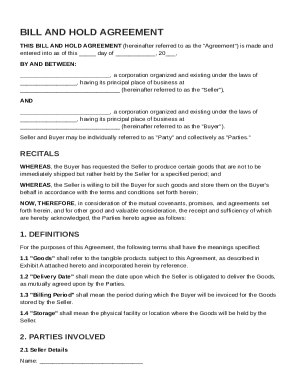
Bill and Hold Agreement Template
The Bill and Hold Agreement outlines the terms between a Seller and a Buyer for the production and storage of goods that ...
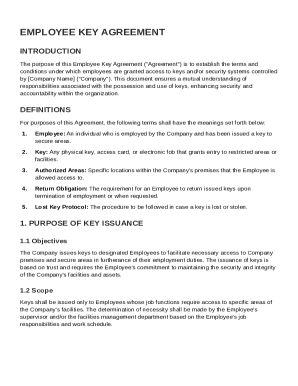
Employee Key Agreement Template
The Employee Key Agreement outlines the terms and conditions for employees granted access to keys and security systems a ...
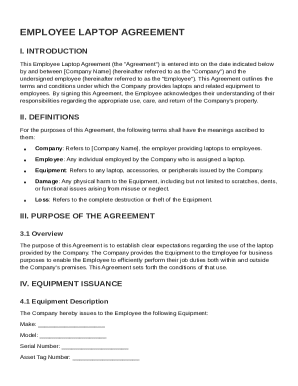
Employee Laptop Agreement Template
The Employee Laptop Agreement outlines the terms and conditions for the issuance and use of laptops provided by the Comp ...
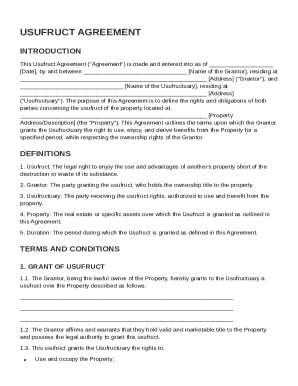
Usufruct Agreement Template
The Usufruct Agreement outlines the legal relationship between a Grantor, who owns a property, and a Usufructuary, who i ...
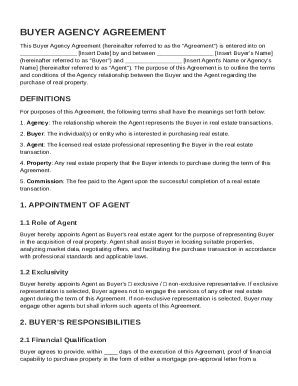
Buyer Agency Agreement Template
The Buyer Agency Agreement outlines the terms and conditions between a Buyer and an Agent for the purchase of real prope ...