




Here's how it works

01. Edit your illinois pe license online
Type text, add images, blackout confidential details, add comments, highlights and more.

02. Sign it in a few clicks
Draw your signature, type it, upload its image, or use your mobile device as a signature pad.

03. Share your form with others
Send illinois pe application via email, link, or fax. You can also download it, export it or print it out.
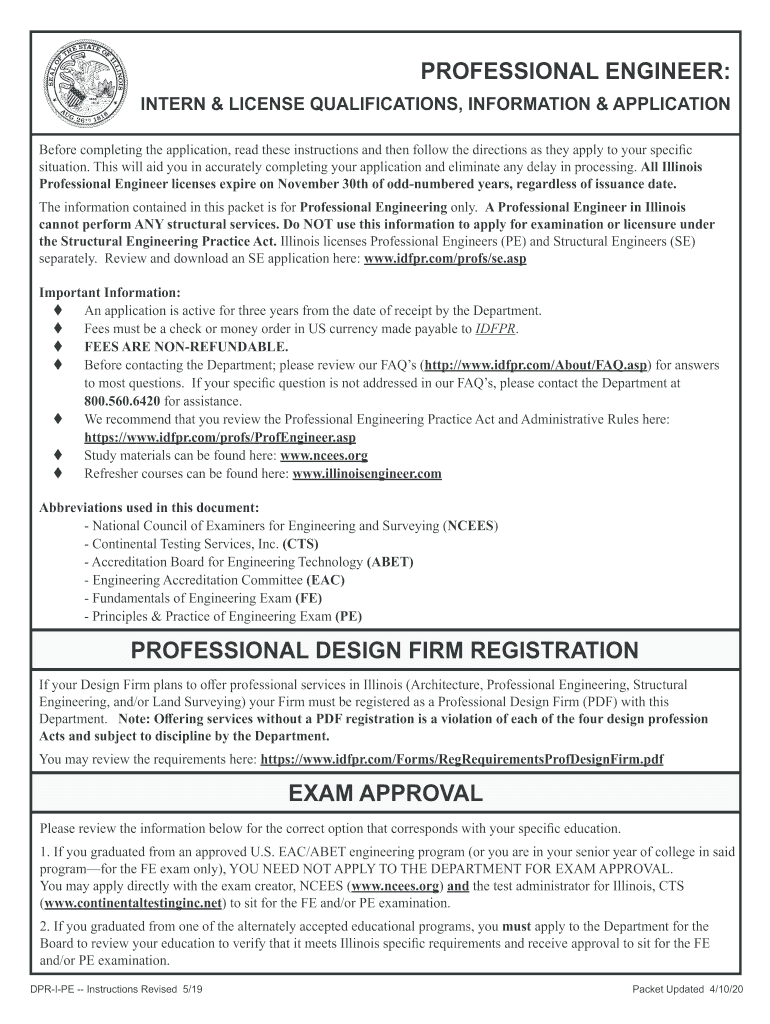
How to use or fill out i pe engineering with our platform

- Click ‘Get Form’ to open the i pe engineering application in the editor.
- Begin with Part 1: Application Category Information and Fees. Select the appropriate profession name and method of licensure, then enter the corresponding fee.
- Proceed to Part 2: Applicant Identification Information. Fill in your personal details, ensuring that any name changes are documented with proof.
- In Part 3: Education Information, list all relevant educational institutions attended and submit official transcripts as required.
- Complete Part 4: Record of Licensure Information if applicable, detailing any current licenses held in other jurisdictions.
- For Part 5: Record of Examination, indicate any examinations taken and their results, ensuring only passed exams are listed.
- Fill out Part 6: Personal History Information honestly, providing documentation for any affirmative responses.
- Complete Part 7: Child Support and Tax Information as mandated by law.
- Finally, sign and date the Certifying Statement in Part 8 to validate your application before submission.
Start using our platform today for free to streamline your i pe engineering application process!
Fill out i pe engineering online
It's free
See more i pe engineering versions
We've got more versions of the i pe engineering form. Select the right i pe engineering version from the list and start editing it straight away!
Security and compliance
At DocHub, your data security is our priority. We follow HIPAA, SOC2, GDPR, and other standards, so you can work on your documents with confidence.
Learn more


Related forms
Co Broker Real Estate Agreement Template
The Co-Broker Real Estate Agreement establishes a collaborative relationship between two licensed real estate brokers, B ...
Non Assured Tenancy Agreement Template
The document is a Non-Assured Tenancy Agreement outlining the terms between a landlord and tenant regarding the rental o ...
Non Disclosure for Small Business Agreement Template
This Non-Disclosure Agreement (NDA) establishes the terms under which one party discloses confidential information to an ...
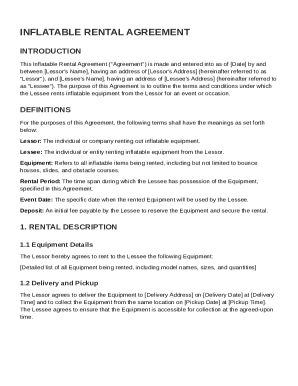
Inflatable Rental Agreement Template
The Inflatable Rental Agreement outlines the terms and conditions for renting inflatable equipment from a Lessor to a Le ...
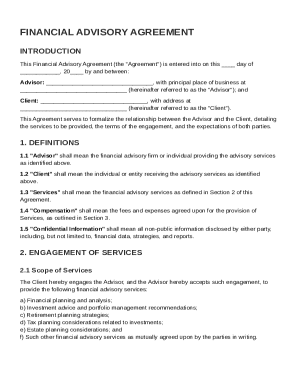
Financial Advisory Agreement Template
The Financial Advisory Agreement formalizes the relationship between a financial advisor and a client, outlining the ser ...
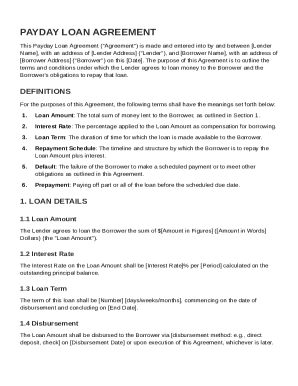
Payday Loan Agreement Template
The Payday Loan Agreement outlines the terms and conditions between a lender and a borrower for a short-term loan. It de ...
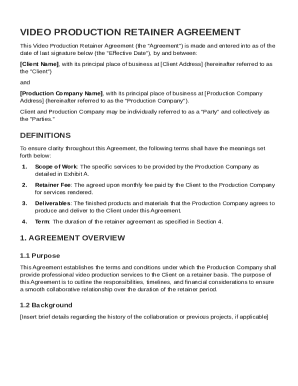
Video Production Retainer Agreement Template
The Video Production Retainer Agreement outlines the terms and conditions for a collaborative relationship between a Cli ...

Post Adoption Contact Agreement Template
The Post Adoption Contact Agreement outlines the terms for maintaining contact between biological parents, adoptive pare ...