
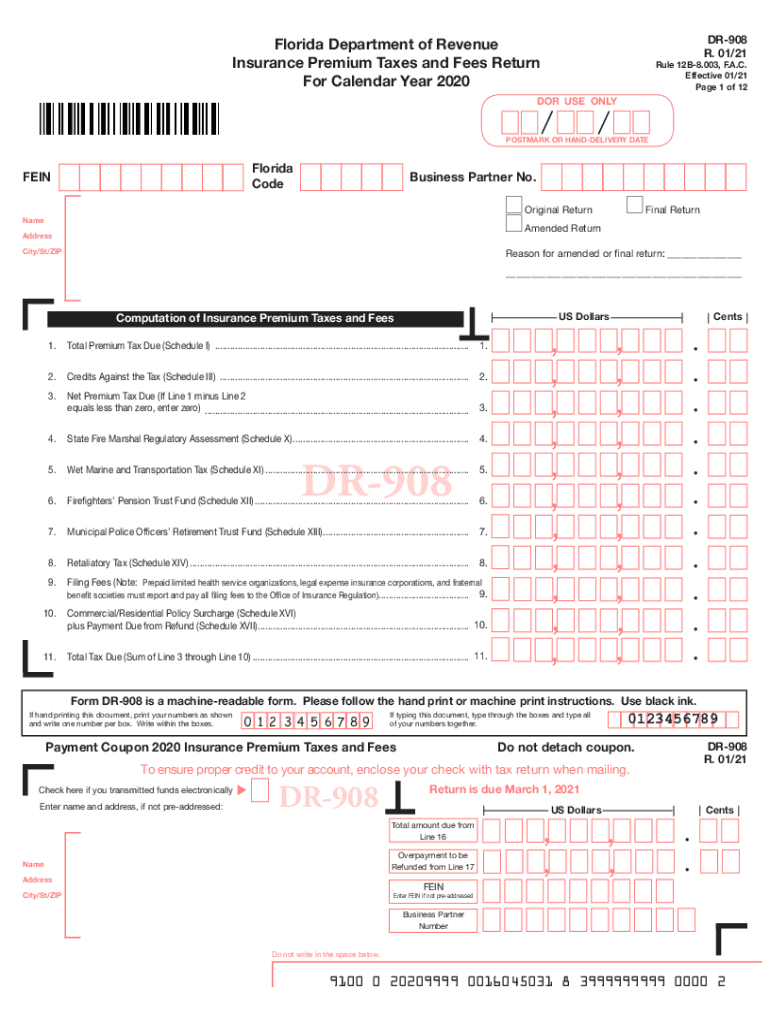




Here's how it works

01. Edit your form online
Type text, add images, blackout confidential details, add comments, highlights and more.

02. Sign it in a few clicks
Draw your signature, type it, upload its image, or use your mobile device as a signature pad.

03. Share your form with others
Send it via email, link, or fax. You can also download it, export it or print it out.
How to use or fill out Florida 908 insurance with our platform

- Click ‘Get Form’ to open the Florida 908 insurance document in the editor.
- Begin by entering your business information, including your FEIN and Business Partner Number. Ensure accuracy as this information is crucial for tax processing.
- In the computation section, carefully input the total premium tax due from Schedule I. Follow the prompts to calculate any applicable credits against the tax from Schedule III.
- Complete each schedule as required, ensuring that you include all necessary details such as taxable premiums and any deductions. Pay special attention to Schedules related to specific taxes like firefighters' pension or municipal police officers' retirement funds.
- Review your entries for accuracy before signing the form. Use our platform's features to easily navigate back through sections if needed.
Start filling out your Florida 908 insurance form online for free today!
Fill out florida 908 insurance online
It's free
See more florida 908 insurance versions
We've got more versions of the florida 908 insurance form. Select the right florida 908 insurance version from the list and start editing it straight away!
| Versions | Form popularity | Fillable & printable |
|---|---|---|
| 2025 | 4.1 Satisfied (38 Votes) | |
| 2024 | 4.2 Satisfied (30 Votes) | |
| 2023 | 4.1 Satisfied (39 Votes) | |
| 2022 | 4.8 Satisfied (35 Votes) | |
| 2021 | 4.2 Satisfied (70 Votes) | |
| 2020 | 4.4 Satisfied (80 Votes) | |
| 2019 | 4.3 Satisfied (135 Votes) | |
| 2018 | 4.4 Satisfied (175 Votes) | |
| 2015 | 4.4 Satisfied (118 Votes) | |
| 2013 | 4.4 Satisfied (482 Votes) |
Security and compliance
At DocHub, your data security is our priority. We follow HIPAA, SOC2, GDPR, and other standards, so you can work on your documents with confidence.
Learn more


Related forms
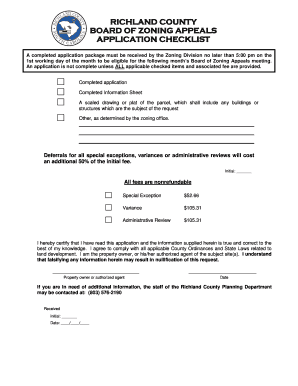
Richland county board of zoning appeals application checklist
The document is an application checklist for the Richland County Board of Zoning Appeals, outlining the requirements for ...
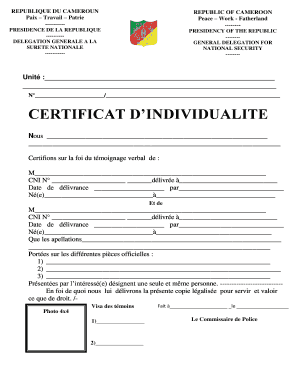
CERTIFICAT DINDIVIDUALITE - dgsn cm
The document is a certificate of individuality issued by the General Delegation for National Security in Cameroon. It ce ...

Septic Waiver Disclosure Form - DPOR - Virginia
The document is a disclosure form required by the Virginia Real Estate Board regarding the validity of a septic system o ...

West Virginia Real Estate Power of Attorney Form
The document is a West Virginia Real Estate Power of Attorney, which allows the Principal to appoint an Agent to act on ...
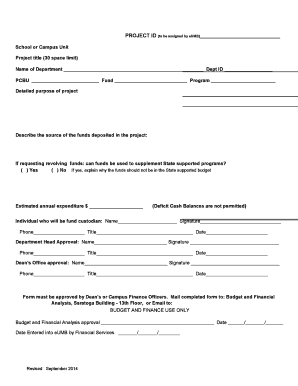
NEW PROJECT ID REQUEST FORM - Budget and Financial Analysis
The document is a request form for a new project ID at UMB, applicable for various funding sources including State, Auxi ...
Advanced Graduate Specialist (A G S ) Program Approval
The document is a program approval form for the Advanced Graduate Specialist Certificate at the University of Maryland's ...
ORDINANCE NO - Maryland Codes Administration
Ordinance No. 1679 amends Chapter 18 of the Laurel City Code, updating building and building regulations to align with c ...
The Association of Early Conduct Problems with Early Marijuana
The document presents a study by Benjamin Jacob Falls examining the relationship between early conduct problems and earl ...