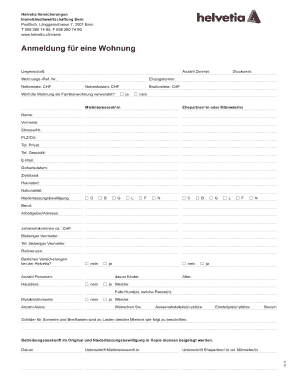
Definition & Meaning
Forms online refer to digital documents that can be accessed, filled out, and submitted using an Internet-connected device, streamlining processes that traditionally required paper forms. These forms can vary in purpose, ranging from tax filings and legal agreements to applications for services or events. By leveraging web-based technologies, online forms allow for efficient data collection and integration, reducing the need for manual transcription and fostering a more sustainable approach to form management.
Key Characteristics of Online Forms
- Accessibility: Available 24/7 for completion at the user's convenience.
- User-Friendly Interface: Often designed with interactive fields, making them intuitive and easy to navigate.
- Real-Time Processing: Information can be instantly processed and stored, ensuring quicker outcomes and responses.
Practical Examples
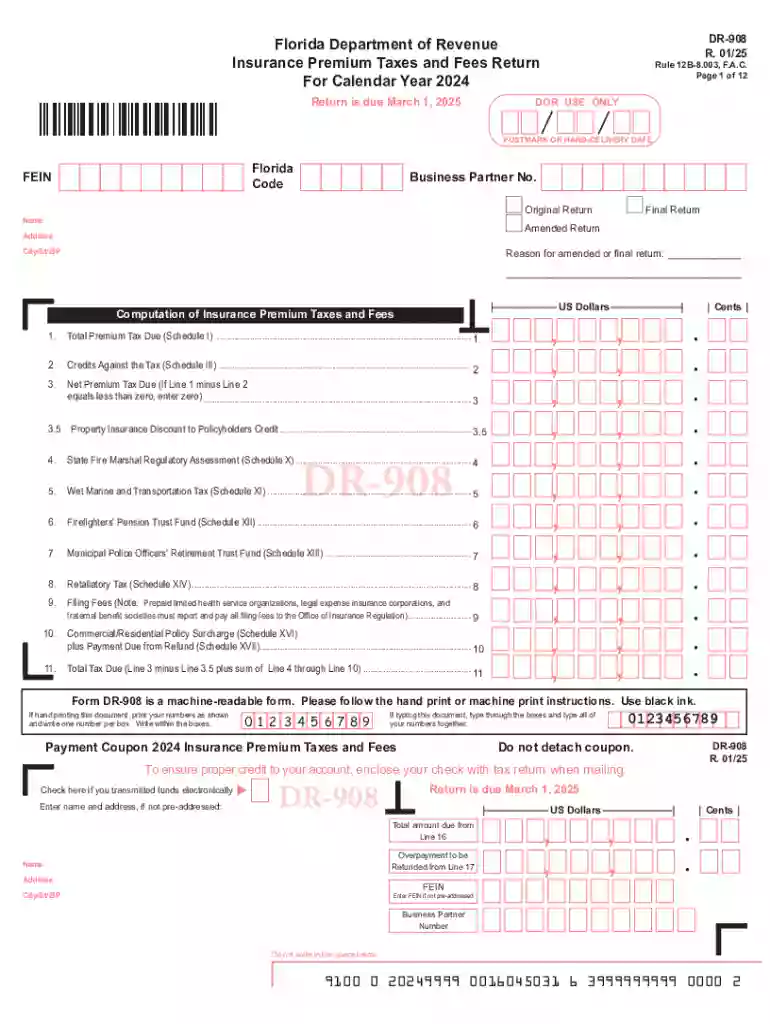
- Tax Forms: Many government tax agencies offer online filing options to expedite the tax return process.
- Application Forms: Universities and job recruiters commonly use online forms to gather applications efficiently.
How to Use the Form Online
Utilizing an online form involves a systematic approach to ensure accuracy and completeness. Here is a general guide applicable to most online forms:
- Access the Form: Locate the specific form on the relevant website or platform, ensuring it's the current version required.
- Understand the Requirements: Read through the form's instructions or guidelines to know what information or documents are needed.
- Fill Out the Form: Enter the necessary data into each field, using digital tools such as dropdown menus, checkboxes, and text fields.
- Review for Accuracy: Double-check the entered information to prevent errors and ensure compliance with the form's requirements.
- Submit the Form: Follow the submission procedures, which may include clicking a submit button or emailing the completed form to a designated address.
Common Features
- Auto-Save: Many platforms auto-save progress to prevent data loss.
- Validation: Built-in tools check for missing or incorrectly formatted information.
How to Obtain the Form Online
To acquire the desired form online, one must know where to find and how to retrieve it effectively:
- Official Websites: Access forms directly from official sites such as government portals, ensuring authenticity and relevance.
- Email Requests: Some organizations may send forms via email upon request, catering to users who prefer decentralized solutions.
Download Options
- PDF: Many online forms are available for download as PDFs, compatible with most device types.
- Interactive Formats: Formats like HTML allow forms to be filled out directly in a web browser.
Steps to Complete the Form Online
Filling out forms online requires following structured steps to ensure all necessary sections are addressed:
- Login or Register: Some forms may require users to create an account or log in to access them.
- Populate Mandatory Fields: Carefully fill in all required fields marked as mandatory, which are often indicated with an asterisk.
- Attach Required Documents: If necessary, use upload features to attach documents, such as identification or financial records.
- Sign Digitally: Use electronic signature options provided by services like DocHub to sign the form securely.
- Confirmation: After submission, check for confirmation messages or emails that verify receipt.
Error Prevention Tips
- Use Help Icons: These can provide additional context for confusing fields.
- Contact Support: Reach out to the form provider’s support if any part is unclear or technical issues arise.
Why Should You Form Online
Opting for online form submission offers numerous benefits over traditional paper forms, including:
- Efficiency: Streamlines operations by reducing the time spent on physical handling and processing.
- Accuracy: Minimizes human errors associated with manual data entry.
- Environmental Impact: Supports sustainability by decreasing reliance on paper, reducing waste.
Real-World Scenarios
- Remote Work: Particularly useful in remote environments where physical document exchange is impractical.
- Rapid Compliance: Essential in time-sensitive scenarios, such as grant applications or emergency services.
Important Terms Related to Form Online
Understanding specific terminology can enhance the ease of use:
- eSignatures: Legally recognized digital approvals that verify identity and intent.
- Form Builder: Software tools that allow for the creation and customization of online forms.
- Encryption: Security measure ensuring that data transferred in forms is protected from unauthorized access.
Examples
- OAuth: Authentication protocol often used to confirm user identities for secure form access.
- Data Validation: Ensures information entered meets predefined rules and formats.
Key Elements of the Form Online
Understanding critical components is crucial for effective online form utilization:
- Field Types: Common fields include text boxes, radio buttons, and dropdown lists.
- Instructions: Most online forms accompany guidance to aid in completion.
- Security Labels: Indicate privacy and confidentiality levels, paramount when dealing with sensitive information.
User Interface Design
- Responsive Layout: Designed for optimal viewing on various device sizes, including mobile phones and tablets.
- Intuitive Navigation: Simplifies movement between sections with clear labels and logical progression.
State-Specific Rules for the Form Online
Certain forms may have state-specific requirements or guidelines that medical, legal, or financial forms need to adhere to different regulations:
- Tax Codes: Variations in tax legislation from state to state can affect how forms are completed and submitted.
- Licensing Requirements: Professional applications might need to meet specific state guidelines to be deemed acceptable.
Compliance Considerations
- Research Local Laws: Verify that completion and submission align with the region's legal requirements.
- Update Regularly: Stay informed of changes or updates to state laws that could impact form content or submission processes.